
MSG MS111 Manual de usuario

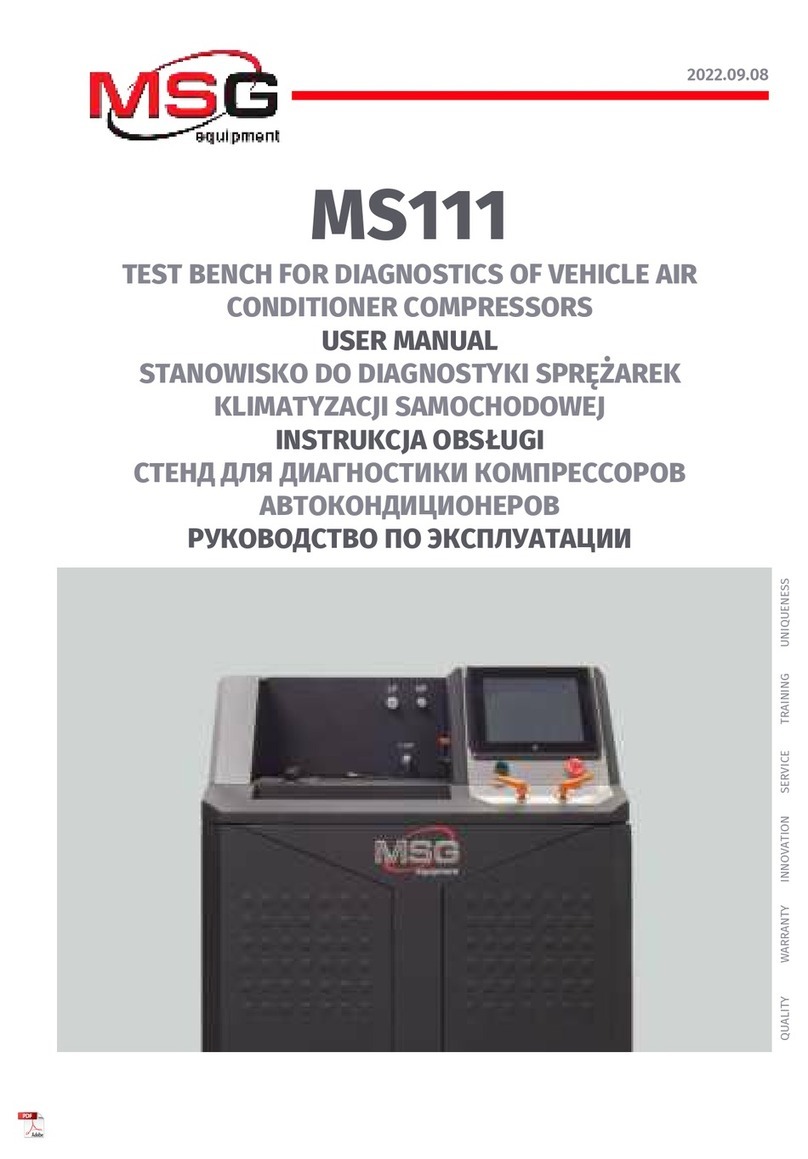
MSG MS111
STANOWISKO DO DIAGNOSTYKI SPRĘŻAREK
KLIMATYZACJI SAMOCHODOWEJ
INSTRUKCJA DIAGNOSTYKI SPRĘŻAREK
TEST BENCH FOR COMPRESSORS
OF VEHICLE AIR CONDITIONERS
OPERATION MANUAL “DIAGNOSTICS OF COMPRESSOR”
UNIQUENESS
QUALIT Y SERVICE
WARRANTY TRAINING
INNOVATION
2020.09.16
СТЕНД ДЛЯ ДИАГНОСТИКИ КОМПРЕССОРОВ
КОНДИЦИОНЕРОВ АВТОМОБИЛЯ
ИНСТРУКЦИЯ ПО ДИАГНОСТИКЕ КОМПРЕССОРОВ


Operation manual - test bench MS111
English
INTRODUCTION .................................................................................................................................................. 2
1. TEST BENCH DESCRIPTION............................................................................................................................3
1.1 Main menu.................................................................................................................................................5
1.2 Automatic test menu...............................................................................................................................7
1.3 Manual test menu....................................................................................................................................9
1.4 Test Bench settings menu....................................................................................................................11
1.5 Menu for test results saving and printout .......................................................................................13
2. COMPRESSOR DIAGNOSTICS......................................................................................................................16
2.1 Safety regulations..................................................................................................................................16
2.2 Preparation of a compressor for diagnostics.................................................................................17
2.3 Compressor mounting and dismounting.........................................................................................18
2.4 Diagnostics of a compressor in automatic mode...........................................................................23
3. POST-MAINTENANCE RUN OF A COMPRESSOR.......................................................................................24
4. COMPRESSOR PRE-SALE CHECK................................................................................................................25
5. TEST BENCH MAINTENANCE........................................................................................................................26
CONTENTS
1

The actual Operation Manual contains information about diagnostics of a compressor on Test
Bench MS111.
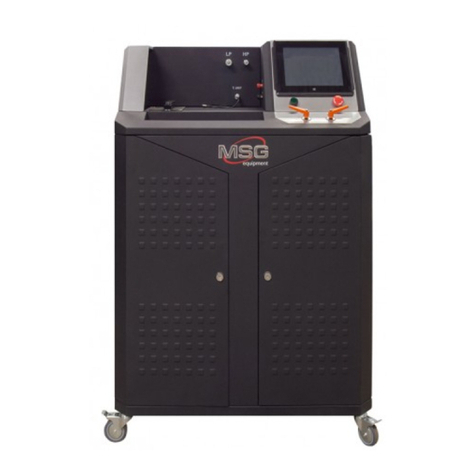
Test Bench MS111 is intended for diagnostics of piston, axial piston, rotor and scroll compressors
of vehicle climate systems operating on refrigerants R134a and R123yf.
The Test Bench performs the following operations:
•diagnostics of all types of vehicle air conditioner compressors in both automatic and manual
modes;
•diagnostics of AC compressors with V-belt or Poly-V belt drive that use a 12V/24V
electromagnetic clutch and/or a 12V electromagnetic valve;
•check of the electromagnetic clutch and control valve for open circuit, short circuit, and
presence of a diode either in assembly with a compressor or separately from it;
•post-maintenance run of compressors;
•pre-sale testing of new compressors - analogs;
•generation of a test report and its printout.
WARNING! High qualication of the operator is a must when a compressor is tested in
manual mode as improper operation may lead to the unit malfunction. In case you don’t have
enough knowledge or experience in these units testing, it is recommended to use an automatic
mode. Any changes of default settings are unadvisable. Also, you can receive a special training at
the equipment manufacturing facility.
WARNING! MSG Equipment shall not be held responsible for any damage to Test Bench MS111
resulted from its improper operation.
INTRODUCTION
2
Operation manual - test bench MS111
English

1. TEST BENCH DESCRIPTION
3
The Test Bench consists of the following major components (Fig.1): Test Bench housing - 1; power
compartment door - 2; mounting face - 3; control panel - 4; service compartment door - 5; swivel
wheels with a brake - 6.
All diagnostic procedures with the tested unit are performed on the mounting face. The mounting
face contains:
34
Figure 1 – Major components of the Test Bench
2 5
1 6
Operation manual - test bench MS111
English

4
1 – Compressor drive belts: V-belt and Poly-V belt.
2 – Compressor xing chain.
3 – Dust cover. The diagnostic procedure is suspended when the cover is opened.
4 – Compressor temperature sensor. Depended on the model, the bench can be equipped with
either a contact or a contact-free sensor.
5 – Connecting tting for a low-pressure hose.
6 – Connecting tting for a high-pressure hose.
7 – Compressor control valve connection terminals. Adherence to polarity is not necessary.
8 – Compressor electromagnetic clutch connection terminals. Adherence to polarity is not
necessary.
34 5 6
7
8
1
2
Figure 2 – Mounting face of the Test Bench
Operation manual - test bench MS111
English

5
Control panel (Fig.3) includes the following elements:
1 – LP valve: low-pressure hose control.
2 – Start button “OFF/ON”: Test Bench power on/off. Button “OFF/ON” cannot be activated when
button “EMERGENCY STOP” is pressed.
3 – Touch screen: diagnostic data display and control of the Test Bench.
4 – Button “EMERGENCY STOP”: emergency shutdown.
5 – HP valve: control of the high-pressure hose.
1.1 Main menu
Diagnostic procedure is controlled mainly through the touch screen (n.3, Fig.3). Program main
menu (Fig.4) contains:
1 – diagnostic mode selection buttons;
2 – warning messages indicating causes of procedure activation failure;
3 – current pressure indications: discharge side of the compressor - HP1, discharge side of the
Test Bench - HP2, suction side of the compressor – LP;
4 – buttons to pump air and refrigerant from the compressor;
3
2 4
1 5
Figure 3 – Control panel of the Test Bench
Operation manual - test bench MS111
English

6
5 – display of electromagnetic valve and clutch test results;
6 – button to launch diagnostics of electromagnetic clutch or valve;
7 – adjustment of compressor xing chain and drive belt tension: tension/release
76
3
3
2
41
Figure 4 – Main menu of the Test Bench
Operation manual - test bench MS111
English

7
8
765
4
3
2
1
1 – «Vacuum test» - to check the tightness of the compressor and the Test Bench hose joints.
Press the start button – 1 to launch the test (Fig.6). Upon nishing, a message will appear in the
information eld (Fig.6, n.3): “Ok” – positive test result, “Failed” – negative test result.
2 – «Clutch valve test» - to check the electrical characteristics of the compressor clutch coil and
electromagnetic control valve. Press the start button – 1 to launch the test (Fig.7). If the
electromagnetic clutch or valve haven’t been activated or used, the message “Failed” will be
displayed in the appropriate line.
Figure 5. Window of compressor automatic diagnostics
Figure 6. Elements of the tightness test window:
1 – start button; 2 – current cycle time clock;
3 – information eld for test results.
2
3
1
Operation manual - test bench MS111
English
1.2 Automatic diagnostics menu
Program menu “Automatic diagnostics” (Fig.4) contains:

8
Figure 7. Elements of the clutch and/or valve test window:
1 – start button; 2 – information eld for test results;
3 – current through the clutch coil or valve.
Figure 8. Elements of the compressor output window:
1 – start button; 2 – current cycle time clock;
3 – information eld for test results.
Figure 9. Elements of the noise test window:
1 – start button; 2 – button to conrm the abnormal noise;
3 – button to dismiss the abnormal noise; 4 – information eld for test results.
3 – «Productivity test» - to check the compressor output. Press the start button – 1 to launch the
test (Fig 8). The test result will be displayed in the information eld – 3 (Fig.8) as follows: “Ok” –
positive test result, “Failed” – negative test result..
4 – «Noise test» - to detect the abnormal noise coming from the compressor at different speeds.
Press the button -1 to launch the test. During testing it is necessary to conrm or to dismiss the
noise presence (Fig. 9, n. 2 or 3).
5 – Buttons “Start” and “Stop” (Fig.5) – to launch and stop respectively the test procedure run in
automatic mode. Button “Start” launches tests 1-4 (Fig.5) in automatic mode. To perform a proper
diagnostics, follow the indications of the screen. Automatic test can be stopped by pressing
button “Stop” at any moment of time.
1 2 3
2
13
1 2 3 3
Operation manual - test bench MS111
English
Otros manuales para MS111
2
Tabla de contenidos
Idiomas:
Otros manuales de Equipo de prueba de MSG



Manuales populares de Equipo de prueba de otras marcas

SMART
SMART KANAAD SBT XTREME 3G Series Manual de usuario

Agilent Technologies
Agilent Technologies BERT Serial Manual de usuario

Agilent Technologies
Agilent Technologies N3280A Manual de usuario

Vernier
Vernier Go Direct Voltage Manual de usuario

Lifeloc
Lifeloc R.A.D.A.R. Manual de usuario

Fluke
Fluke T5-600 Instrucciones de funcionamiento e instalación


