EN-2
EClean EC03 User’s Manual
Contents
Safety Instructions ............................................... 4
Safety Notice .................................................................................4
Battery and Recharging Instructions ..............................................5
Notes on UV light............................................................................5
Introduction .......................................................... 6
Features ........................................................................................6
Package Contents .........................................................................6
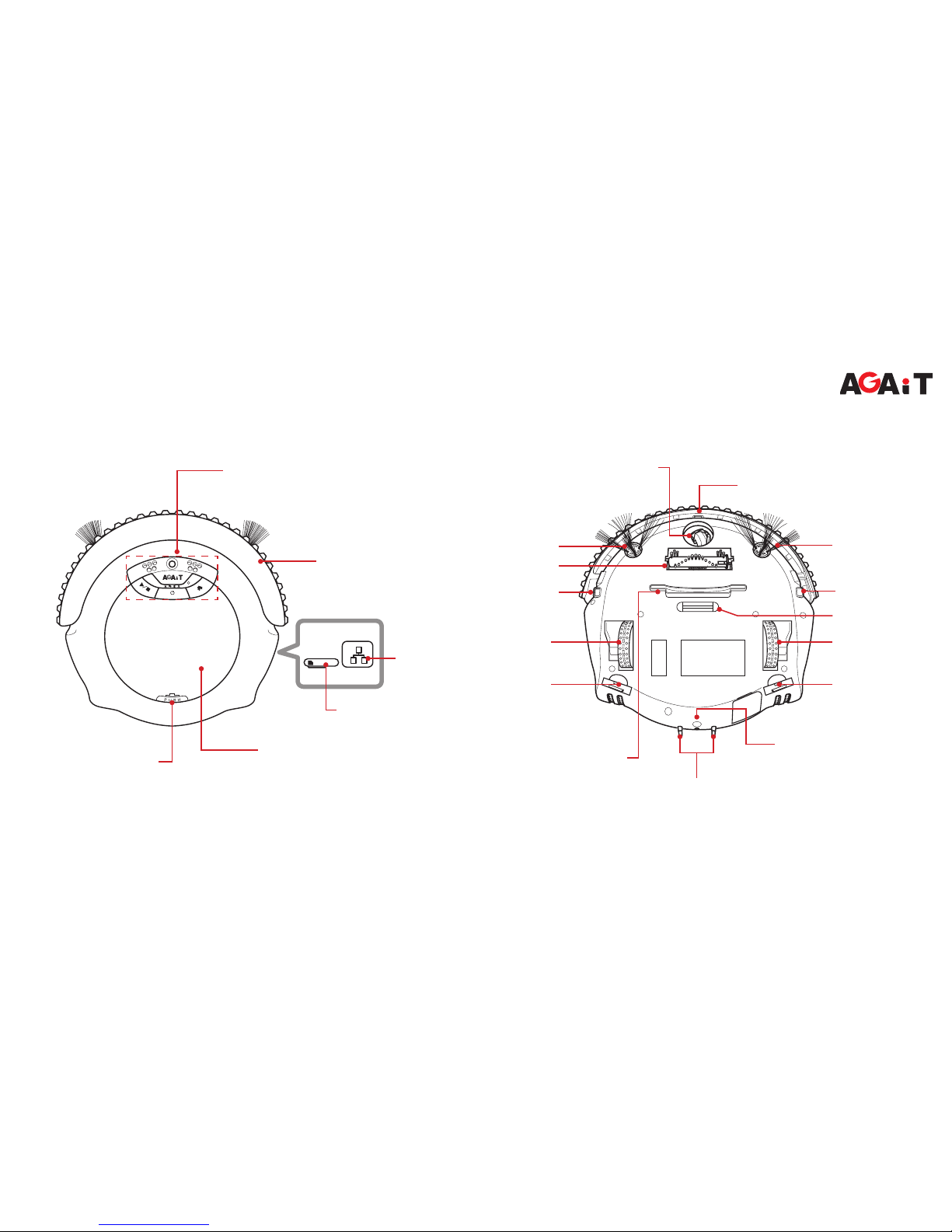
Product Overview ...........................................................................7
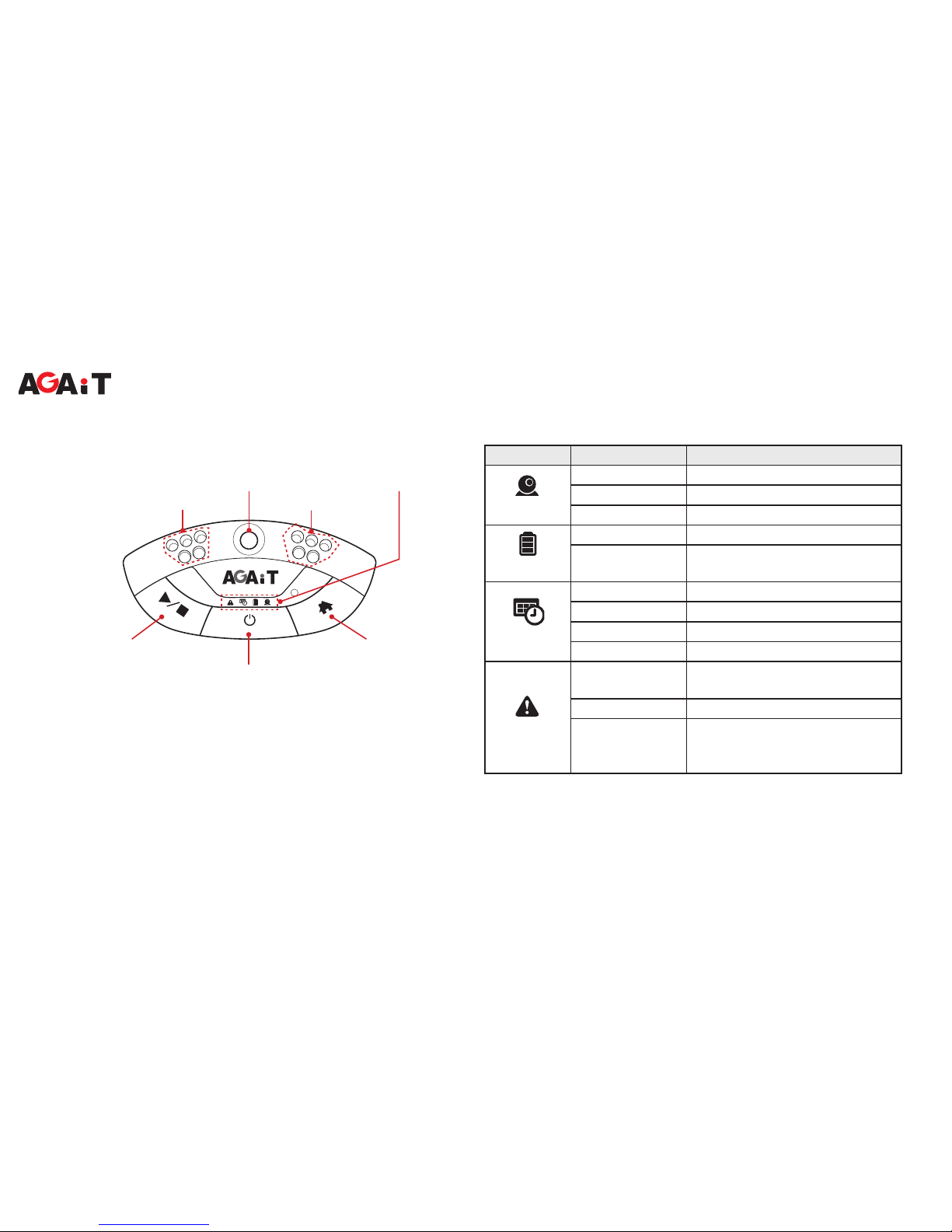
Control Panel..................................................................................8
LED Indicators................................................................................8
Getting Started ..................................................... 9
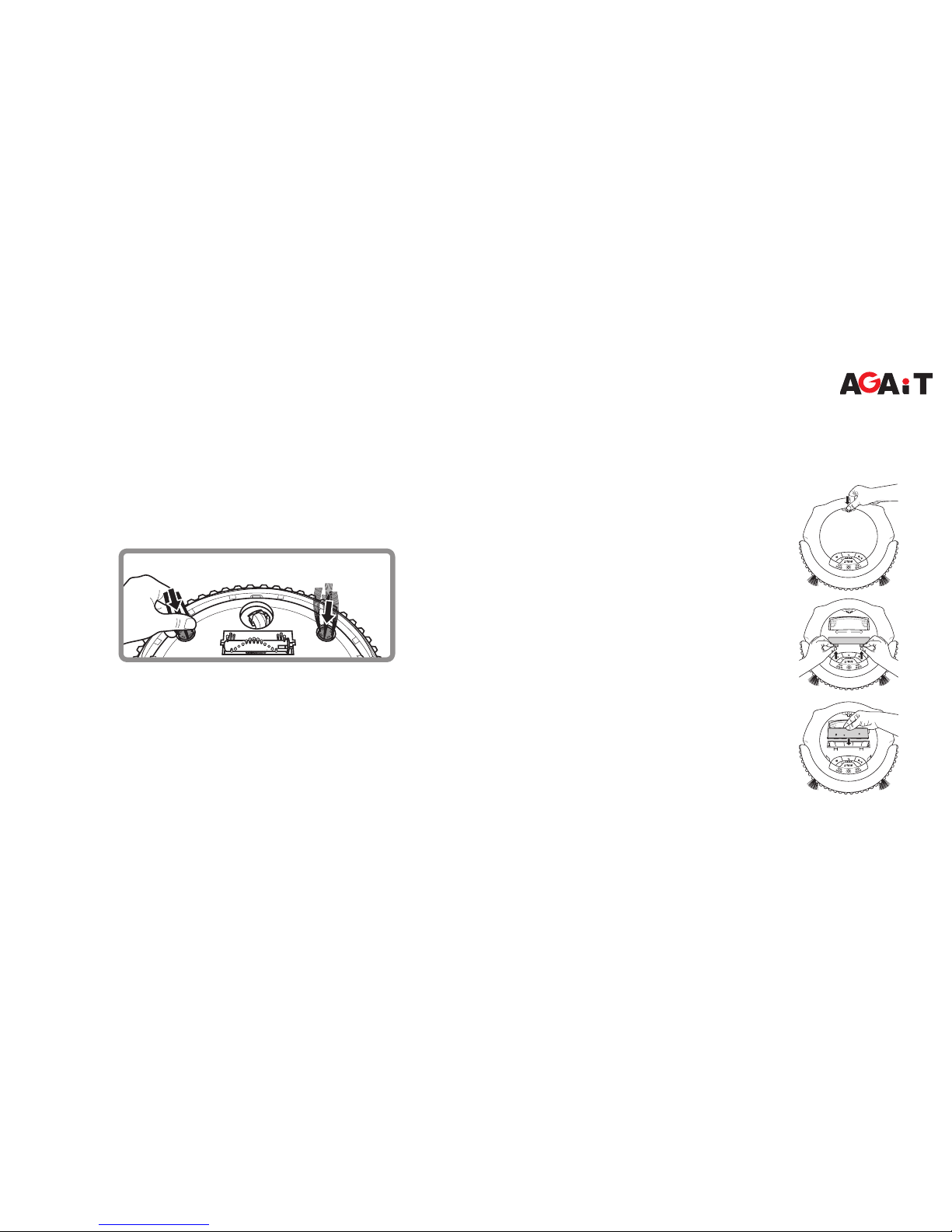
Installing the Side Brush.................................................................9
Installing the Battery ......................................................................9
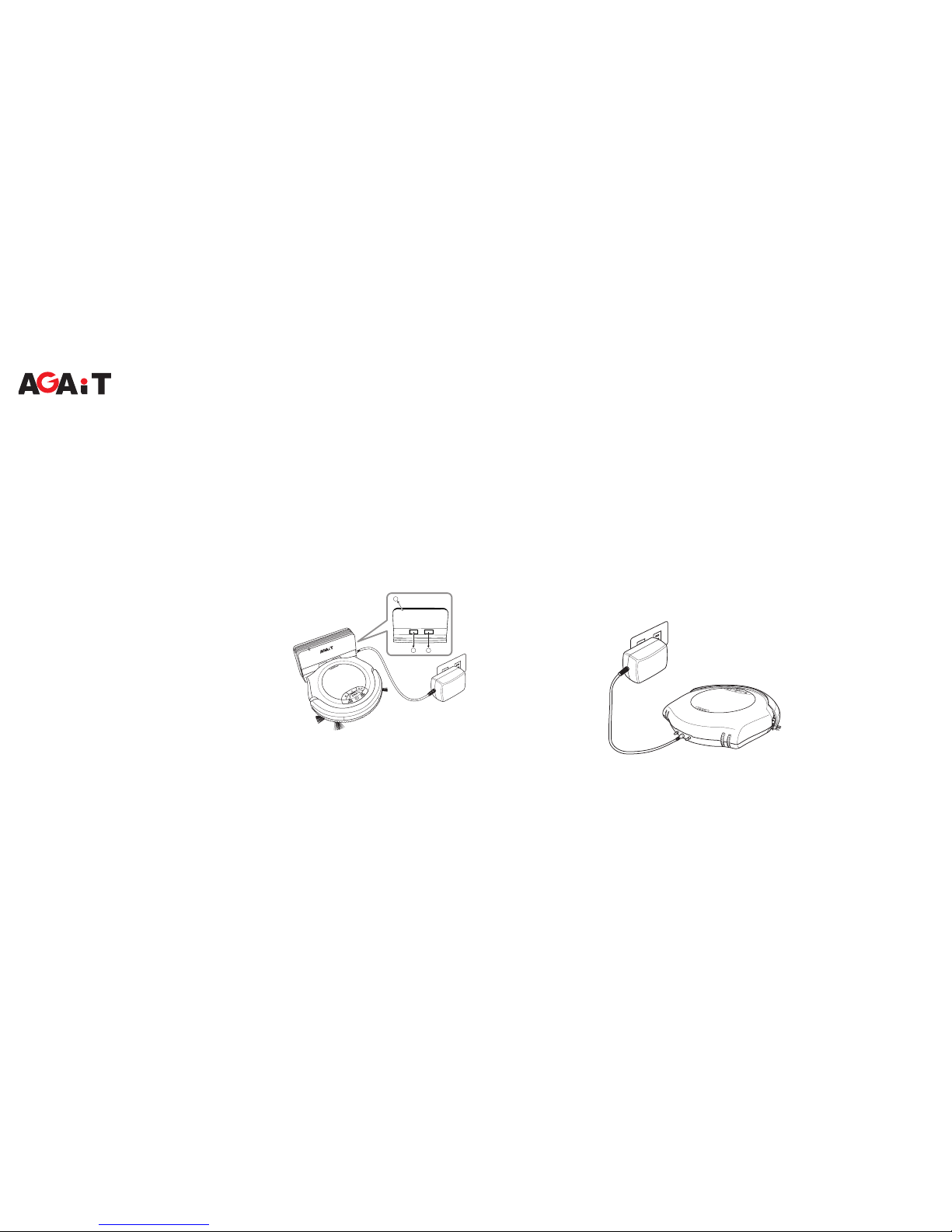
Charging the Battery.....................................................................10
Charging with Recharging Dock .............................................10
Charging with Power Adapter ..................................................10
Installing the Memory Card........................................................... 11
Using the Remote Control .................................. 11
Installing the Batteries .................................................................. 11
Using the Keypad ......................................................................... 11
Starting Operation ........................................................................12
Stopping Operation.......................................................................12
Scheduling Cleaning Time............................................................12
Remote Operation............................................... 13
Initial Setup via EClean Web Management..................................13
Wireless Connection Conguration .........................................14
Email Settings..........................................................................15
Cloud Storage Settings............................................................15
User and Password Settings ...................................................16
Video Control and Quality Settings..........................................17
Cleaning Schedule Setup ........................................................18
Using RemoteClean Application...................................................19
Installing RemoteClean Application .........................................19
Connecting to Your Smartphone..............................................19