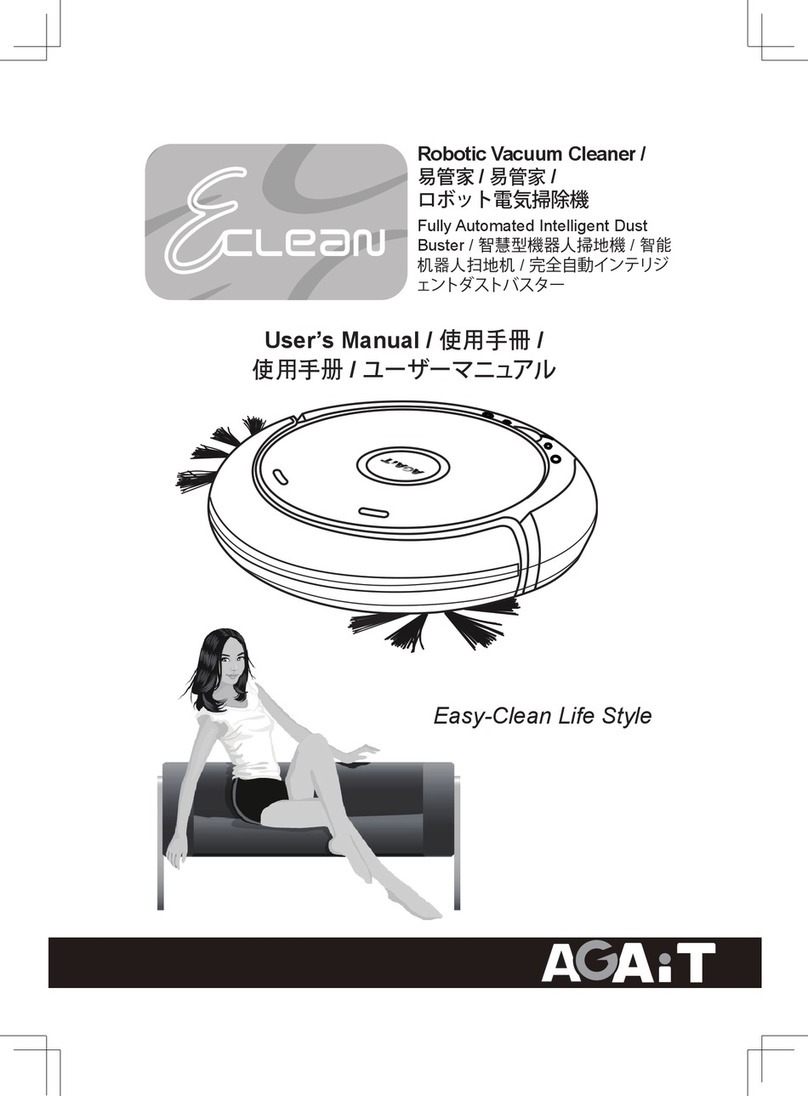
AGAiT EC-01 EClean Manual de usuario

5RERWLF9DFXXP&OHDQHU
)XOO\$XWRPDWHG,QWHOOLJHQW
'XVW%XVWHU
Easy-Clean Life Style
User’s Manual
English
Čeština
Nederlands
Français
Deutsch
ǼȜȜȘȞȚțȐ
Italiano
Polski
Português
Español
Ɋɭɫɫɤɢɣ
ʺʩʸʡʲ
łňłŪŕġŕŦŤũůŰŭŰŨźġńŰųűŰųŢŵŪŰů
Easy-Clean Life Style
EC-01 User's Manual

(QJOLVK
Safety Notice.......................................................................02
Package Content.................................................................03
Specification........................................................................03
Main Body...........................................................................04
Cleaning Mode ....................................................................05
Battery Installation ...............................................................06
Operating Panel Introduction ...............................................07
How to Operate.............................................................08~09
Battery Charging .................................................................10
Using the Charge Dock .......................................................11
Remote Control .............................................................12~13
Maintenance..................................................................14~16
Operating Scenarios......................................................17~18
Q&A ..............................................................................19~20
Product Warranty Card........................................................21
Table of Contents

(QJOLVK
(1
Forbidden
ġ
Do not disassemble the product. The high voltage inside
may cause severe harm.
ġ
Do not place any object and do not sit on the product during
operation or non - operation. Take extra caution around
children or pets.
Do not use the product near fire hazards. Do put out
cigarettes, matches, still burning ashes and remove any
highly flammable fluids such as cleaning naphtha, gasoline
and so on.
Do not immerse in water and do not use it in wet areas
such as inside a bathroom so as to avoid wire or parts
malfunction.
ġ
To avoid sunlight interference, do not use the product
outside or on the balcony.
ġ
Do not look directly at the ultraviolet light to avoid injury.
Notice
For any technical questions, contact your authorized dealer.
It is hazardous to have any foreign object blocking the
suction mouth during operation.
Before use, remove any clothing, wire, plastic bag and any
other objects that may become entangled with the product.
Roll up - reaching blinds, curtains, bed sheets or carpet
tassels to avoid hazards.
Safety Notice
Before using Eclean, review the Safety Notice in detail to avoid fire,
electrocution and other possible accidents, as well as injuries. Please be
sure to follow the directions below.

(QJOLVK
(1
Package Content
1. Eclean Main Body 2. Remote Control 3. Filter Cotton X2
4. Rechargeable Battery 5. Adapter 6. Recharging Dock
7. Cleaning Brush 8. Dust Bin 9. User’s Manual
123
456
789
Specification
Item no. Item specification
1 Battery 14.4V , 2500mAh rechargeable Ni-MH battery
2 Adapter 22Vdc 1000mA; 3 hours for full charge
3 UV Lifespan 6000 hours
4 Dust Bin Capacity 0.3 liters
5 Moving Speed 16.5 - 18.5 cm/sec
6 Remote Control Infra-red up to 3 meters
7 Cleaning Mode Spiral, Random Wander, Along Wall, “S” Shape, Polygonal
8 Dimension 35.8 cm(diameter) x 9.3 cm(height)
9 Weight 3 kg
Eclean
Fully Automated
Intelligent Dust Buster
User’s Manual
Easy-Clean Life Sytle

(QJOLVK
(1
Main Body
Operation Panel
Button for removing
dust bin
Remote control
receiving port
Socket for adapter
Recharging
dock
connection
point
Battery
cover
Place dust bin
and Freshener /
odor buster here
Remote
control
Suction
mouth
Roll brush
Front wheel
Side brush
Dust suction
entrance
Back Wheel set
Collision panel
Ultraviolet
light

(QJOLVK
(1
Cleaning Mode
The Intelligent Mode is automatically turned on during vacuuming and the
optimal vacuuming method is selected according to the condition of the
designated vacuuming range.
Intelligent Mode automatically selects and switches among the five modes
below:
a. Spiral – function: to vacuum specific area.
b. Ramdom Wander – function: move to another area.
c. Along Wall – function: to vacuum corners or edge of furniture.
d. “S” shape – function: to vacuum long & narrow area.
e. Polygonal – function: to vacuum specific area.
1. When Eclean is lifted or when a
foreign object is entangled, Eclean
sounds the alarm and the warning
light is on. Eclean will stop
operation.
2. Eclean is designed with cliff sensor.
Eclean can detect the edge of a
stairway and avoid falling over (avoid
operation near stairway when runnung
simple Spiral and “S” shape modes).
Safety Detection
Ramdom Wander Spiral SpiralAlong Wall
PolygonalSpiral“S” shape Spiral
Suitable Environment
Suitable on wood floors, ceramic tiles, or rugs in general households or
offices. Eclean can easily reach places such as under your bed, furniture
and other places that ordinary cleaning equipment cannot reach easily to
thoroughly eliminate dust mites and allergens. Eclean resists germs with UV
light and leaves your home smelling fresh (fresheners are not included in
the package) while cleaning.
Beep ~~

(QJOLVK
(1
2
1
1
2
Battery Installation
Installing the Battery
1. Ensure Eclean is off.
2. There are two snap-latches at the front of the battery cover. Push
in and then pull up to open cover (Step1).
3. Insert the battery in the right orientation (Step2).
(Note: ensure the plus and minus ends contact the right contact ends).
4. Install battery into battery sink. To put back the cover, insert the two
extensions on the back end of the cover and then snap the snap-
latch into the sink (Step3).
Removing the battery
1. There are two snap-latches at the front of the battery cover. Push
them down and then pull up to open cover – refer to Step1 in above
illustration.
2.To remove the battery, pull the rope and then pull up to remove (Step4).
Notice
Only use factory-installed battery and adapter.
Do not touch the battery, the adapter and/or the plug with wet
hands.
Ensure the adapter is firmly plugged in and do not exposure the
plug.
Before recharging, ensure the voltage and ampere specification
matches the specification in your home.
To avoid hazard, stop recharging and remove the battery before
cleaning this product.
Step 1
Push down
Pull Up
Affix
Put back
the cover
Step 2
Step 3 Step 4

(QJOLVK
(1
Operating Panel Introduction
1. Power switch: Turn on the Power. Press again to turn it off.
2. Start/Stop: Start Intelligent Mode to vacuum. Press again to stop
operation.
3.
TIMER: Set the length of time for vacuuming. Time is display
in numerical form on the panel. Each unit is 10 minutes and
the range is 10 to 80 minutes. Default is 80 minutes.
indicator Function Note
Blue POWER ON,
CHARGE
Turn on battery (On); battery is fully
recharged
Flashing Blue CHARGE Recharging
Yellow UV UV light is on
Green VAC OFF Vacuum if off
Red ERROR Collision panel is stuck with foreign
object for over 3 seconds
Wheel (s) is stuck for over 10 seconds
Eclean is lifted for over 3 seconds
Flashing Red LOW BATT Low-battery indicator
Alarm Note
1 short beep,1 long beep Vacuum timer is up; low-battery indicator is
on; vacuum is off
1 long beep Indicator is on
3 short beep Fully charged
3 short beep, 1 long beep Fully charged, starts clean again
Malfunction indicator
Start/Stop button
Power switch
Display operation time/mode
Vacuum on/off indicator
UV light indicator
Battery/Charge indicator
Low-battery indicator
Indicator Note
Alarm Note
Timer

(QJOLVK
(1
Notice
Before using Eclean for the first time, make sure the battery is
fully charged.
Approximately 54 or 72 sq ft can be cleaned within 10 minutes.
The actual time and area depends on the type of floor.
During first use in a desired area, observe the operation of Eclean
to check for any issues. Clean off any obstacles and avoid it from
getting stuck on any foreign object.
Do not look directly at UV light or eye injuries may occur.
How to operate
1. Place Eclean in the center or near-center of the designated area to be
vacuumed.
2. Turn on Eclean and use TIMER (vacuum Timer) to set desired
length of time for cleaning or use remote control to configure.
3. Press Start to clean. Press again to stop; or use remote control
to operate.
4. Eclean will shut off vacuum when the time set for vacuum is over up or
when low battery indicator is on. It will search for the recharging dock
to recharge.
Remote control
User-friendly remote control design allows the remote control neatly sits
into upper cover of Eclean. After Eclean is on, use remote control to
configure vacuum settings and operate.
UV (bacteria sanitization)
1. Turn Eclean’s Power switch on .
2. Press Start or use remote control .
3. When Eclean starts cleaning, press the UV button on your remote
control to turn UV light on/off.

(QJOLVK
(1
Install Freshener (solid fresheners are not included in the package)
1. Press the two “Push” buttons on the dust bin cover with your
index fingers (Step1).
2. Gently push the cover forward with your thumb while your index
fingers are pressing the “Push” buttons (Step2).
3. Take out dust bin (Step3).
4. Unwrap your freshener and place it inside the side sink in the dust bin
(Step4).
Step 1 Step 3
Step 4Step 2
Otros manuales para EC-01 EClean
1
Tabla de contenidos
Idiomas:
Otros manuales de Aspiradora de AGAiT

AGAiT
AGAiT Eclean Manual de usuario

AGAiT
AGAiT Eclean Manual de usuario

AGAiT
AGAiT EClean EC03 Manual de usuario

AGAiT
AGAiT EClean EC03 Manual de usuario

AGAiT
AGAiT Eclean Manual de usuario

AGAiT
AGAiT E-CLEAN 02 Manual de usuario

AGAiT
AGAiT EC-01 EClean Manual de usuario

AGAiT
AGAiT E-CLEAN MINI Manual de usuario

AGAiT
AGAiT Eclean Manual de usuario

AGAiT
AGAiT EC02 Manual de usuario