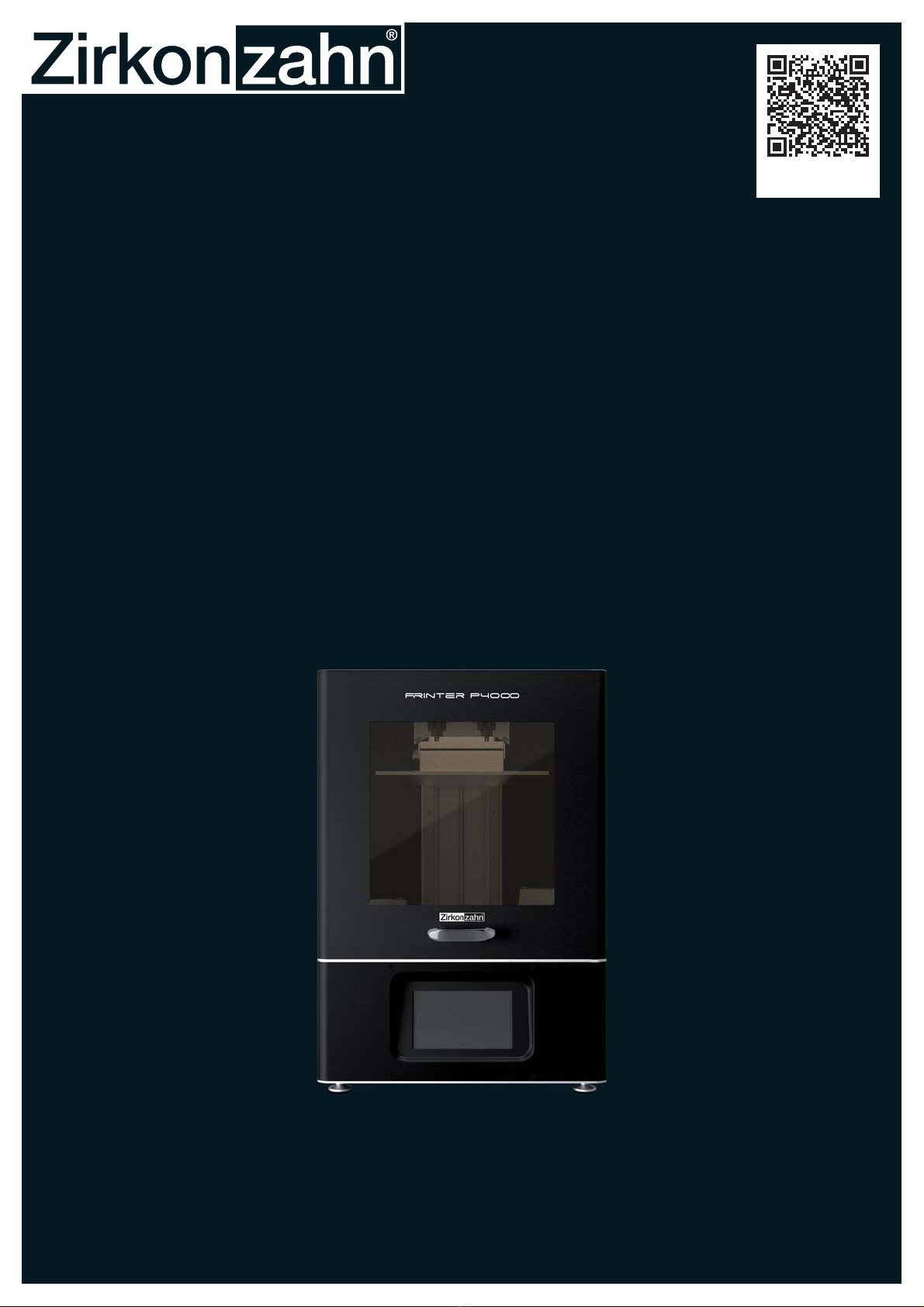
Zirkon zahn P4000 PRINTER Manual de usuario

P4ooo Printer
operation and maintenance manual
SCAN FOR INFORMATION
AND INSTRUCTIONS

02 ZIRKONZAHN – P4000 PRINTER OPERATION AND MAINTENANCE MANUAL – VERSION: 20/09/2022
Operation and maintenance manual (translation of the original version)
P4000 Printer
Version: 1.0
Copyright 2022
Zirkonzahn srl

03
ZIRKONZAHN – P4000 PRINTER OPERATION AND MAINTENANCE MANUAL – VERSION: 20/09/2022

04 ZIRKONZAHN – P4000 PRINTER OPERATION AND MAINTENANCE MANUAL – VERSION: 20/09/2022
Operation and maintenance manual ............................................ 09
Service................................................................... 10
Symbolsusedinthismanual.................................................. 11
Dangersymbols........................................................ 11
Othersymbols......................................................... 12
P4000 Printer ................................................................. 13
General...................................................................... 15
General description of the P4000 Printer ........................................ 15
Functional description of the P4000 Printer .................................. 15
Device ID plate ........................................................ 16
Manufactureranddistributor ............................................. 16
Usage........................................................................ 17
Intendeduse .............................................................. 17
Notintendeduse........................................................... 18
SafetyandResidualRisks........................................................ 19
Residual risks and safety regulations ........................................... 19
Safetyguide .............................................................. 19
Possiblesourcesofdanger ................................................... 20
Installation site ................................................................ 21
Important instructions for setting up the P4000 printer ............................. 21
Unboxing. . . . . . . . . . . . . . . . . . . . . . . . . . . . . . . . . . . . . . . . . . . . . . . . . . . . . . . . . . . . . . . . . . . . . 23
Unboxing of the P4000 Printer ................................................ 23
Components .................................................................. 25
Checklist of components..................................................... 25
Packinglist-Equipment................................................. 25
Toolbox .............................................................. 25
Cleaning Kit P4000..................................................... 26
P4000 Printer ............................................................. 27
Other items part of the system ................................................ 28
Zirkonzahn.Slicer ...................................................... 28
TABLE OF CONTENTS

05
ZIRKONZAHN – P4000 PRINTER OPERATION AND MAINTENANCE MANUAL – VERSION: 20/09/2022
L300 Post-Curing Lamp (recommended) .................................... 28
Printer Resin Waterbased Beige (recommended) .............................. 28
Installation.................................................................... 29
Transport and setting up ..................................................... 29
Operation..................................................................... 31
Connection methods ........................................................ 31
USB Connection ....................................................... 31
Ethernet Connection .................................................... 32
WiFi Connection....................................................... 33
Firststart-up .............................................................. 34
Performing Z-axis Calibration ................................................ 34
Normaluse ............................................................... 36
Safety aspects ......................................................... 36
Procedure ............................................................ 37
4GſNNKPIVJG4GUKP8CV9JKNG2TKPVKPI .......................................... 38
Removing printed objects from the building plate ................................. 39
How to Hold the Building Plate ........................................... 39
How to Use the Metal Scraper ............................................ 39
How to Remove Printed Objects........................................... 40
PrintsthatareHardtoRemove............................................ 40
Preventing Prints from being too Hard to Remove............................. 40
Setting Optimal Temperature for 3D Printing .................................... 41
Cleaning ..................................................................... 43
Cleaning instructions ....................................................... 43
Safety measures when cleaning the device....................................... 43
Cleaning intervals .......................................................... 44
Before each printing process.............................................. 44
After each printing process ............................................... 44
Cleaning the exterior........................................................ 45
How to remove cured resin from the LCD ....................................... 45

06 ZIRKONZAHN – P4000 PRINTER OPERATION AND MAINTENANCE MANUAL – VERSION: 20/09/2022
Cleaning the Resin Vat ...................................................... 46
4GOQXKPITGUKPRCTVUHTQOVJGP('2ſNO ....................................... 48
Preserving remaining resin ................................................... 49
Cleaning the z-axis ......................................................... 50
Dry-cleaning .......................................................... 50
Lubricating the Z-axis................................................... 51
Maintenance and Troubleshooting ................................................. 53
Detected faults. . . . . . . . . . . . . . . . . . . . . . . . . . . . . . . . . . . . . . . . . . . . . . . . . . . . . . . . . . . . . 53
0('2ſNO4GRNCEGOGPV ..................................................... 53
Roughening the building plate ................................................ 54
LCD Replacement.......................................................... 54
Performing the LCD Test / Checking the LED panel............................... 55
CheckiftheLCDlightsup............................................... 55
Check if the LCD blackens ............................................... 56
CheckLCDGrid....................................................... 57
Printingthetestmodel ...................................................... 58
Formatting the USB Drive ................................................... 61
RecommendedUSBDrives .............................................. 61
Procedure in the event of faults. . . . . . . . . . . . . . . . . . . . . . . . . . . . . . . . . . . . . . . . . . . . . . . . 62
The P4000 Printer is hanging during booting ................................. 62
The P4000 Printer is not responding........................................ 62
Theprintingprocessdoesnotstart......................................... 62
The printing process is interrupted ......................................... 62
The model does not stick to the building plate ................................ 62
The model falls down in the vat but supports/base sticks to the building plate ....... 62
5QOGVJKPIKUOKUUKPIQPVJGſPCNRTKPV...................................... 62
Return................................................................... 63
Device Disposal ........................................................... 63
Resindisposal............................................................. 63
Warranty..................................................................... 65

07
ZIRKONZAHN – P4000 PRINTER OPERATION AND MAINTENANCE MANUAL – VERSION: 20/09/2022
Warranty claim ............................................................ 65
Lossofwarranty........................................................... 65
Thewarrantydoesnotcover.................................................. 66
Technical improvements..................................................... 66
Technical data ................................................................. 67
Technical data of the P4000 Printer ............................................ 67
Extraction requirements ..................................................... 68
Environmentandstorageconditions............................................ 68
Permissible transport conditions ............................................... 68
L300 Post curing Lamp.......................................................... 69
Unboxing................................................................. 70
Power Supply & Light Switch ................................................ 71
Setting Curing Time ........................................................ 71
starting the curing process . . . . . . . . . . . . . . . . . . . . . . . . . . . . . . . . . . . . . . . . . . . . . . . . . . . 72
Warning.................................................................. 72
Cleaning the device......................................................... 72
Cleaning and post-curing the model ............................................ 73
Vaseline application on dies ................................................. 75
Technical data of the L300 Post-curing Lamp .................................... 76
Device ID plate ........................................................ 76
Manufactureranddistributor ............................................. 76

08 ZIRKONZAHN – P4000 PRINTER OPERATION AND MAINTENANCE MANUAL – VERSION: 20/09/2022

09
ZIRKONZAHN – P4000 PRINTER OPERATION AND MAINTENANCE MANUAL – VERSION: 20/09/2022
OPERATION AND MAINTENANCE MANUAL
This operation and maintenance manual is an integral part of the P4000 Printer and
L300 Post-Curing Lamp and must be kept in a place known to the operator, easily and immediately
accessible at all times. The P4000 Printer and the L300 Post-Curing Lamp may only be operated
by fully trained people.
For reasons of readability, the P4000 Printer and the L300 Post-Curing Lamp are also designated
as "printer" and "post-curing lamp". In addition, the generic masculine is used to refer to users of
all genders.
This operation and maintenance manual contains all the information required for the safe use of
the P4000 Printer and the L300 Post-Curing Lamp supplied by Zirkonzahn srl. However, it is not
intended to replace a training course with regard to the scope of application.
Participation in a dedicated training course offered by Zirkonzahn is recommended. Operational
capability and long-term value of the P4000 Printer and the L300 Post-Curing Lamp can only be
guaranteed if service and maintenance work prescribed in this manual are carried out.
This manual is subject to amendments at Zirkonzahn's sole discretion in the event of technical
further development.
This operation and maintenance manual is a translation of the original German version. An updated
version, if available, can be requested at Zirkonzahn headquarters in Gais (Tel.: +39 0474 066 660,
e-mail: [email protected]).

10 ZIRKONZAHN – P4000 PRINTER OPERATION AND MAINTENANCE MANUAL – VERSION: 20/09/2022
The P4000 printer complies with the applicable legal regulations, safety regulations and
health requirements:
EG-Referenz
Riferimenti CE
EC References
Références CE
Referencias CE
Harmonisierte Normen
Norme armonizzate
Harmonised standards
Normes harmonisées
Normas armonizadas
For low voltage: 2014/35/EU IEC 62368-1:2014
For EMC – Rules: 2014/30/EU
EMC:
EN 55032:2015+A11:2020,
EN 55035:2017+A11:2020
EN IEC 61000-3-2:2019,
EN 61000-3-3: 2013+A1:2019
For RoHS - Rules 2011/65/EU DIN EN IEC 63000 (VDE 0042-12):2019-05
The declaration of conformity is available and will be provided upon request.
SERVICE
If after reading this manual some questions remain unanswered or if indications, safety instructions
or technical explanations have not been fully understood, do not hesitate to contact Zirkonzahn's
Este manual sirve para los siguientes modelos
1
Tabla de contenidos