
Fundaciocim BCN3D Manual de usuario
1
1
RepRapBCN
User Manual
ORIGINAL MANUAL

2
RepRapBCN
User Manual
1. PRIOR INFORMATION
Specifications
FFF Technology
Compliance
Safety
Safety Warnings
2. SETTING UP YOUR BCN3D+
Unboxing
Tools and accessories
BCN3D+ diagram
3. STARTUP PROCESS
Calibration
Loading filament
Working with your BCN3D+
4. LCD CONTROL
Home screen
Home menu
5. STL FILES
Obtaining STL files
Editing and repairing an STL file
Netfabb interfance
Repairment
Orientation and move home
G-CODE generation
Slic3r configuration
Slic3r first steps
Transfering our G-Code to the BCN3D+
6. PRINTING FROM USB AND SD CARDS
7. FILAMENTS
PLA, ABS and Nylon
HIPS, PVA, Laybrick, Laywood and Filaflex
8. FIRMWARE
What is it and when to update it?
When it is necessary to update the firmware?
Downloading Arduino’s IDE
9. TROUBLESHOOTING
10. PRINT QUALITY DIAGNOSTICS
11. MAINTENANCE
12. TIPS AND TRICKS
13. TECHNICAL SUPPORT AND CUSTOMER SERVICE
14. GLOSARY
15. WARRANTY, REFUNDS AND REPLACEMENT POLICY
16. TERMS OF SERVICE
3
3
4
5
6
7
8
8
9
10
12
12
13
14
14
14
16
18
18
19
20
21
22
22
23
23
26
26
28
28
29
30
30
30
30
32
35
38
41
42
42
44
44
3
INDEX
3
2
RepRapBCN
User Manual
Extrusion Fused Filament Fabrication (FFF)
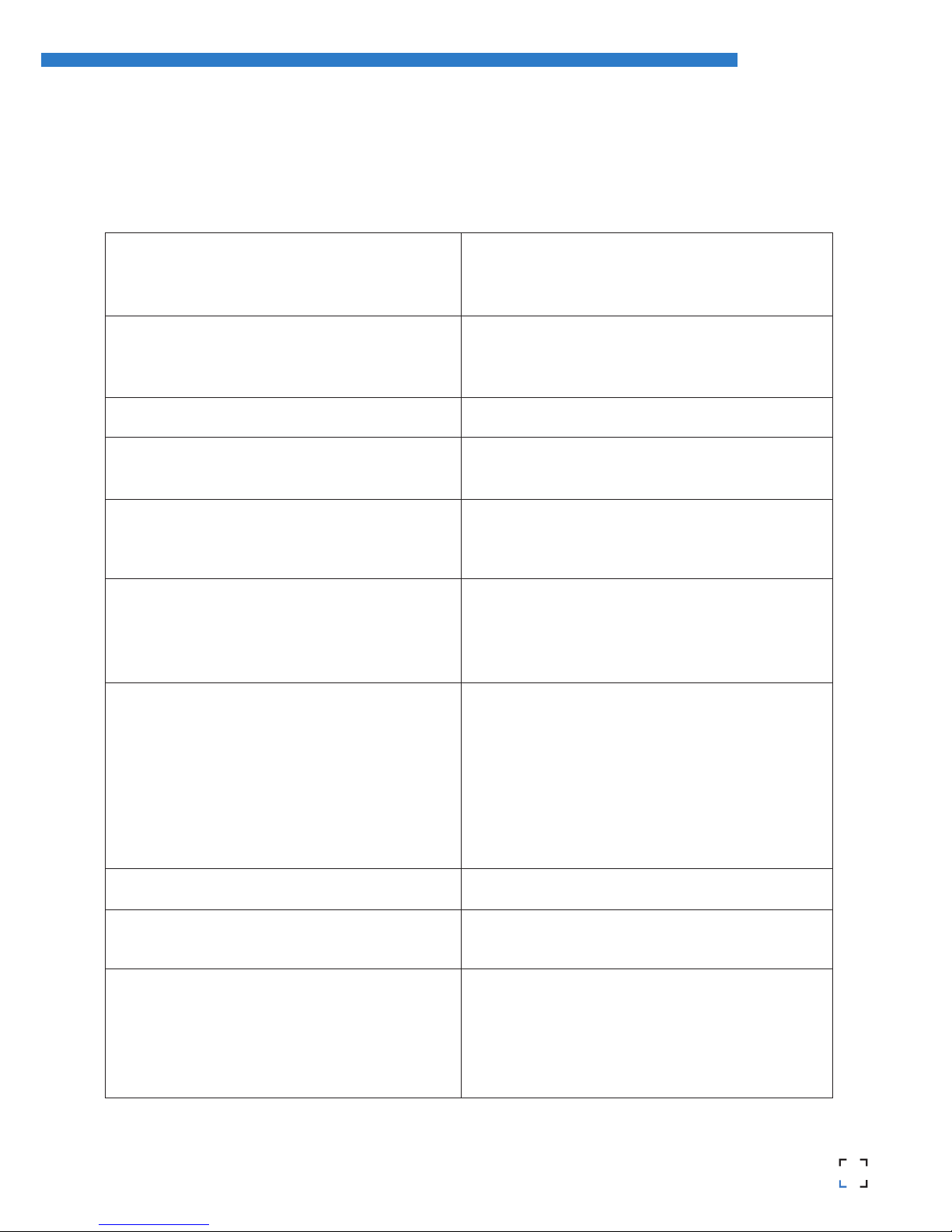
480mm x 480mm x 455mm
13 kg (without spool)
Length: 252mm
Width: 200mm
Height: 200mm
1 (upgradable to 2)
0,1-0,35mm (with standard 0,4mm nozzle)
0,2-0,5mm (with 0,6mm nozzle)
X axis: 0,05mm
Y axis: 0,05mm
Z axis: 0,1mm
15-35ºC
80ºC (measured on the perimeter)
260ºC
3mm/1,75mm
PLA
ABS
Nylon
HIPS
PVA
Laybrick (with 0,6mm nozzle)
Laywood (with 0,6mm nozzle)
Filaflex (with 0,6mm nozzle)
Arduino Mega 2560 + RAMPS 1.4
SD Card (autonomous operation)
USB Cable (controlled through Repetier Host)
BCN3D+ specific (based on Marlin)
STL
Slic3r, Cura
AC 100–240 V, ~4 amps, 50–60 Hz
200W
3
1. PRIOR INFORMATION
Specifications
Print Technology:
Physical Dimensions:
Weight:
Printing Volume:
Number of extruders:
Layer height:
Positioning resolution:
Working temperature:
Max. Hot bed temperature:
Max. extruder temperature:
Filament diameter:
Compatible materials:
Electronics:
Connectivity:
Firmware:
Compatible files:
Code converter software:
AC Input:
Power requirements:

4
RepRapBCN
User Manual
FFF Technology
BCN3D+ is a 3D printer based on fused filament fabrication additive manufacturing technology, consisting in the
deposition of melted material layer by layer based on a previously divided digital model.
The head makes the necessary movements to deposit a layer of material, then a slight vertical movement to continue
with the next layer. The process is repeated until the full object is completed.
The printer is ready to accept any add-on published by RepRapBCN through an easy and guide lined process. One of
its main features is interchangeable extruder heads, either for using multiple heads at the same time or extruders
designed for several other textures and materials.
The filament is lead
to the extruder
Through rotation, the extruder
uses a hobbed bolt to insert the
right amount of filament
The hot filament is extracted through
the extruder with a smaller diamater
The printing surface moves along the X/Y/Z
axes to deposit the material
The material is distributed through
the model when necessary
The heatblock fuses the filament to a
workable temperature
4

5
4
RepRapBCN
User Manual
Compliance
Fundació Privada Centre Cim hereby states that BCN3D+ complies with the essential requirements and other rele-
vant provisions of the following Directives:
Low Tension Directive 2006/95/CE
Directive on machinery 2006/42/CE
Directive RoHS2011/65/UE
5

6
RepRapBCN
User Manual
6
Safety
To avoid possible residual risks for the user , please read carefully the following safety measures.
REPRAPBCN IS EXEMPTED OF ANY LIABILITY IF THE USER DOES NOT FOLLOW THE FOLLOWING HANDLING
INSTRUCTIONS:
• Very important. Like with any other appliance, do not touch the terminals of the cables connected to
the main. The voltage is 230V and there is a risk of electrocution. Other cables from the machine working
at 12V and present no risk.
• This machine produces and emits radio frequencies during use. It is important to install and use
the equipment according to the instructions in this manual to avoid harmful interference to domestic
appliances such as television or radio. If the machine causes interference, increase the separation bet-
ween it and other appliances.
• Print materials are not innocous and may emit toxic fumes. Always print in open or vented spaces.
• Do not breathe closer to 25cm from the extruder head or heads when printing.
• Do not place any object or body part between the moving parts of the machine when
functioning.
• Do not touch its hot parts (hotbed and hotend) when the machine is turned on, or within 15
minutes of operation.
• Do not connect or disconnect any device and/or electrical connector when the machine is on.
• Oversee proper function of the machine during operation.
• In case of an emergency, stop the machine using the STOP button and unplug.

7
6
RepRapBCN
User Manual
Safety warnings
The following signs have been arranged on the printer to warn users about areas of potential risk arising from its use or
possible actions that are not recommended.
Hot surface danger
Moving parts, danger of crushing.
Hot Surface, allow it to cool down before handling.
Moving parts, danger of crushing, disconnect before handling
7

8
RepRapBCN
User Manual
2. SETTING UP YOUR BCN3D+
Unboxing
The BCN3D+ is delivered inside a properly secured cardboard box, measuring 600mm long, 570mm wide and
590mm high. To properly unbox BCN3D+ the following steps must be followed:
1. Remove the packing tape and open the box.
2. Remove the upper cardbox cover. Inside we will find our assembled printer and an accessories box fixed to the
corrugated board.
3. Cut the cables ties fixing the accessories box and remove.
4. Carefully remove the protective cardboard from the sides.
5. Grab the upper frame and lift the printer out of the box.
6. Cut the zip ties attaching the lower cover to the machine.
7. Once out of the box, cut the zip ties holding the axes in place:
• Ties holding the extruder carriage
• Ties holding the hotbed
• Ties holing the Z axis in its upper position
8. Open the accessories box, comprising:
• Hotbed glass
• Power cable
• 3DLAC
• Tools
9. Unwrap the hotbed glass and use the included clamps to fix it onto the hotbed.
10. Plug the printer using the included power cable
11. Remove the toolkit and the fixing spray and leave them close to the machine, we will use them regularly.
12. Fit the supplied spool onto the holder mounted on top of the printer
13. The machine is ready to load the spool filament and the necessary files to print.
4. 7.
8
• SD Card
• 1 Kg Spool
• Frog + Calibration cube
• USB containing full documentation
x3

9
8
RepRapBCN
User Manual
Tools and accessories
The BCN3D+ comes with a kit with every tool necessary to build the printer from scratch included. It also includes a
fixing spray specially design for 3d printing.
Calibration
tool
Allen wrenches
set
Pliers Flat screwdriver Phillips screwdriver
9
Nozzle wrenches /
break 1
Hot Block 2
2
1

10
RepRapBCN
User Manual
BCN3D+ Diagram
1. LCD Screen
2. SD Card Slot
3. USB Connector
4. Hotbed
5. Hotend (Extruder)
6. X axis guides
7. Threaded rod and Z axis guides
14.
7.
6.
5.
12.
9.
3.
4.
2.
1.
13.
8.
8. Y axis linear guides
9. Mechanical endstops
10. Stepper motors
11. Outlet
12. ON/OFF button
13. Power supply
14. Spool holder
10.
11.
Left view Front view
Perspective
10
Tabla de contenidos


