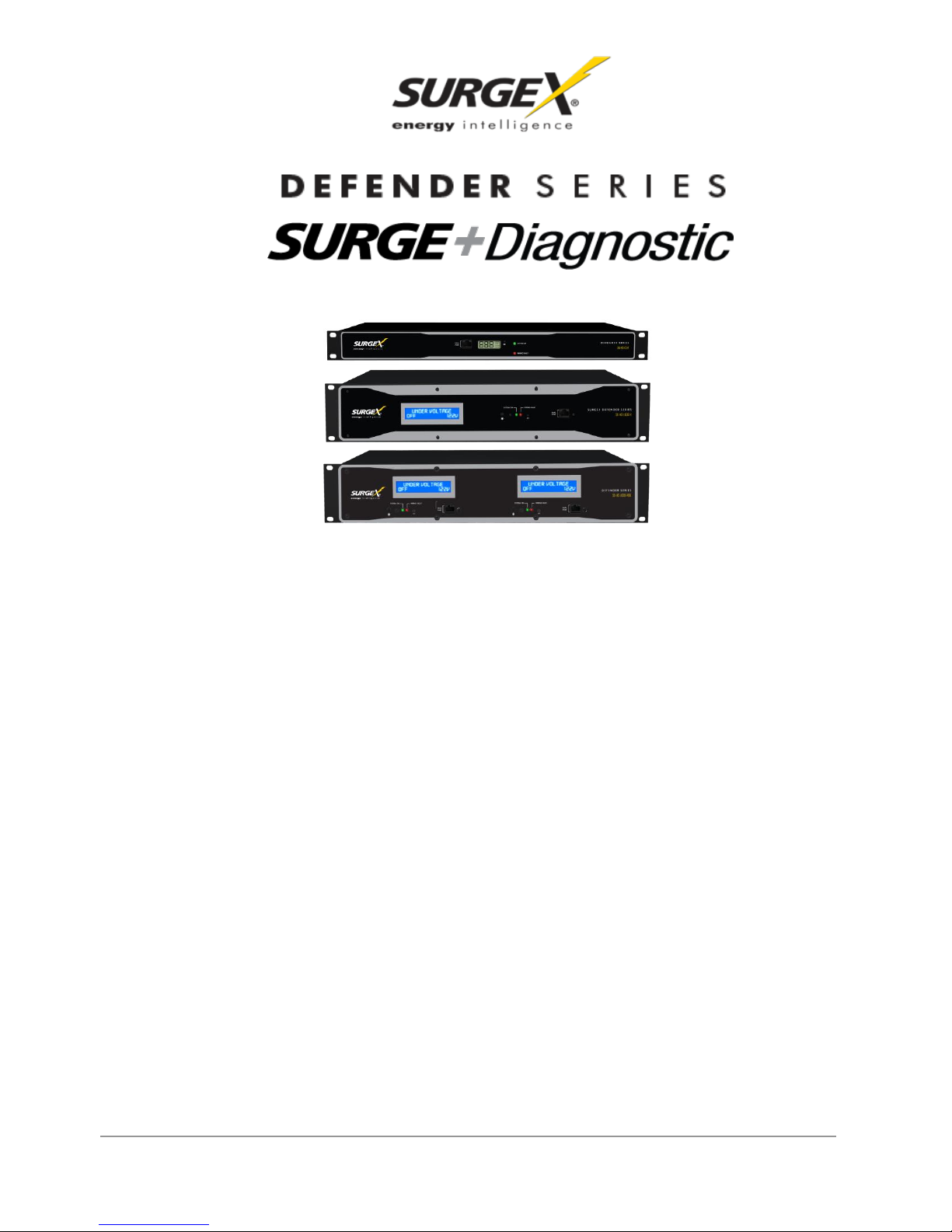
User Manual
© 2013 SurgeX / Electronic Systems Protection, Inc. / Technical Support 800.645.9721 /www.surgex.com / 2
1. Surge + Diagnostic Product Overview 3
2. Intallation Instructions 4
2.1 Surge + Diagnostic Installation ...............................................................................................................4
2.2 Surge + Diagnostic PC and Driver Installation ........................................................................................6
2.3 Configure PC Settings for COM Port.......................................................................................................7
2.4 Diagnostic Software Installation...............................................................................................................8
3. Hardware 9
3.1 LCD Event Monitor ................................................................................................................................9
3.1.1 Normal Operation .....................................................................................................................9
3.1.2 Wiring Fault ............................................................................................................................10
3.1.3 Abnormal Voltage...................................................................................................................10
3.2 Clearing Memory .................................................................................................................................11
3.2.1 RST Button.............................................................................................................................11
3.2.2 Diagnostic Software................................................................................................................11
3.3 Data Interface Cable ..............................................................................................................................12
4. Diagnostic Software 13
4.1 How to Connect to Surge + Diagnostic..................................................................................................13
4.2 GUI Overview ....................................................................................................................................... 14
4.3 Menu Items ..........................................................................................................................................16
4.4 Voltage Limit Selection ..........................................................................................................................18
4.5 Cycle Power Command.........................................................................................................................18
4.6 Enhanced Logging Mode.......................................................................................................................19
4.7 Graph Overview & Control.....................................................................................................................20
5. Troubleshooting .24
5.1 Surge + Diagnostic.................................................................................................................................24
5.2 Diagnostic Software................................................................................................................................24
6. Specifications 25