2
CONTENTS
SAFETY INSTRUCTIONS: To be read before use! ...................................................................................... 3
1. DESCRIPTION .......................................................................................................................................... 4
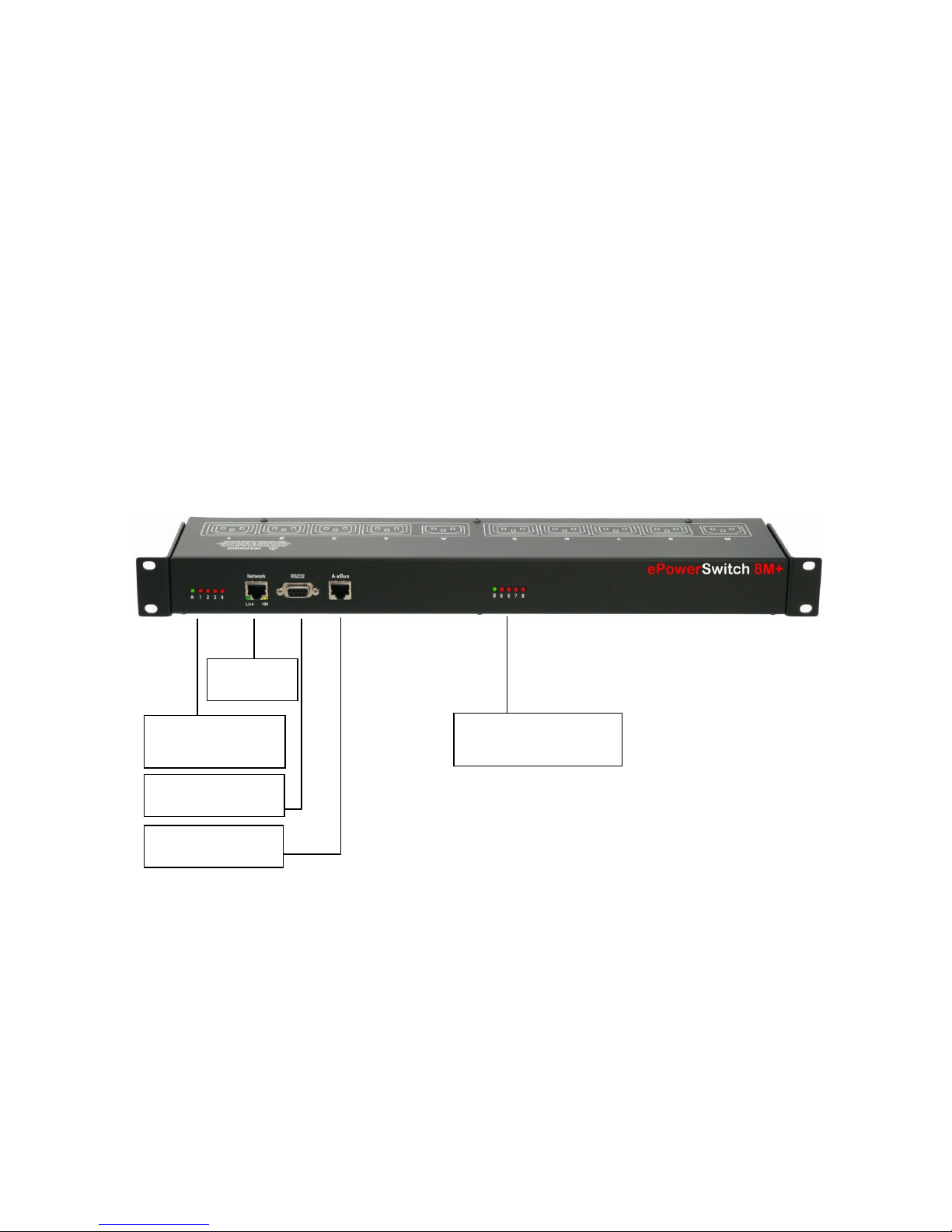
1.1 Diagram ............................................................................................................................................... 4
1.2 Package list ......................................................................................................................................... 5
2. INSTALLATION ......................................................................................................................................... 6
3. CONFIGURATION .................................................................................................................................... 7
3.1. Configuration through the LAN using the Finder program ................................................................. 7
3.2. Configuration through an RS232 Terminal connection ...................................................................... 9
3.3. Configuration through the LAN using a standard Browser................................................................. 9
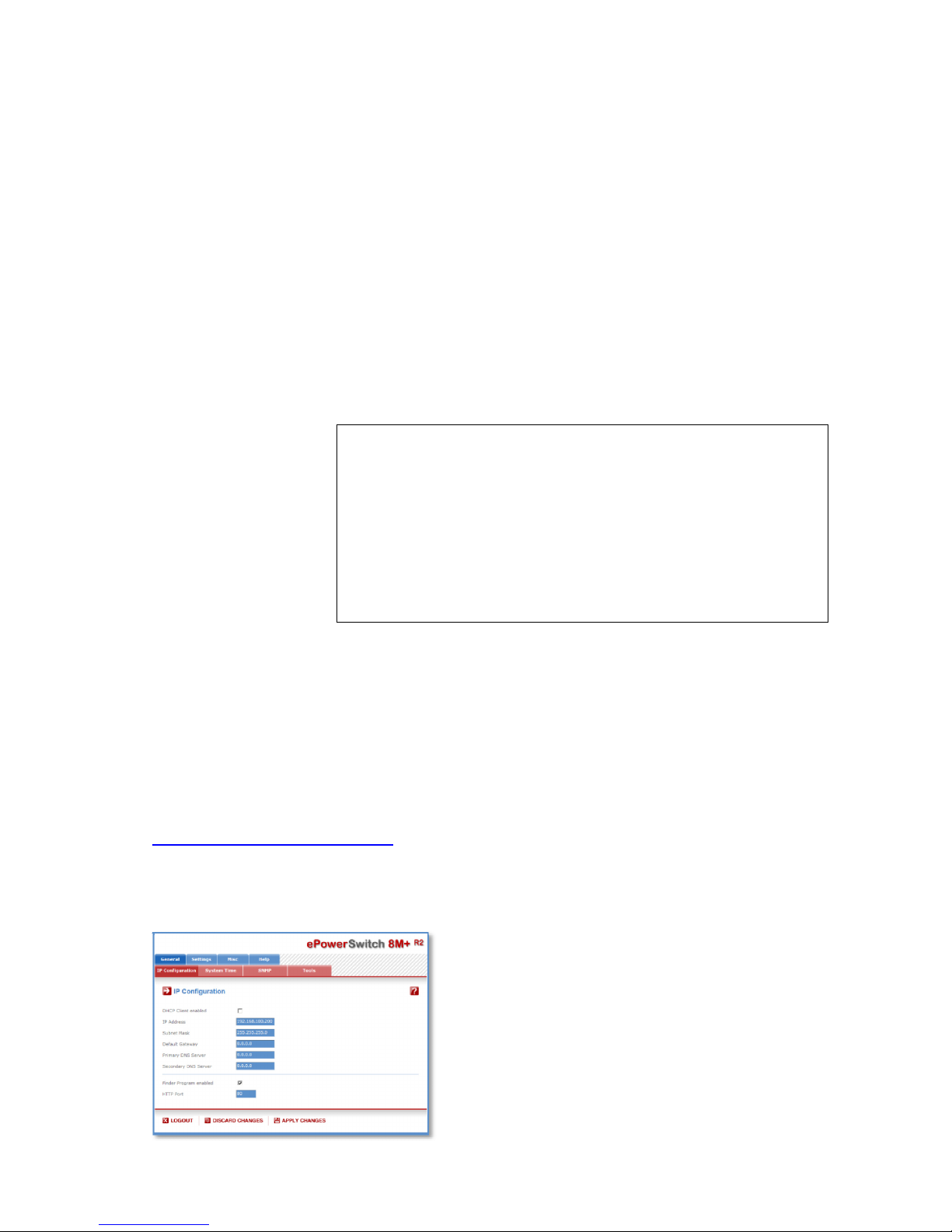
3.3.1. General / IP configuration ...................................................................................................... 10
3.3.2. General / System time............................................................................................................ 11
3.3.3. General / SNMP ..................................................................................................................... 12
3.3.4. General / Tools....................................................................................................................... 13
3.3.5. Settings / Accounts................................................................................................................. 14
3.3.5.1 Settings / Accounts .................................................................................................... 14
3.3.5.2 Settings / Accounts / Hidden Page account............................................................... 16
3.3.6. Settings / Groups.................................................................................................................... 19
3.3.7. Settings / Peripherals ............................................................................................................. 21
3.3.7.1. Settings / Peripherals - ePowerSwitch 8M+R2 .......................................................... 24
3.3.7.2. Settings / Peripherals - ePowerSwitch Satellite........................................................ 26
3.3.7.3. Settings / Peripherals - Analog inputs....................................................................... 29
3.3.7.3.1. Temperature, temp. and humidity, temp. and ambient light sensors ....... 29
3.3.7.3.2. AC Current probe ..................................................................................... 32
3.3.7.3.3. EnergyMeter ............................................................................................. 34
3.3.7.4. Settings / Peripherals - Digital Inputs........................................................................ 36
3.3.7.4.1. Digital Input Modules ................................................................................ 36
3.3.7.4.2. Temperature and proximity sensors......................................................... 39
3.3.7.4.3. Push Button .............................................................................................. 41
3.3.8. Settings / Rules ...................................................................................................................... 43
3.3.8.1. Settings / Rules - Schedule Rule .............................................................................. 45
3.3.8.2. Settings / Rules - Timer Rule .................................................................................... 48
3.3.8.3. Settings / Rules - Ping Monitoring Rule .................................................................... 50
3.3.8.4. Settings / Rules - Scan Monitoring Rule ................................................................... 52
3.3.8.5. Settings / Rules - Power Supply Monitoring Rule..................................................... 54
3.3.8.6. Settings / Rules - Digital Input Monitoring Rule ........................................................ 56
3.3.8.7. Settings / Rules - Analog Input Monitoring Rule....................................................... 58
3.3.9. Settings / Shutdowns.............................................................................................................. 61
3.3.10. Misc / Control Panel ............................................................................................................. 63
3.3.11. Misc / Rule Panel ................................................................................................................. 64
3.3.12. Misc / Log ............................................................................................................................. 65
3.3.13. Misc / Log Settings............................................................................................................... 66
4. POWER OUTLET CONTROL AND PERIPHERALS STATUS............................................................... 67
5. APPENDIX............................................................................................................................................... 68
5.1. Sending status information and sensor values using rules .............................................................. 68
5.2. Ping and Scan Methods ................................................................................................................... 69
5.3. Technical Data.................................................................................................................................. 70
5.4. Commonly used Ports ...................................................................................................................... 70
5.5. Syslog Messages: Severity Level Definitions................................................................................... 71
STATEMENT OF CONFORMITY................................................................................................................ 73