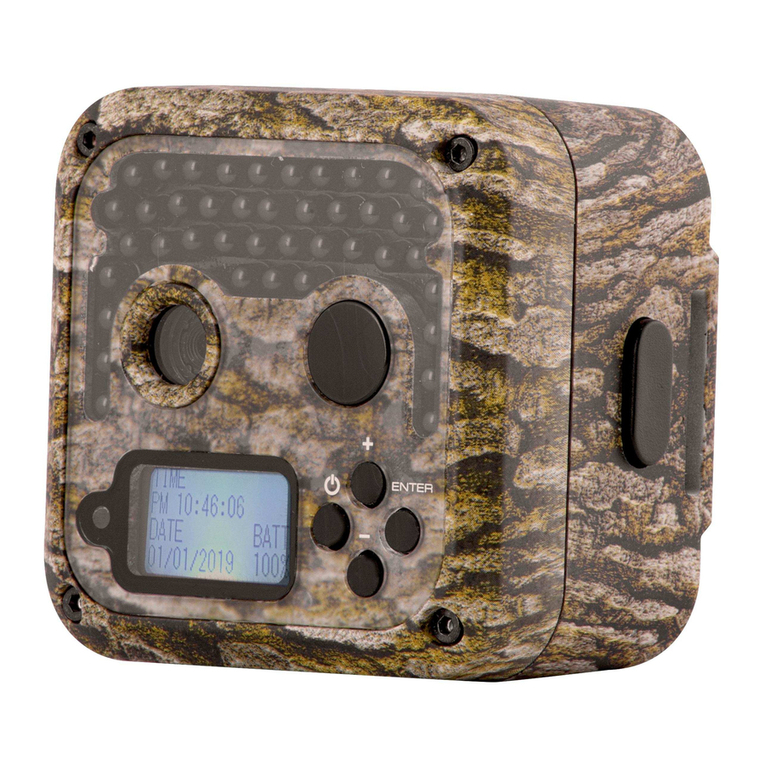
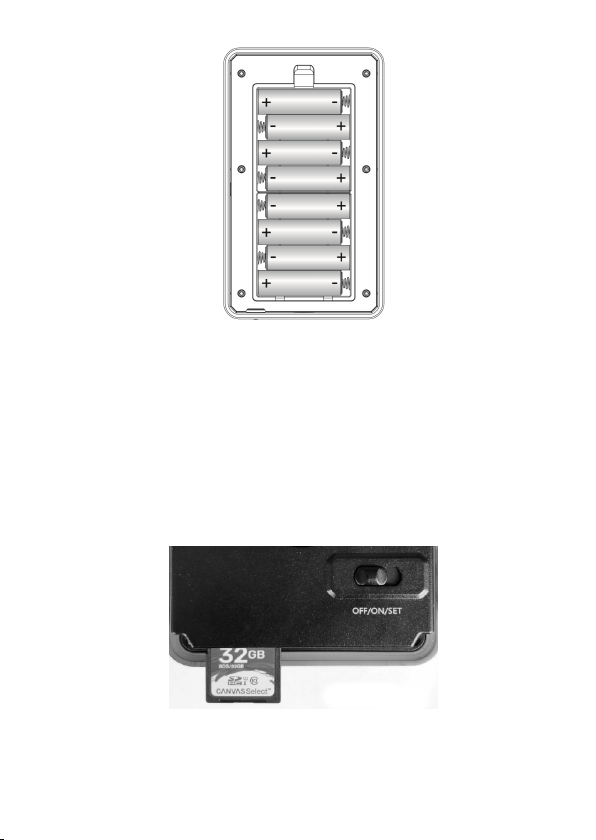
GardePro A262 Manual de usuario

TRAIL CAMERA
MODEL: A262
INSTRUCTION MANUAL
V1.2

TABLE OF CONTENT
1. IN THE BOX....................................................................1
2. IMPORTANT NOTE....................................................... 1
3. INTRODUCTION............................................................1
3.1. ABOUT THE CAMERA........................................1
3.2. APPLICATIONS...................................................3
4. PARTS AND CONTROLS..............................................3
5. INSTALLING THE BATTERIES AND SD CARD.......6
5.1. LOADING BATTERIES....................................... 6
5.2. INSERTING THE SD CARD................................7
6. USING THE CAMERA...................................................8
7. THE OFF, ON, AND SET MODES................................ 8
7.1. OFF MODE..........................................................9
7.2. ON MODE............................................................9
7.3. SET MODE...........................................................9
8. ADVANCED SETTINGS..............................................11
9. MOUNTING AND POSITIONING THE CAMERA... 15
9.1. MOUNTING....................................................... 15
9.2. SENSING ANGLE AND DISTANCE TEST....... 16
9.3. SWITCHING ON THE CAMERA...................... 17
10. REVIEW PHOTOS OR VIDEOS............................... 18
11. TECHNICAL SPECIFICATIONS.............................. 19
12. WARRANTY............................................................... 21
13. FCC COMPLIANCE STATEMENT.......................... 22

1
1. IN THE BOX
1 x Camera, 1 x Mounting Strap,
1 x Instruction Manual, 1 x Mini USB Cord
Note: Memory card and batteries are not included (user supplied).
2. IMPORTANT NOTE
Require eight (8) 1.5V AA Alkaline or Lithium batteries. We
recommend the use of Energizer AA Lithium batteries in this
camera to obtain maximum battery life.
Do not mix old and new batteries.
Do not mix battery type.
Rechargeable AA batteries are NOT recommended as the lower
voltage they produce can cause operational issues.
Remove batteries when the camera is NOT in use.
Require a regular SD memory card (max capacity 512GB, Class
10). We recommend using SanDisk 32GB SDHC/Class10
memory cards in the camera to obtain the best
cost-performance.
Before use, please gently remove the protective films on the
front of the camera to get the best performance.
3. INTRODUCTION
3.1. ABOUT THE CAMERA
This trail camera is a new generation of digital scouting camera,
it can be triggered by any movement of game in a location,
detected by a highly sensitive Passive Infra-Red (PIR) motion
sensor, and then take high quality pictures (up to 24MP still

2
photos), 1296P 20fps or 1080P 30fps H.264 video clips.
The Camera features the all new innovative imaging technology.
The camera encompasses all-new software innovations, smart
illumination technology, blur reduction technology, auto noise
reduction and dynamic exposure technology to deliver high
resolution image quality, multi-zone detection, pre-activated
technology and fast boot to deliver 0.1s fast trigger speed and
0.5s recovery time. The camera consumes very little power (less
than 0.1mA) in a stand-by (surveillance) state. It can deliver 8
months of standby operation time when the device is powered
by eight AA 1.5V batteries.
Main features:
High quality pictures (up to 24MP still photos) or full HD
H.264 video clips. The camera is equipped with a advanced
CMOS sensor, premium F1.6 great aperture lens and has
exclusive imaging optimization algorithm; it can take clear
photos or videos even at low light or dark environment.
Clear night vision, flash range 90ft. The camera is equipped
with 36pcs high performance infrared no glow 940nm LEDs
that function as a flash (invisible to human and animal eyes).
Easy to use/program with well-designed operation buttons
and built-in 2.4-inch LCD color screen, easy to review
pictures and videos on the screen.
Two working modes – Motion detection and Time lapse.
Fast trigger time approx. 0.1~0.6 second (pre-activated
technology with 3 PIR sensors designed), Fast recovery time
of less than 0.5 second, Long trigger distance up to 90ft.
Info strip on each capture: Date, Time, Temperature & Moon
Phase.
Operation hours, Loop Recording, Time Lapse, Password
protected.
Built for any climate - IP66 Waterproof designed for outdoor

3
use and resistant against rain and snow. Operation
Temperature -4~140°F.
Support SD/SDHC/SDXC memory card, max capacity
512GB (user supplied).
Extremely long in-field battery life up to 8 months in a
stand-by state with 8 AA 1.5V batteries (user supplied).
3.2. APPLICATIONS
The camera can be used as follows:
For hunting and tracking animals’ trace or habits
For wildlife observing and researching, captures pictures and
videos of wild animals
As a sports camera, for riding, driving, camping or exploring
As a motion-triggered security camera, for home, farm,
office and community
All other indoor & outdoor surveillance where invasion
evidence needed
4. PARTS AND CONTROLS
The camera is equipped with 36pcs built-in high efficiency
infrared LEDs, LED Indicators, Optical Lens, PIR Sensors,
Lock Holes in front view (Figure 1).
TIP: During use, if the black PIR Lens is found to be dirty,
actually it does not affect the performance. If you must clean it,
please try to blow it off or pick out the dirt very lightly. Do not
try to wipe it, which may cause more scratches. Due to the
reliability design of the PIR lens, scratches do not reduce the
PIR detection performance.

4
Figure 1: Front View
The camera provides the following connections for external
devices: Mini USB port and SD card slot etc. (Figure 2).
Figure 2: Bottom View
The camera has two strap holes on the back. The strap can be
put through the strap holes and fastened securely around the tree
trunk by pulling the end of the strap firmly (Figure 3).
Tripod Base
1/4" - 20
SD Card
Holder
DC 12V/1A
Plug 4.0x1.7mm
Mini USB Port
IR LEDs
Lock Hole
Side PIR
Motion Sensor
Optical
Lens
Center PIR
Motion Sensor
Side PIR
Motion Sensor
Light Sensor
Indicator

5
Figure 3: Back View
The camera has a 2.4-inch built-in LCD screen, which can be
used for reviewing pictures or videos and menu displaying, and
unique keypad design for easy program and operation, 8 AA
batteries slot supported (Figure 4).
Figure 4: Inside View
Figure 5: Operation Buttons and Shortcut
A 3-way power switch is used to select the main operating
Strap Hole
Lock
Buckle
RIGHT Key as
Manual Shutter
("SHOT")
UP Key as
Video Mode
DOWN Key as
Camera Mode
OK Key as
Playback Mode
Power Switch
Color
Screen
Battery
Compartment
and Cover
Operation
Buttons

6
modes: OFF,ON,and SET (Figure 5).
A control key interface with six keys is primarily used in SET
mode to select operational functions and parameters. As shown
in Figure.5, the keys can also perform a second function
(shortcut operations in SET mode) in addition to their main
function.
5. INSTALLING THE BATTERIES AND SD CARD
Before you start learning how to use your camera, you will first
need to install a set of batteries and insert an SD card. Although
that may only take you a minute, there are some important notes
about both batteries and SD cards you should be aware of, so
please take the time to read the following directions and
cautions:
5.1. LOADING BATTERIES
After opening the cover of the battery compartment, you will
see that the camera has eight battery slots (Figure 6). A full
eight batteries must be installed for the camera to operate. Be
sure to insert each battery with correct polarity (negative or
"flat" end against the long spring of each battery slot).
The camera takes 1.5V AA Lithium or Alkaline batteries. We
recommend using 1.5V Lithium AA batteries (Energizer brand)
to get maximum batteries lifetime. NiMH Rechargeable can
also be used, but they might have a shorter life span due to their
reduced efficiency over time and at low temperature, and would
not work for night video recording.
On SET mode when battery power level gets low, the message
"Low Battery" will show on the screen, please replace the
batteries.

7
Figure 6: Loading the Batteries
5.2. INSERTING THE SD CARD
Insert the SD card (with the camera's power switch in the OFF
position) before beginning to operate the camera. Don't insert or
remove the SD card when the power switch is in the ON or
SET position. The camera uses a regular memory card to save
photos (in .jpg format) and/or videos (in .mp4 format). SD and
SDHC (High Capacity)/SDXC cards up to a maximum 512GB
capacity are supported (Figure 7).
Figure 7: Inserting the SD Card
The following describes how to insert and remove the SD card:
Insert the SD card into the card slot with its label side
+
+
+
一

8
upwards.A "click" sound indicates that the card is installed
successfully. If the wrong side of the card is facing up, you
will not be able to insert it without force, there is only one
correct way to insert cards. If the SD card is not installed
correctly, the device will not display an SD card icon on the
screen in SET mode.Formatting the SD card by using the
camera's "Format" parameter in the menu settings before
using it for the first time is recommended, especially when a
card has been used in other devices.
To take out the SD card, just gently push in the card (do not
try to pull it out without pushing in first). The card is
released from the slot and ready to be removed when you
hear the click. Be sure the camera's power is switched OFF
before inserting or removing SD cards or batteries.
6. USING THE CAMERA
Once you've prepared your camera by properly installing
batteries and an SD card, you could simply take it outside, strap
it to a tree (or not-according to your application scenario),
switch it ON and leave-and you might get some great photos
that are exactly what you wanted. However, we highly
recommend that you first spend some additional time indoors
with this manual and your camera until you know a bit more
about what the 3-way switch and those control keys do. If
nothing else, you'll probably want to at least set the date and
time so the camera will imprint them (or not-it's your option) on
your photos as they are taken, learn how to set the camera to
shoot video clips instead of still photos if you like, and read
some tips about mounting it on a tree.
7. THE OFF, ON, AND SET MODES
The camera has three basic operational modes:
OFF mode: Power switch in the OFF position.
Tabla de contenidos
Otros manuales de Cámara de exploración de GardePro

GardePro
GardePro A252 Manual de usuario

GardePro
GardePro A5 Manual de usuario

GardePro
GardePro A323 Manual de usuario

GardePro
GardePro X60P Manual de usuario

GardePro
GardePro A3S Manual de usuario

GardePro
GardePro E8P Manual de usuario

GardePro
GardePro E6 Manual de usuario

GardePro
GardePro A3 Manual de usuario