transfer and/or the editing room.
These little discs can be fragile in the hands
of the uninitiated. In fact, on my current movie
project, Empire Falls, the first day of dailies
was destroyed by an “unknown event” at the
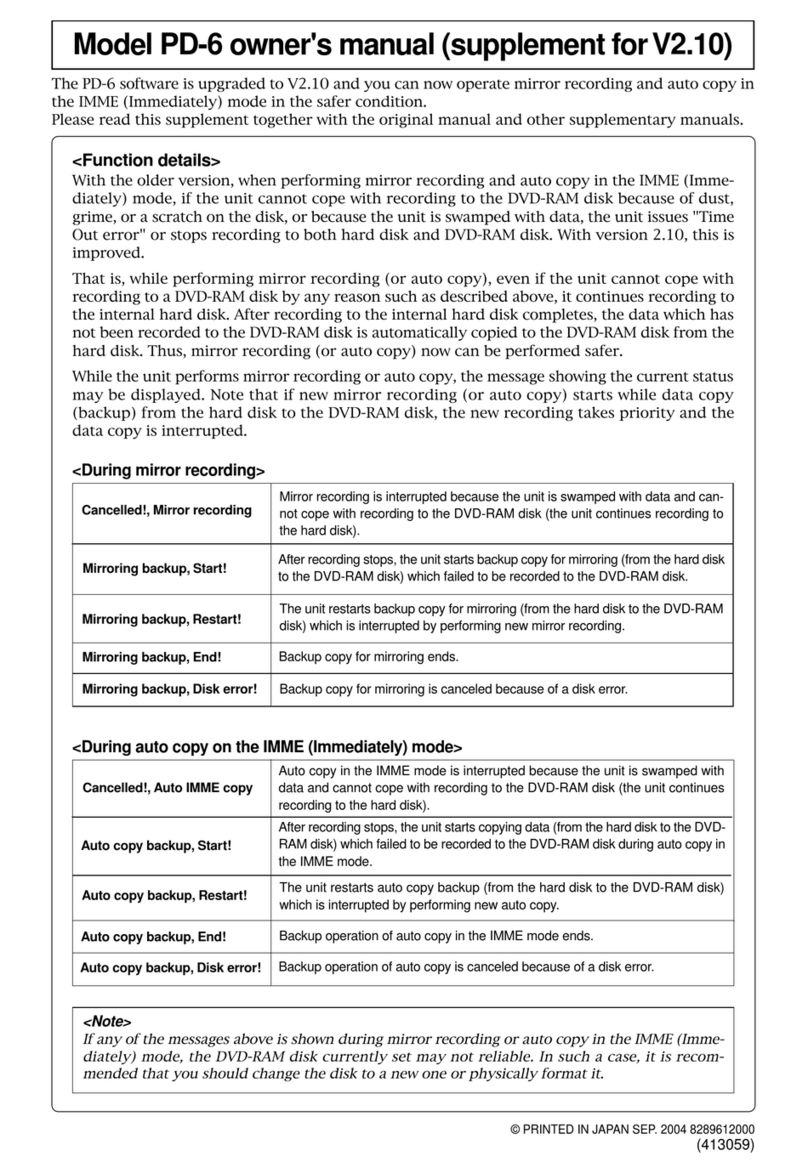
transfer stage. Luckily I had backed up on a
Fostex DV40 and a LaCie hard drive.
You have six choices when selecting
recording tracks via the REC TR select switch
on top of the machine, i.e., two-track, four-
track, five-track, six-track, 2+4 track and 1+5
track. These last two options (2+4 and 1+5)
generate two files simultaneously, allowing for
a rough mix down and isolated tracks.
The real value here is the 2+4 mode.
Although Avid’s pricey upgrade, called
Adrenaline, can handle 24-bit audio and eight-
track files, it is still in very limited distribution.
Most of the Avid Media Composer user base
is still on earlier versions and will be for the
foreseeable future. These versions of Media
Composer are limited to 16-bit (24-bit gets
dithered down), four-track audio files.
With Fostex’s 2+4 mode, you write two
files with identical timecode stamps but differ-
ent file names, i.e., the two-track is a BWF file
and the four-track file has an “M” in the file
name for multitrack. In this way, the picture
editor can have all the files loaded and avail-
able if needed.
The PD-6’s LCD panel has 124 x 64 dot
resolution. You can select the size and choose
between vertical and horizontal orientation for
the level meters. Most of the switch settings
are shown simultaneously, and you can also
select the time information you want to see
(LTC, input timecode, generator, etc.)
The backlit screen is compact and efficient.
My only hesitation is that it is a bit cluttered
and monochromatic. The PD-6 has both
FireWire and USB busses and one would hope
these, in future, could be utilized to enhance
display and machine control access. The con-
trast on the display seems to be temperature
sensitive and may occasionally need a quick
adjustment.
For analog I/O, XLR connectors are in use
for audio and timecode. Digital I/O is done
through the 25-pin D-sub connector. I am
pleased with this connection scheme since this
protocol works well with the Yamaha 01V96,
my new favorite mixer.
AES/EBU digital clock info travels over
the D-sub cable. Video or word clock are
accessible through a pair of BNC connectors.
The PD-6 automatically recognizes the type of
clock source coming in. There is also 12V DC
output through Hirose connectors for acces-
sories, such as RF receivers. Nice touch,
Fostex, nice touch.
Less functional at this point in time, is the
FireWire and USB implementation.
USB is limited to external keyboard func-
tions only. This gives you access to most, but
not all of the machines soft functions.
For me, recording without backup is unac-
ceptable in a professional digital environment
and Fostex’s use of FireWire in the PD-6
demonstrates the company’s commitment, up
to a point, to the crucial backup process. In the
PD-6’s present configuration, a computer
(Mac or Windows) recognizes the PD-6 as an
external drive when directed to do so.
Unfortunately, this takes the PD-6 off
line for recording. If you want to copy your
files to another location, the result is a fully
manual backup process, and this download
takes approximately 10 minutes per side of
a full disk.
The prerecord feature is a terrific feature.
It’s one of my favorite features on Zaxcom’s
Deva. The prerecord capability allows the
user to select up to 10 seconds of dynamic
buffer storage to be included at the beginning
of a new file (limited to five seconds at 96
kHz). This can be eerie as you are recording
material from before the time you rolled.
The simple six-channel analog mixer adds
value to the PD-6, saving you money and
space. There is a built-in slate mic and tone
generator. Each input can be set to line,
dynamic, 48V phantom power or 12V T
power. Phase switches are provided on
Channels 2, 4 and 6 and each input has an
adjustable high-pass filter.
The limiter parameters can be controlled
through soft functions and has individual set-
tings for each input in Mono mode or group
settings for either Channel 1-2 or for Channels
1-6. Both threshold and compression ratio set-
ting options are available. By the use of DISC
FEED switches, you can select recording
sources from pre-fader signal, the left or right
bus or post-fader.
You can also select input sources between
digital and analog for each input channel pair
(1/2, 3/4, and 5/6) so you can record digital
and analog sources simultaneously.
Monitoring allows for quick switching
from solo, stereo bus or a mono mix over a
good sounding headphone amp or a small
utility speaker.
In the default DATE mode, the files are
named by time stamp from the internal real
time clock. You also have the option of TAKE
mode, which allows you to input the actual
scene name or number and have the take auto-
matically increment each time you record a
new file.
Fostex offers a “False Start” command,
which erases the offending file and its take
number. However, the procedure takes a
longish 18 seconds to complete. If you should
be in a series of intense, speedy rolls and cuts
and had to do an 18-second rerack for a false
start, they’d be hanging you from the nearest
yard arm. Hopefully Fostex will be able to get
this time reduced, making the issue moot.
You also can assign track names here. In
addition to all this info being resident in the
files, the PD-6 will generate an ALE (AVID
Log Exchange) file for exporting the same
file data to the AVID editing system. You can
fully edit these ALE information files, which
is essentially a spreadsheet format that can
also be read in Excel.
SUMMARY
The Fostex PD-6 is a great-sounding digi-
tal recorder. It is reliable, and is a good value
considering the onboard mixer, universal I/O,
and versatile quality of the end result on the
high capacity DVD-RAM disk. The machine
is easy-to-learn, especially for Fostex DAT
users, and has easily-accessed hard switching
for the most important settings. Up to six
tracks and 96 kHz/24-bit in stereo mode.
Yamaha protocol for the 25-pin D-sub digital
I/O, 12V power for external devices.
There a few negatives, such as the cum-
bersome scheme for file copying and the
reliance on an unestablished medium using
8cm discs. Storage capacity of the 8cm disc
may also be an issue. My other nit picks were
the False Start command taking too long,
limited usability of Scene/Take file naming,
and the LCD display.
But overall, the PD-6 has become one of my
primary location sound recording device for
cinema and TV sound recording.
Mark Ulano, an Academy Award winning
location sound recording engineer, is currently
working on HBO’s Empire Falls, directed by
Fred Schepisi.
Copyright 2003 IMAS Publishing (USA), Inc.Reprinted with permission. Reprinted from Pro Audio Review
Location/Broadcast