4
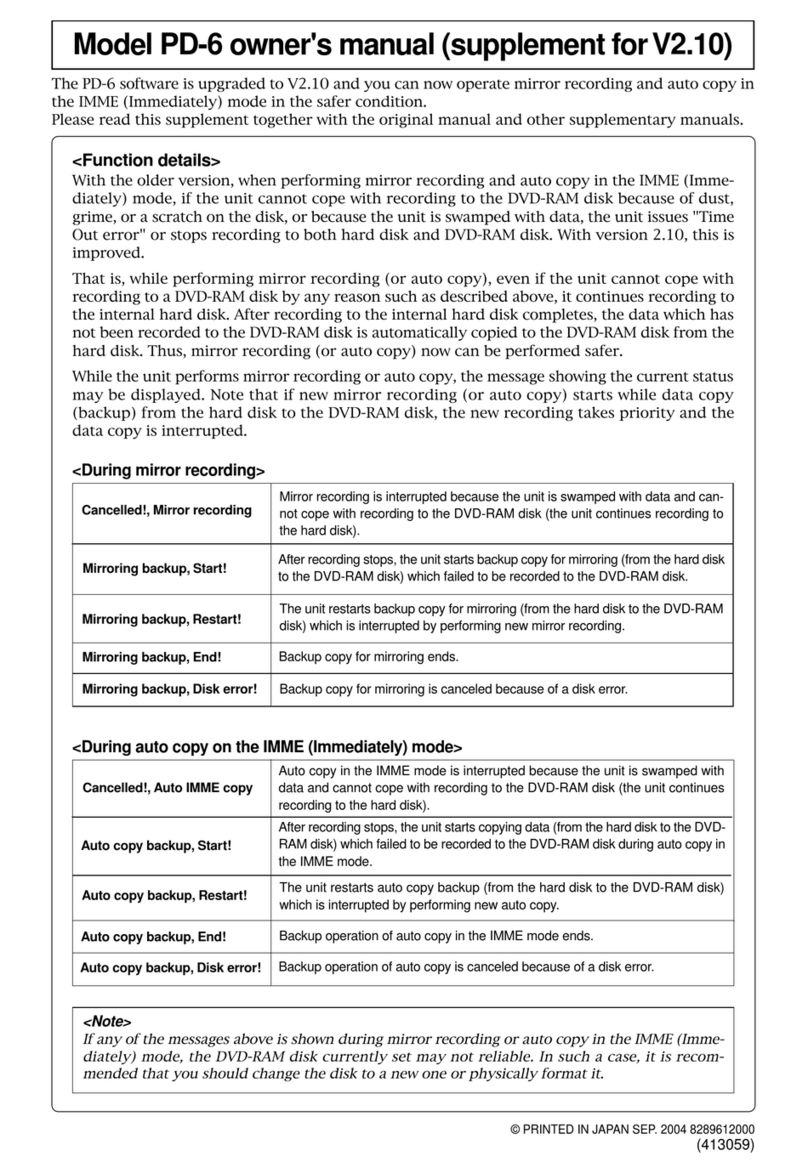
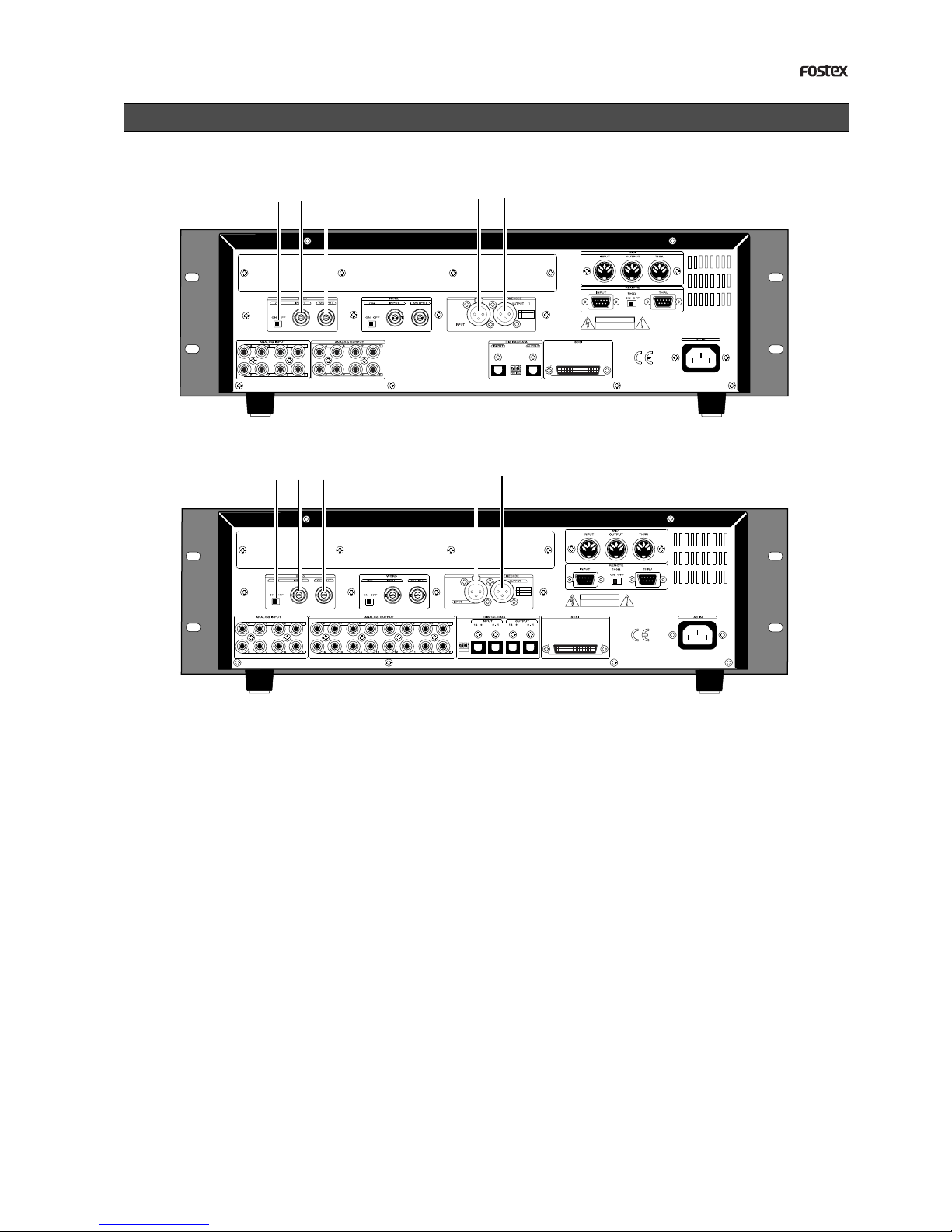
APPENDIX (Operation manual for the recorder with the Model 8345 TC/SYNC card installed)
44.1kHz
SETUP
42
∞
_
OL
0
87654321
30
24
18
12
9
6
3
161514131211109
44.1kHz
SETUP
42
∞
_
OL
0
87654321
30
24
18
12
9
6
3
161514131211109
The Model 8345 is a TC/SYNC card designed as an
option for digital multitrack recorders.
By installing the TC/SYNC card into the recorder,
the recorder can synchronize to external LTC or
video signal, as well as an external word clock. So
you can use the recorder synchronized with video
machines in video post production studios where
the synchronization between audio and video is in-
dispensable, or make digital sound recordings in a
system using a digital mixing console.
By installing the Model 8345 into the recorder, the
following SETUP menus and GEN setup function are
added. These SETUP menus are used when the re-
corder is synchronized to an external LTC or locked
to a video signal.
1. SETUP mode [Ref. TC ?] menu
This menu selects the reference timecode used as a mas-
ter timecode for the recorder.
The reference timecode can be selected between MTC (MIDI
timecode) and LTC according to the incoming timecode.
The default setting after formatting a disk is [LTC].
2. SETUP mode [Clock Sel ?] menu
This menu selects the reference clock of the recorder with
the 8345.
If the 8345 is not installed, you can select the reference
clock from [Int], [Auto] and [Word].
If the 8345 is installed, [Video] also can be the reference
clock in addition to the three options above.
3. SETUP mode [Sync Preset ?] menu
This menu is effective when the recorder with the 8345
installed is used in sync with a digital mixing console.
You can select from some preset options according to your
system to get the best synchronization performance.
4. SETUP mode [Virtual LTC ?] menu
This menu selects whether recording/playback of the vir-
tual LTC is enabled or disabled. The default setting is
[Ena.] (Enabled).
5. SETUP mode [OffsetDisp ?] menu
This menu selects whether or not displaying the real off-
set between the incoming reference timecode (LTC or MTC)
and the displayed MTC (output LTC).
The real offset is displayed instead of REMAIN when dis-
playing the MTC.
6. GENERATOR setup functions
The GENERATOR setup functions allows recording/eras-
ing an external or internal (generator) timecode, force-
jamming to external timecode, setting the LTC output, and
setting the chase offset value between incoming timecode
and the MTC.
Operations for the additional SETUP menu
"Ref. TC ?" menu setting
Introduction
Additional features
1. Turn on the power of the recorder.
2.Press the SETUP key while the recorder is
stopped to show the SETUP menu.
3.Select the [Ref. TC?] menu by using the JOG
dial and press the EXECUTE/YES key.
The reference timecode currently selected starts flash-
ing (the default reference timecode setting when the
Model 8345 is installed is [LTC]).
The outlined box surrounds the flashing item on the
display.
4.Select the reference timecode by using the
JOG dial.
You can select between [LTC] and [MTC] (MIDI timecode).
5.After selecting the reference timecode, press
the EXECUTE/YES key.
The selected reference timecode is confirmed (set) and
the display changes to the similar one to the upper
example in step 3 above where [?] flashes.
6. Press the EXIT/NO key (or the STOP button)
to exit the SETUP mode.
You can check the time information of the incoming
reference timecode in the front panel display of the
recorder.
See "Chase sync to external timecode" below for details.