EUROSTER 12 – INSTALLATION AND OPERATION MANUAL 4
CAUTION! Do not immerse the temperature sensors in liquids nor install them at
flue gas outlets to the stack.
5. Switching on and operating the controller
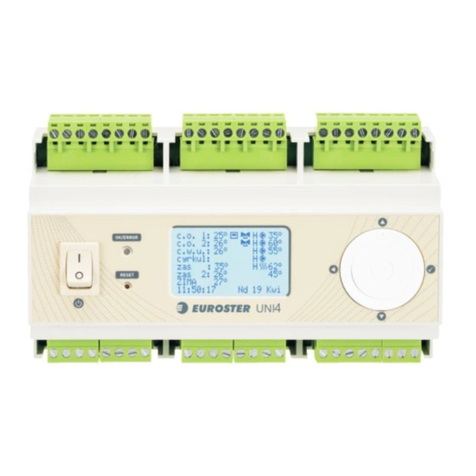
The controller is operated by means of a knob with a button. Use the power switch to turn the
controller on. Once the controller is switched on, a main information window is displayed and
an anti–stop system is activated for 15 seconds (AS sign is displayed). Press the knob to
enter the menu. Turn the knob to select the subsequent menu items. Press the knob to select
the required item. Proceed the same way to change the parameters. Exit the menu using the
"Exit" message or by pressing the knob longer (for approximately 3 seconds).
6. Configuration of the controller and restoring factory settings
In order to configure the controller outputs or restore factory settings, perform the following
steps:
keep the knob pressed and turn the controller off and on. A "Factory settings"
configuration window will be displayed
if you want to restore factory settings, set YES for "RESET" parameter
select language of the menu
select operation mode for output No. 1
select operation mode for output No. 2
select operation mode for output No. 3
For each of the outputs, the following operation modes are selectable: Off/ CH/ DHW/
Circulation/ Thermostat/ Floor/ Temporary operation/ Blower/
store the changes by confirming the "STORAGE/Exit" parameter
Caution! Reset does not delete the controller configuration, menu language, date, and time.
7. Description of the menu parameters
Depending on the type of the heating system, each controller should be set up individually,
according to the individual needs.
Caution! It is recommended to restore factory settings before configuring a new controller.
a. For detailed description of the selected operation modes, see point 8.
b. Manual operation
It enables the connected devices to be switched on manually. The test lasts until
leaving the menu.
c. Heating season
It enables switching off the central heating and floor heating zones beyond the heating
season (SUMMER).
Caution! DHW, Circulation, Thermostat, Time-based operation and Blower modes
operate continuously regardless of the selected heating season.
d. Date and Time
These windows enable to enter current date and time. Please remember that only
correct settings enable the proper operation of the schedules and controlling
algorithms.
e. Temperature reading correction
This is a value added to or subtracted from the measured temperature value.
It enables a manual correction of the temperature reading for each temperature
sensor
in the range of +/-5°C.