Helios FM 20/100 W, user manual– 12/2011
Page 2
Head Office : Parc d’activites Kennedy - 20, avenue Neil Armstrong – F-33700 Bordeaux-Merignac (France)
Tel
+33
(0)5
57
928
928
–
Fax
+33
(0)5
57
92
8
929
–
www.ecreso.com – [email protected] TABLE OF CONTENTS
1. INTRODUCTION ................................................................................................................................. 4
1.1.About Ecreso.............................................................................................................................. 4
1.2.Before you start .......................................................................................................................... 5
2. DESCRIPTION .................................................................................................................................... 6
2.1.General description .................................................................................................................... 6
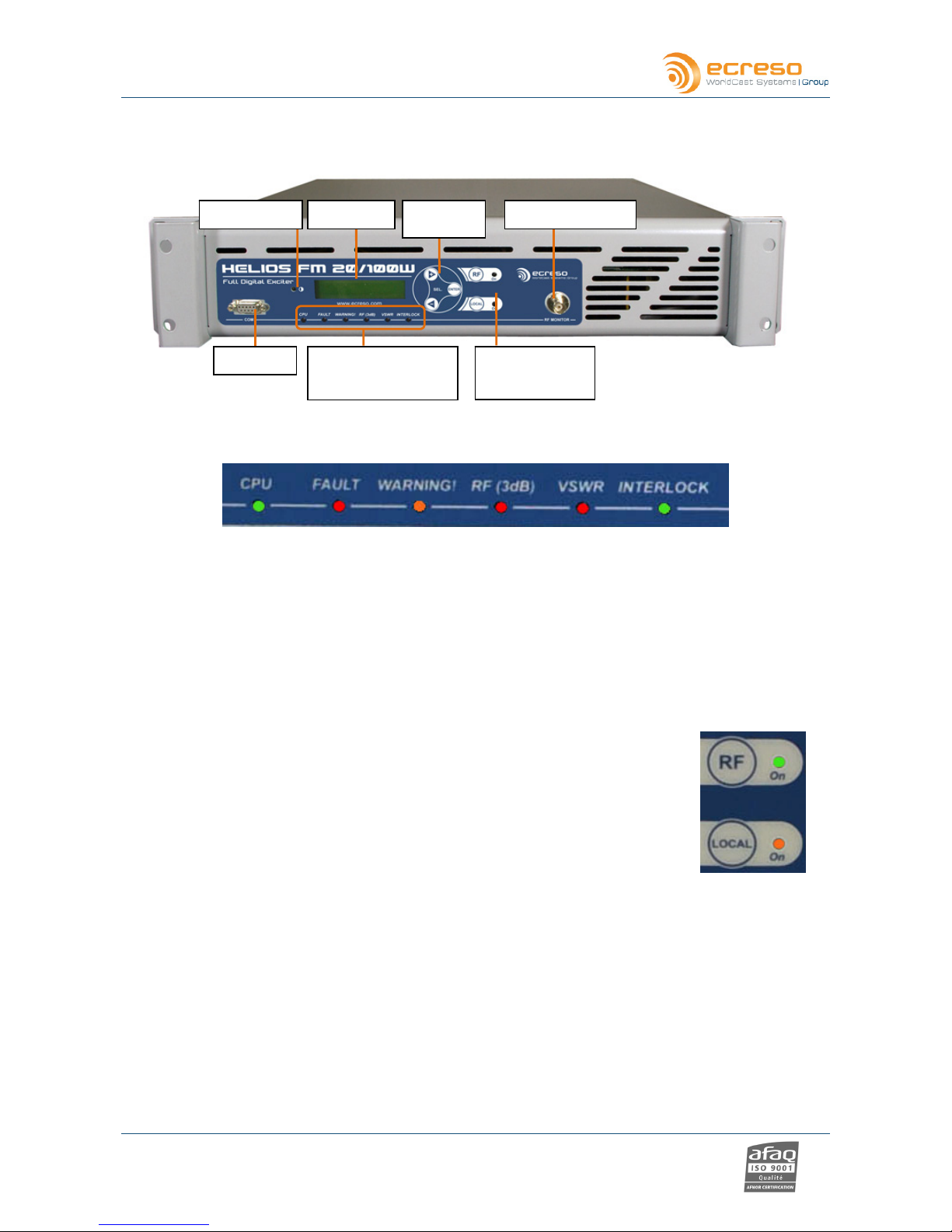
2.2.Helios FM 20/100 W Description................................................................................................ 7
2.2.1.Front panel ............................................................................................................................ 7
2.2.2.Rear panel............................................................................................................................. 8
2.2.3.Opened cover........................................................................................................................ 9
2.2.4.Synoptic............................................................................................................................... 10
2.2.5.2U Rack............................................................................................................................... 11
3. TECHNICAL SPECIFICATIONS....................................................................................................... 12
3.1.RF section ................................................................................................................................ 12
3.2.Composite operation ................................................................................................................ 12
3.3.Stereo operation....................................................................................................................... 12
3.4.Mono operation ........................................................................................................................ 12
3.5.AF inputs .................................................................................................................................. 13
3.6.HF output.................................................................................................................................. 13
3.7.Power supply............................................................................................................................ 13
3.8.Interface panel.......................................................................................................................... 14
3.9.Environmental .......................................................................................................................... 14
3.10.Physical .................................................................................................................................... 14
3.11.Miscellaneous........................................................................................................................... 14
4. STARTING UP YOUR TRANSMITTER............................................................................................ 15
4.1.Connecting the transmitter ....................................................................................................... 15
4.2.Setting the transmitter .............................................................................................................. 16
4.3.Input selection .......................................................................................................................... 17
4.4.Setting the MPX inputs............................................................................................................. 17
4.5.MPX configuration .................................................................................................................... 17
4.6.Setting the analog or AES inputs ............................................................................................. 17
4.7.Getting on air............................................................................................................................ 17
5. FRONT SCREEN USE...................................................................................................................... 18
5.1.Overview................................................................................................................................... 18
5.2.Working principe....................................................................................................................... 18
5.3.Structure of the menus............................................................................................................. 20
5.3.1.First level measurements.................................................................................................... 20
5.3.2.First level menus ................................................................................................................. 21
5.3.3.TX PARAMETERS Menu.................................................................................................... 22
5.3.4.ALARMS Menu.................................................................................................................... 22
5.3.5.INPUT SELECT Menu ........................................................................................................ 23
5.3.6.INPUT SWITCH Menu ........................................................................................................ 24
5.3.7.LINE1 Menu ........................................................................................................................ 25
5.3.8.MPX in Menu....................................................................................................................... 26
5.3.9.Audio Gene Menu ............................................................................................................... 27
5.3.10.Modulation Menu................................................................................................................. 28
5.3.11.Stereo encoder Menu.......................................................................................................... 29
5.3.12.RDS Menu........................................................................................................................... 30
5.3.13.Network Menu ..................................................................................................................... 31