
Compex SAS2224B 1A Manual de usuario

Quick Install Guide
Compex 24-Port + 1
Expansion Slot Switch
SAS2224B 1A
SAS2224B 6A (RoHS compliant)
Version 1.1

This page is intentionally left blank

CONTENTS
1. Introduction........................................................................................ 1
1.1. Packaging Content .................................................................... 2
1.2. Overall Procedures..................................................................... 2
2. Hardware Installation......................................................................... 3
2.1. Desktop installation................................................................... 3
2.2. Rack installation ........................................................................ 4
2.3. Module Installation ................................................................... 5
2.4. Operating Systems Compatibilities for the usage of Keyboard
Arrow Key .................................................................................. 6
3. Hyper Terminal Configuration .......................................................... 7
4. Configure Compex SAS2224B using Hyper Terminal .......................9
4.1. Port Configuration..................................................................... 9
4.2. Port Trunking ...........................................................................11
4.3. Global Configuration ............................................................... 12
4.4. Quality of Service..................................................................... 13
4.5. Port Tagging Control .............................................................. 14
4.6. VLAN Global Control.............................................................. 15
4.7. VLAN Member Setup.............................................................. 17
5. Monitor your Compex SAS2224B via Hyper Terminal .................... 19
5.1. Overview .................................................................................. 19
5.2. Port Status................................................................................ 20
5.3. Diagnostics .............................................................................. 20
5.4. Changing your Password......................................................... 21

5.4.1 Forget your Password ................................................. 21
5.5. Save your Configuration .......................................................... 21
5.6. Load Factory Default Setting .................................................. 21
Appendix I Panel Views and Descriptions .................................... 22
Appendix II Specifications.............................................................. 25
Technical Support in English version................................................. TS-1
Warranty Card in English version ............................................................. I

English Compex 24-Port + 1 Expansion Slot Switch
SAS2224B
1
Quick Install Guide
Compex 24-Port + 1 Expansion Slot Switch
SAS2224B
1. Introduction
Figure 1.1 Compex SAS2224B
Compex SAS2224B is a Fast Ethernet switch that provides 24 10/100Mbps ports capable of
delivering full/half duplex transmission with flow control. SAS2224B provides an expandable
slot using 100Mbps fiber optic module. Advanced features like Virtual LANs and port priority
are configurable through the console port. SAS2224B also allows network administrators to
control the traffic bandwidth of each port on the switch. With full auto negotiation function for
the switch operational mode, coupled with large switching backplane capacity, the Compex
SAS2224B is the cost-effective solution for expanding your network.

2 Compex 24-Port + 1 Expansion Slot Switch
SAS2224B
English
1.1. Packaging Content
Thank you for purchasing Compex SAS2224B. You will find the following items in the
package:
1 x Power Cord 3 x Quick Install Guide
with warranty card in
different languages
1 x Compex SAS2224B unit
1 x RS232 straight
console cable
6 x screws 2 x brackets
1.2. Overall Procedures
Here are some of the basic steps to guide you along:
1. Hardware setup
Please refer to Section 2 “Hardware Installation”.
2. Configure Hyper Terminal
Please refer to Section 3 “Hyper Terminal Configuration”.
3. Configure your Compex SAS2224B
Please refer to Section 4 “Configure Compex SAS2224B using Hyper
Terminal”.

English Compex 24-Port + 1 Expansion Slot Switch
SAS2224B
3
2. Hardware Installation
Compex SAS2224B can be installed as a desktop unit or mounted on a 19-inch rack. Detailed
installation process will be listed as shown.
2.1. Desktop installation
Insert one end of RJ45 network cable to any
p
ort of Compex SAS2224B and the othe
r
end to your PC.
Insert the power cord to the socke
t
located at the back of Compex
SAS2224B and the other end to the
power point.
Check that the Power LED at the fron
t
panel of Compex SAS2224B has lighte
d
up. The unit is now ready to use.
Insert one end of RS232 straight console
cable to the console port of Compex
SAS2224B and the other end to your PC.

4 Compex 24-Port + 1 Expansion Slot Switch
SAS2224B
English
2.2. Rack installation
Secure brackets to the holes located at bot
h
sides of Compex SAS2224B. Fasten it wit
h
the screws provided in the packaging.
Align the brackets holes with the
rack holes and fasten both brackets
to the rack.
Insert one end of RJ45 network cable to any
p
ort of Compex SAS2224B and the othe
r
end to your PC.
Insert the power cord to the socke
t
located at the back of Compex
SAS2224B and the other end to the
power point.
Check that the Power LED at the
front panel of Compex SAS2224B has
lighted up. The unit is now ready to
use.
Insert one end of RS232 straight console
cable to the console port of Compex
SAS2224B and the other end to your PC.

English Compex 24-Port + 1 Expansion Slot Switch
SAS2224B
5
NOTE
Please allow at least 4 inches of clearance on the front and back of the switch for
proper ventilation. This is especially important for enclosed rack installation.
2.3. Module Installation
A series of optional expansion modules are available for Compex SAS2224B. You need
to install the modules before turning on Compex SAS2224B. Please refer to
“Specifications” for the types of optional modules to be used.
Power off Compex SAS2224B,
unscrew and remove the metal plate
from the expansion slot.
Insert the module carefully into the
expansion module window an
d
p
ush it along the rail until it is
firmly inserted into the connecto
r
of the PCB board of Compex
SAS2224B. Tighten the screws o
n
the module.

6 Compex 24-Port + 1 Expansion Slot Switch
SAS2224B
English
NOTE
The expansion module is sold separately. Please refer to www.compex.com.sg or
www.cpx.com for more details.
To remove the expansion module, simply power off your Compex SAS2224B, draw out the
expansion module from the expansion slot and place back the metal plate to cover the slot.
2.4. Operating Systems Compatibilities for the usage of Keyboard Arrow
Key
Compex SAS2224B is specially designed with the support of two arrow key sets to
manipulate the selection in the console interface.
The table below illustrates the types of operating systems using different types of
function keys in your keyboard.
Windows 95, 98, 98SE, XP,
ME or 2000 Windows 2000 with SP 1
←→↑↓
J L I M J L I M
If you are using Windows 2000 Hyper Terminal Program, ensure that you have installed
Windows 2000 Service Pack 2 or higher. With Windows 2000 Service Pack 2, the
arrow keys will function properly in the Hyper Terminal’s VT100 emulation.
Este manual sirve para los siguientes modelos
1
Tabla de contenidos
Otros manuales de Cambiar de Compex

Compex
Compex Runner Manual de usuario

Compex
Compex PS2216 Manual de usuario

Compex
Compex SGX3226 Manual de usuario

Compex
Compex ReadyLINK DS2216 Manual de usuario

Compex
Compex PS2208A Manual de usuario

Compex
Compex SGX3226 Manual de usuario

Compex
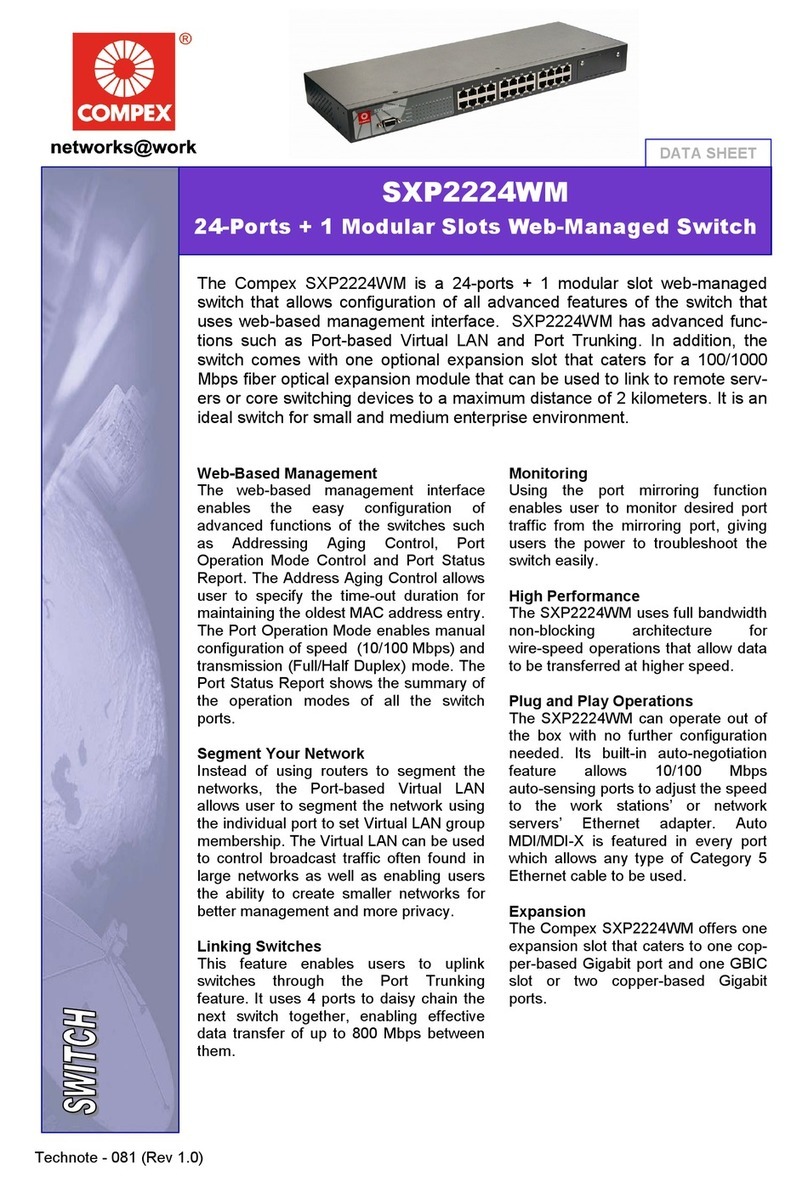
Compex SXP2224WM Manual de usuario
Compex
Compex SXP2224WM Manual de usuario

Compex
Compex MicroHub TP1006C Manual de usuario

Compex
Compex ReadyLink PS2208B Manual de usuario


