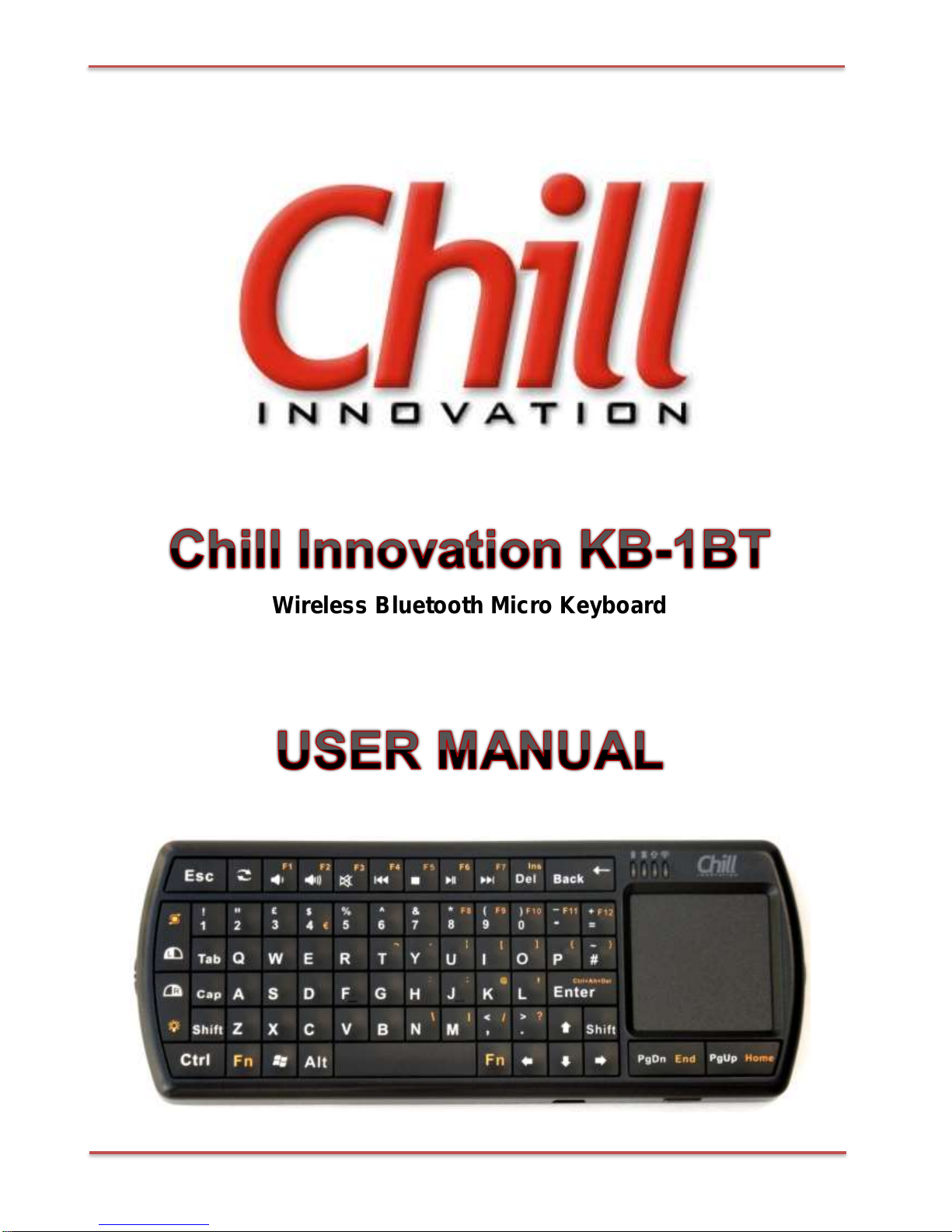
Chill Innovation Wireless Bluetooth Micro Keyboard English User Manual
Version 1.3 2 / 23
CONTENTS
1. WELCOME.................................................................................................................3
2. PRODUCT DESCRIPTION.........................................................................................3
3. PRODUCT PACKAGE ...............................................................................................3
4. OVERVIEW ................................................................................................................4
5. HARDWARE INSTALLATION....................................................................................5
5.1. Connecting your keyboard ...............................................................................5
5.2. Charging the battery.........................................................................................6
6. DRIVER INSTALLATION AND USE...........................................................................7
6.1. Microsoft Windows Mobile OS .........................................................................7
6.2. Google Android OS........................................................................................10
6.3. Nokia Symbian OS.........................................................................................12
6.4. Windows OS with IVT Bluetooth stack...........................................................13
6.5. Windows OS with Broadcom Bluetooth stack ................................................14
6.6. Windows 8......................................................................................................15
6.7. Linux OS........................................................................................................16
6.8. iPhone & iPad with iOS 4.0+..........................................................................17
7. USING YOUR KEYBOARD......................................................................................19
7.1. LED indicators................................................................................................19
7.2. Power On / Off ...............................................................................................19
7.3. Using the Function keys (Fn) .........................................................................20
7.4. Using the media control keys.........................................................................20
7.5. Multi-Touch Touchpad (Bluetooth 3.0 only) ....................................................20
7.6. LED Flashlight................................................................................................20
7.7. Backlight ........................................................................................................21
7.8. Power saving..................................................................................................21
7.9. Function of Combo Keys................................................................................21
8. TIPS AND TROUBLESHOOTING............................................................................21
9. IMPORTANT NOTES ...............................................................................................22
9.1. Hardware Compatibility Disclaimer ................................................................22
9.2. FCC statement...............................................................................................22
9.3. CE..................................................................................................................22
10. APPENDIX SPECIFICATIONS.................................................................................23