Copyright © 2020 Wavesplitter AV Technology |Wavesplitter .com
TEL:1-510-0651-7800 MAIL:sales@wavesplitter.com
Introduction
WST-PMX001 is a multi-port solution for distributing content from multiple sources to two displays in a variety of configurations.
Supporting HDMI 2.0 18G signals, this matrix allows for the transmission of clear 4K Ultra HD 60Hz resolutions, while additional support for High
Dynamic Range ensures video content can be seen with enhanced brightness, greater contrasts and a much wider colour gamut.
As well as HDMI audio pass-through, a 3.5mm audio port allows for a separate connection of both analogue speaker systems, and optical audio
devices such as soundbars and amplifiers, for creating immersive audio experiences to compliment the video on screen.
This matrix can be switched by multiple ways , such as push button switching on the unit, and the included remote control , furthermore, the
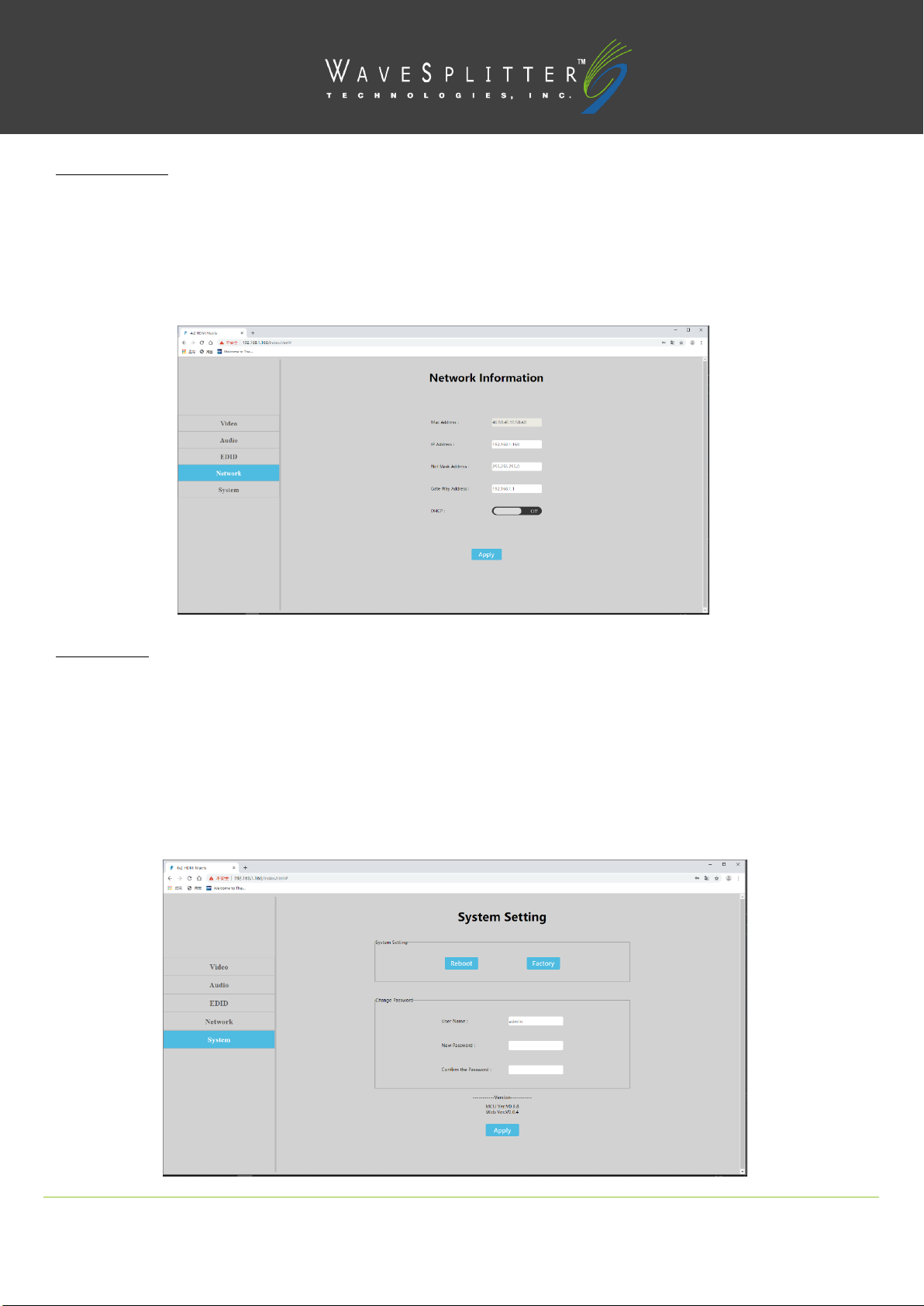
WedGUI control provide remote configuration and operation, and command control can be compatible with other environment control system.
Key Feature
Support max Resolution up to 4K@60Hz 4:4:4, bandwidth up to 18Gbps.
HDCP 2.2 / HDCP1.4 compliant.
Support panel button, IR remote,WebGUI, Command control.
Support Firmware update.
Support SPDIF out / Analog audio 2.0 extraction
Support Audio format LPCM7.1 / 24-bit / 96khz,Dolby Atmos and DTS-X
Support Dolby Vision / HDR10
Support 3D,deep color max 12bit
Support CEC and ARC
Support EDID Management (Mixed EDID, Copy EDID, Build-in EDID)
Can be controlled by other environment control system via command.
Package Content
4x2 Matrix x 1 | 5V/1A Multi-Country Power Adapter x 1 | Brackets x 1 |Remote Controller x 1
Panel Description
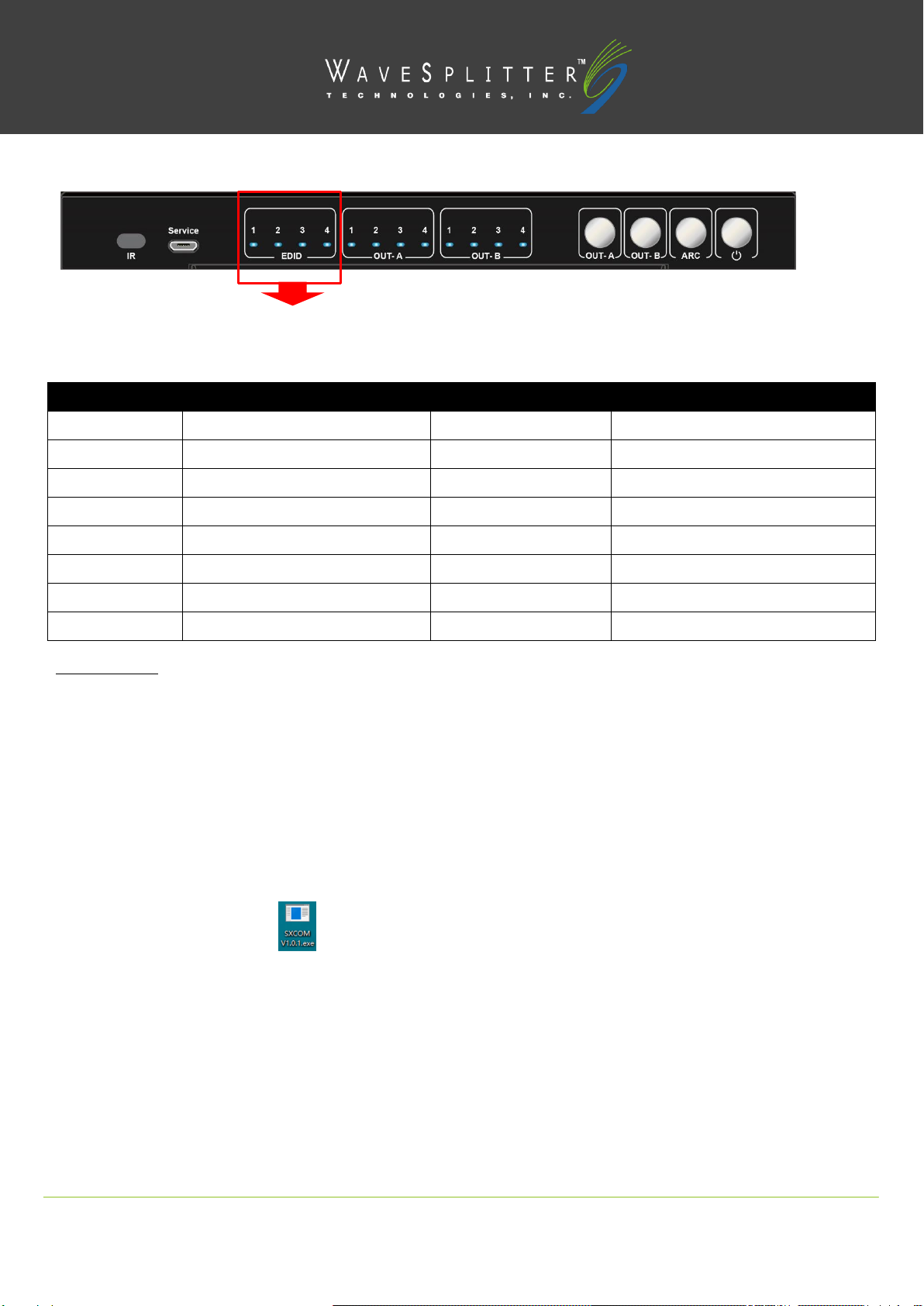
FRONT PANEL
1. IR receive window
2. Micro USB port for upgrade firmware
3. Indicator of EDID management
4. Indicator of input1/2/3/4 for OUT-A, or indicator (flickering) of EDID for input1/2/3/4 when in EDID modification mode.
5. Indicator of input1/2/3/4 for OUT-B
6. HDMI OUT-A button,short press to choose input1/2/3/4 (Long press 3s to enter/exit EDID mode, short press choose to modify EDID when
in EDID mode)
7. HDMI OUT-B button, short press to choose input1/2/3/4 (short press to choose input1/2/3/4 to modify EDID when in EDID mode)