18 | SIA-025 Mk.II Owner’s manual
3. OPERATION3. OPERATION
The elements in the menu The elements in the menu
You can modify the settings of your SIA-025 Mk.II by entering the menu and selecting
the options you require. Refer to the menu structure diagram on page 21 for specific
information.
The sub-menus are highlighted in different colours.
CLASS, DATA, AutoStb, RESET, V.INIT, LOGO, BRIGHT and INPUTS.
See chapter 7 for options on modifying settings.
SETUP
Change the settings of the SIA-025.
CLASS
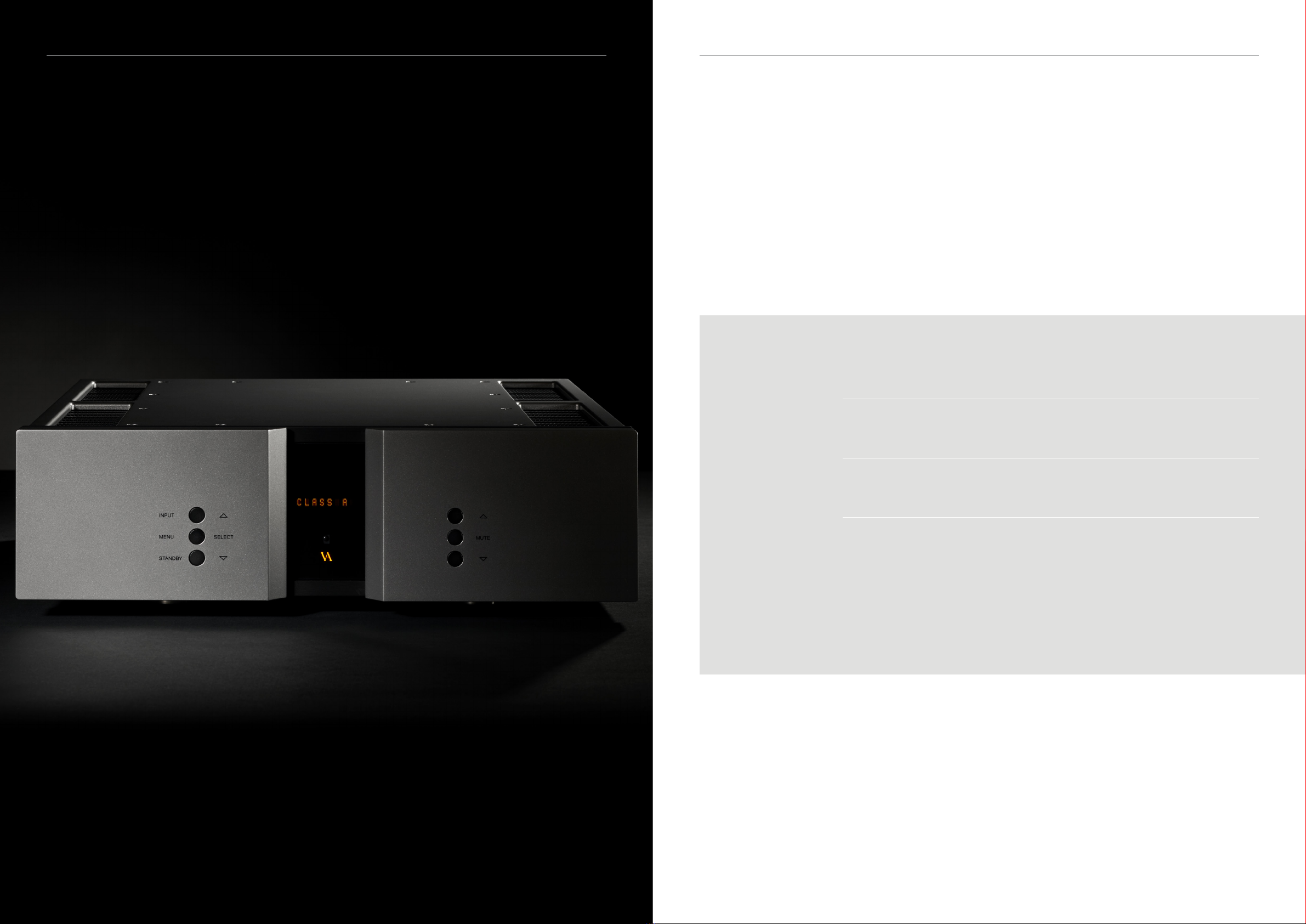
The SIA-025 can operate as a Class A or Class AB amplier.
DATA
Shows information about this SIA-025.
AutoStb
Choose if the product should automatically enter standby mode after
the buttons on the remote or on the front of the unit haven’t been
used for X minutes.
RESET
Restore the settings of the SIA-025 to its default settings.
V.INIT
Change settings for the initial volume step of the SIA-025.
The SIA-025 has a default volume step of -40 dB. You can set the
volume step to a step between -81 dB and +11dB.
This step will be the new default volume step.
The unit will still start up in the new volume step after the power
cord has been disconnected.
LOGO
Turn ON/OFF the VA logo on the front panel
BRIGHT
Change the brightness of the display to 0, 1, 2 or 3.
INPUTS
Change settings for each input.
INPUT (1-5)
The SIA-025 has 5 inputs.
The settings of each individual input can be adjusted in the menu.
The input selection is automatically updated every time you leave
the menu and proceed into normal operation mode.
It is also updated every time you change the input, either by
remote or by the input button on the front of the unit. Each time
you initialise the SIA-025, the most recently saved setting is
restored.
ADJUST
Adjust the xed dB step to any step between -81 dB and +11dB. This
function is only available when FIX ON is selected.
SET FIX
Lock and unlock the volume on a specied input by switching
between FIX ON/FIX OFF.
This feature can be used to congure a home theater bypass input,
if the amplier is used with a surround processor. Input X is now
locked to the SET FIX dB step and can’t be adjusted with the volume
control.
OFFSET
Oset volume setting.
Dierent sources often have dierent output voltages. This has
a direct inuence on the typical volume level that is needed for a
specic sound level, hence changing between sources can result in
a high sound level dierence. To accommodate easy operation, we
have included an oset volume in our ampliers – it simply osets
the volume starting point at a specic volume to match the source.
The oset-value can be set from -12 dB to +12 dB.
SENS
Devices can have dierences in output level. You can adjust the
sensitivity of each input between ≤ 2 Vrms, ≤ 4 Vrms, ≤ 8 Vrms to
minimize these dierences and to prevent clipping of the input.
The sensitivity level needs to be higher than the input level.
TEXT
Lets you change the name of a specied input.
By default the inputs are named input 1, input 2, etc. A list of
predened input names can be found in the text-menu. If the name
of your device is not on the list, you can choose to make your own
device name.
USED
Activates or disactivates specied inputs.
If you only use some of the inputs, it is possible to disable the
inputs that are not used. Using the “Input” button, the system skips
the disabled inputs, and jumps to the next used input.
SIA-025 Mk.II Owner’s manual | 19