
ViewZ VZ-PRO-ST Series Manual de usuario
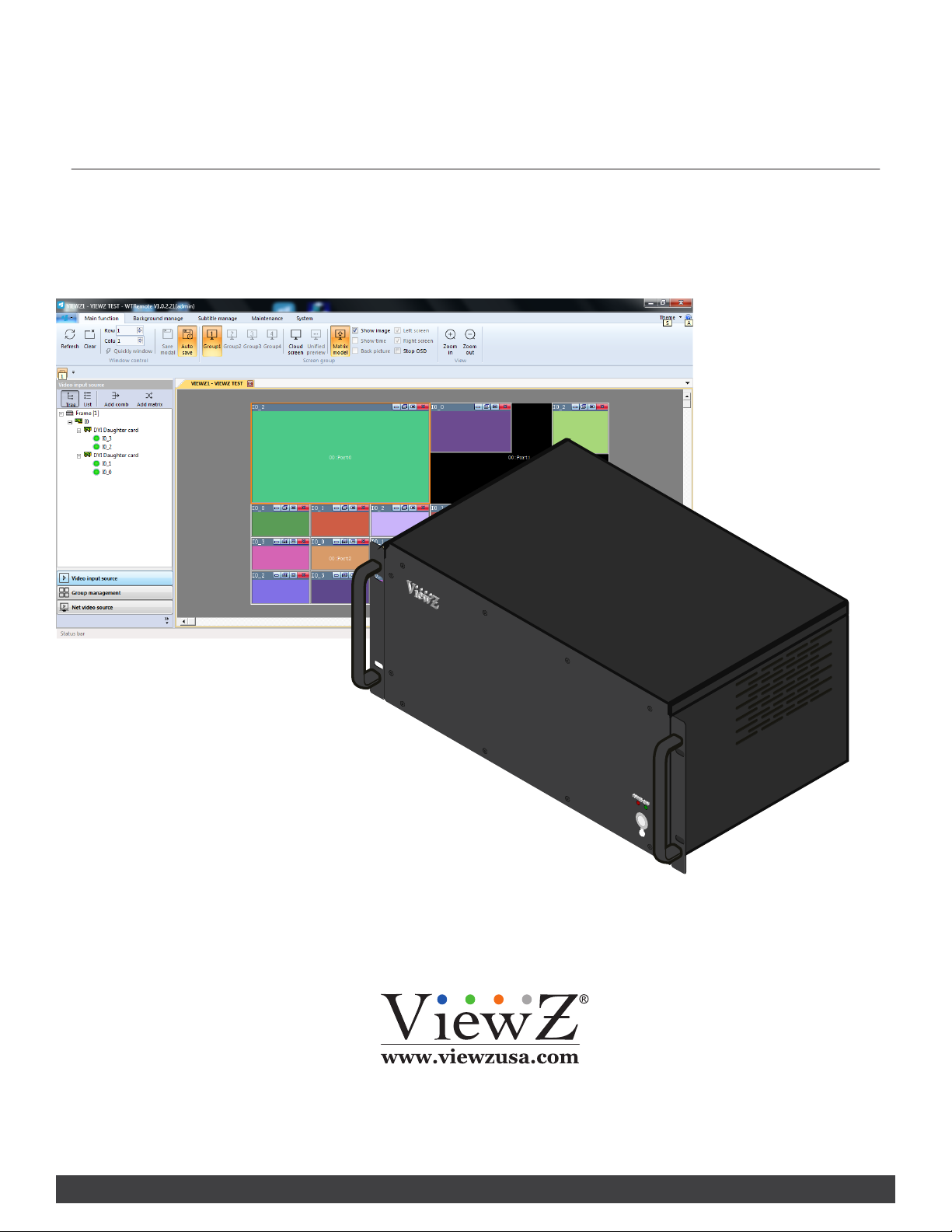
USER MANUAL
Please read this manual thoroughly before use, and keep it handy for future reference.
V IDEO WA LL CONTROLLER SETUP & OPERATION
VZ-PRO-ST SERIES

2User ManualVisit the ViewZ USA website at https://www.viewzusa.com
CONTENTS
Safety Instrucon
Installaon
Setup
Trouble Shoong
Warranty
1. Mark Indicaon & Substance
1. Package & Features
1. Connecon between Videowall Controller and Control Soware
2. Synchroize Videowall Monitors with Control Soware
3. Control Soware Operaon
2. Warning
2. Interface
3. Cauon
4. Operaonal Temperature & Humidity
3
6
13
15
18
61
63
4
6
4
10
5
5
12
.......................................................................................................................................................................................
.......................................................................................................................................................................................................
.............................................................................
...................................................................................................
.............................................................................................................................................................
..........................................................................................................................................................................................
........................................................................................................................................................................................................
.......................................................................................................................................................
.......................................................................................................................................................................
................................................................................................................................................................................................
................................................................................................................................................................................................
..................................................................................................................................................................................................
.....................................................................................................................................
..................................................................................................................................................................................................................

3User Manual Visit the ViewZ USA website at https://www.viewzusa.com
1. Read all warnings and manuals before operaon.
2. Follow all instrucons to ensure longevity of product.
3. Do not place the VZ-PRO Controller near water.
4. Clean only with non-stac electronic dry cloth.
5. Do not block any venlaon openings. Install in accordance with the manufacturer’s instrucons.
6. Do not install near any heat sources such as radiators, heat registers, stoves, or other heat generang devices.
7. Do not override the safety purpose of the polarized or grounding-type plug.
8. A polarized plug has two blades with one wider than the other.
9. A grounding type plug has two blades and a third grounding prong.
10. The wide blade and the third prong are provided for your safety.
11. If the provided plug does not t into your outlet, consult with electrician for replacement of the outlet.
12. Protect the power cord from being walked on or pinched parcularly at plugs, convenience receptacles and the
point where it connects to the monitor.
13. Only use aachment/accessories specied by the manufacturer.
14. Use only with the cart, stand, tripod, bracket or table specied by the manufacturer or sold with the monitor.
When a cart is used, use cauon when moving the cart & monitor in combinaon to avoid injuries.
15. Unplug the VZ-PRO Controller during lightning storms or when unused for long periods of me.
16. Refer all servicing to qualied service personnel. Servicing is required when the VZ-PRO Controller has been
damaged in any way.
The monitor shall not be exposed to dripping or splashing and objects containing liquids, such as vases
shall not be placed near the monitor.
The VZ-PRO Controller should be installed with enough distance (e.g. 10cm) from the wall for sucient
venlaon.
Important Safety Instruction
SAFETY INSTRUCTION

4User ManualVisit the ViewZ USA website at https://www.viewzusa.com
This symbol is intended to alert the user to the presence of uninsulated & dangerous voltage
within the monitor’s enclosure that may be of sucient magnitude to constute a risk of
electric shock to persons.
This symbol is intended to alert the user to the presence of important operang and
maintenance (servicing) instrucons in the literature accompanying the monitor.
Important Safety Instruction
Mark Indication and Substance
Warning
SAFETY INSTRUCTION
CAUTION : TO REDUCE THE RISK OF ELECTRICAL SHOCK,
DO NOT REMOVE COVER (OR BACK). NO USER
SERVICEABLE PARTS INSIDE. REFER SERVICING TO
QUALIFIED SERVICE PERSONNEL
• Do not use damaged or loose cables and plug.
• Do not pull the plug out by the wire nor touch the plug with wet hands.
• Use only a properly grounded plug and receptacle.
• Do not connect too many extension cords or plugs to one outlet.
• Do not excessively bend the plug and wire.
• Do not disconnect the power cord while it's sll plugged into the monitor.
• Do not place any heavy objects on the power cord. Damage to the cord may cause shock or re.
• Never open the monitor. There are no user-serviceable parts inside and opening will void warranty.
• Removing covers may expose you to dangerous shock hazards or other risks.
• Keep any heang devices away from the power cable and VZ-PRO Controller.
• Do not place the VZ-PRO controller near water.
• Do not insert objects of any kind into the monitor's open slots, as they may touch dangerous voltage points.
• Please follow the laws and regulaons of your municipality to dispose the VZ-PRO Controller properly.
• Do not use the monitor in high temperature, humid, dusty or oily areas.
• Do not install the monitor where it will be exposed to connual vibraon.
• Keep the plasc packaging out of children’s reach.
• If any damage is detected upon rst opening the box, contact agency from which you bought the VZ-PRO
Controller directly.
• If the VZ-PRO Controller does not operate normally – in parcular, if there is any unusual sound or smell coming
from the VZ-PRO Controller – unplug it immediately and contact an authorized dealer or the service center.

5User Manual Visit the ViewZ USA website at https://www.viewzusa.com
Important Safety Instruction
Caution
Caution - Equipment Grounding Requirements
Available Temperature & Humidity
SAFETY INSTRUCTION
• If the connector between the plug and the pin is dusty or dirty, clean it properly using a dry cloth.
• Make sure to unplug the power cord before cleaning the VZ-PRO Controller.
• Do not drop the VZ-PRO Controller when moving it.
• Place the VZ-PRO Controller in a locaon with low humidity and minimum dust.
• Do not place the monitor on an unstable or small surface area.
• Disconnect the plug from the outlet during storms or lightning or if it has not been used for a long me.
• Do not try to move the VZ-PRO Controller by pulling on the power cord.
• Do not cover the vents on the VZ-PRO controller.
• When moving the VZ-PRO Controller, turn o and unplug the power cord. Make sure that all cables, including
HDMI cable and cables connected to other devices, are disconnected before moving it.
• Place the VZ-PRO Controller out of children’s reach, as they could damage it by hanging onto it.
• Make sure that the power supply and chassis of the spliced processor (here in aer, referred to as the
equipment) are well grounded.
• Make sure the power supply and housing of the large screen connected to the device are well grounded.
• Port damage due to the Non-grounded or improper grounded equipment, the videowall monitor (or large
screen) and videowall controller will not be covered by warranty.
• Operang Temperature : 32°F ~ 122°F / -30°C ~ 50°C
• Operang Humidity : 5 ~ 95% RH

6User ManualVisit the ViewZ USA website at https://www.viewzusa.com
V.1.9.
The following tools may be required depending on your installaon.
Your ViewZ PRO series is shipped with all proper installaon hardware and components. If there are parts missing
and/or damaged, please stop the installaon and contact ViewZ USA at (888)-998-4399.
Electronic Stud Finder Protecve Eye-wearPencil Level Phillips Screwdriver
Assembly Components - provided
Installation Tools
VZ-PRO-ST Controller (Qty 1) 110V Power Cable (Qty 1) Soware CD (Qty 1)
includes User Manual
INSTALLATION

7User Manual Visit the ViewZ USA website at https://www.viewzusa.com
1. Hardware Specicaon on local videowall control PC
2. Processor: Intel i3 4th Gen. or Higher | RAM: DDR4 8G or Higher
HDD: SSD 128/256GB or Higher
Network: General TCP/IP network with Gigabit LAN
3. OS Specicaon
- OS: Windows 7 or later
The media contents (images & videos) will not be saved into the local videowall controll PC or VZ-PRO-ST
Controller.
Local Videowall Control PC H/W Requirement
SYSTEM REQUIREMENTS
Caution

8User ManualVisit the ViewZ USA website at https://www.viewzusa.com
BASIC FEATURES
VZ-PRO Architecture
Video Interface Signals
1. The designed FPGA system provides stable image processing
capabilies for 24/7 operaon.
2. The VZ-PRO Controller adopts a modular design, which can be
exibly matched with a variety of input and output cards, which
can be upgraded, expanded, and maintained;
1. The standard VZ-PRO Controller comes with HDMI input & output cards to accept upto 1080p resoluon.
Oponal 4K HDMI, DVI, SDI, VGA and IP decoder card are available at factory opon. Please refer to page 11 for
details.

9User Manual Visit the ViewZ USA website at https://www.viewzusa.com
Video Wall Functions
Other Functions
BASIC FEATURES
1. Achieve display funcons of mulple signal sources on the wall, splicing, roaming, cross-screen, zoom-in, picture-
in-picture, pictureout-picture, screen overlay, etc.
2. Support all signals in the full screen range to open window roaming, superimposing, zooming, no window
posion, size, scale restricon.
3. Support single-screen with mul-window.
4. Support special eect subtle funcon, the font, color, size, scroll speed and direcon of subtles, background
color, background transparency can be exibly selected
5. Support ultra-high-resoluon stac pictures, pictures support mulple picture formats, support mul-window
stac layouts, quick and easy replacement, and make the big screen pictures more colorful
6. Support the presets (scene/layout) in advance & switching scene/layout based on the specic internval me.
7. Support mul-level user management, so each user can set dierent operaon permissions
1. Intelligent fan speed adjustment funcon, which can automacally adjust the fan speed according to equipment
conguraon and temperature condions in various areas to achieve green energy saving and environmental
protecon
2. Support output port mapping technology. There is no need for one-to-one correspondence between the
connecon cables between the VZ-PRO Controller and ViewZ videowall monitors. It is only necessary to ensure
a valid connecon. Port mapping sengs are completed in the control soware, which greatly simplies the
installaon process and shortens the installaon me.

10 User ManualVisit the ViewZ USA website at https://www.viewzusa.com
Interface Input Ports - PRO-ST
Power On - Connect All Cables
CONNECT EXTERNAL EQUIPMENTS
AC 100V ~ 240V 50/60Hz
e
q w
r t y u i o
1. HDMI OUT - Output for Videowall Monitors
2. HDMI IN - External Input Sources
3. ETHERNET 10/100 (RJ 45)
4. N / A
5. RS232 (RJ-45) IN - Serial Control / IR Receiver
6. N / A
7. USB 3.0 IN
8. USB 2.0 IN x 2 - Firmware Update
9. AC 100 - 240V IN
1. Connect a power from the Controller to the AC outlet.
2. Connect all of input source cables to the Controller.
3. Connect all of output cables to the videowall monitors.
4. Turn on the power of Controller.
Otros manuales para VZ-PRO-ST Series
1
Tabla de contenidos
Otros manuales de Controladores de ViewZ


