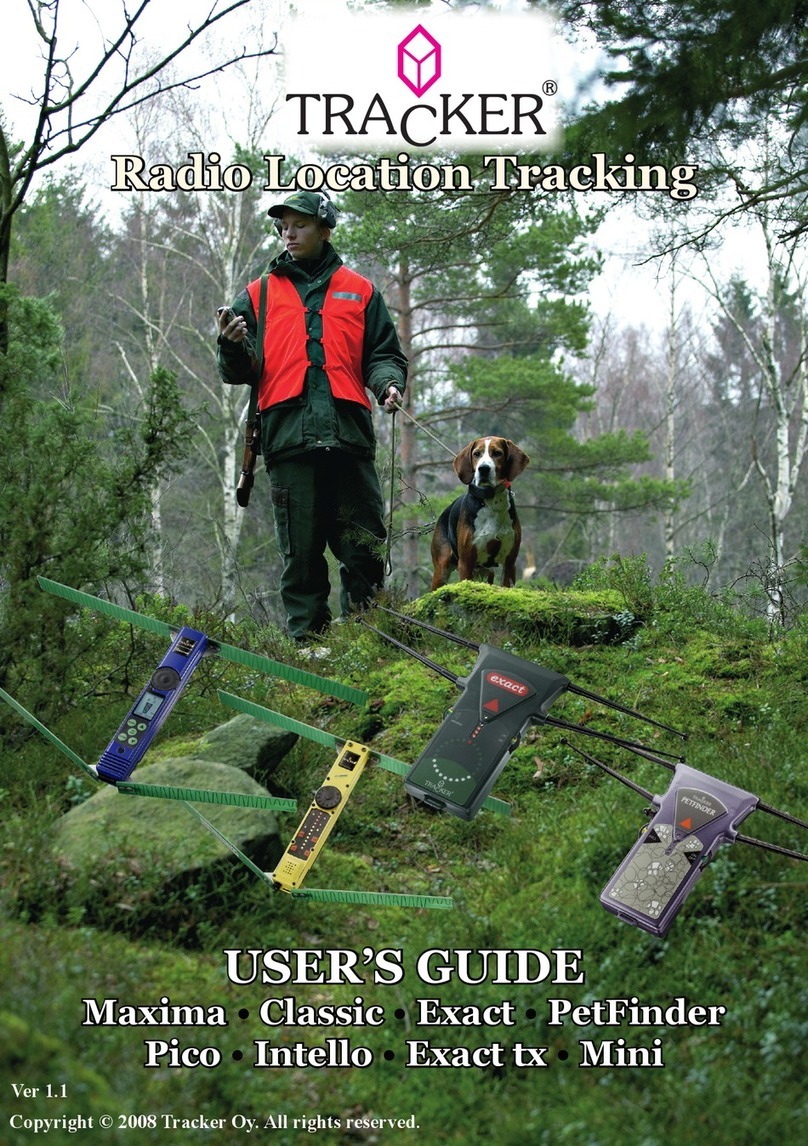
Tracker P200 Manual de usuario
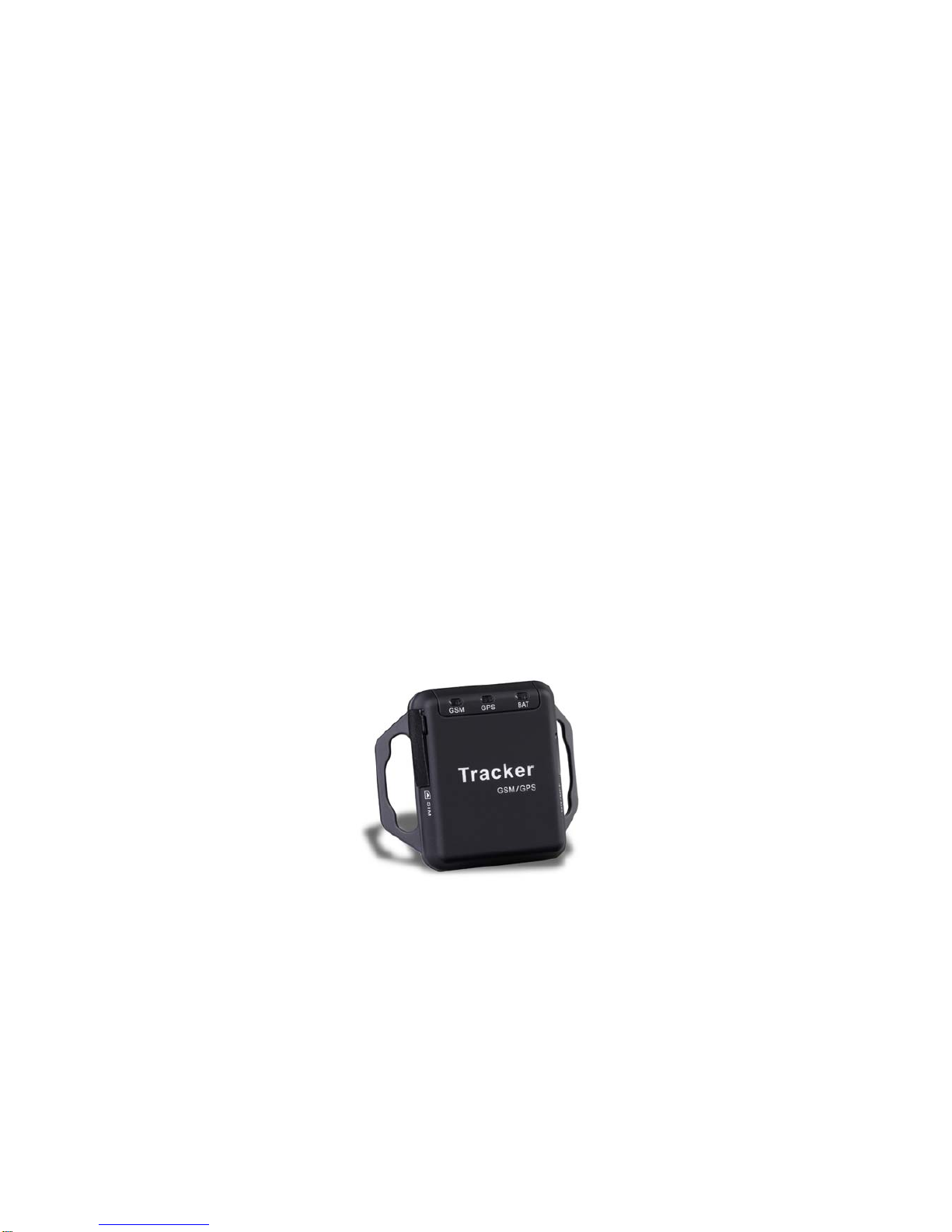
Tracker P200
GPS/ GSM/Indoor
User Guide

Content
USER GUIDE ……………………………………………………………………………1
1 INTRODUCTION………………………...………………………………………………..3
2 FEATURE …………………………………………………………………………………4
3 GET STARTED……………………………………………………………………….……5
(3.1)Accessories…………………………………………………………………………..6
(3.2) Charge Battery………………………………………………………………………6
(3.3) Buy SIM Card……………………………………………………………….……… 6
(3.4) Install SIM Card……………………………………………………………………...6
4 OPERATION………………………………………………………………………………..7
(4.1)Fast Startup operation……………………………………………………….……..7
(4.2)Authorized User/s setting……………………………………………...…………..7
(4.3) Usage…………………………………………………………………...……...…..8
5 DISPLAYING LOCATION……………………………………………………..…………10
6 SPECIFICATION………………………………………………………………………....11
7 FREQUENTLY ASKED QUESTIONS……………………………………………..…..12

1 Application & Introduction:
Transportation : Locating the trucks
Car : Locating the missing car
Child care: Tracking the lost child
Elderly care : Dementia sufferers’ and senior safety
Animal Tracking: Finding the missing pets location
Outdoor activities: Bike riding and hiking
P200 is a personal remote position device with build-in GPS and GSM/GPRS
modules. It is a small size, high accuracy remote location tracking device. Based on
GPS satellite , it provides accurate position information under dynamic conditions .
Personal remote position device transmit the longitude and latitude coordinate to
authorized cell phone.
You can use these features for protecting and searching car, boat, Pet ,children and
old persons. Further , you can use it as a security purpose and other purpose which
needs remote positioning such as asset protection and animal tracking.

2 Feature.
♦Build-in GPS personal locator.
♦GSM /SMS communication or GPRS TCP/UDP connection.
Support 850/900/1800/1900 MHZ.(Optional)
♦20 channels high sensitivity GPS Module
♦Compact size, and smaller than one name card. Easy to hide
♦Very Low power consumption, Standby time is more than 12 hours
♦Fast Signal Acquisition
♦Support single location tracking
♦Support location triggered by tracker
♦Support location triggered by authorized cell phone
♦Support alarm and remote monitor
♦Support quick dialing buttons for 4 preset phone numbers
♦Support check location by SMS and Internet
♦Locate the locator holder by the mobile phone via SMS
♦Geo-fencing to restrict movement to a defined radius.

3 Get Started
(3.1) Accessories
1. P200
2. AC adapter
3. Tool for inserting SIM card
SIM card slot
USB charge socket
Power ON/OFF
GSM indicate light GPS indicate light Power indicate light

(3.2) Charge Battery
◆The tracker is operated by its built-in and irreplaceable lithium polymer battery.
The FULLY charged battery can supply power for the tracker for about 24 hours( In
stand by mode)
◆Do not remove, puncture or damage the battery or throw the battery into fire or water.
The battery might burst , explode or release dangerous chemicals.
◆Before you can use the P200, you must FULLY charge the battery by AC adapter or
Cigarette car charger at least 3 hours under the power off condition.
◆Charge state indicate:
Red light is on, it indicates that it is in charging.
Red light is off, it indicates that it already completed to charge.
(3.3) Buy SIM card
Buy SIM card from local service provider.
(3.4) Install SIM card
◆Insert a Valid GSM SIM card into the “SIM Card” slot on the left of the tracker
•(Note: Use the given tool to push the SIM card into the slot and the SIM card will be
locked automatically.)

4_Operation
4.1. Fast Startup Operation
◆Place the tracker in an open area and press ON/OFF button for 3 seconds to power on
the tracker.
◆The tracker starts to work within 10 sec.~ 20 sec. and to receive the GSM signals. When
the tracker has GSM signals, the GSM indicator light will flash every 3 seconds. If there
is no GSM network, the GSM indicator light will bright 1 second and then shut off 0.5
second.
◆While GSM is connecting with the network, the GPS starts searching for satellite signals.
The GPS indicator light flahes every 2 seconds. When the GPS functions successfully,
the GPS indicator light is on.
◆When both GPS and GSM of the tracker work, you can use your mobile phone to dial to
the number of the tracker to locate it.
4.2. Authorized User/s Setting
After you purchase the tracker, you should set the authorized user/s immediately.
Method to set authorized user/s
a. Note that only four authorized users are allowed to set into the tracker. The codes of the
authorized users are SM1, SM2, SM3 and SM4 and they can be used according to your
own choose. This means the first authorized user can be SM1 or SM2 or SM3 or SM4.
b. The first user uses his mobile phone to send a SMS command to the tracker. He sends
a SMS “SM1:xxxxxxxxx,” to the tracker. For example, if the mobile phone number is
123 456 789, the SMS will be: “SM1:123456789,”. When the setup completes, the
tracker will reply in a SMS “SM1:123456789, Set OK!” to the user ‘s mobile phone,
otherwise, it will reply a SMS “SM1:123456789, Set Fail!”. Now he is the first
authorized user of the tracker.
***Please notice that the command must be write in capital and end with a comma ***
c. Only the first authorized user can add the second authorized user by sending a SMS

command to the tracker. For example, if the mobile phone number of the 2nd authorized
user is 444 555 666, then the SMS is “SM2:444555666, ” to the tracker. The first and
the second authorized users are now allowed to add the other authorized users. Repeat
the same SMS command to set up the other authorized users.
d. If a non-authorized user try to add an authorized user by SMS, the tracker will not reply
any message.
Method to delete the Authorized Users
a. All four authorized users are allowed to delete the users of the tracker. Send a SMS
“XXX(USER CODE):,” to the tracker. For example, if you want to delete authorized
user SM2, then send a SMS “SM2:,” to the tracker. When the deletion completes,
the tracker will reply a SMS “SM2:, Set OK!”, otherwise, it will send a SMS “SM2:, Set
Fail!”.
b. If a non-authorized user try to delete an authorized user, the tracker will not reply any
message.
【Hints】Make sure that the input of the mobile phone number are correct and the characters
of the SMS command must be capitalized.
4.3. Usage
•When the tracker is switched on, it will send a SMS “Power ON!” to all authorized users.
•When the battery is low, the tracker will send a SMS as below to all authorized users.
SMS content:
Low battery!Please charge!
Lat:22.654878
Long:114.049638
GPS:03 22
Batt:13%
http://www.tracker2map.com/m.php?a=0577627&b=1877800
4.3.1 Locate the tracker
The authorized user calls the tracker when it has GPS signal. It hangs off automatically
and send out a SMS with position and time to his mobile phone. For example:-
SMS content:
Lat:22.654878
Long:114.049638
GPS:03 22
Batt:50%
http://www.tracker2map.com/m.php?a=0577627&b=1877800

【Hints】If a non-authorized dial to the tracker, the tracker will not respond to it.
•If the tracker cannot receive any GPS signal, the tracker will send a SMS with the indoor
location information. For example:-
SMS content:
Indoor location!
GPS:0 15
Batt:53%
http://www.tracker2map.com/mi.php?m=15401:5533:991486:1914226
•To view the location of the tracker, the user can input the geographical information in the
website http://www.tracker2map.com
4.3.2 Warning function setting
•The authorized user can set a “safety zone” for his object. The minimum distance is 10
meters and the maximum distance is 5 kilometers. If the object moves outside this
designated safety zone, the tracker will send a warning to the user.
•Send a SMS command “SA**,” via mobile phone to the tracker to set the distance and
start the auto warning function. For example, if the user want to set a distance of 500
meters, the SMS command should be “SA500,”
•When the setting completes, the tracker will reply in SMS with “SA**, Set OK!”,
otherwise, it will reply in SMS with “SA**, Set Fail!”.
SMS content:
Move Warn Set OK!
Lat:22.654878
Long:114.049638
GPS:03 20
Batt:50%
http://www.tracker2map.com/m.php?a=0577627&b=1877800
•If a non-authorized person tries to set, the tracker will not reply any message.
•If no authorized user been set and someone send SMS to set, tracker will reply ”No
authorized number, Set Fail”
•When the tracker move out the safety zone, tracker will send a SMS to all authorized
user, for example:-
SMS content:
Warn!!! Out of fence!
Lat:22.5394
Long:114.0202
GPS:05 21
Batt:97%
http://www.tracker2map.com/m.php?a=991462&b=1914238

After 3 minutes later, tracker will send a current position again to all authorized user, for
example:-
SMS content:
Warn!!! Out of fence!
Lat:22.5394
Long:114.0202
GPS:05 20
Batt:94%
http://www.tracker2map.com/m.php?a=991462&b=1914238
【Hints】The default setting of the distance is empty.
5 Displaying location on map
5.1 download google earth software from http://earth.google.com/
5.2 Start the Google Earth software ( For more information about Google Earth software,
please refers to http://earth.google.com/ ) As following picture shows:
(Note : Pay attention to change the Position Data Format)
Or you can start the Internet Explorer and type “ http://maps.google.com” to connect to
Google Map website for displaying the location map.
5.3 Enter SMS location link in the Mobile Phone (Make sure your Mobile have visited WAP
Function) .
Tabla de contenidos
Otros manuales de GPS de Tracker