Page 9
Power Assistance Mode: short press to switch gears, C1-C3 gears, auto-assist strength and
speed gradually increase (C1<C2<C3), maximum speed 4.8KM/H.
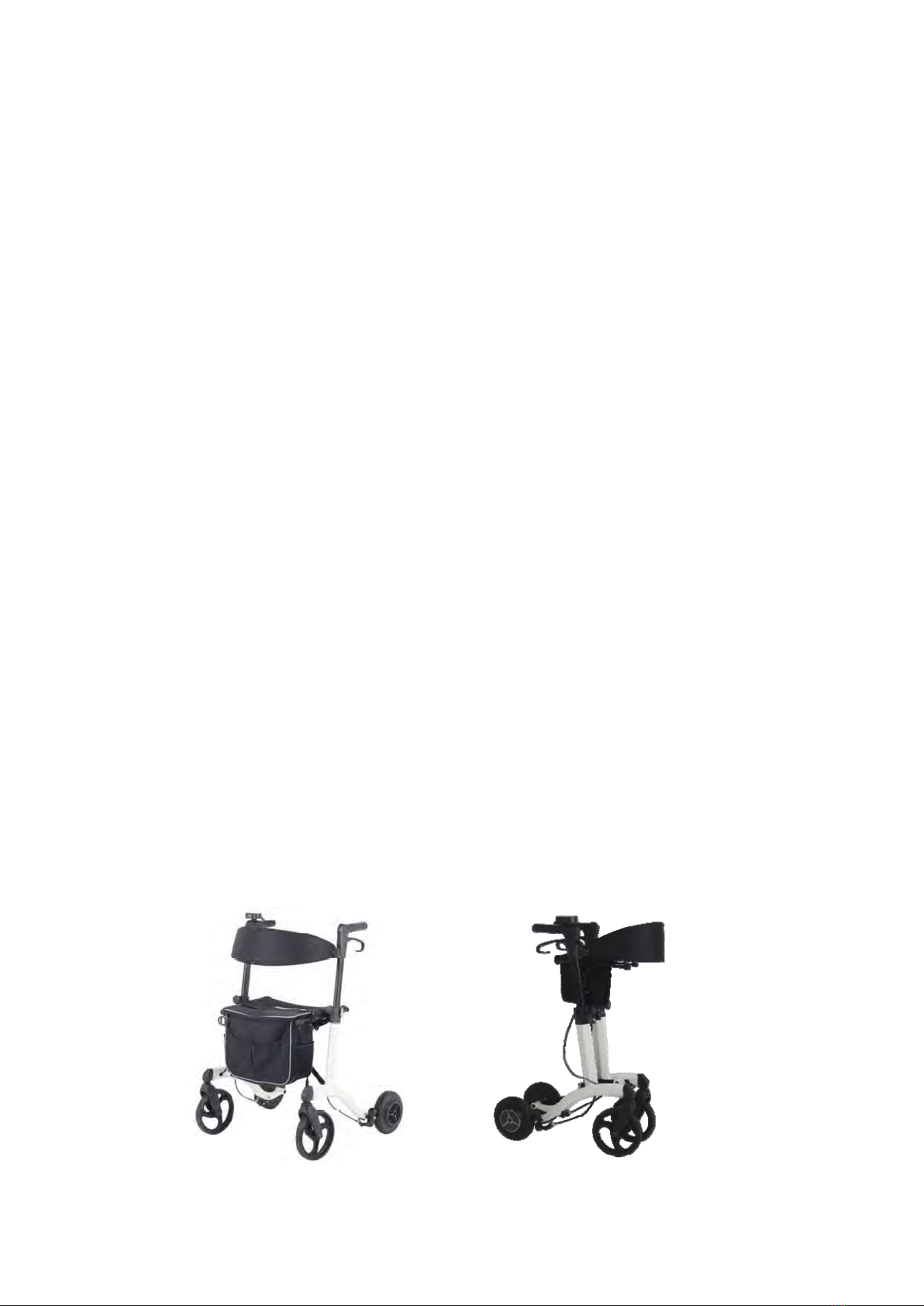
Auto Assist: Hold the handgrip and push the rollator. At this time, auto-assist will be generated
automatically. When pushing forward, it will help forward, and when pushing backward, it will help
backward. The faster the speed, the more obvious assistance strength; the higher the gears, the
more obvious assistance strength. When travelling downhill, it will automatically generate resistance.
When travelling uphill, if the user feels that the power is insufficient, the constant assist power can
be started to travel uphill easily.
Constant Assist (Thumb Button): hold the handgrip, press the thumb button (the icon
lights up), the assistance strength will be increased.
Threshold Crossing Mode: select the assistance gears C1-C3, hold the handgrip to stop the
rollator, hold on the thumb button, the front wheel will lift automatically to a certain angle, to prevent
the rollator from turning over accidentally.
Switching Direction: short press , direction can be switched. If the icon keep flashing
voice prompt “attention to reversing”, it means backward.
Multi-Function Display Zone Switching: after switched on, short press , the display can be
switched between total travel mileage, single travel mileage, travelling time and rollator attitude.
Handgrip Detection:
(A) Lock mode When your hand leaves the handset display for more than 5 seconds or 15cm away
from the handset display, the system will automatically lock, the screen displays "LL". At this time,
the rollator can’t be moved.
(B) Active mode Hold the handgrip within 15cm from the handset display. If the rollator is under the
lock mode, the screen will display "LL" and keep flashing. At this time, press thumb button, then "LL"
will disappear.
When the icon lights up, the system is unlocked.