Getting Started
Terayon DOCSIS 615 Cable Modem Installation Guide 3
System Requirements
Before you begin installing your new Terayon cable modem, make sure your com-
puter system has the following hardware and software.
IMPORTANT: Computers using Windows 95, NT 4.0, or a Mac-
intosh operating system must use an ethernet
port to connect to the ECM 615 Modem.
Installation Overview
As you follow the self-installation process, you may be asked to perform some
tasks you have not previously attempted. You will be guided through the follow-
ing steps:
• Connecting the CATV Coaxial Cable to the Modem
• Connecting the Power Adaptor to the Modem
• Connecting the Modem to your Computer
• Starting the Modem.
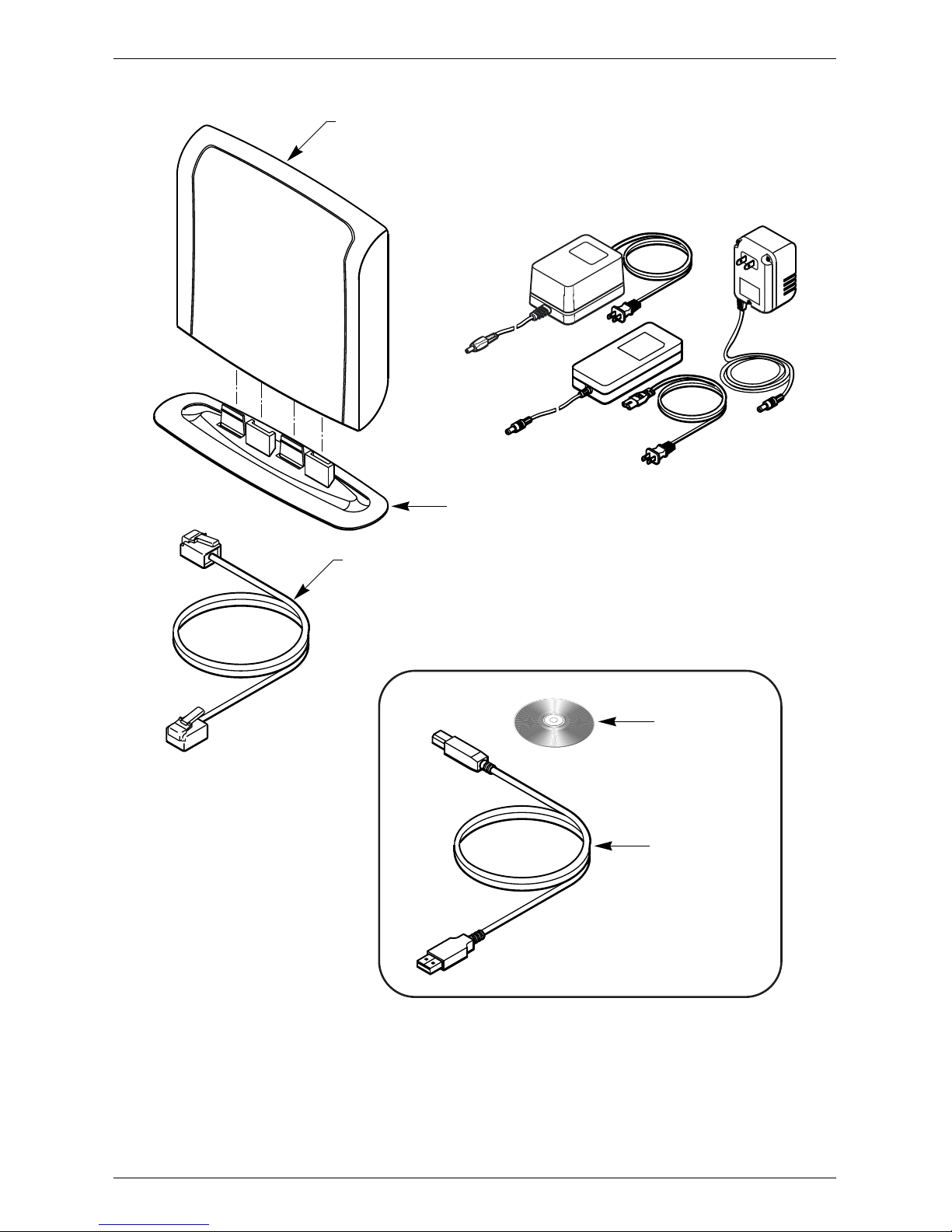
What You Will Need
The following is a list of items you will need to install your new Terayon cable
modem:
• This installation guide
• Your computer user manual
• The cable modem
Hardware/Software IBM PC or Compatible Apple/Macintosh
CPU Pentium class microprocessor or
equivalent Power PC 601 or later;
iMac®
Memory (RAM) 32 MB 24 MB
Available Disk Space 50 MB 50 MB
Operating System Windows® 95, 98, 2000, ME,
Windows NT® 4.0 Workstation OS 7.5.1 or later
Network Connectivity Must have (any one):
• USB Port
• 10 Base-T Ethernet Card
• PCMCIA Ethernet Card (lap-
top)
Must have (any one):
• USB Port
• 10 Base-T Ethernet Card
• PCMCIA Card (laptop)