
Tension EAP03 Manual de usuario
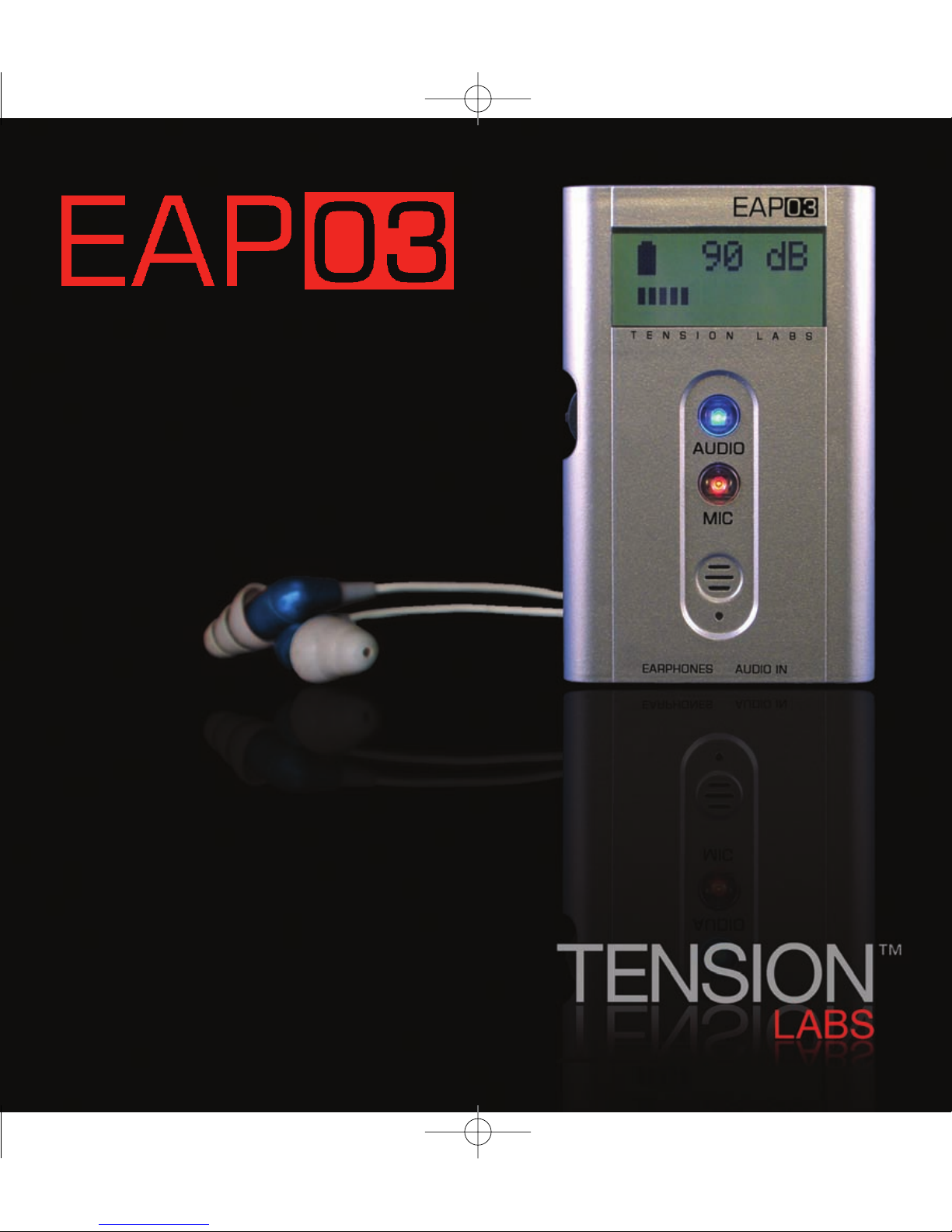
TheUltimate Accessory for Your Earphones.
Earphone Audio Processor
User Manual
Tension_Manual 9/27/07 9:18 AM Page 1

EAP03 Earphone Audio Processor User Manual
Table of Contents
Safety and Precautions
Welcome
Unpacking the Contents
Connections and Controls
Quick Guide
Using Your EAP03
Main Screen
Operation
Sound Level Meter Mode
Charging the Battery
Adjusting the Settings
Frequency Filters
Earphone Sensitivity
3DX Soundfield Expansion Mode
Amplifier Gain Adjustment
Hearing Safety Monitor
Serial Number and FirmwareVersion
Troubleshooting
Protecting Your Hearing
Specifications
Earphone Sensitivity Chart
Maintaining Your EAP03
RegulatoryStatements
Warranty and Service
3
4
5
6-7
8-9
10-13
10
10-11
11
11
11
12
12-13
13
13
13
13
14
14-15
15
16
16-17
17-18
18-19
2
Tension_Manual 9/27/07 9:18 AM Page 2

Safety and Precautions
CAUTION Use this device only as directed in this user manual. Read this manual
in its entirety before using this device.
CAUTION Hearing levels and times indicated are based on the user having
entered the correct earphone sensitivity. The depth of earphone insertion into the
ear canal can cause differences in the levels produced. Variations due to
earphone specification and user earphone insertion may cause a discrepancy in
the level reading versus actual levels encountered. Do not use this device to listen
to levels beyond what is safe. See the index of this manual for a guide to
Protecting Your Hearing.
CAUTION This device uses a lithium-polymer battery, which is not user
replaceable. Please consult the factory for replacement. To reduce the risk of fire
or burns, do not disassemble, crush, puncture, or dispose of in fire or water.
CAUTION This device contains no user-serviceable parts. Contact the factory
for authorized service locations. Opening this instrument will void the warranty.
PLEASE CONSULT your local officials for proper disposal guidelines.
PLEASE NOTE This user manual has been written to help you safely and efficiently maximize
your earphone listening experience. The EAP03 offers a number of new and unique features
to help you do so. Before operating this unit, please read this manual thoroughly. For
additional information on the EAP03 see our website at www.tensionlabs.com.
3
Tension_Manual 9/27/07 9:18 AM Page 3

Welcome!
Thank you for purchasing Tension Labs’ EAP03, the world’s first digital earphone audio
processor! The EAP03 uses dual 24-bit stereo multi-bit sigma-delta codecs along with a 48-
bit digital audio processor to provide the ultimate accessory for your earphones.
Some of the EAP03’s Unique Features:
Power Amplifier
Increased drive capability for greater headroom.
Three-Band Equalizer
Digitally-adjustable three-band parametric equalizer.
Overload Detection
Display indicates overload/clipping conditions.
Sound Level Meter
Integrated processing provides an A-weighted sound level meter.
Integrated Microphone
Provides ambient sound feed into the audio stream.
Hearing Safety Monitor
Measures exposurelevels and indicates safe listening time.
PATENT PENDING MADE IN THE USA
4
Tension_Manual 9/27/07 9:18 AM Page 4

Unpacking the Contents
You will find the following items contained within
the package. Please check to see that you have
each item shown below.
Personal Digital Processor
Interconnect Cable
USB Charge Cable
Velcro
5
Tension_Manual 9/27/07 9:18 AM Page 5

Connections and Controls
Display Indicates status and function of unit.
Audio The blue button can be used to turn the unit on/off and controls the audio functions.
Mic The red button can be used to turnthe internal microphone on/off. It also controls the
audio functions.
Microphone Allows the monitoring of environmental sounds into the unit.
6
Tension_Manual 9/27/07 9:18 AM Page 6

Charge Indicator Indicates unit is being charged.
USB Charge Jack Used for charging the internal battery. Use only with the supplied
charging cable.
Audio Input Jack for connecting the Interconnect Cable to audio source (MP3, CD, etc.)
Earphone Output Jack to connect your earphones.
Select Switch Press the button in to select and roll the button up or down to scroll
through the selections.
7
Tension_Manual 9/27/07 9:18 AM Page 7

Quick Guide
Step
1Unpack the EAP03 from its box.
2Charge the unit by plugging in the USB cable into the USB charge jack on the EAP03 and
then into any computer USB port or USB charging unit. The red charge indicator light will
illuminate below the microphone opening indicating that it is charging. Before initial use,
the unit must be charged for two hours. When the EAP03 is completely charged, the red
light will turn off. The battery status can be checked on the display screen.
3Connect one end of the supplied interconnect cable into the audio input connection of
the EAP03 and connect the other end into the audio player headphone jack.
4Connect your earphones to the earphone jack on the EAP03.
5You are now ready to listen!
To Do This
Turn on EAP03 Press any button
Turnon the audio Press the audio (blue) button
Turn on the microphone Press the mic (red) button
Turn off the EAP03 Turn off the audio and microphone
Change device options Push the menu selection switch in
Select options/make option changes Roll the menu selection switch up or down
Press the audio and mic button to increase
or decrease
8
Tension_Manual 9/27/07 9:18 AM Page 8

9
Tension_Manual 9/27/07 9:18 AM Page 9

Using Your Earphone Audio Processor (EAP03)
MAIN SCREEN
Pressing any button will turn on the processor. The main screen
will appear on the display as shown at right. The main screen
shows the battery condition, the audio level in dB SPL and a
graphical display of the audio level.
Battery Indication
The battery condition indicator is shown in the upper left of the
display. The approximate amount of battery life is indicated as
100% (fully-charged), 70%, 40%, or 10% (requiring recharge).
Audio Level Indicators
The number on the top right of the display indicates the audio level being reproduced by the
earphones. This number will indicate the level of the audio from the audio input and/or the
integrated microphone, depending on which source(s) are active. On the lower portion of the
display is a bar graph that moves from left to right, indicating the listening level in dB SPL in
3dB steps. If the bar graph reaches the far right a ‘+’ sign appears indicating that the output
is at or near clipping. The audio level indications will only represent the actual levels produced
by the earphones if the earphone sensitivity is correctly entered. See Earphone Sensitivity.
OPERATION
The audio (blue) button enables the audio input, the mic (red) button enables the
microphone input. Either or both may be selected at any time, If neither input is selected
the EAP03 will turn off.
AUDIO INPUT –The audio input is preset to provide a gain of +6dB, this may be adjusted
in the settings menu. See Amplifier Gain for more information. The desired volume level for
the audio output should be set on the attached audio device. The audio input is processed
through the equalizer and 3DX soundfield enhancement circuits, if enabled.
10
Tension_Manual 9/27/07 9:18 AM Page 10
Tabla de contenidos
Manuales populares de Hardware de computadora de otras marcas

EMC2
EMC2 VNX Series Manual del propietario

Panasonic
Panasonic DV0PM20105 Manual de usuario

Mitsubishi Electric
Mitsubishi Electric Q81BD-J61BT11 Manual de usuario

Gigabyte
Gigabyte B660M DS3H AX DDR4 Manual de usuario

Raidon
Raidon iT2300 Manual de usuario

National Instruments
National Instruments PXI-8186 Manual de usuario


