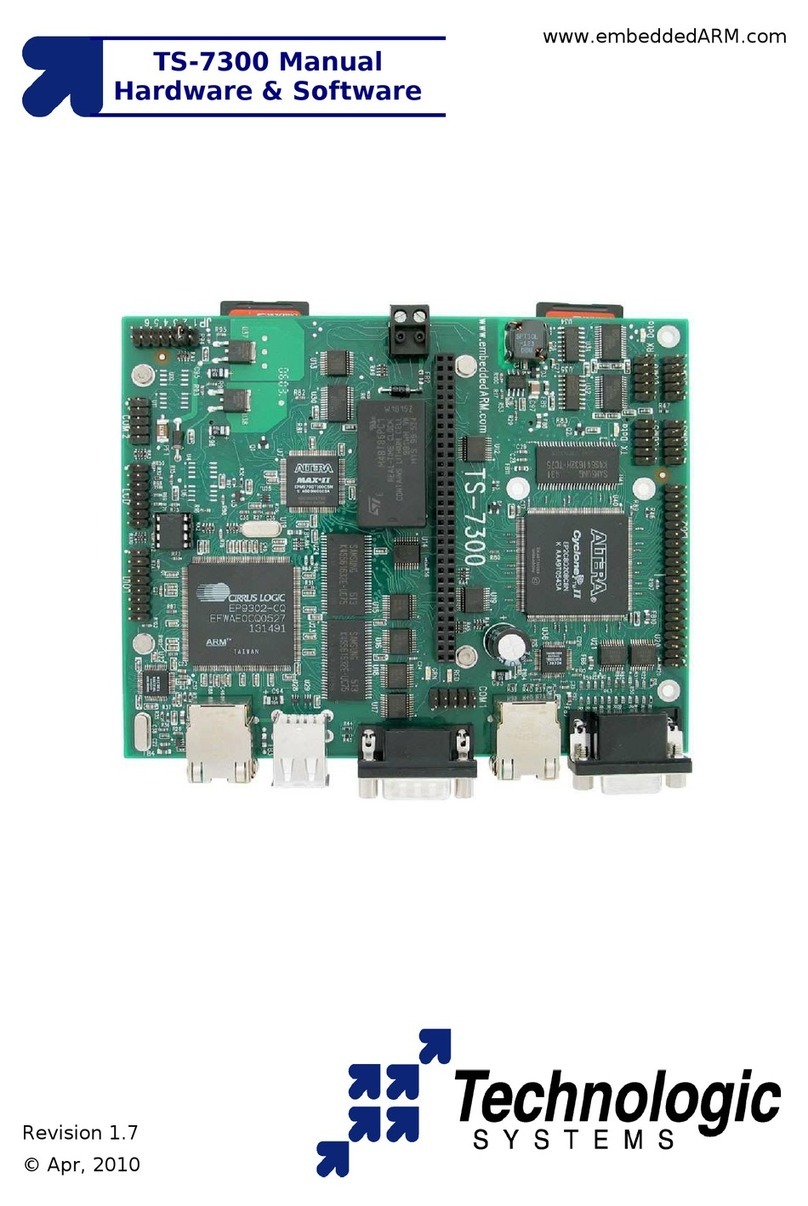
1.3 Features and Benefits Summary
The TS-7250 comes standard with these features:
●200 MHz ARM9 CPU with MMU
●32MB RAM
●32MB on-board Flash (Boots to Linux)
●10/100 Megabit Ethernet port
●2 USB compliant Full Speed host (OHCI) ports -- (12 Mb/s max)
●2 COM ports (up to 230 Kbaud)
●Watchdog Timer
●PC/104 expansion bus
●SPI bus interface
●20 Digital I/O lines
●Alphanumeric LCD and matrix keypad interface
●Single +5VDC supply @ 400 mA – (under 2 watts)
●Small size -- 3.8 x 4.5 inches (9.7 x 11.5 cm)
These optional features are also available:
●8-channel 12-bit analog-to-digital converter
●Battery-backed Real-Time Clock (TS-5620)
●RS-485 support on COM2 with automatic TX enable
●Temperature sensor
●Additional COM ports
TS-7250 power supply:
The TS-7250 requires regulated 5VDC at 450 mA (typical maximum). It is possible to
lower this power significantly by lowering the CPU clock rate or by powering-down the
Ethernet PHY chip.
A quick release screw-down terminal block for the 5V power and power GND
connections is provided for easy connection to an external power supply.
Note:
Supply voltages over 6 VDC may damage the TS-7250.
Be sure to use a regulated 5 VDC power supply, preferably with current limiting to 1 to
3 Amps. A current limited supply is very forgiving of common errors during
development. A PC power supply that may be capable of supplying 20 Amps or more is
not recommended -- it is possible to do irreversible damage to the TS-7250 if the
polarity on the power leads is reversed.
When power is first supplied to the TS-7250, the board mounted LEDs are immediately
turned on under hardware control. Once the processor begins execution, the LEDs are
turned off. The RED led is briefly turned on while the processor looks for the TS-
BOOTROM stored in the first sector of Flash. If the processor does not find the TS-
BOOTROM, it will turn off the red LED and continuously blink the green LED. If the
LEDs do not turn on at all, the most likely problem is the power supply. Check that the
+5V and GND connections are not reversed. A diode protects the board against
damage in such a situation.
Once the processor has found the TS-BOOTROM, the green LED is turned on just
before jumping to it. The TS-BOOTROM briefly turns off the green, and turns on the