
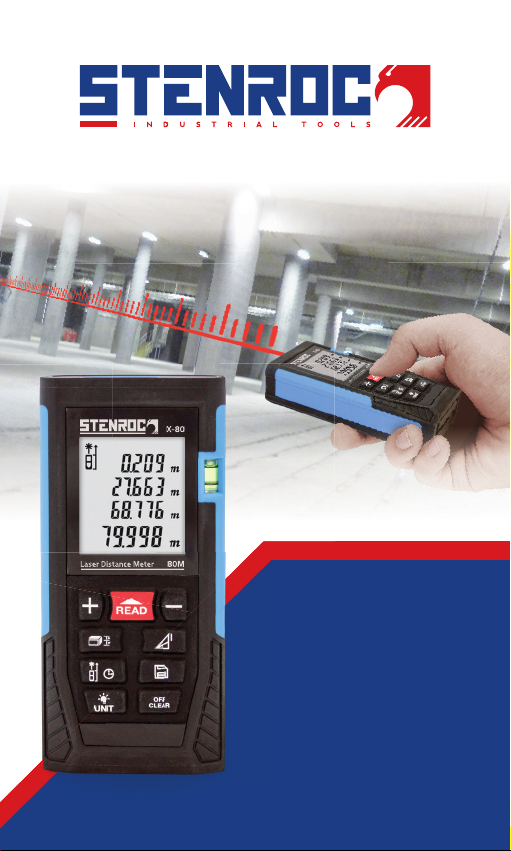
STENROC X-80 Manual de usuario
English Operating manual
Nederlands Bedieningshandleiding
Français Mode d’emploi
Deutsch Bedienungsanleitung
LASER DISTANCE METER
X-80

ENGLISH
2
CONTENTS
SAFETY INFORMATION 3
DELIVERY PACKAGE 3
INFORMATION ON DISPOSAL 3
KEYBOARD 4
DISPLAY SCREEN 4
BATTERY INSTALLATION AND REPLACEMENT 4
START THE INSTRUMENT & MENU SETTING 5
6
LENGTH MEASUREMENT & CALCULATION 6 - 9
TIPS 10
INSTRUMENT MAINTENANCE 10
TECHNICAL DATA 11
ENGLISH
3
>1/4 S
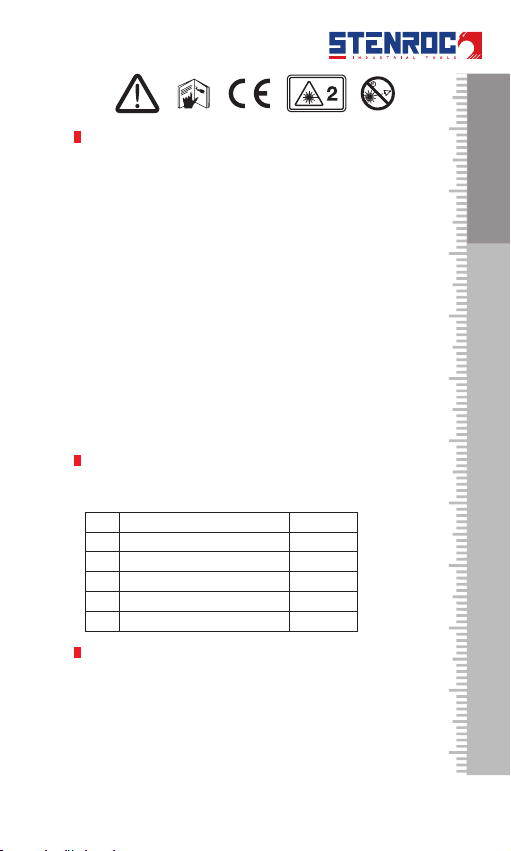
SAFETY INFORMATION
Please read the safety regulations and operation guide
carefully before operating
WARNING!
It is strictly prohibited to shoot eyes with the laser! Danger of
injury !
WARNING!
WARNING!
ATTENTION!
DELIVERY PACKAGE
below list.
N° Item Qty
1X-80 1 pc
2Power supply AAA 2 pcs
3 1
4Portable bag 1
5Hand strap 1
INFORMATION ON DISPOSAL
batteries.
ENGLISH
4
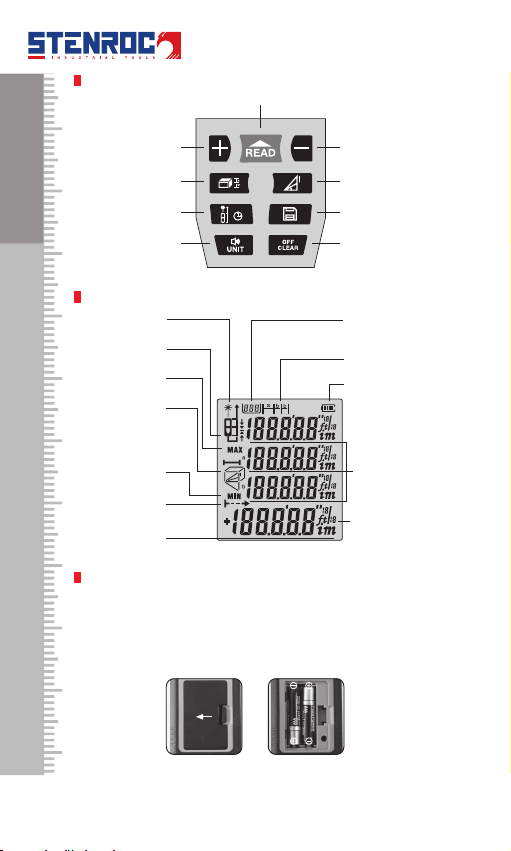
KEYBOARD
Subtraction
Turn on/Measuring
Addition
Pythagorean
Staking-out
Reference point/
Unit/Sound
DISPLAY SCREEN
RecordLaser on
Reference point
and Pythagorean
Continuous
Measuring
Major Display
Staking-out
Power
Auxiliary
Display
Unit
BATTERY INSTALLATION AND REPLACEMENT
ENGLISH
5
START THE INSTRUMENT & MENU SETTING
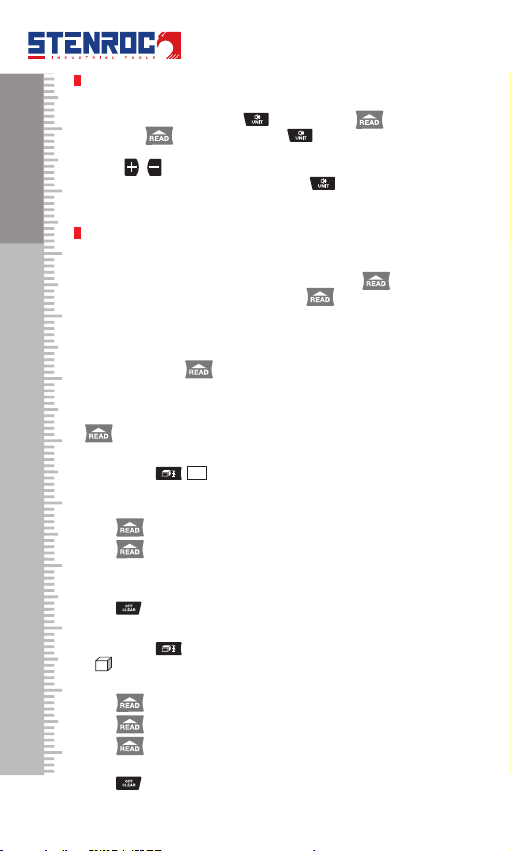
• Turnon/otheInstrument
for 3 seconds to turn the
for 150 seconds.
• Soundon/o
Long press button
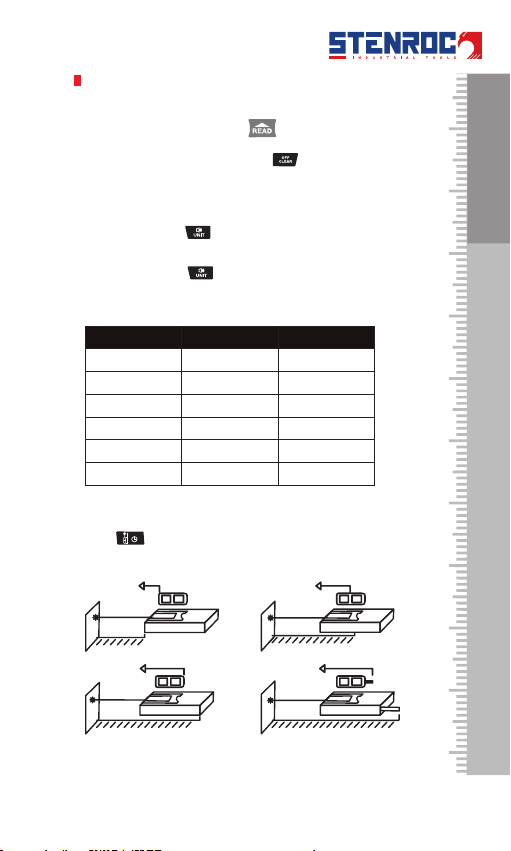
• Unit setting
Short press button
There are 6 units for selection
Length Area Volume
23
23
0.0 in 0.00 ft20.00 ft3
0.00 ft 0.00 ft20.00 ft3
0 1/16 in 0.00 ft20.00 ft3
0’00’1/16 0.00 ft20.00 ft3
• Reference Point
Press key to change the reference point. There are four
ENGLISH
6
SELF-CALIBRATION
. Release
the button
button
calibration result.
LENGTH MEASUREMENT & CALCULATION
• Single Distance Measurement:
again for single
• Continuous Measurement:
Long press button
on the LCD.
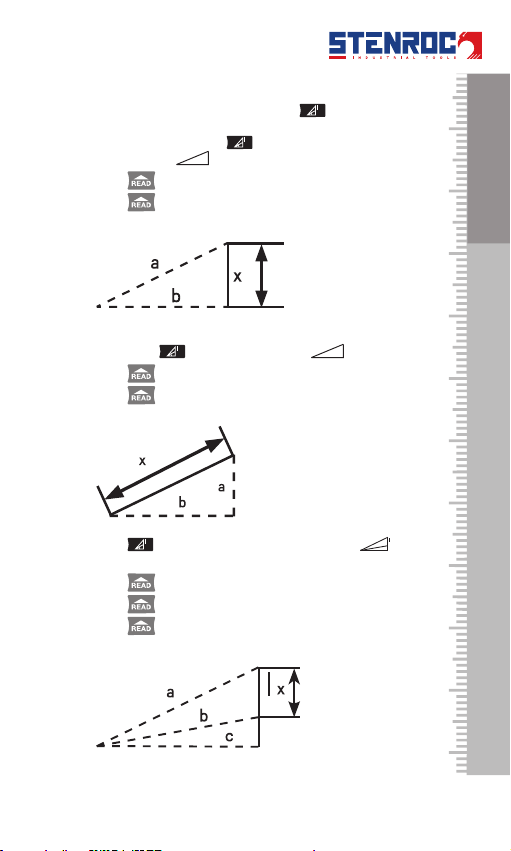
• Area Measurement:
Press button shows on the screen. One of the side
Press once for length
Press again for width
area.
Press
• Volume Measurement
Press button
A will shows on the top of screen. Please follow the below
Press for Length
Press again for Width
Press thirdly for height
Press
ENGLISH
7
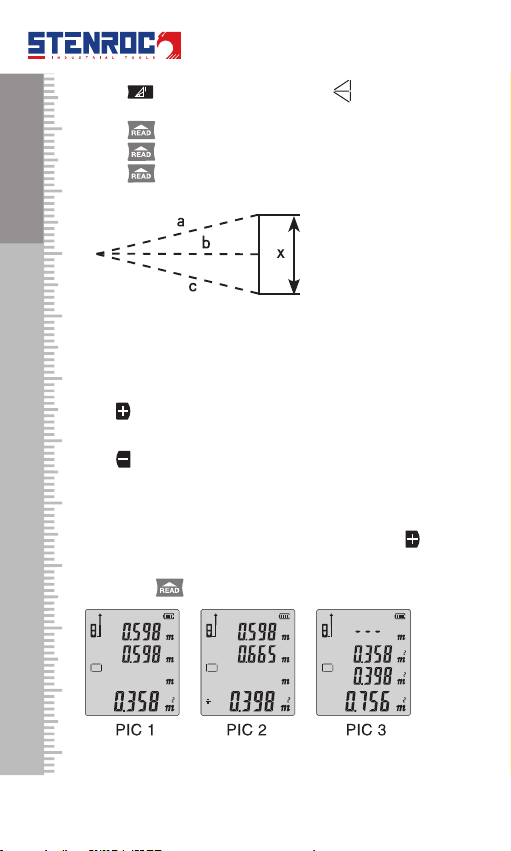
• Pythagorean Measurement
to reach the target. Please press button
another leg. Short press
hypotenuse of blinking.
Press
Press
Short press blinking.
Press
Press
3.Press blinking
on the screen.
Press
Press
Press
ENGLISH
8
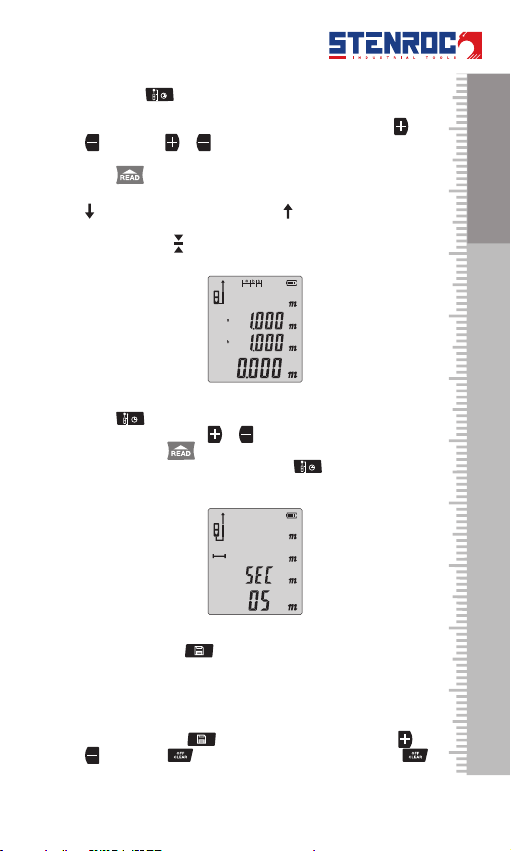
4.Press blinking on the
screen.
Press
Press
Press
• Addition / subtraction
Press
will be showed on the screen.
Press
be showed on the screen.
Area Addition:
get the addition result as PIC 3.
Area Subtraction:
ENGLISH
9
• Staking-out Function
Long press
or
. Long press or
when adjust a or b.
Press
.
• Delay Measurement
Press
picture. User can press or
this function will be turned on at once.
• Record Function
Long press button
• Read / Delete the Record
Short press button and
. Short press to delete recent record and long press
to clear up all the records.
ENGLISH
10
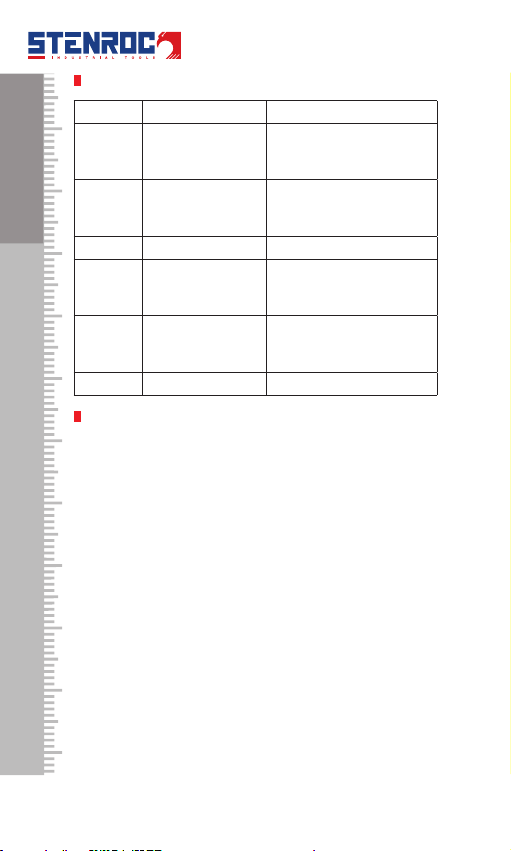
TIPS
Message Cause Solution
Err1
too weak
Chose the surface with
Err2
too strong
Chose the surface with
Err3 Change the power supply
Err4
The working
of working range
Err5 Pythagoras
Hypotenuse is bigger than
Cathetus
Err6 Please contact the distributer
INSTRUMENT MAINTENANCE
portable bag and store in cool and dry place.
Tabla de contenidos
Idiomas:
Manuales populares de Instrumento de medición de otras marcas


Endress+Hauser
Endress+Hauser Proline Promag 50 Especificaciones técnicas

Siemens
Siemens SITRANS F Coriolis FCT030 Manual de lista de piezas

KLINGER
KLINGER CMF V Series Manual de usuario

EXFO
EXFO FTB-2 Manual de operación y mantenimiento

Keysight
Keysight M8290A Manual de usuario

ADTEK
ADTEK MW-5 Manual de usuario