- 19 -
FCC NOTE:
This device has been tested and found to
comply with the limits for a Class B device,
pursuant to part 15 of the FCC Rules These
limits are designed to provide reasonable
protection against harmful interference in a
residential installation This device generates,
uses and can radiate radio frequency energy
and, if not used in accordance with the
instructions, may cause harmful interference to
radio communications However, there is no
guarantee that interference will not occur in a
particular installation If this equipment does
cause harmful interference to radio or television
reception, which can be determined by turning
the device off and on, the user is encouraged
to try to correct the interference by one or more
of the following measures:
- Reorient or relocate the receiving antenna
- Increase separation between the device
and receiver
This Class B Digital Apparatus meets all
requirements of the Canadian Interference-
Causing Equipment Regulations
- 16 -
ENVIRONMENTAL ONDITIONS
THAT OULD AFFE T PERFORMAN E:
IMPORTANT: Ultrasonic Distance Measuring,
Tools work best for quick and easy measuring and
estimating They are not intended for precision
work, although they can be very accurate under
optimal conditions
Humidity - Humidity and temperature can affect
the range and accuracy of all ultrasonic distance
measuring tools They may give measurements
that are longer or shorter than their specifications
(depending on atmospheric conditions) The range
is longest in high temperature/high humidity and
low temperature/low humidity and range is shortest
in high temperature/low humidity and low
temperature/high humidity
Humidity effects on accuracy are greatest at high
temperatures and negligible at low temperatures
At 100°F (38°C) and 99% R H , the distance
measurement will be short by 0 6% At 100°F
(38°C) and 0% Relative Humidity, the distance
measurement will be long by 0 6% At 32°F (0°C)
the distance measurement will essentially not be
affected by humidity
Temperature - Your SONIN COMBO PRO has
unique automatic temperature compensation to
ensure consistency of measurements between 32°F
and 100°F (0°C to 38°C) The response rate of
this circuitry enables you to move between warm
and cold areas and measure with reasonable
accuracy However, we recommend that you do
not leave your SONIN COMBO PRO in very cold
or very hot conditions (e g sunlight in a car), as
the unit will then require more time to adjust to air
temperature
- 17 -
As long as the internal temperature is equal to the
air temperature, accuracy is unaffected Wait for
the unit's internal temperature to equal the air
temperature or, add 1% of the measured distance
for each 10°F (5 5°C) that the measured tempera-
ture is below the actual temperature; subtract 1%
of the measured distance for each 10°F (5 5°C)
that the internal temperature is above the air
temperature (See section on DISPLAYING
TEMPERATURE for instructions on how to obtain
a temperature measurement from your SONIN
COMBO PRO )
Altitude/Barometric Pressure - Altitude and
barometric pressure can affect the range and
accuracy of all ultrasonic distance measuring tools
As the altitude increases (barometric pressure
decreases), the range is reduced As altitude
decreases (barometric pressure increases), the
range is increased
To correct for altitude (pressure) effects on accuracy,
subtract 0 4% of the measured distance for each
1000 ft/ - 0 6" Hg (0 3 km/-15mm Hg) you are
above sea level Add 0 4% of the measured
distance for each 1000 ft/ +0 6" Hg (0 3km
/+15mm Hg) you are below sea level (sea level
= 760mm Hg)
Noise - High frequency noise from machinery,
engines, computers, stereos, TV sets, etc can affect
the reading and you may get random readings
Stand away from or shut off this type of equipment
when measuring
Outdoor Measurements - Your SONIN
COMBO PRO is designed for indoor and outdoor
use, provided there is only light wind A strong
wind will tend to affect accuracy and/or range
- 18 -
FIELD ALIBRATION:
This unit was calibrated under the circumstance
of 760 mmHg atmosphere and 50% relative
humidity, if the unit is not used under such environ-
mental conditions, it may produce an error The
built in users calibration mode is designed for the
user working under other than standard conditions
such as high altitudes After the unit is calibrated
all environmental errors are compensated and the
accuracy is improved
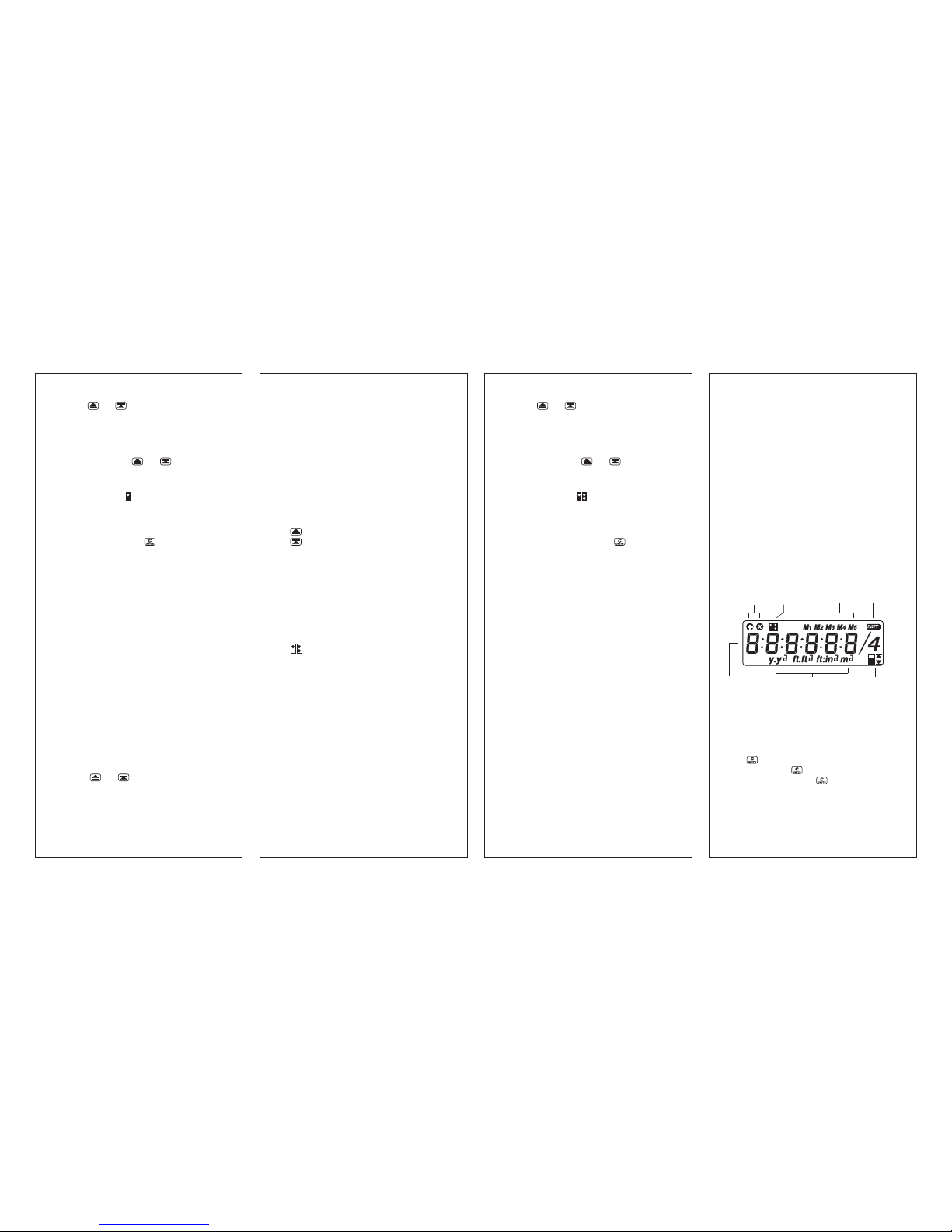
To Field alibrate unit -
1) Turn the switch to the position
2) Place unit 10 feet (or 3 meter) from the bottom
of the unit to a flat vertical surface
3) Press and hold both and keys then
press key, the unit will turn on and process
calibration immediately
4) When calibration is completed 10 00 ft ft
(or 3 00 m) will displayed on the LCD
5) Then turn off the unit and turn on again, the
new calibrated data will now used in all
measures
NOTE - BEFORE ALIBRATING UNIT:
1) It is imperative that the unit be exactly 10 feet
(imperial) or 3 meter (metric) from the bottom
of the unit to a flat vertical surface
2) Verify the temperature of the unit is within
± 1°C of the ambient temperature
TO RESET BA K TO FA TORY DEFAULT
SETTING:
1) Turn OFF unit and turn in ON again
2) Press and hold key then press The
LCD will display (RESET) the
factory default setting now restored to the unit
3) Then turn OFF unit and turn ON again to
resume measuring
TECHNICAL ASSISTANCE
If you have any questions or need technical
assistance, e-mail to:
CUSTOMER SERVICE
SONIN takes pride in offering unmatched
customer service to owners of SONIN
products If you have any questions or would
like additional information, please call:
1 - 800 - 223 - 7511 (USA)
or e-mail to: