
Sonic KDG-300 Manual de usuario

KDG-300
Doppler Current Graph
Instruction Manual
Ver. 2.01


Contents
1Handling Instructions................................................................1
2General...............................................................................................3
3Features.............................................................................................5
4Measurement Modes..................................................................7
4.1 Vessel Speed.................................................................................................. 7
4.2 Current........................................................................................................... 7
4.3 Current Notation Method........................................................................ 9
4.4 Deviation Current..................................................................................... 10
5Operating Instructions............................................................11
5.1 Remote Controller Overview................................................................ 11
5.2 Operating Procedure..................................................................................... 12
5.3 Remote Controller Operating Method.............................................. 13
5.4 Power ON & OFF..................................................................................... 14
5.5 Setting the Layer Depth.......................................................................... 15
5.5.1 The Simple Way to Change the Depth with the Remote Controller
(without opening the menu).................................................................................. 15
5.5.2 Changing the Depth on the Menu Screen............................................. 16
5.6 Selecting the Transmitted Pulse Width ............................................ 17
5.7 Selecting the Display Mode ................................................................... 18
5.7.1 The Simple Way to Change the Display Mode with the Remote....... 18
Controller (without opening the menu)............................................................... 18
5.7.2 Changing on the Menu Screen .............................................................. 19
5.8 Selecting the Track Mode...................................................................... 20
5.9 Adjusting the Gain ................................................................................... 21
5.10 Setting the Alarm...................................................................................... 22
5.11 Load and Save Functions....................................................................... 24
5.12 Setting the Preset key.............................................................................. 25
6Display Modes..............................................................................27
6.1 Major Display Items................................................................................ 27
6.2 Display Mode.............................................................................................. 34
6.2.1 Vector Display Mode.............................................................................. 34
6.2.2 Textual Display Mode ............................................................................ 35
6.2.3 DCG-200 Compatible Display Mode .................................................... 36
6.2.4 Vessel Speed Display Mode.................................................................... 38

6.2.5 Stereoscopic 3-D Display Mode............................................................. 39
6.2.6 Echogram Display Mode........................................................................ 40
7Menus................................................................................................42
7.1 Display Setting (1)..................................................................................... 42
7.2 Display Setting (2)..................................................................................... 44
7.3 Display Setting (3)..................................................................................... 46
7.4 Display Setting (4)..................................................................................... 48
7.5 Memory ........................................................................................................ 50
7.6 Alarm............................................................................................................. 52
7.7 Key Setting.................................................................................................. 54
7.8 Service (1).................................................................................................... 56
7.9 Service (2).................................................................................................... 58
7.10 Technical (1) ............................................................................................... 60
7.11 Technical (2) ............................................................................................... 61
7.12 Technical (3) ............................................................................................... 62
7.13 Technical (4) ............................................................................................... 63
7.14 OK MONITOR.......................................................................................... 64
8Specifications................................................................................65
8.1 Measuring Method................................................................................... 65
8.2 Frequency in Use....................................................................................... 65
8.3 Measurement of Current and Deviation Current.................. 65
8.4 Ship Velocity Setting................................................................................ 65
8.5 Log Display.................................................................................................. 65
8.6 External Input............................................................................................ 66
8.7 External Output........................................................................................ 66
8.8 Power............................................................................................................. 66
8.9 Alarm............................................................................................................. 66
9Configuration...............................................................................67
9.1 Equipment Configuration...................................................................... 67
9.1.1 Standard Unit.......................................................................................... 68
9.1.2 Optional Equipments ............................................................................. 68
9.2 Equipment Chart...................................................................................... 69
KDG-300 Doppler Current Graph Instruction Manual
1Handling Instructions
When handling KDG-300 Doppler Current Graph, please pay particular
attention to the following instructions:
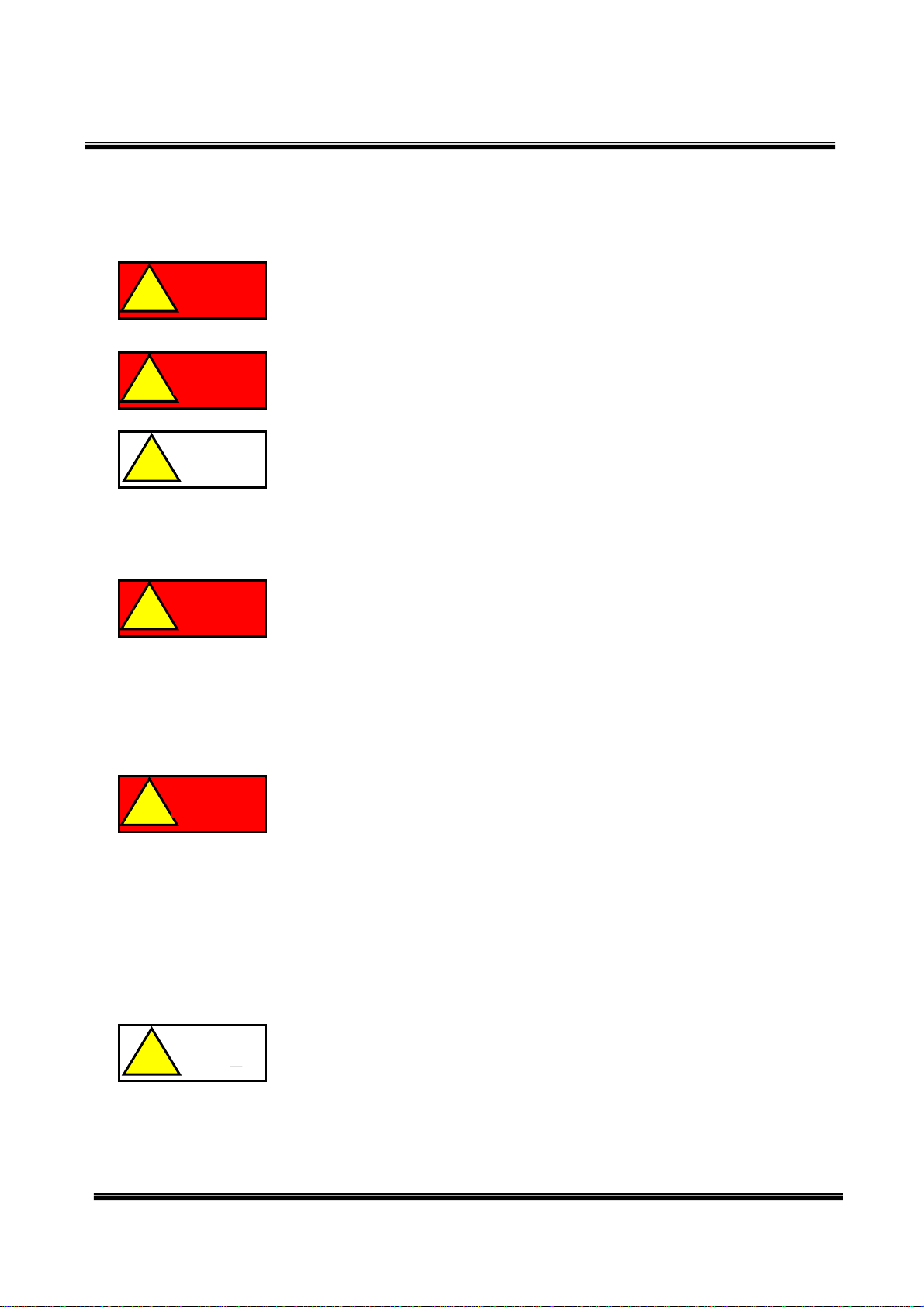
This symbol indicates matters that “may lead to imminent risk of
death or serious injury if incorrectly handled.”
危険
! Danger
This symbol indicates matters that “may lead to death or serious
injury if incorrectly handled.”
This symbol indicates matters that “may lead to moderate to
minor injuries or damage to the property if incorrectly handled.”
1.1 Do not attempt to disassemble
Do not attempt to disassemble this device. Storing and using the
disassembled device can cause accidents such as failure and an
electric shock. In particular, make sure not to operate the device
when it is disassembled. The high voltage (such as AC100V and
AC220V) section in the device can cause an electric shock, which
may result in shock symptoms or death.
1.2 Be careful not to allow foreign matter to enter
It is dangerous to use the device if a metallic object or liquid
such as water has entered the device. Be careful to prevent foreign
objects from getting into the device. Do not use or store the device in
locations where it may come into contact with chemicals.
Do not place the device on a paddle or wet mud, etc. Electric
leakage may cause an electric shock or may cause damage to the
device.
1.3 Be careful of vibrations and impact
Dropping or hitting the device can cause damage to the data as
well as the device. The power must be turned OFF and the device
must be handled with the utmost care when carrying.
Do not use or store the device while heavy objects are placed on
the top of the device. When transporting the device via a
door-to-door delivery service, mail, a vehicle or a truck, etc. the
device must be packed in a wooden box or cardboard box with
注意
!
警告
!
危険
!
警告
!
注意
!
Danger
Warning
Caution
Warning
Caution
1
KDG-300 Doppler Current Graph Instruction Manual
packaging or cushioning materials to avoid vibrations and impacts.
Transporting in an improper package may cause failure and damage
of the device.
1.4 Be careful of temperature, humidity and direct
sunshine
Storing and using at extremely high or low temperature must be
avoided. Using in poorly ventilated places must also be avoided.
Do not use this device in places exposed to direct sunshine, close
to equipment producing heat, or extremely humid and dusty
environments. Do not bring the device suddenly into a warm room
from the cold outside because condensation may occur, leading to
failure of the device.
Do not leave the device in an automobile or warehouse. Sharp
temperature fluctuations can cause deformation of the device, or
failure of its electronic circuit.
1.5 Keep the device away from radio and TV sets.
注意
!
注意
!
Caution
Caution
Do not use this device close to radio and TV sets and wireless
devices, and do not share the same outlet with them. Noise is
generated, and the device may not operate correctly. In this case,
keep the device away from them and use a separate outlet.
1.6 When the housing of the device gets dirty.
Clean the housing of the device with soft cloth soaked with water
or neutral detergent that is wrung out well. Note that cleaning with
chemicals and organic solvents such as benzene and thinner, or
using a chemical duster can discolor the paint of the housing or
characters on it. Note as well that insecticides, etc. can also change
the color.
注意
! Caution
1.7 In the event of problems or failure
Turn OFF the power immediately in the event of abnormalities
(such as unusual odor and overheating) or failure and contact your
distributor.
2

KDG-300 Doppler Current Graph Instruction Manual
2General
This equipment is an ultrasonic current meter, emitting ultrasonic waves from
the transducer installed on the bottom of a ship to use the Doppler effects on
plankton and floating objects in seawater or on the waves reflected from the
bottom of the sea.
Using the pair-beam system in which 4 beams of ultrasonic waves are
emitted obliquely toward the bottom of the sea in 4 directions from the bow,
stern, starboard side and port side of the ship, this equipment is designed to
reduce errors caused by ship oscillation such as its pitching and rolling. By
inputting a heading signal from equipment such as a satellite compass, the
device is also designed to ignore errors caused by the ship when it turns.
3

KDG-300 Doppler Current Graph Instruction Manual
(This page is intentionally left blank.)
4
KDG-300 Doppler Current Graph Instruction Manual
3Features
(1) Clear display of both currents and deviation currents of up to 5 layers
Current values of up to 5 layers can be displayed.
The layers are displayed in different colors to clearly distinguish them.
(2) The echogram display mode
Plankton and floating objects in the sea displayed as an echogram can be
used as a guide for the measurement setting of the current meter.
(3) Continuous and stable measurement by the latest digital signal processing
technology
The cutting-edge digital signal processing technology provides continuous
and stable current values with less missing values.
(4) The measurement modes can be changed among the bottom mode, the
water mode and the GPS mode.
The modes for obtaining the current can be chosen from the ship to bottom
mode, the water mode and the GPS mode easily with the use of the supplied
remote controller (RC-20).
(5) Six different display modes if necessary
The display modes are available in 6 types; Vector Display, Character
Display, DCG-200 Display, Velocity Display, 3-D Vector Display, Echogram
Display and can be used depending on the purpose.
(6) The 3-D Vector display mode
The 3-D Vector Display mode can show the current values in three
dimensions to enable you to obtain the currents stereoscopically, which is
helpful in finding the depth when the current changes.
5

KDG-300 Doppler Current Graph Instruction Manual
(This page is intentionally left blank.)
6
Tabla de contenidos
Manuales populares de Instrumento de medición de otras marcas


Endress+Hauser
Endress+Hauser Proline Promag 50 Especificaciones técnicas

Siemens
Siemens SITRANS F Coriolis FCT030 Manual de lista de piezas

KLINGER
KLINGER CMF V Series Manual de usuario

EXFO
EXFO FTB-2 Manual de operación y mantenimiento

Keysight
Keysight M8290A Manual de usuario

ADTEK
ADTEK MW-5 Manual de usuario