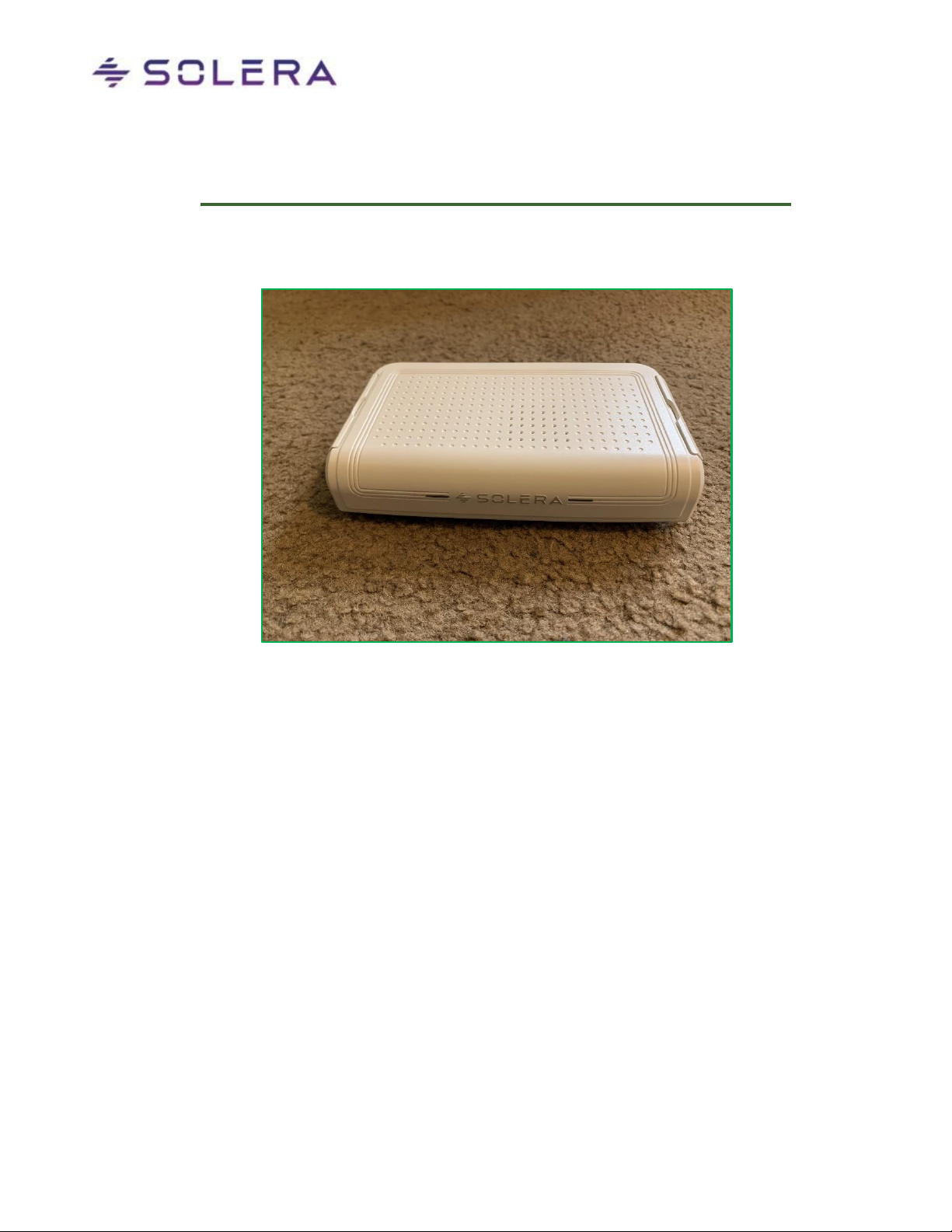
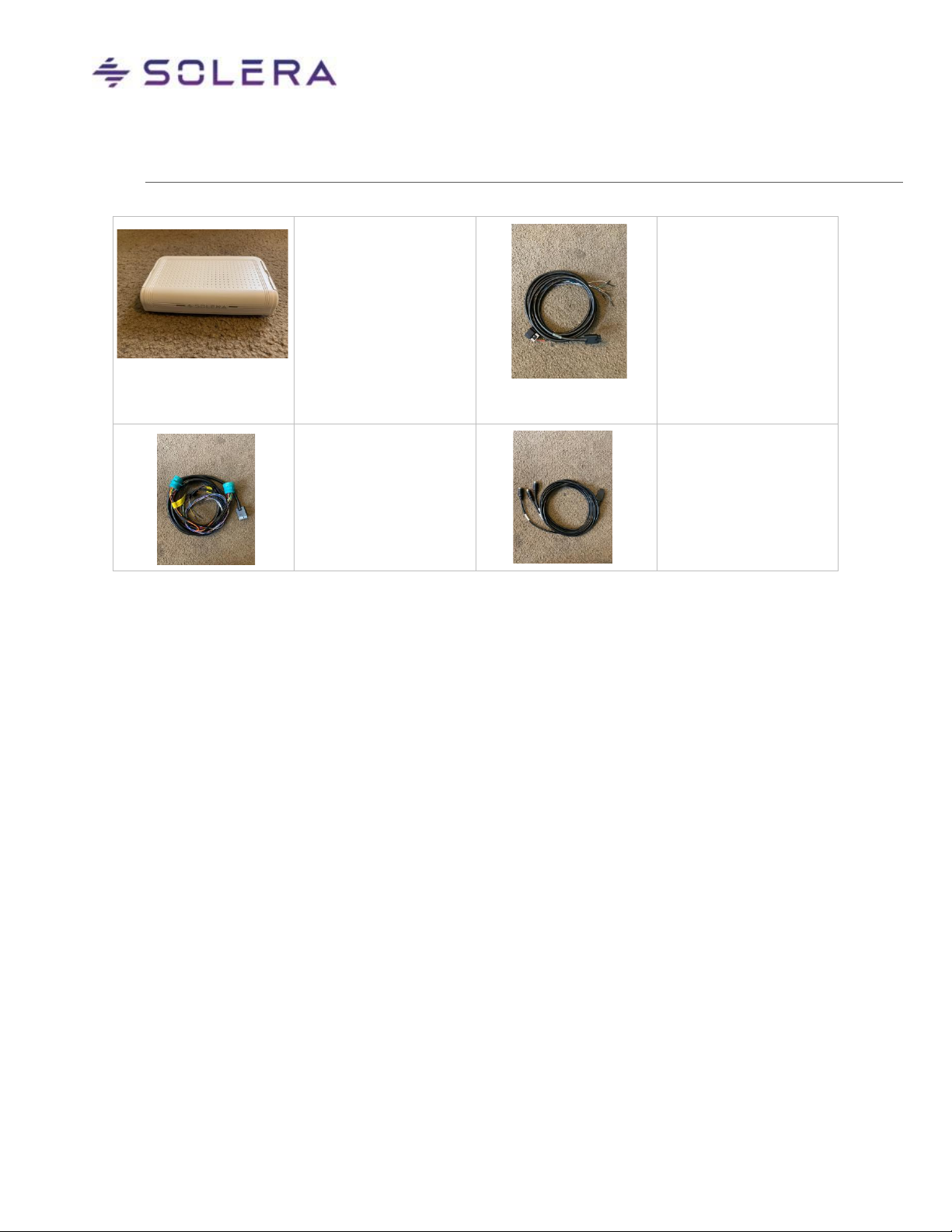
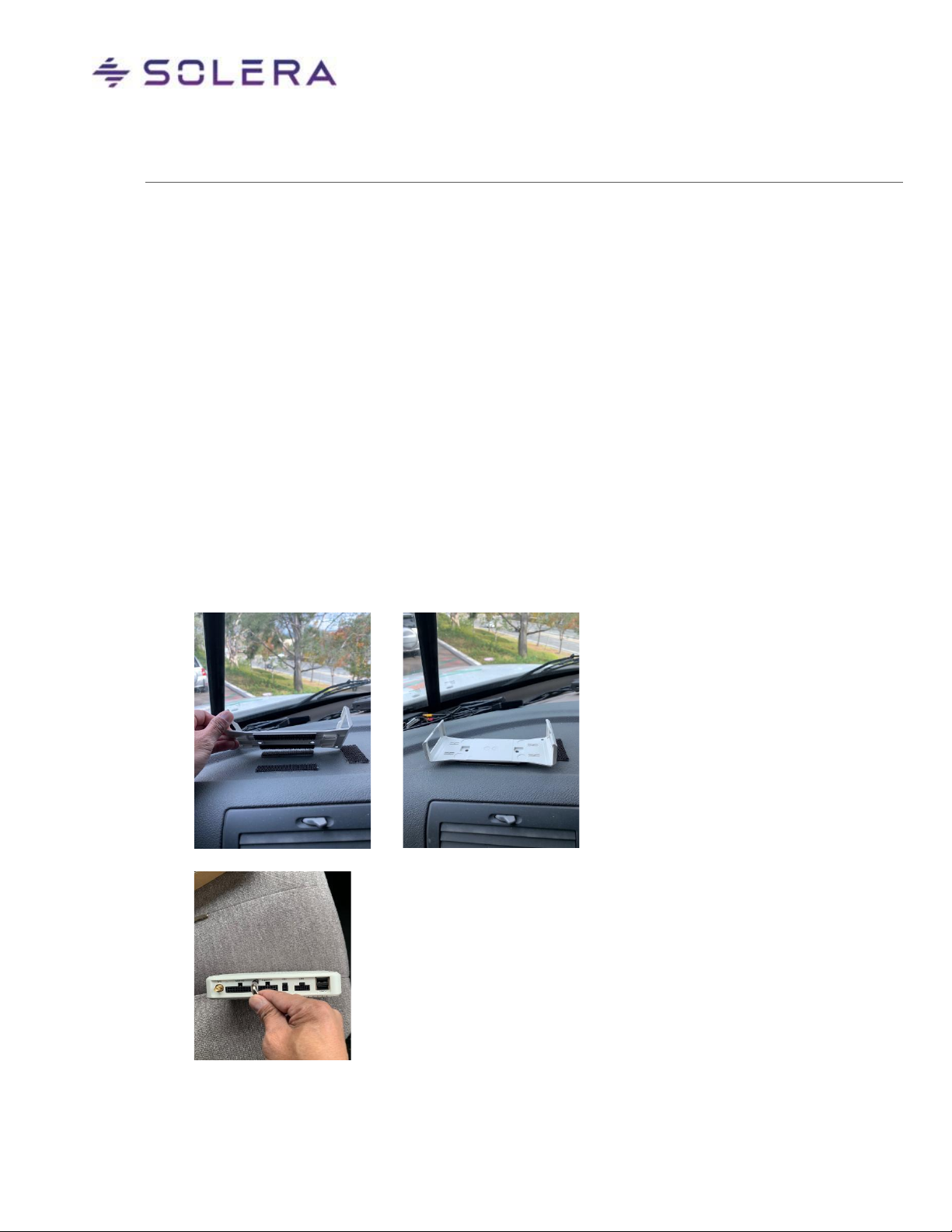
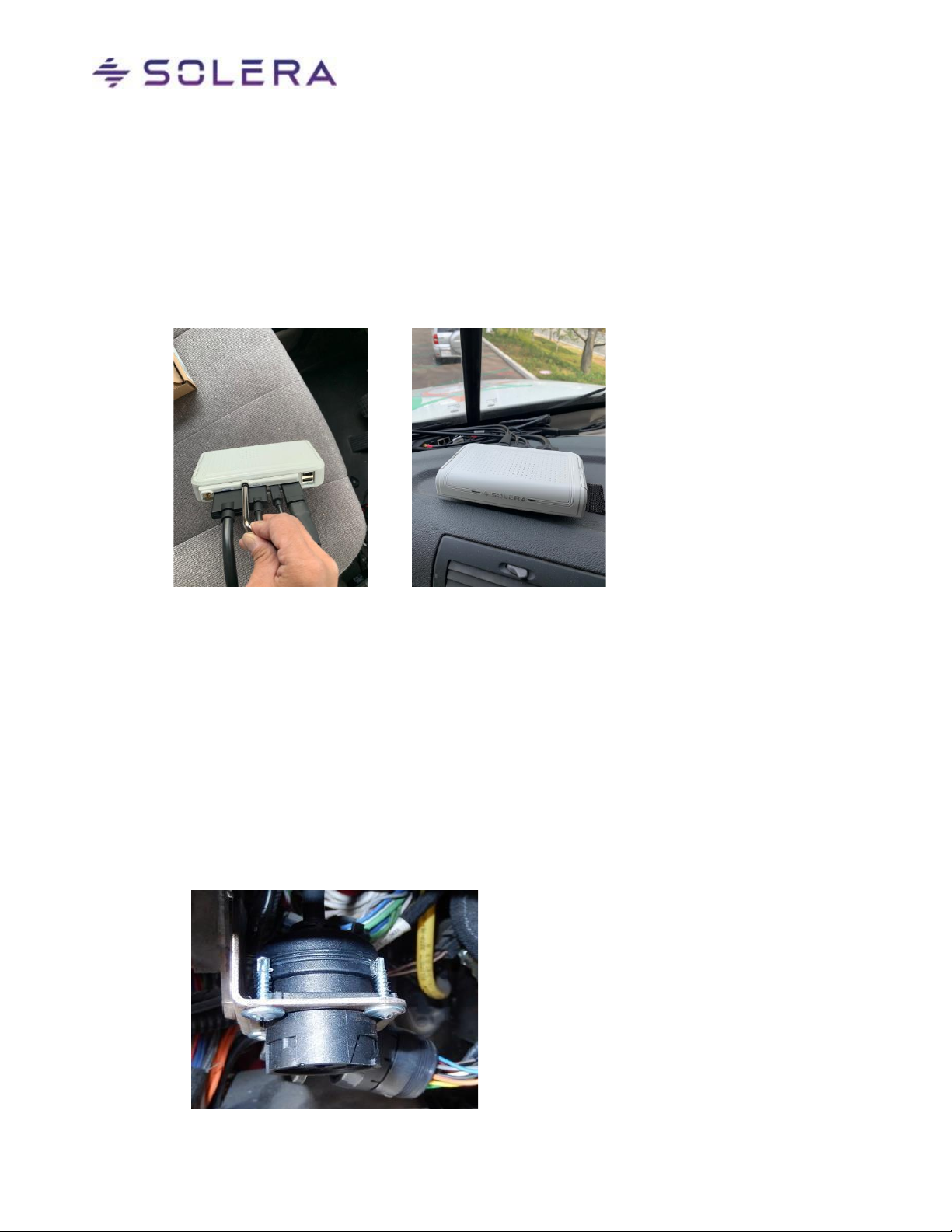
4. Plug in the Wiring Harness into the Main I/O port, in back of the STR. If a DBC2 device is also
being installed, plug in the DBC2 Cable into the ETH port. If applicable, plug in the Expansion
Trigger Cable and Analog Camera cable, as well.
5. Install the Cable Protector cover and screw. Then tighten the screw to secure the cables in
place.
6. Install the STR onto the mounting plate.
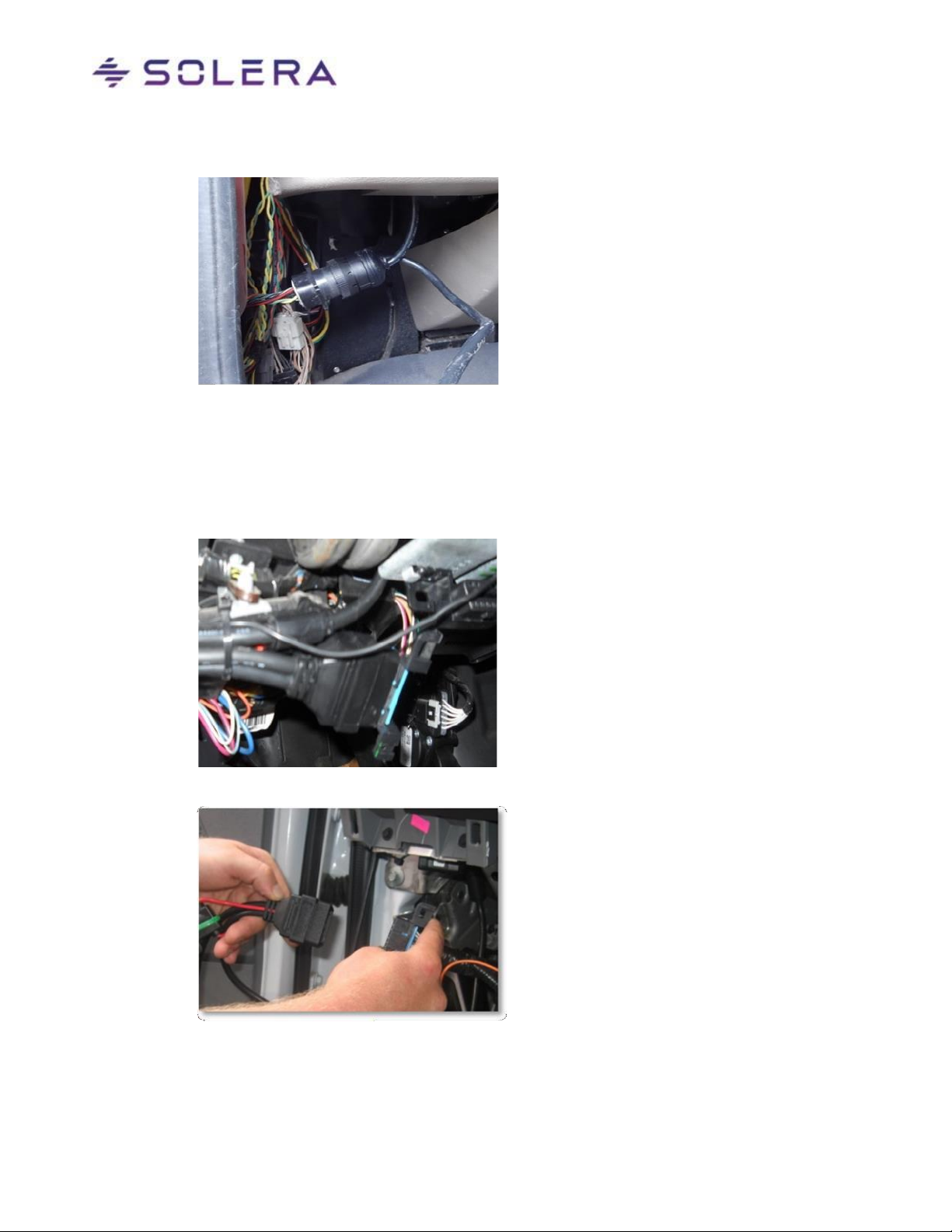
7. Route the cables securely around and into the dashboard to connect to the Diagnostic Link Connector of the
vehicle.
8VEHICLE DIAGNOSTIC LINK CONNECTOR (DLC) TYPES
Vehicle cable connections can only be made on qualified vehicles. Please check with Solera Program Managers to
verify that the vehicle is on the qualified vehicle list. The vehicle type will dictate the type of installation performed.
The installation will require that one of the following connections be used:
6 pin or 9 pin (J-Bus) Connection
If the installation requires a J-Bus plug connection:
1. Insert the Wiring Harness connector into the Smart Telematics Recorder.
2. Connect the Solera 6 or 9-pin male connector to the vehicle’s 6 or 9-pin connector respectively.
In most common heavy-duty vehicles, the factory J-Bus port is located on the driver’s side kick
panel next to the driver`s left foot