Contents
GENERAL 4
1.1 OVERVIEW 4
1.1.1
About Signatrol 4
1.1.2
The System 4
1.1.3
The Manual 4
1.2 THE ADMINISTRATOR/USER MODEL 5
1.3 SECURITY 5
1.3.1
Introduction 5
1.3.2
WI-FI Connection 5
1.3.3
Data Security 5
INSTALLATION GUIDE 6
1.4 RECEIVING AND UNPACKING 6
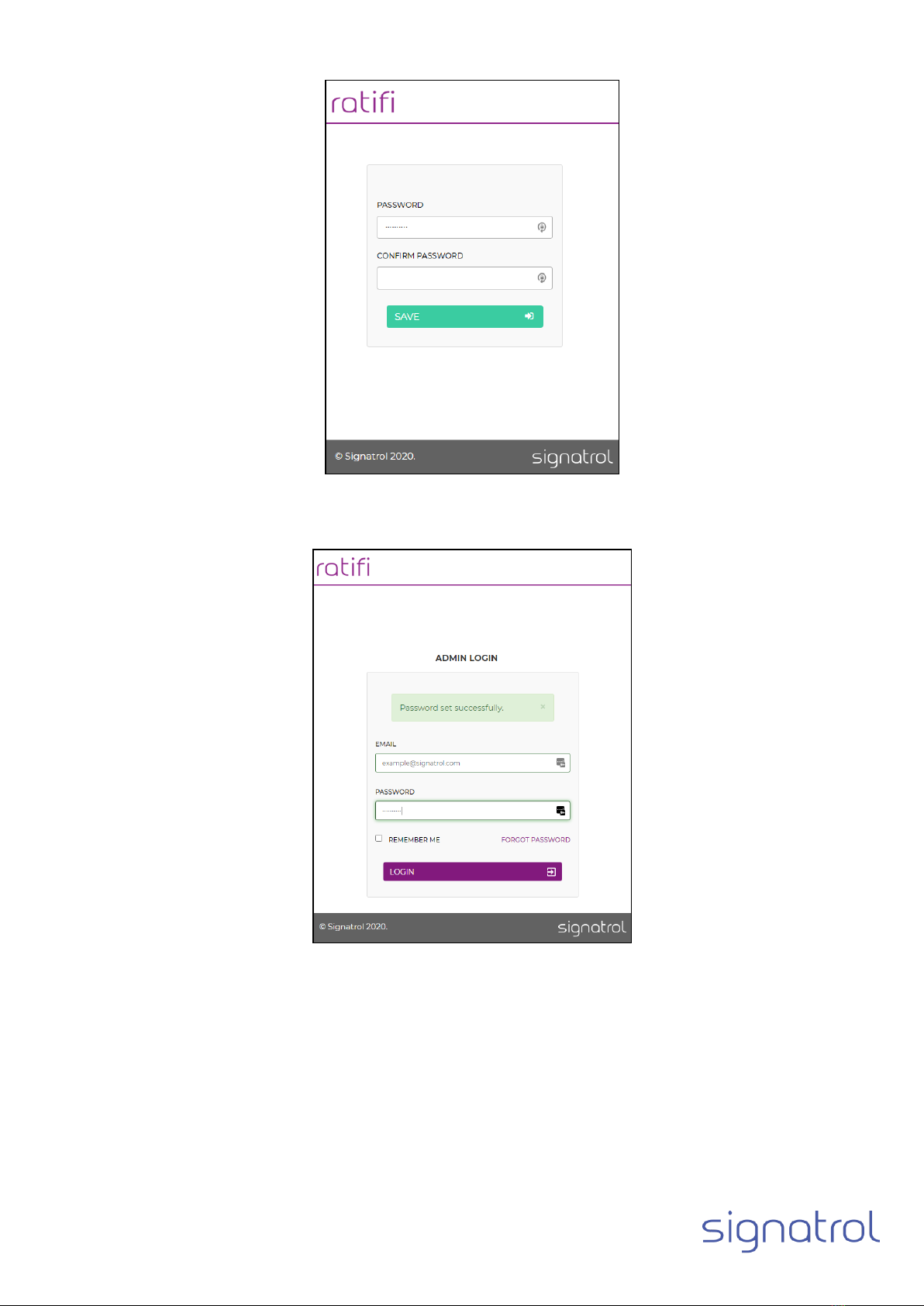
1.5 CREATE RATIFI.CLOUD ACCOUNT 7
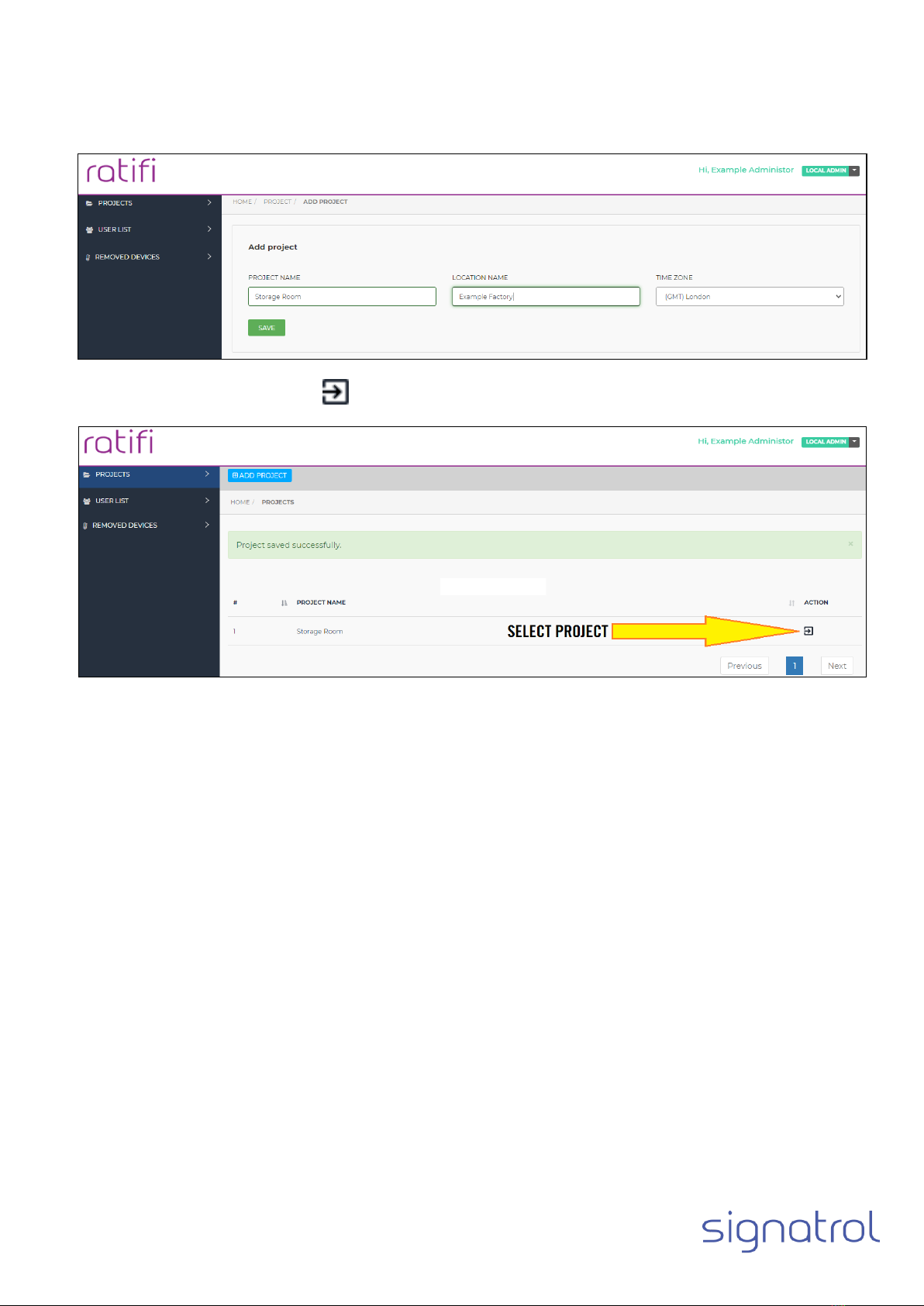
1.6 CREATE/ADD CLOUD PROJECT 9
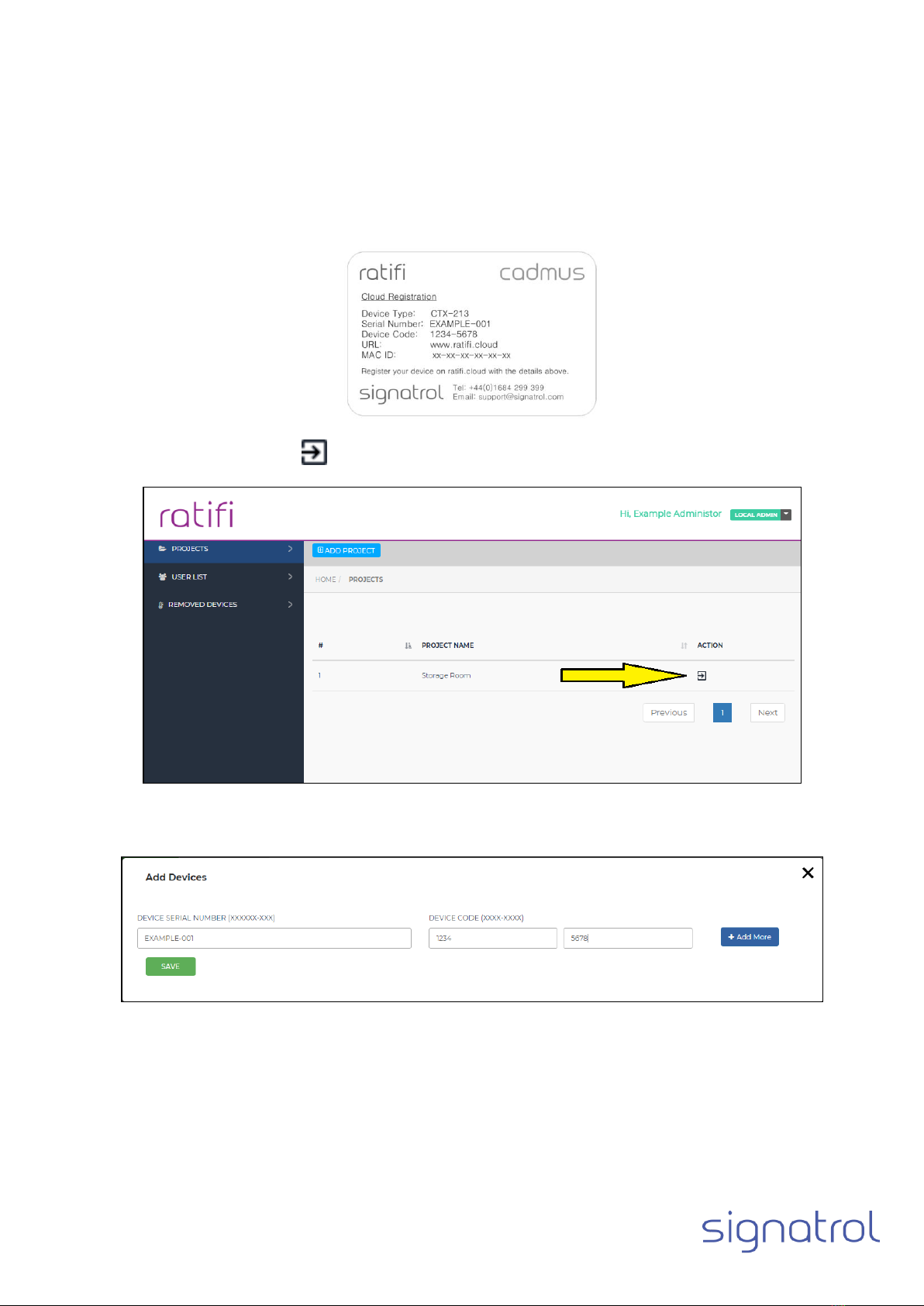
1.7 ADDING THE DEVICE TO THE CLOUD 10
1.8 SETUP DEVICE CONFIGURATION 11
1.9 CONFIGURATION WIZARD 12
1.9.1
Main Tab. 12
1.9.2
Channel 1 (Internal Temperature). 13
1.9.3
Channel 2 (Internal Relative Humidity) (CTX-213 only) 14
1.9.4
Channel 3 and 4 (External Temperatures, Pt1000 sensor) 15
1.9.5
Channel 5 and 6 (Discrete Input) 16
1.9.6
LCD Display (CTX-203 and CTX-213 models only) 18
1.10 OPENING THE DEVICE ENCLOSURE. 19
1.10.1
CTX-203 and CTX-213 19
1.10.2
CTX-303 19
1.11 CONNECT EXTERNAL SENSORS 20
1.11.1
Connecting Pt1000 temperature sensors. 20
1.11.2
Connecting external digital output to discrete channels. 21
1.12 SETUP POWER SOURCE 22
1.13 USB CONFIGURATION VIA CADMUS-CONFIG 23
1.13.1
Installing Cadmus-Config 23
1.13.2
Loading Cadmus-Config 23
1.13.3
Connecting your device to the computer 23
1.13.4
Cadmus-Config basics 24
1.13.5
Cadmus-Config Information screen 25
1.13.6
Configuring Cadmus Security and Device Pin. 25
1.13.7
Cadmus-Config Settings Tab 27
1.13.8
External Temperature Sensor Tab 28
1.13.9
Battery Tab 28
1.13.10
Real Time Clock 29
1.13.11
Wi-Fi Connection 30
1.13.12
Wi-Fi Connection Wizard 31
1.13.13
WPA2- Personal Connection –Network Settings 33
1.13.14
WPA2-Enterprise Connection (EAP-TLS) –Network Settings. 35
1.14 PRODUCT POSITIONING 38
1.15 DEVICE AND CLOUD INTERACTION 39
1.16 ENTERING YOU COMPANY DETAILS. 39
1.17 ADD CLOUD USERS 40