S2Konnect S-8180T Manual de usuario


S2Konnect S-8180T
S2Konnect S-8180T
Unmanaged Gigabit Ethernet Switch
User Manual
2

S2Konnect S-8180T
3
Copyright © S2Konnect GmbH, 2009. All rights reserved.
This manual refers to the S2Konnect S-8180T Unmanaged Switches. Contents are subject to change
without notice.
Product and brand names are (registered) trademarks of their appropriate owners.
If you have comments on this documentation, please send to:
S2Konnect GmbH
Siemensstrasse 23
76275 Ettlingen / Germany
http://www.s2konnect.com

S2Konnect S-8180T
4
Conventions
The following conventions apply to this manual.
Warning and Notes
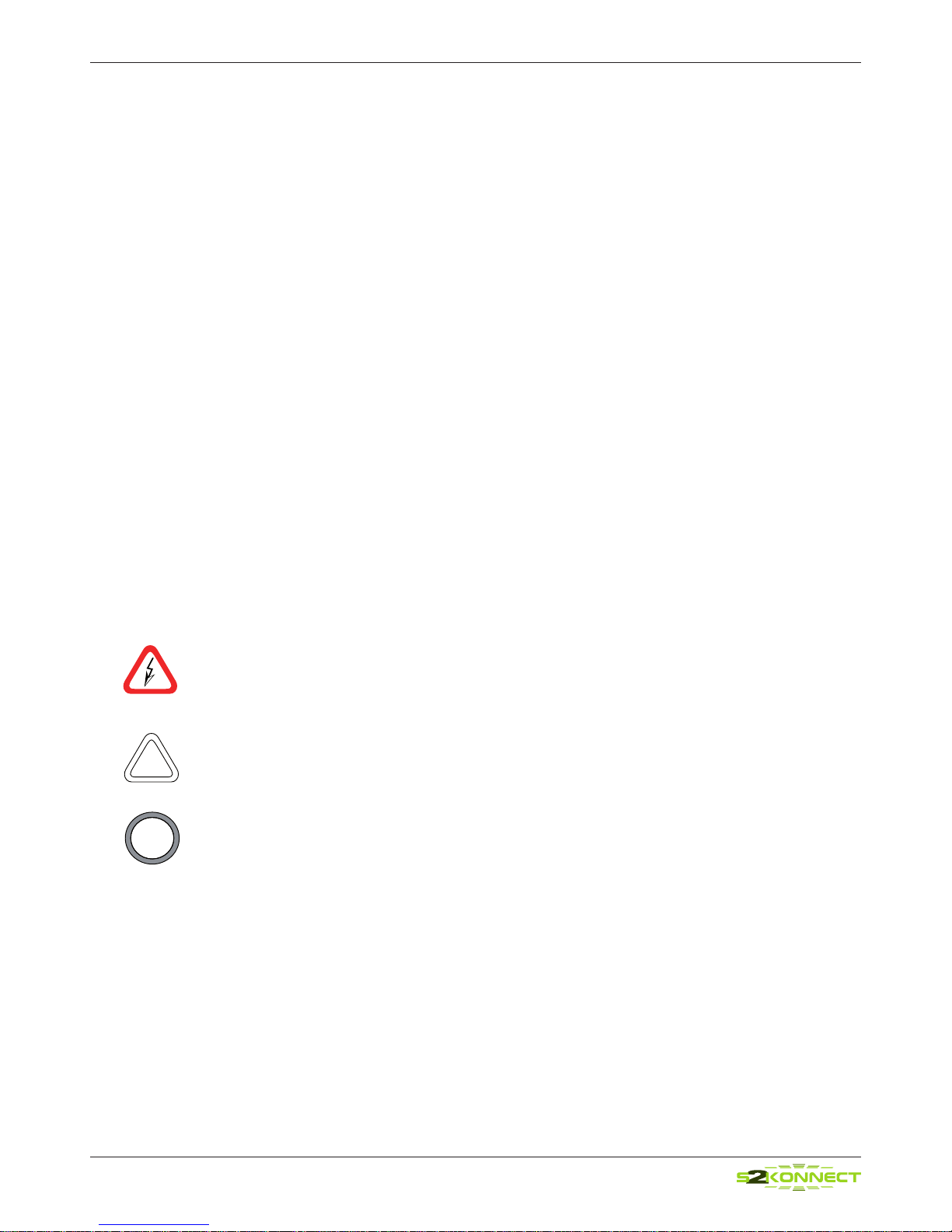
Used to indicate a potentially hazardous situation which, if not avoided, could result in death
or serious injury. Example: dangerous voltage.
Used to indicate a potentially hazardous situation which, if not avoided, may result in minor
or moderate injury. Example: electrostatic discharge.
Used for additional information and advice.
!
i

S2Konnect S-8180T
5
Table of Contents
Conventions 4
Warning Notes 4
Safety Precautions 7
Avoiding injuries 7
Avoiding damage 7
1 Installation of the S2Konnect Unmanaged Switch 8
Installation on a Level Surface 8
Installation on a Wall 8
Installation in a Rack 9
2 Connection of the S2Konnect Unmanaged Switch 10
Transmission Distances 10
Connection to the Network 10
Connection to other Switches 11
3 Features 12
Type of Switch 12
Front Panel 12
Rear Panel 13
RJ-45 Switch Ports 13
SFP Port 13
LED Displays 13
4 Important Information 13
Technical Support 13
Returning an S2Konnect Unmanaged Switch of Repair 13
Technical Specications 14
Appendix A. License and Warranty Information 16
The Americas, Asia, Australia, New Zealand, Pacic 16
Europe 17
Deutschland, Schweiz, Österreich, Lichtenstein 18

S2Konnect S-8180T
Table of Figures
Figure 1 : Wall Installation
Figure 2 : Rack Installation
Figure 3 : Connection of the RJ-45 cable/plug
Figure 4 : Connection of Switches
Figure 5 : Front Panel of the S-8180T
Figure 6 : Rear Panel of the S2Konnect Unmanaged Switches
Figure 7 : Location of the LEDs
6

S2Konnect S-8180T
7
Safety Precautions
To protect yourself from injuries and avoid damage to the S2Konnect S-8180T Unmanaged
Switches, always observe the following safety instructions.
Avoiding injuries
Electrical current!
Electrical current from power, phone, and communications cables can be hazardous.
Never touch any electrical elements with bare hands.
To avoid potential shock hazards:
• Do not carry out any installation, maintenance, or (re)conguration work during a
thunderstorm.
• Do not connect or disconnect any power cables during a thunderstorm.
• Unplug this device from its power source before cleaning. Use only a slightly dampened
label. If you are not sure of the type of your local power supply, consult your dealer or the
local power company.
• Do not pinch, crimp or otherwise damage the power cord. If exposed to foot trafc, en-
sure that the cable is properly shielded and does not pose a tripped hazard.
• If using an extension cord, make sure the total ampere rating of the products using the
cord does not exceed the extension cord’s ampere rating.
• Do not attempt to service this device, as opening or removing casing may expose you to
dangerous voltage points or other risks. Refer all servicing to qualied service personnel.
• The S2Konnect S-8180T Unmanaged Switches should be serviced by qualied service
personnel under the following conditions:
• The power cord is damaged or frayed.
• Liquid has been spilled onto the product.
• The product has been exposed to rain or water.
• The product does not operate normally in accordance with the operating
instructions.
• The device has been dropped or the casing had been damaged.
Electrical installations must comply with the safety regulations of the country in which they are
operated.
Avoiding damage
Electrostatic discharge!
Electrostatic discharge may damage or destroy the S2Konnect S-8180T Unmanaged Switches.
To avoid damaging the S2Konnect S-8180T Unmanaged Switches observe the following:
• Never use force when working with the S2Konnect Unmanaged Switches.
• Do not place the S2Konnect Unmanaged Switches on an unstable surface. The device
may fall causing serious damage to the device.
i
!

S2Konnect S-8180T
8
Installation of the S2Konnect
Unmanaged Switch
The installation of the S2Konnect S-8180T Unmanaged Switches is easy.
The unit may be used for rack, wall or on table installation.
Installation on a Level Surface
To install the S2Konnect Unmanaged Switch on a table or similar, attach rubber feet on each
marked location on the bottom of the device to avoid slipping of the device and scratches on the
surface. After putting in the power cord the green Power LED should light up.
à please place the S2Konnect Unmanaged Switch on a robust level surface that can support at
least 2.5kg (5.5lb) of weight.
Installation on a Wall
To install the S2Konnect Unmanaged Switch on the wall, proceed as follows:
1. Attach the brackets at each side of the S2Konnect Unmanaged Switch using the supplied
screws.
2. Hold the S2Konnect Unmanaged Switch against the wall and mark the wall trough the
holes of the brackets.
3. Drill holes in the wall for the brackets.
4. Hold the S2Konnect Unmanaged Switch against the wall ensuring that the drilled holes
align with the holes of the brackets.
5. Insert a dowel (not supplied) to provide better support.
6. Screw the S2Konnect Unmanaged Switch on the wall using the supplied screws.
7. Tighten all screws.
8. Plug in the power cord.
9. Turn on the S2Konnect Unmanaged Switch.
The green Power LED should light up indicating that the power supply is ok.
1
Figure 1. Wall Installation

S2Konnect S-8180T
9
Make sure that the wall is capable of supporting the S2Konnect Unmanaged Switch.
The S2Konnect Unmanaged Switch must not be exposed to direct sunlight or be installed near
heating vents. The location should be ventilated to prevent overheating.
Installation in a Rack
To install the S2Konnect Unmanaged Switch in a rack, proceed as follows:
1. Attach the brackets at each side of the S2Konnect Unmanaged Switch using the supplied
screws.
2. Insert cage nuts into the mounting rail of the rack.
3. Hold the S2Konnect Unmanaged Switch against the rack ensuring that the bracket holes
align with the holes of the rack.
4. Screw the S2Konnect Unmanaged Switch on the rack using the supplied screws.
5. Tighten the screws.
6. Plug in the power cord.
7. Turn on the S2Konnect Unmanaged Switch.
The green Power LED should light up indicating that the power supply is ok.
The S2Konnect Unmanaged Switch can be installed in racks, which are at least 48.3cm/19 in-
ches deep.
Figure 2. Rack Installation
i
i

S2Konnect S-8180T
10
Connection of the S2Konnect
Unmanaged Switch
This chapter describes the physical connection of the S2Konnect S-8180T Unmanaged Switches
to other Switches as well as to a network system.
Transmission Distances
All ports of the switch are supporting 10/100/1000BaseT connections on Copper Category 5
unshielded twisted pair cable with a maximum distance of 100m.
Connection to the Network
You can connect the S2Konnect S-8180T Unmanaged Switches to a network station or even
uplink them to a network server. Thus, by connecting smaller network segments through a switch
you can expand the transmission range of your overall network.
In order to connect the S2Konnect Unmanaged Switch to a network, proceed as follows:
1. If possible, disconnect the S2Konnect Unmanaged Switch from the power supply.
2. At one end of the cable connect the RJ-45 connector to the port on the S2Konnect
Unmanaged Switch (see gure 3).
3. At the other end of the cable connect the connector to the port on the network device.
The port type (e.g. 1000Base-T) on the network device and that in the S2Konnect
Unmanaged Switch must be identical.
4. Reconnect the S2Konnect Unmanaged Switch to the power supply.
5. Turn on the network device and the S2Konnect Unmanaged Switch.
6. Check the SPD/LNK/ACT LED belonging to the port you plugged in the plug to nd out if
the cable is connected correctly.
If the LED is on, the connection is established and active. Otherwise you have to check
the S2Konnect Unmanaged Switch more closely (for details, refer to section
“LED Displays” on page 13).
2
Figure 3. Connection of the RJ-45 / plug
Tabla de contenidos
Manuales populares de Enrutador de red de otras marcas

NETGEAR
NETGEAR FS526T - Switch Manual de usuario

Korenix
Korenix JetNet 5710G Series Manual de usuario

Automated Logic
Automated Logic ZN551 Manual del propietario

Cisco
Cisco ASR 1000 Series Manual del operador

EnGenius
EnGenius ESR-9710 Manual de usuario

Cisco
Cisco 805 Series Instrucciones de funcionamiento y seguridad