
Quuppa QT3-1 Manual de usuario

QT3-1Tag User Manual
Updated: 06.09.2022
Release: DRAFT

Contents
Introduction...................................................................................................................................................... 3
QT3-1 Tag Features......................................................................................................................................... 4
Using the QT3-1 Tag........................................................................................................................................5
Recycling and Disposal.................................................................................................................................. 9
QT3-1 Tag Certifications............................................................................................................................... 10
FCC and IC Regulatory Statements........................................................................................................ 11
Copyright and Other Notices....................................................................................................................... 13

Introduction
The Quuppa QT3-1 (Quuppa Tag) is a tag that is compatible with the Quuppa Intelligent Locating System™.
Other parts of the system are the Quuppa Locators and the Quuppa Positioning Engine (QPE) software.
The Quuppa system allows you to locate and track any object equipped with a Quuppa Tag, a Quuppa
compatible Tag or any Bluetooth enabled device emulating the Quuppa Tag, in an environment equipped
with Quuppa Locators.
Read this guide carefully and watch the Quuppa Academy videos before starting to use the system. For the
latest guides, additional information related to your Quuppa product, go to quuppa.com/documentation.
QT3-1Tag User Manual
© 2020-2022 Quuppa Oy. All rights reserved. The content provided is subject to change without notice. For the latest version,
go to quuppa.com/documentation. Updated: 06.09.2022 | Release: DRAFT | Type: Highly Confidential
3

QT3-1 Tag Features
The Quuppa QT3-1 has the following features:
•4 mounting holes (1)
•Button (2)
•Red LED (3)
•Waterproof casing
•2.4 GHz radio SoC
•Accelerometer
•Pre-programmed with Quuppa Firmware
QT3-1Tag User Manual
© 2020-2022 Quuppa Oy. All rights reserved. The content provided is subject to change without notice. For the latest version,
go to quuppa.com/documentation. Updated: 06.09.2022 | Release: DRAFT | Type: Highly Confidential
4

Using the QT3-1 Tag
This section covers how to use the Quuppa QT3-1. Please note that the Quuppa QT3-1 is compatible with
Quuppa system release 8.0 or above.
General Instructions
Activating the QT3-1
Before using the Quuppa QT3-1 you must activate it and configure it for your Quuppa system. To activate the
tag, use the Button Press method, i.e. press the button for 1 second to activate the Quuppa QT3-1.
With the default configurations set for new QT3-1 tags, the tag will remain activated for 24 seconds after it
becomes inactive before entering the storage mode again.
Configuring the QT3-1
Tag configurations define the behaviour of the tags in your Quuppa system. For example, you can configure
a tag to blink its LED light every time it enters a particular zone within your Quuppa system.
Note: The LED blink uses a relatively large amount of power and so we recommend that to conserve
the tag's battery, you only use the LED blink when necessary.
New tags will be configured to use a default configuration. You can change this configuration to better suit
the needs of your use case.
To apply a new configuration, make sure that the tag is activated and use one of the following methods to
send the new configuration to the tag:
•Quuppa Site Planner (QSP) and a Focusing Locator
•Quuppa Positioning Engine (QPE) API requests
For more information, please refer to our product documentation available at quuppa.com/documentation.
Attaching QT3-1 to a Locatable Object
Attach the Quuppa QT3-1 to a locatable object.
Important: For optimal operation do not attach Quuppa QT3-1 onto a large metallic surface.
Warning: Never attach Quuppa QT3-1 onto hot surfaces.
QT3-1Tag User Manual
© 2020-2022 Quuppa Oy. All rights reserved. The content provided is subject to change without notice. For the latest version,
go to quuppa.com/documentation. Updated: 06.09.2022 | Release: DRAFT | Type: Highly Confidential
5

Important: Do not attach the Quuppa QT3-1 so that the button is permanently pressed down.
Reset to Factory Settings
To reset the device to factory settings hold the QT3-1 button side up and press the button until the LED turns
off (5 seconds). While still pressing the button, turn the QT3-1 button side down. The LED will start blinking.
Keep the button pressed for another 10 seconds until the LED stops blinking and turns continuously on.
QT3-1 2D Barcode
The backside of the QT3-1 includes a 2D barcode which contains the Tags ID number. The 2D barcode can
be scanned for example with a separate 2D barcode reader or a suitable mobile phone app. You may need
to select the setting “scan white barcode on black background” for optimal performance.
Mechanical Details
QT1-1 dimensions
Dimensions (mm), front view:
Dimensions (mm), side view:
Waterproof casing
Quuppa QT3-1 has IP protection class IP68. This means that it's dust and water resistant and can be
immersed in 1.5 meters of freshwater for up to 30 minutes.
Battery
QT3-1Tag User Manual
© 2020-2022 Quuppa Oy. All rights reserved. The content provided is subject to change without notice. For the latest version,
go to quuppa.com/documentation. Updated: 06.09.2022 | Release: DRAFT | Type: Highly Confidential
6

Quuppa QT3-1 has an in-built CR2354 battery. In normal operation the battery will last for several years. The
battery voltage level can be monitored using the Quuppa system. Once the battery is discharged, Quuppa
QT3-1 has to be recycled properly according to local regulations. Do not attempt to open the casing to
replace the battery.
Warning: Risk of explosion if battery is replaced by an incorrect type. Dispose of used batteries
according to the instructions.
Technical Specifications
Model number QT3-1
Dimensions ⌀: 40 mm, h: 11,2 mm
Weight 10 g
IP protection class IP 68
Operating temp.
range
0°C...+60°C
Storage temp. range –30°C...+70°C
Radio Silabs BG22
Radio transmission Bi-directional
Number of channels Proprietary Mode: 81 channels (1 MHz) but only one at a time (for Japan 80
channels)
BLE Mode: 40 channels (2 MHz) but only one at a time
Carrier frequencies Proprietary Mode: 2401 2402 … 2480 2481 MHz (for Japan: 2402 … 2408 2481
MHz)
BLE Mode: 2402 2404 … 2478 2480 MHz
Max Output Power +6dBm
Power supply CR2354
Due to waterproofing the battery is non-removable and non-rechargeable.
Power rating 3VDC 15mA
Certifications CE, FCC, IC
Functionality Button, LED, Accelerometer
QT3-1Tag User Manual
© 2020-2022 Quuppa Oy. All rights reserved. The content provided is subject to change without notice. For the latest version,
go to quuppa.com/documentation. Updated: 06.09.2022 | Release: DRAFT | Type: Highly Confidential
7

Important: Quuppa devices should only be used in environments that fit the conditions listed in
the above table. Exposure to more stress (e.g. operating the device in higher than recommended
temperatures) may affect the reliability of the device or even cause permanent damage to the device.
Packaging and Storage
The QT3-1 is shipped in a cardboard box. One box contains 5 pcs of QT3-1 and one overpack contains 10
such boxes, in total 50 pcs of QT3-1.
Please note the storage temperature ranges when storing the QT3-1. Please note that the device is sensitive
to ESD and may be damaged by it.
Care and Maintenance
Your Quuppa QT3-1 is a product of superior design and craftsmanship and should be treated with care. The
following suggestions will help you protect your warranty coverage.
•Do not attempt to open the device.
•Do not sink the device in deep water (> 1.5 meters).
•Do not use harsh chemicals, cleaning solvents, or strong detergents to clean the device. Only use
water and soap or a dry cloth to clean the surface of the device.
•Do not paint the device.
•Keep the device out of reach of small children.
QT3-1Tag User Manual
© 2020-2022 Quuppa Oy. All rights reserved. The content provided is subject to change without notice. For the latest version,
go to quuppa.com/documentation. Updated: 06.09.2022 | Release: DRAFT | Type: Highly Confidential
8
Recycling and Disposal
Always return your used electronic products, batteries, and packaging materials to dedicated collection
points. This way you help prevent uncontrolled waste disposal and promote the recycling of materials.
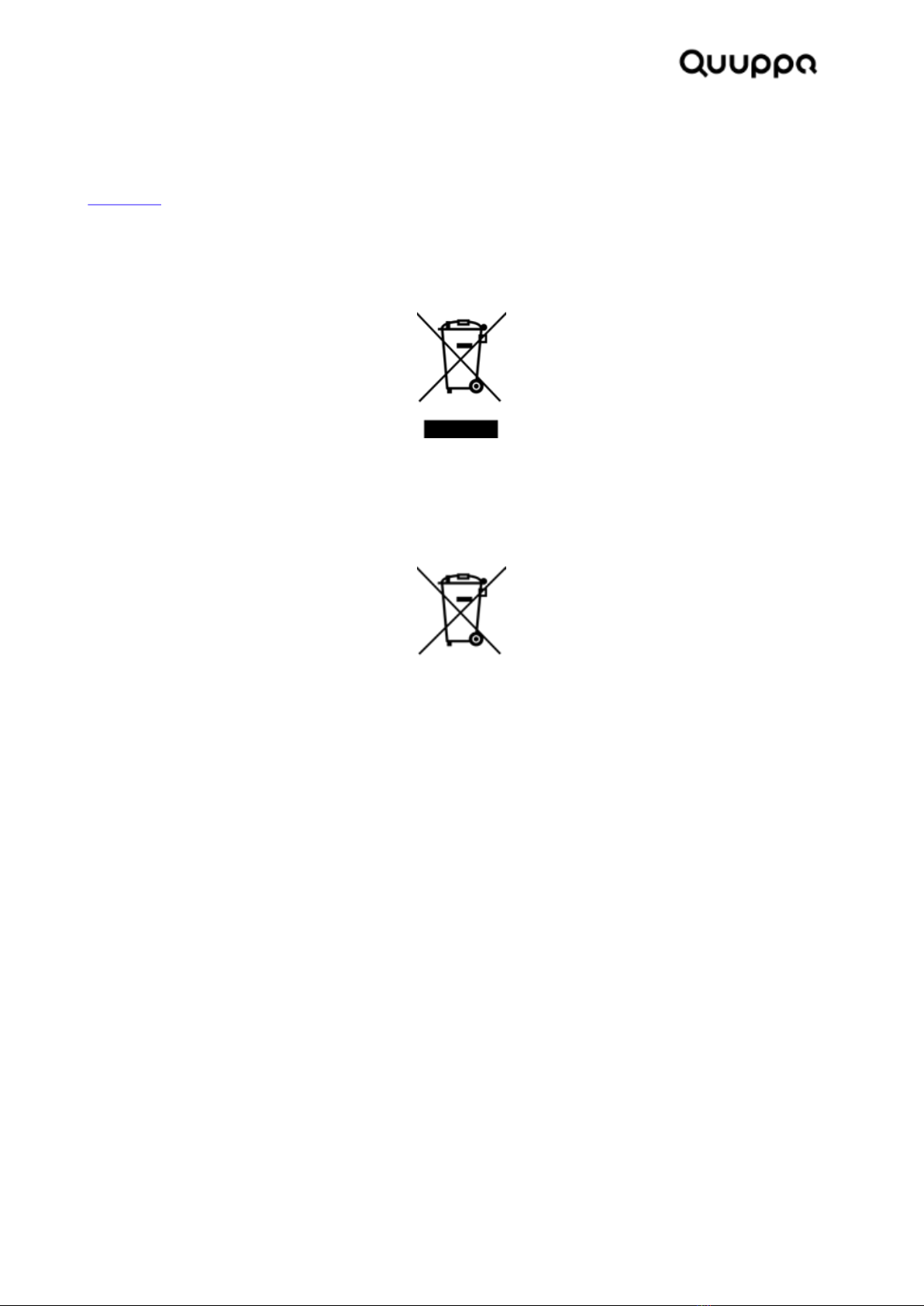
Disposal of Electrical and Electronic Equipment. This crossed-out wheeled-bin symbol indicates that this
product should not be treated as household waste. Instead hand it over to the appropriate collection point
for the recycling of electrical and electronic equipment in accordance with local environmental regulations for
waste disposal.
Disposal of Waste Batteries. This product contains a battery. Do not dispose of them with other household
waste. Instead, hand them over to the appropriate collection point for recycling. The battery does not contain
Mercury (Hg), Cadmium (Cd) or Lead (Pb).
Ensuring proper product and battery disposal prevents potential negative consequences for the environment
and human health. For more information, contact your city, the place of purchase, or [email protected].
QT3-1Tag User Manual
© 2020-2022 Quuppa Oy. All rights reserved. The content provided is subject to change without notice. For the latest version,
go to quuppa.com/documentation. Updated: 06.09.2022 | Release: DRAFT | Type: Highly Confidential
9

QT3-1 Tag Certifications
The QT3-1 Locator has the following certifications:
•FCC and IC Regulatory Statement (on page 11)
QT3-1Tag User Manual
© 2020-2022 Quuppa Oy. All rights reserved. The content provided is subject to change without notice. For the latest version,
go to quuppa.com/documentation. Updated: 06.09.2022 | Release: DRAFT | Type: Highly Confidential
10
Tabla de contenidos
Otros manuales de GPS de Quuppa


