
Quectel GT200 Manual de usuario
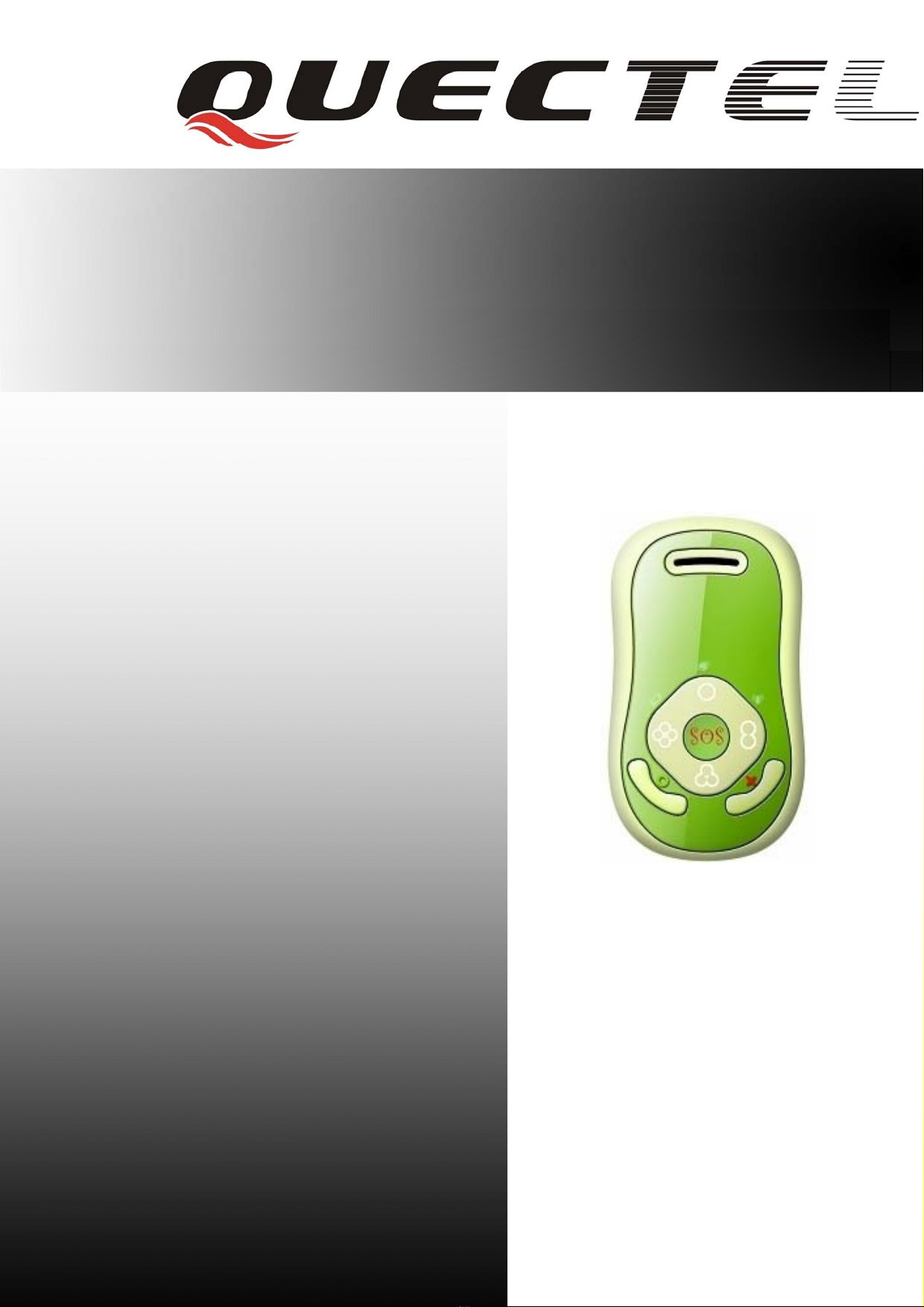

GT200 User manual
Document Title GT200 User manual
Version 2.01
Date 2009-09-11
Status Release
Document Control ID TRACGT200UM002
General Notes
Quectel offers this information as a service to its customers, to support application and
engineering efforts that use the products designed by Quectel. The information provided is
based upon requirements specifically provided to Quectel by the customers. Quectel has not
undertaken any independent search for additional relevant information, including any
information that may be in the customer’s possession. Furthermore, system validation of this
product designed by Quectel within a larger electronic system remains the responsibility of
the customer or the customer’s system integrator. All specifications supplied herein are
subject to change.
Copyright
This document contains proprietary technical information which is the property of Quectel
Limited., copying of this document and giving it to others and the using or communication of
the contents thereof, are forbidden without express authority. Offenders are liable to the
payment of damages. All rights reserved in the event of grant of a patent or the registration of
a utility model or design. All specification supplied herein are subject to change without
notice at any time.
Copyright © Shanghai Quectel Wireless Solutions Ltd. 2009
TRACGT200UM002 -1-
Quectel

GT200 User manual
Contents
Contents ............................................................................................................................................2
0. Revision history ............................................................................................................................3
1. Introduction...................................................................................................................................4
2. Getting Started ..............................................................................................................................5
2.1. Parts List..............................................................................................................................5
2.2. Battery Charging .................................................................................................................5
2.3. Install SIM Card..................................................................................................................6
3. Product Overview .........................................................................................................................7
3.1. Appearance..........................................................................................................................7
3.2. Keypad and MINI USB Interface Description....................................................................7
3.3. LED Indicator Description..................................................................................................8
4. Basic Function...............................................................................................................................9
4.1. Turning GT200 On or Off...................................................................................................9
4.2. Number Key Dial Call.........................................................................................................9
4.3. Make An Emergency Call ...................................................................................................9
4.4. VolumeAdjust and State Switch .......................................................................................10
4.5. Key-Press Lock.................................................................................................................10
5. Troubleshooting and Safety info.................................................................................................12
5.1. Troubleshooting.................................................................................................................12
5.2. Safety info.........................................................................................................................13
TRACGT200UM002 -2-
Quectel

GT200 User manual
0. Revision history
Revision Date Author Description of change
2.01 2009-09-11 Ella HUANG Initial
TRACGT200UM002 -3-
Quectel

GT200 User manual
1. Introduction
GT200 is a powerful GPS Locator which is designed for kids care. With superior receiving
sensitivity, fast TTFF and GSM frequencies 850/1800/1900MHz or 900/1800/1900MHz. Its
location can be real time or schedule tracked by backend server or specified terminals. Base on the
embedded @Track protocol the GT200 can communicate with the backend server through
GPRS/GSM network, transfer reports of Emergency, Geo-fencing, Lower power and scheduled
GPS position etc… User can easy to dial the preset phone number by the four quick dial buttons
and SOS button. Service provider can easy to setup their tracking platform base on the functional
@Track protocol.
TRACGT200UM002 -4-
Quectel

GT200 User manual
2. Getting Started
2.1. Parts List
zGT200 Locator
z850mAh Li-ion battery
zAC power adapter
zMini-USB Data_Cable_M (Please note this data cable is only for backend server developers or
administrators. It is not in the delivery list of GT200)
2.2. Battery Charging
zPlease connect AC power adapter with GT200 for battery charging.
zInsert the AC power adapter into a working electrical outlet. .
zDuring charging, the Battery LED Indicator is blinking slowly. When the battery is full
charged, the Battery LED Indicator will be solid.
zYou can also charge the battery by USB cable which connects GT200 with the PC.
zCharging process usually takes about 4 hours.
Note: Before your first time using the GT200, please full charge the battery.
TRACGT200UM002 -5-
Quectel

GT200 User manual
2.3. Install SIM Card
zTurn off the GT200; remove the battery cover and battery.
zMove the SIM card slot cover up, pull it up, and insert the SIM card into the SIM card slot
according to the direction shown, then close the cover and pull it down to lock;
zInstall the battery and close its cover.
TRACGT200UM002 -6-
Quectel

GT200 User manual
3. Product Overview
3.1. Appearance
3.2. Keypad and MINI USB Interface Description
Keypad Function description
Power Key zHold down this key to turn on / turn off GT200
Volume +/-Key zWhen in voice call, press this key to adjust the volume;
zIn idle state, keep pressing the Volume – Key for 3 seconds will switch
between normal and silent state.
zPress a Number Key which preset a phone number by backend server
to make call to the phone number.
Answer Key
zWhen there is an incoming call, press this key to answer the call.
zWhile in voice call, press this key to end a call.
Hang Up Key
zWhen there is an incoming call, press this key to reject the call.
zIn idle state, press Number Key X, then press Answer Key to make the
phone call to the preset phone number..
Number
Keys(1,2,3,4)
zIn idle state, keep pressing the Number Key X which KPN function is
enabled for 5 seconds, GPS will open and send its position to backend
server.
zKeep press this key for 3 seconds to dial the SOS number. SOS
function is enabled even in Keypad Locked Mode.
SOS Key
TRACGT200UM002 -7-
Quectel

GT200 User manual
zIn Fake Power Off Mode and Fake Ghost Mode, keep press this key
for 3 seconds to open GPS and send a position to backend server.
zTake this key up, all keys enable.
Lock Key
zTake this key down, all keys disable, except SOS Key.
zNote: when the key lock function is opened, if there is an incoming
call, Answer key and Hang up key can still be used; while in talking
state, Volume key can be used to adjust the volume and Hang up key
can still be used to end the call.
MINI USB Interface Description
Mini USB Interface zPlug in the AC power adapter to this interface for battery charging.
zBackend server developer or administrator can use the Data_Cable_M
to configure GT200.
3.3. LED Indicator Description
There are three LED Indicators in GT200 to indicator different status of GT200. Details as below:
Light event State
device is in charging slow flash
power is low solid
Power LED
Indicator
charging completed solid
network searching fast flash
network has been registered slow flash
GSM LED
Indicator SIM pin locked solid
GPS is in fixing fast flash
GPS LED
Indicator GPS has fixed solid for 2 seconds
TRACGT200UM002 -8-
Quectel

GT200 User manual
4. Basic Function
4.1. Turning GT200 On or Off
zTo turn on GT200, please hold down Power key.
zIn state of power-on, hold down Power key to turn off GT200.
zBefore turn on GT200, please make sure your SIM card is not PIN locked.
4.2. Number Key Dial Call
zUser can preset 4 phone numbers by backend server, each number key corresponding to one
phone number.
zWhen you want to make a phone call, first press Number Key X, and then press Answer Key
to call this preset phone number.
zPress Hang Up Key to end the call while in dialing process.
zIf the call is received, it will be in talking state.
zPress Hang up Key to end the call while in talking state.
4.3. Make An Emergency Call
zAt first, user should preset the SOS call number.
zUser can keep press SOS key for 3 seconds with any case to dial the SOS call number for help.
At the same time, GT200 will try to get GPS fixing and send the report with position
TRACGT200UM002 -9-
Quectel
Otros manuales para GT200
1
Tabla de contenidos
Otros manuales de GPS de Quectel

Quectel
Quectel GV100 Manual de usuario
Quectel
Quectel gl200 Manual de usuario

Quectel
Quectel GT200 Manual de usuario

Quectel
Quectel L80-R Manual de usuario

Quectel
Quectel L10 Manual de usuario

Quectel
Quectel L80 EVB Manual de usuario

Quectel
Quectel L20 Manual de usuario

Quectel
Quectel LG77L EVB Manual de usuario


