www.sn-promet.pl
Spółdzielnia Niewidomych PROMET 41-200Sosnowiec,ul.Lipowa11
Centrala:tel+48222698100,Sekretariat:tel.+48 32 269 81 02, Dział Obsługi Klienta: tel. +48 32 269 81 81,
Strona|5
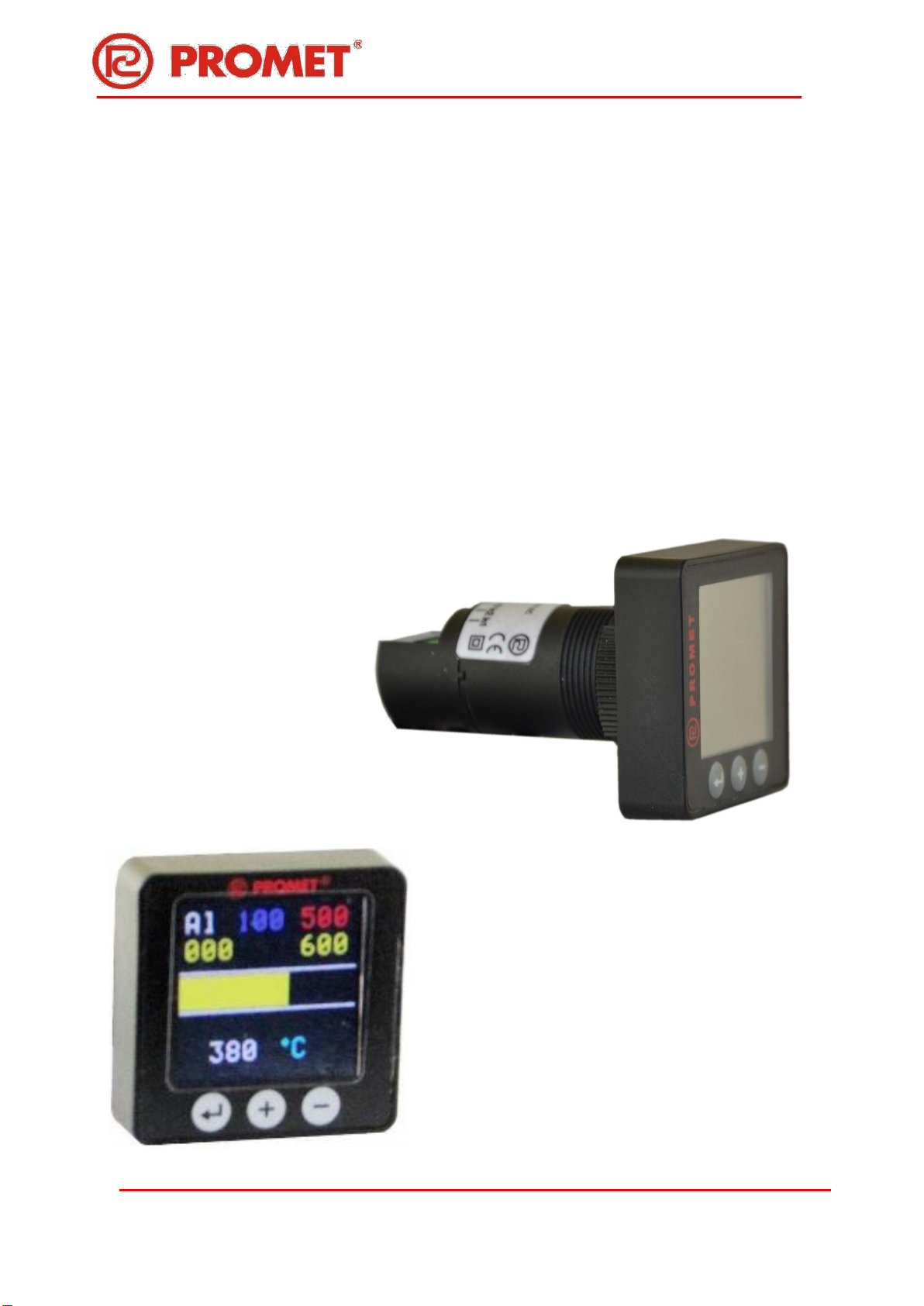
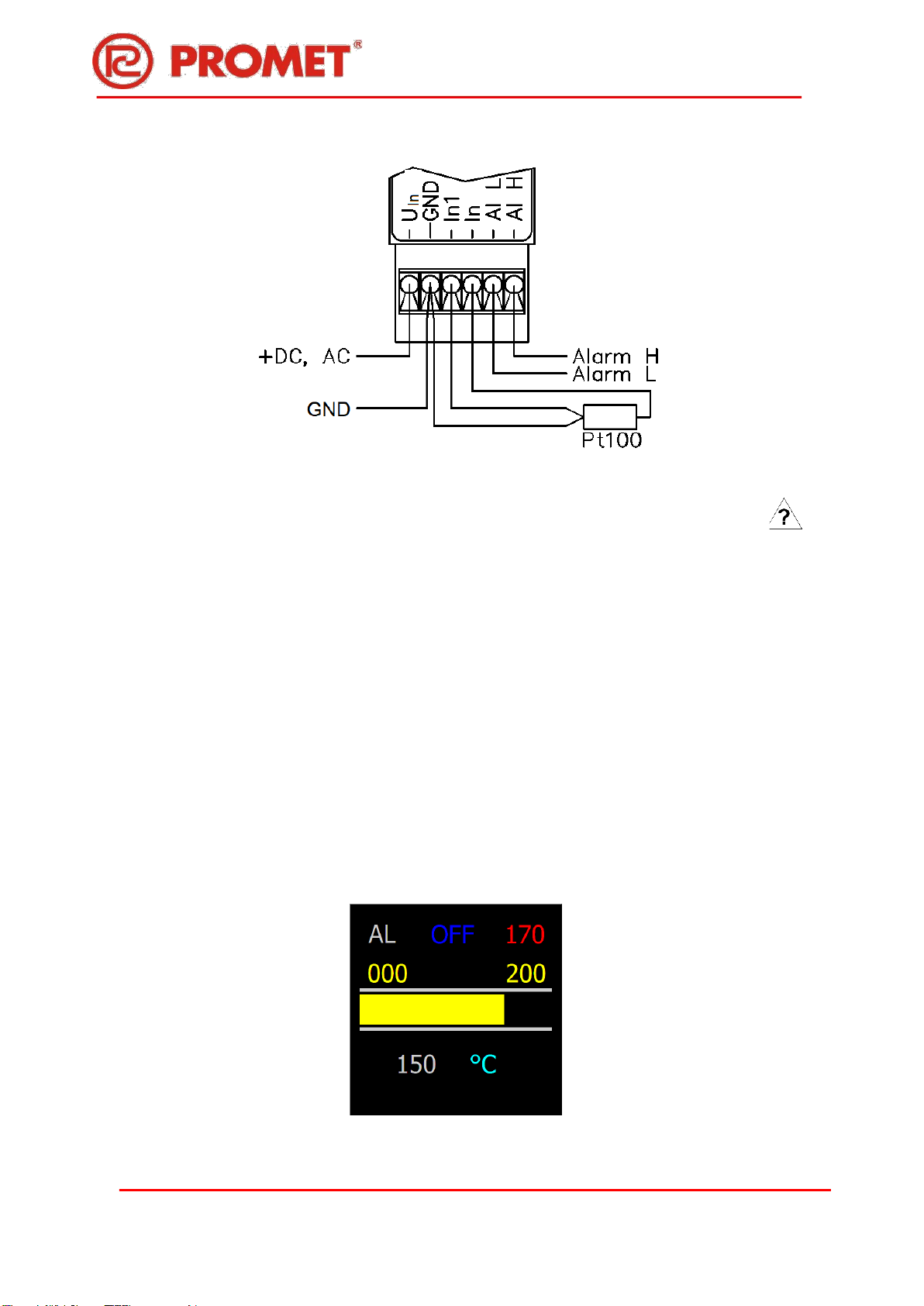
−At the top of the screen, in the first line of text, the lower alarm (blue) and upper (red) alarms
are displayed. If any of the alarms has been programmed as disabled - instead of the value,
the symbol "OFF" is displayed (for example in Fig. 3 for the lower alarm).
−Below, directly above the bargraph strip, the temperature values entered during programming
are displayed in yellow, equal to the minimum and maximum range for the bargraph.
−A bargraph is displayed in the middle of the screen in the form of a yellow horizontal bar.
Zero strip length - measured temperature less than or equal to the minimum range for the
bargraph introduced during programming. The maximum length of the bar (the entire width
of the screen) - a temperature higher or equal to the maximum of the range.
note:
Bar graph is only rough information about the measured temperature, but it is readable from a
greater distance than the digital display.
−Below the bar graph, the measured temperature is displayed in digital form (white colour)
with units (ºC, cyan colour). Activation of alarms is signalled by the change in the colour
temperature display from white to blue (temperature below the lower threshold) or to the
red one (temperature above the upper threshold).
5. Settings up - programming of the MD22-TFT-T indicator.
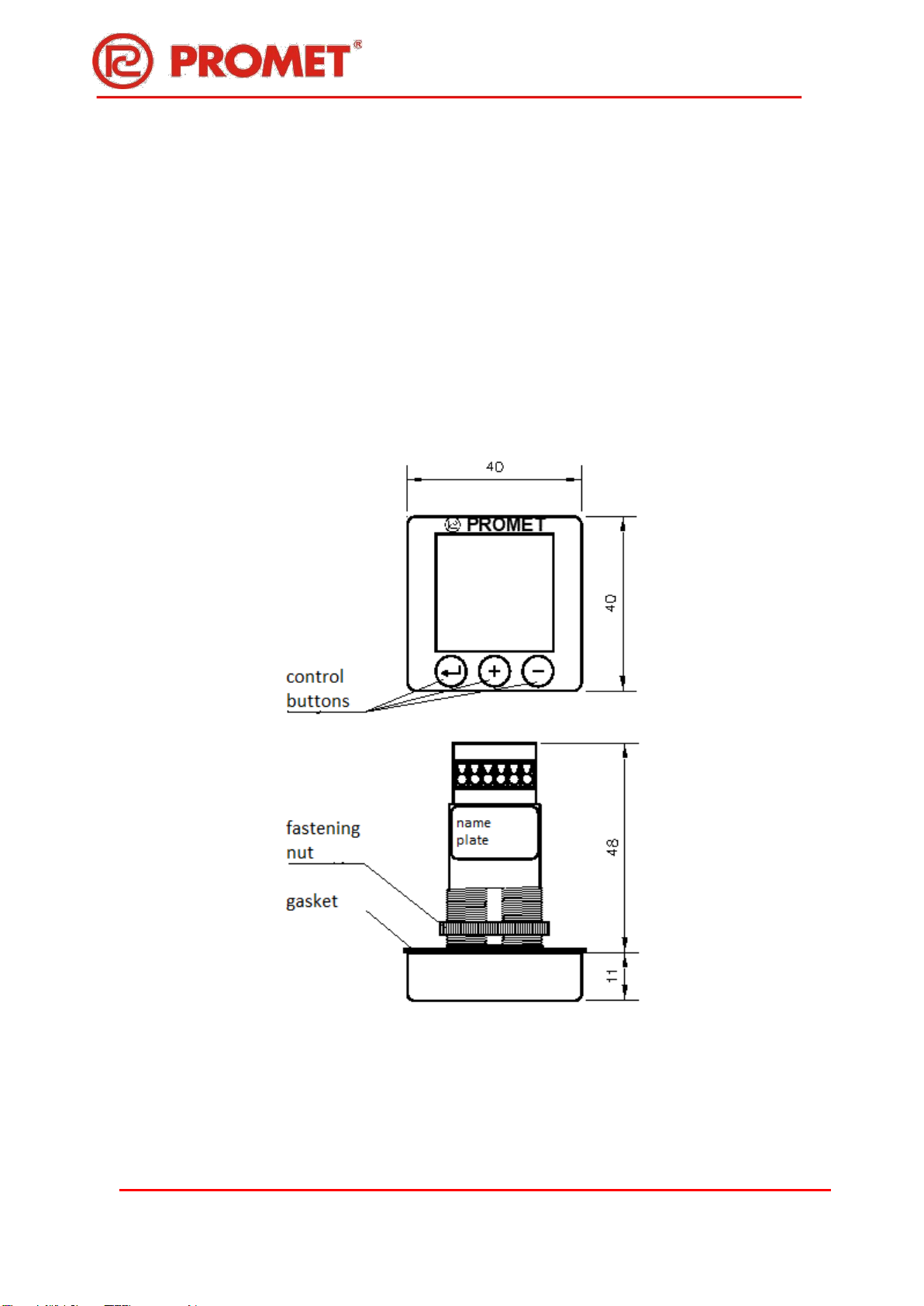
Reprogramming is carried out by means of three buttons of the membrane keyboard on the front
panel, marked as ↵, +, -.
Entering the programming mode follows by pressing and holding the "↵" button for approx. 5s.
Immediately after pressing the "↵" button, the screen backlight goes off, after about 5s the first
setting screen appears with the SET 1 header.
If the button is released earlier - the indicator returns to normal operation.
The programming process is quite intuitive. The parameter found to change is highlighted by
displaying black characters on a white background. The function of the "+" and "-" buttons is displayed
on each of the setting screens in the magenta colour at the bottom of the screen.
Pressing the "↵" button takes you to the next parameter settings or to the next settings screen.
5.1. Notes on setting numerical values.
The method of setting individual digits was adopted (incrementing with the "+" button). The digit to be
changed is displayed in the yellow box, the selection is made with the "-" button. All set numerical
values should be in the range -200 ÷ 0800. The oldest item can be "0" or "-". The program does not
allow setting values outside the range -200 ÷ 800.