4
CALIBRATION
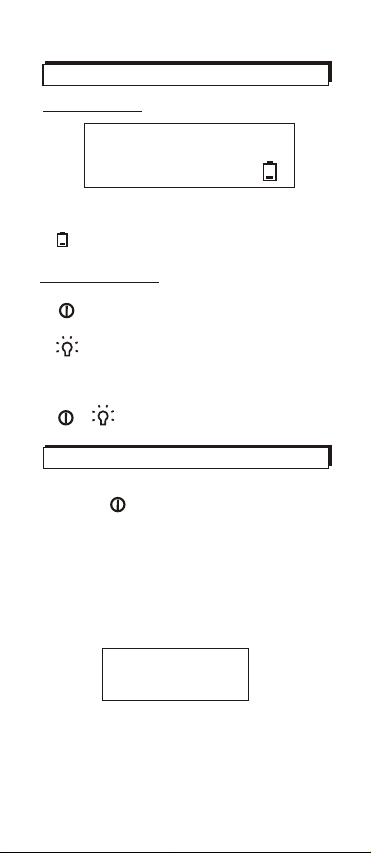
To enter thecalibration mode, turnoff
meter and press + simultaneously
for 2 seconds.It will showblinking ppm
on the upperdisplay and calibration
value "0" atlower side. Nowthe meter
is running 0ppmcalibration as default.
0ppm calibration
The meter is preset calibrationvalue
at 0ppm. Justput the meterin the area
free of COand enter calibrationmode,
it calibrates automatically. The LCD is
now displaying ablinking ppm value
at upper sidewhich slowly runsdown
to 0 orminus value, thenstops blinking
when the calibrationis completed. This
takes about 10minutes.
Note:
Don't be alarmedif high ppmor minus
value shows upwhen entering calibra-
tion mode. Itwill go downand approach
to 0 inseconds. The erratic readings are
caused by
100ppm/500ppmcalibration
1. For otherstandard calibration, press
and hold toselect the calibration
value. (0, 100,500ppm).
2. Place themeter into thesealed box
filled with standardgas (e.g. 100ppm/
500ppm) for 15minutes. Then the
calibration will bedone automatically.
3. Check ifthe reading meetscalibration
value. If itdoes, the calibrationis well
completed. If no,repeat the procedure.
electromagnetic interference
(EMI) in theenvironment, such ascom-
puters or cellphone. It issuggested to
get the meteraway from theinterference,
otherwise the calibrationmay take much
longer time ornever complete.