
Pepwave Surf SOHO Manual de usuario
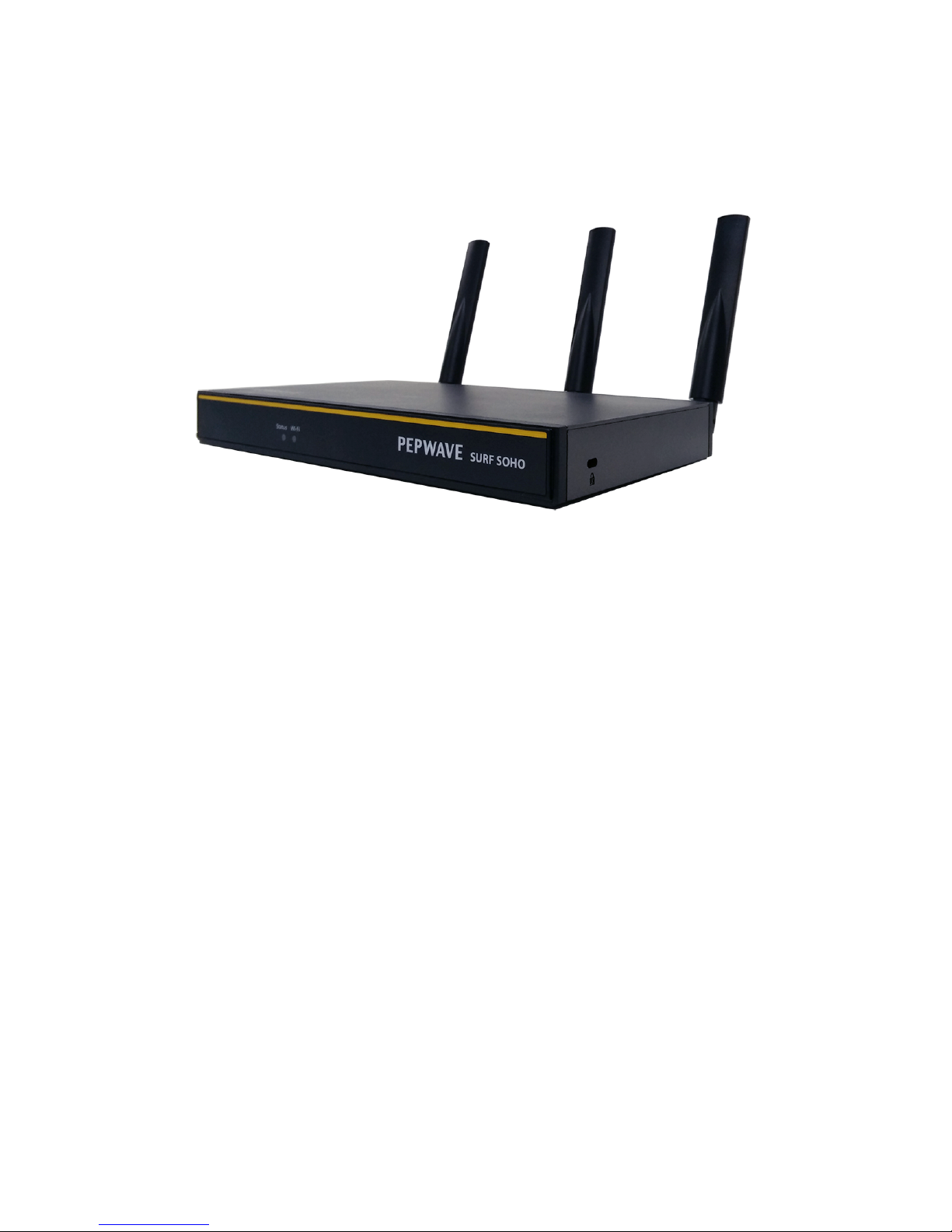
Pepwave Surf SOHO
User Manual
Pepwave Product:
Surf SOHO
Pepwave Firmware 7
January 2017
COPYRIGHT & TRADEMARKS
Specifications are subject to change without notice. Copyright © 2017 Pepwave Ltd. All Rights Reserved. Pepwave
and the Pepwave logo are trademarks of Pepwave Ltd. Other brands or products mentioned may be trademarks
or registered trademarks of their respective owners.

1 Introduction and Scope 6
2 Glossary 7
3 Product Features 9
3.1 Supported Network Features 9
3.1.1 WAN 9
3.1.2 LAN 9
3.1.3 VPN 10
3.1.4 Firewall 10
3.1.5 Outbound Policy 10
3.1.6 QoS 10
3.2 Other Supported Features 10
4 Pepwave Surf SOHO Router Overview 11
4.1 Surf SOHO 11
4.1.1 Panel Appearance 11
4.1.2 LED Indicators 13
5 Advanced Feature Summary 15
5.1 QoS: Clearer VoIP 15
5.2 USB Modem 16
5.3 Built-In Remote User VPN Support 16
6 Installation 17
6.1 Preparation 17
6.2 Constructing the Network 17
6.3 Configuring the Network Environment 18
7 Connecting to the Web Admin Interface 18
8 Configuring the LAN Interface(s) 20
8.1 Network Settings 20
8.2 Port Settings 28
9 Configuring the WAN Interface(s) 28
9.1 Ethernet WAN 29
http://www.peplink.com
2
Copyright @ 2017 Pepwave

9.1.1 DHCP Connection 34
9.1.2 Static IP Connection 36
9.1.3 PPPoE Connection 36
9.1.4 L2TP Connection 38
9.2 Wi-Fi WAN 40
9.2.1 Creating Wi-Fi Connection Profiles 46
9.3 WAN Health Check 48
9.4 Dynamic DNS Settings 51
10 PepVPN 53
10.1 Outbound Policy Management 56
10.1.1 Outbound Policy 56
10.1.2 Custom Rules for Outbound Policy 57
11 Port Forwarding 60
11.1 UPnP / NAT-PMP Settings 62
12 NAT Mappings 63
13 QoS 65
13.1 Bandwidth Control 65
13.2 Application 65
13.2.1 Application Prioritization 65
13.2.2 Prioritization for Custom Applications 66
13.2.3 DSL/Cable Optimization 66
14 Firewall 66
14.1 Outbound and Inbound Firewall Rules 67
14.1.1 Access Rules 67
14.1.2 Apply Firewall Rules to PepVpn Traffic 70
14.1.3 Intrusion Detection and DoS Prevention 71
14.2 Content Blocking 72
14.2.1 Application Blocking 72
14.2.2 Web Blocking 73
14.2.3 Exempted Subnets 73
http://www.peplink.com
3
Copyright @ 2017 Pepwave

14.2.4 URL Logging 73
15 OSPF & RIPv2 73
16 Miscellaneous 75
16.1 Remote User Access 75
16.2 PPTP Server 77
16.3 Certificate Manager 79
16.4 Service Forwarding 79
16.4.1 SMTP Forwarding 80
16.4.2 Web Proxy Forwarding 81
16.4.3 DNS Forwarding 81
16.4.4 Custom Service Forwarding 81
16.5 Service Passthrough 82
16.6 Sim Toolkit 83
17 AP 83
17.1 Wireless SSID 83
17.2 Settings 86
18 System Settings 88
18.1 Admin Security 89
18.2 Firmware 92
18.3 Time 93
18.4 Schedule 93
18.5 Email Notification 94
18.6 Event Log 96
18.7 SNMP 97
18.8 InControl 100
18.9 Configuration 100
18.10 Feature Add-ons 101
18.11 Reboot 102
19 Tools 102
19.1 Ping 102
http://www.peplink.com
4
Copyright @ 2017 Pepwave

19.2 Traceroute Test 103
19.3 Wake-on-LAN 104
20 Status 104
20.1 Device 104
20.2 Active Sessions 106
20.3 Client List 108
20.4 Event Log 109
20.5 Bandwidth 109
20.5.1 Real Time 109
20.5.2 Hourly 110
20.5.3 Daily 111
20.5.4 Monthly 112
Appendix A: Restoration of Factory Defaults 114
Appendix B: Declaration 114
http://www.peplink.com
5
Copyright @ 2017 Pepwave

1 Introduction and Scope
The Surf SOHO is a professional-grade router that is secure, reliable, and easy to use.
With the Surf SOHO, you can connect to the Internet using a USB cellular modem, Ethernet, or
Wi-Fi. Hook the Surf SOHO up to Ethernet and Cellular connections, and it will automatically
fail over from one to the other as needed. That way, you can stay connected even when a
connection breaks
This manual covers setting up Surf SOHO router and provides an introduction to their features
and usage.
Tips
Want to know more about Pepwave routers? Visit our YouTube Channel for a video introduction!
http://youtu.be/UCkVQThLKO4
http://www.peplink.com
6
Copyright @ 2017 Pepwave

2 Glossary
The following terms, acronyms, and abbreviations are frequently used in this manual:
Term
Definition
3G
3rd Generation standards for wireless communications
4G
4th Generation standards for wireless communications
DHCP
Dynamic Host Configuration Protocol
DNS
Domain Name System
EVDO
Evolution-Data Optimized
HSDPA
High-Speed Downlink Packet Access
HTTP
Hyper-Text Transfer Protocol
ICMP
Internet Control Message Protocol
IP
Internet Protocol
LAN
Local Area Network
MAC Address
Media Access Control Address
MTU
Maximum Transmission Unit
MSS
Maximum Segment Size
NAT
Network Address Translation
http://www.peplink.com
7
Copyright @ 2017 Pepwave

PPPoE
Point to Point Protocol over Ethernet
QoS
Quality of Service
SNMP
Simple Network Management Protocol
TCP
Transmission Control Protocol
UDP
User Datagram Protocol
VPN
Virtual Private Network
VRRP
Virtual Router Redundancy Protocol
WAN
Wide Area Network
WINS
Windows Internet Name Service
WLAN
Wireless Local Area Network
http://www.peplink.com
8
Copyright @ 2017 Pepwave

3 Product Features
Pepwave routers enable all LAN users to share broadband Internet connections, and they provide
advanced features to enhance Internet access. Our Surf SOHO routers support one Ethernet, one USB
4G LTE/3G WAN, and Wi-Fi as WAN for failover
It also includes three SMA dual-band antennas that allows better reliability, larger bandwidth, and
increased wireless coverage.
Below is a list of supported features on Pepwave routers. Features vary by model. For more information,
please see peplink.com/products.
3.1 Supported Network Features
3.1.1 WAN
●Ethernet WAN connection in full/half duplex
●Static IP support for PPPoE
●USB mobile connection(s)
●Wi-Fi WAN connection
●Network address translation (NAT)/port address translation (PAT)
●Inbound and outbound NAT mapping
●IPsec NAT-T and PPTP packet pass through
●Intelligent Failover
●MAC address clone and passthrough
●Customizable MTU and MSS values
●WAN connection health check
●Dynamic DNS (supported service providers: changeip.com, dyndns.org, no-ip.org, tzo.com and
DNS-O-Matic)
●Ping, DNS lookup, and HTTP-based health check
3.1.2 LAN
●Wi-Fi AP
●Ethernet LAN ports
●DHCP server on LAN
http://www.peplink.com
9
Copyright @ 2017 Pepwave

●Extended DHCP option support
●Static routing rules
●VLAN on LAN support
3.1.3 VPN
●Site-to-Site VPN
●256-bit AES Encryption
●Dynamic Routing
●Pre-shared key authentication
●PPTP/L2TP VPN server
3.1.4 Firewall
●Outbound (LAN to WAN) firewall rules
●Inbound (WAN to LAN) firewall rules per WAN connection
●Intrusion detection and prevention
●Specification of NAT mappings
●Outbound firewall rules can be defined by destination domain name
3.1.5 Outbound Policy
●Link load distribution per TCP/UDP service
●Persistent routing for specified source and/or destination IP addresses per TCP/UDP service
●Traffic prioritization and DSL optimization
●Prioritize and route traffic to VPN tunnels with Priority and Enforced algorithms
3.1.6 QoS
●Quality of service for different applications and custom protocols
●User group classification for different service levels
●Bandwidth usage control and monitoring on group- and user-level
●Application prioritization for custom protocols and DSL/cable optimization
3.2 Other Supported Features
●User-friendly web-based administration interface
●HTTP and HTTPS support for web admin interface
http://www.peplink.com
10
Copyright @ 2017 Pepwave
Otros manuales para Surf SOHO
3
Tabla de contenidos
Otros manuales de Enrutador inalámbrico de Pepwave


