
NESS ID TECK IPK101 Manual de usuario
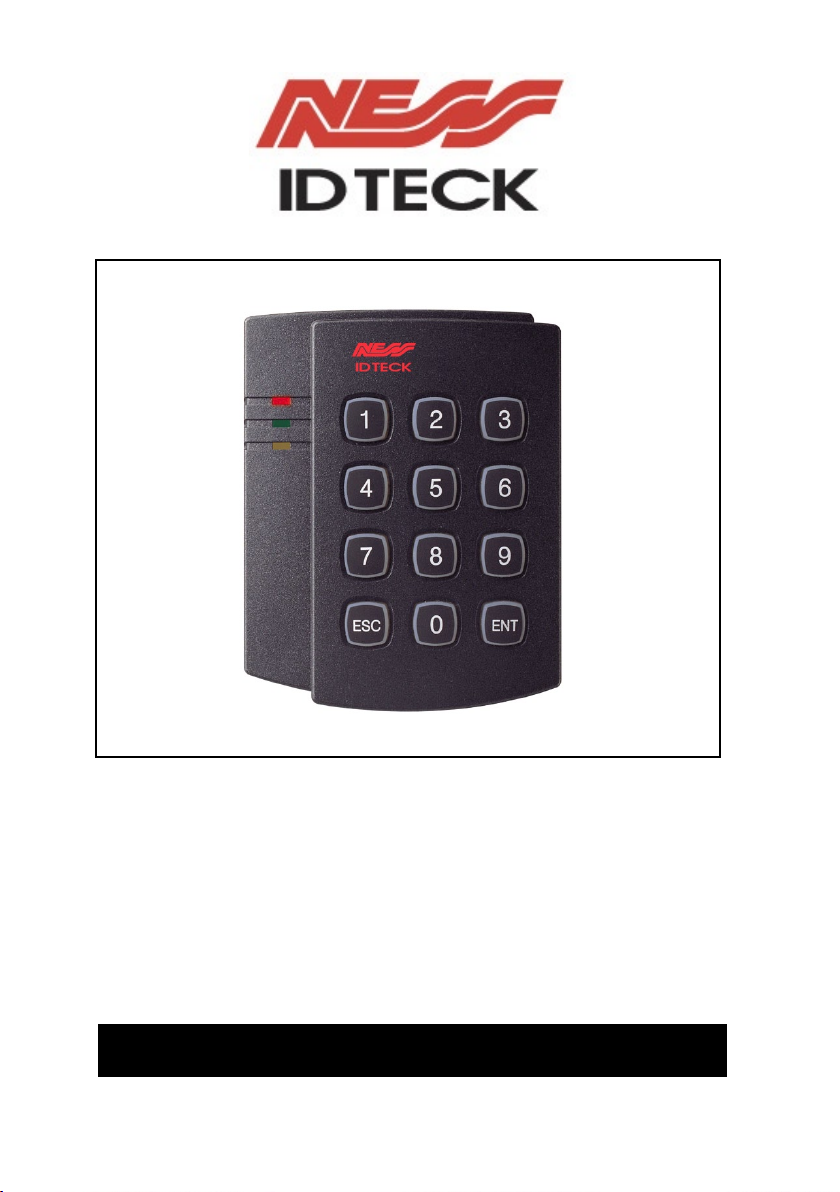
Proximity reader with KeyPad
101-048 IPK101 ASK (EM) Format
101-064 RFK101 PSK Format
USER’S MANUAL

G
-2- IPK101 / RFK101G
IDTeck –PROXIMITY READER WITH KEYPAD
CONTENTS
1. Introduction page 3
2. Identifying supplied parts page 3
3. Specification page 3
4. Installation page 4
5. Wire Colour Table of the Reader page 5
6. Wire Connection to Controller page 6
7. Operation page 7
8. Output Format page 9
9. Contacts page 13
G
-3- IPK101 / RFK101G
IDTeck –PROXIMITY READER WITH KEYPAD
1. Introduction
The NESS - IPK101 / RFK101 is an elegant looking and built in an attractive 10cm (4")
read range proximity reader with KEYPAD. The unit has back lighting on the KEYPAD
that ensures you successful operation even the night operating. The KEYPAD allows you
to access door with proximity card and personal PIN numbers.
Three LEDs of green, yellow and red, inside Piezo buzzer sound will guarantee you an
accurate and reliable system operations.
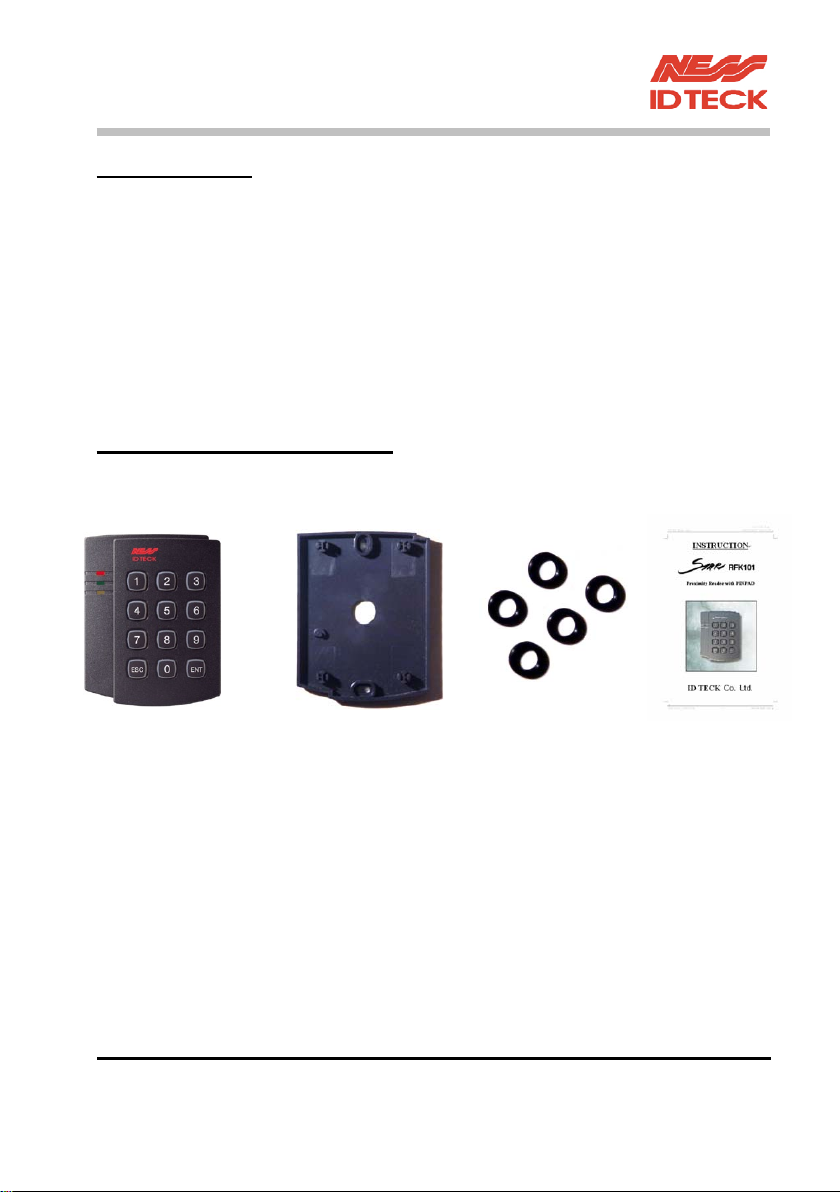
2. Identifying supplied parts
Please unpack and check the contents of the box.
Reader unit Wall Mount O-ring Instructions
(1 ea) (1 ea) (5 ea) (1 ea)

G
-4- IPK101 / RFK101G
IDTeck –PROXIMITY READER WITH KEYPAD
3. Specification
Read Range/Time Up to 10cm (4") / 30ms
Card format ASK (EM) format IPK101 / PSK format RFK101
Input Voltage/Current DC 12V, 150mA
Reset Power on reset and WDT reset
LED/Beeper 3 LEDs (Red, Yellow and Green) / Piezo Buzzer
Keypad 12key back lighting
Colour Dark Pearl Grey
Operating Environment -35~ +65, 10~90% Humidity
Overall Size (WxHxD) 487x100x31mm (3.40"x3.94"x1.22")
Weight 190 g (0.412 lbs)
Output Format 26bit Wiegand, RS-232, ABA Track II Magstripe Output
Format with 8bit Burst or 3x4 Matrix Format for PIN
G
4. Installation
4-1. Drill two 6-32 or M3 holes 8.38cm (3.3") apart in vertical and one 1/2" hole at the
centre of these two holes. (If you have installed electric gang box then skip this step.)
4-2. Using two 6-32 or M3 screws, install wall mount to the wall.
4-3. Insert 5 O-rings to the wall mount as indicated, then route the cable of the main unit
through the centre hole and push the main unit to wall mount to lock the main unit
and make sure that the main unit is locked with wall mount.
G

G
-5- IPK101 / RFK101G
IDTeck –PROXIMITY READER WITH KEYPAD
G
G
G
G
G
G
G
G
G
G
G
G
G
5. Wire Colour Table of the Reader
POWER
Power (DC 12V) +12V Red wire
Power (DC 12V) 0V(GND) Black wire
OUTPUT
ABA Track II (Card Present) CLS Yellow wire
ABA Track II (Clock), Wiegand Data1 RD1 White wire
ABA Track II (Data), Wiegand Data0 RD0 Green wire
RS-232 TX TX Violet wire
KEYPAD 3x4 Matrix (Column0) C0 White wire with blue band
KEYPAD 3x4 Matrix (Column1) C1 White wire with green band
KEYPAD 3x4 Matrix (Column2) C2 White wire with red band
KEYPAD 3x4 Matrix (Row0) R0 Cyan wire
KEYPAD 3x4 Matrix (Row1) R1 Pink wire
KEYPAD 3x4 Matrix (Row2) R2 Orange wire
KEYPAD 3x4 Matrix (Row3) R3 Grey wire

G
-6- IPK101 / RFK101G
IDTeck –PROXIMITY READER WITH KEYPAD
xINPUT
LED Control LED Brown wire
Beeper Control BEEP Blue wire
6. Wire Connection to Controller
6-1. 26bit Weigand+RS232 (for Card) and 8bit Burst format (for PIN)
. The Reader transmits Card data to Wiegand Data0, Data1 and RS-232 TX line.
. The Reader transmits PIN data to Wiegand Data0 and Data1. (8bit Burst format.)
6-2. ABA Track II+RS232 (for Card) and ABA Track II+RS232 (for PIN)
The Reader transmits Card & PIN data on card presentation, Clock, DATA and RS-232
TX line.
NOTE: You have to enter at least 1 numeric number (max. 8 numbers) followed by
"ENT" key.

G
-7- IPK101 / RFK101G
IDTeck –PROXIMITY READER WITH KEYPAD
7. Operation
7-1. Connector Layout
G
7-2. Output mode Setting
Table 1. Jumpers Setting
JP1 JP2 Card Output format Keypad Output format
Close Close 26bit Wiegand + RS232 8bit Burst (or 3x4 Matrix)
Open Close 26bit Wiegand + RS232 26bit Wiegand + RS232 (or 3x4 Matrix)
Close Open ABA Track II + RS232 8bit Burst (or 3x4 Matrix)
Open Open ABA Track II + RS23 ABA Track II + RS232 (or 3x4 Matrix)
Note: Default setting value for JP1 and JP2 jumpers are “close”(short circuit)

G
-8- IPK101 / RFK101G
IDTeck –PROXIMITY READER WITH KEYPAD
7-3. Operation
1. Once the power is applied, you should hear 3 initial beeps and red and yellow
LEDs on indicating that the reader is in standby mode after a successful
initialisation and diagnostics.
2. Present a proximity card to the reader until you hear the beeping sound and the
green LED come on. The reader will send the RF card data to the controller
then the yellow LED on again for the next reading.
3. Enter the Keypad until you hear the beeping sound. The reader will then send
the Key data to the controller.
4. LED Control:
To change the LED colours, you may connect the LED Control Input (brown
wire) to ground and the green LED will turn on indicating that the reader is in
standby mode. Presenting a proximity card and the LED will then change
colour to yellow then green again for the next reading.
5. Beeper Control:
In normal operation, the reader generates one beep when it reads a proximity
card, However additional beeps can be generated to improve indication for
access status (granted or denied) by forcing the Beeper Control Input, (blue
wire) to system ground level. The beeper will remain on as long as the blue
wire is connected to system ground.

G
-9- IPK101 / RFK101G
IDTeck –PROXIMITY READER WITH KEYPAD
8. Output Format
8-1. 26bit Wiegand output format
1. Data format
Bit 1 : Even parity of bit 2 ~ bit 13
Bit 29 : Facility code (000 ~ 255)
Bit 1025 : ID number (00000 ~ 65,535)
Bit 26 : Odd parity of bit 14 ~ bit 25
2. Timing diagram

G
-10- IPK101 / RFK101G
IDTeck –PROXIMITY READER WITH KEYPAD
8-2. ABA Track II Magstripe output format
1. Data format (for Card numbers)
2. Data format (for PIN)
Este manual sirve para los siguientes modelos
1
Tabla de contenidos
Otros manuales de Lector de tarjetas de NESS ID TECK


