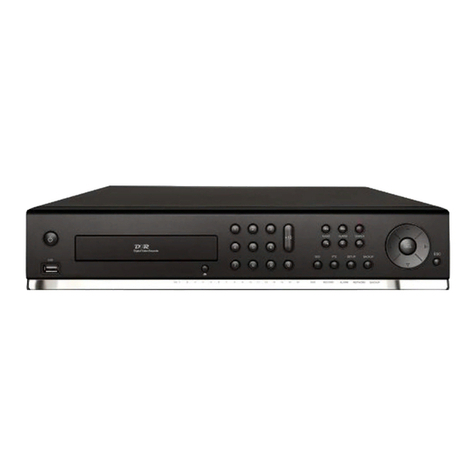
Nadatel SDVR-9000C Manual de usuario

USER GUIDE
9CH/16CH MPEG4
Digital Video Recorder
Ver. 2.1
About this user guide
Before installing and using this unit, please read this user guide carefully.
Be sure to keep it handy for later reference.
The specification and information are subject to change without notice for quality improvement.
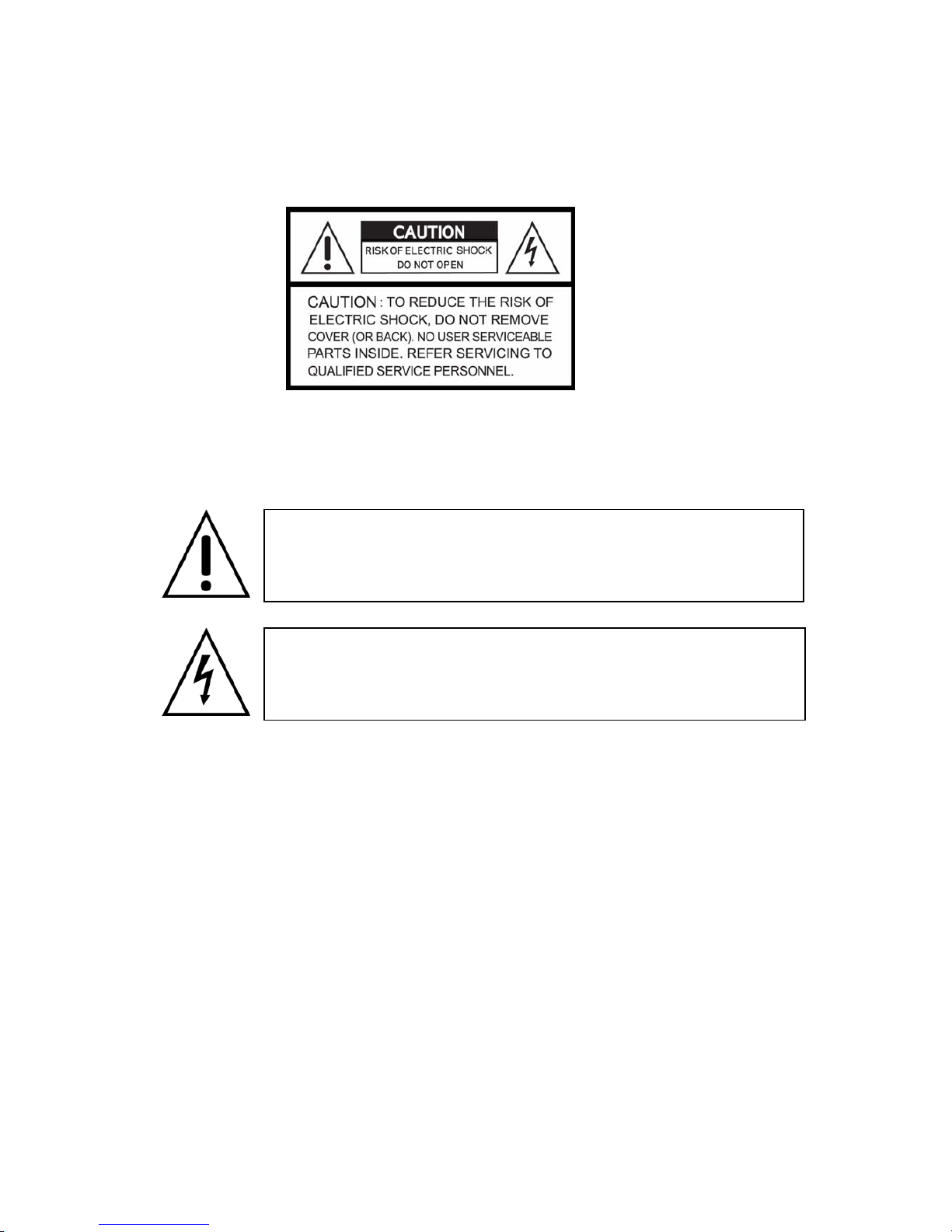
Safety Precautions
2
Explanation of Graphical Symbols
This symbol indicates the presence of important operating and
maintenance (servicing) instruction in the literature accompanying the
product.
This symbol indicates the presence of un-protected ”dangerous voltage”
within the product’s enclosure that may be of sufficient magnitude to
constitute a risk of electric shock to persons.
Cautions
This product has multiple-rated voltages (110v and 220v).
See installation instructions before connecting to the power supply.
This product uses a Lithium battery.
To avoid of risk of explosion, do not replace the battery on the main board by anything other
than a Lithium battery. Dispose of used batteries according to the manufacturer’s instructions.
This equipment and all communication wirings are intended for indoor use only.
To reduce the risk of fire or electric shock, do not expose the unit to rain or moisture.

3
Warnings
Installation and servicing should be performed only by qualified and experienced personnel.
Power off the DVR when connecting cameras, audio or sensor cables.
The manufacturer is not responsible for any damage caused by improper use of the product or
failure to follow instructions for the product.
The manufacturer is not responsible for any problems caused by or resulting from the user
physically opening the DVR for examination or attempting to fix the unit. The manufacturer may
not be held liable for any issues with the unit if the warranty seal is removed.

4
Rack Mount Instructions
The following or similar rack-mount instructions are included with the installation instructions:
A) Elevated Operating Ambient - If installed in a closed or multi-unit rack assembly, the operating ambient
temperature of the rack environment may be greater than room ambient. Therefore, consideration should
be given to installing the equipment in an environment compatible with the maximum ambient
temperature (Tma) specified by the manufacturer.
B) Reduced Air Flow - Installation of the equipment in a rack should be such that the amount of air flow
required for safe operation of the equipment is not compromised.
C) Mechanical Loading - Mounting of the equipment in the rack should be such that a hazardous
condition is not achieved due to uneven mechanical loading.
D) Circuit Overloading - Consideration should be given to the connection of the equipment to the supply
circuit and the effect that overloading of the circuits might have on over current protection and supply
wiring. Appropriate consideration of equipment nameplate ratings should be used when addressing this
concern.
E) Reliable Earthing - Reliable earthing of rack-mounted equipment should be maintained. Particular
attention should be given to supply connections other than direct connections to the branch circuit (e.g.
use of power strips)."

Product Components
The package contains the main unit and its components as specified below. When you purchase
the unit, please check to ensure the components specified below are included.
DVR Set
CDRW (Option)
Client Software CD
Remote Control
Battery1.5V (AAA x 2EA)
User Guide
IDE HDD Cable 80pin (1EA)
IDE CDRW Cable 40pin(1EA)-(Option)
Power Cable
HDD Brackets (2EA) & Screw (8EA)
CDRW Bracket(1EA) & CDRW Screw (8EA)
HDD & CDRW Bracket Screw (12EA)
Rack Mount (2EA)-(Option) & Screw (6EA)
5

Power Cord (110V or 220V)
Video Signal Select & RS-422/485 Settings
Video mode Video output
NTSC PAL BNC VGA
RS-422/485 Select RS-485 Termination
485 422 ON OFF
NOTICE
1. Do not change the setting when the power is on. When the switch is changed, the DVR
should be rebooted to apply the new setting.
2. RS-485 Termination ON/OFF function is available on specific hardware version of the
system. Please inquiry the manufacturer.
6

7
Compatible HDD Models
Company Capacity RPM Buffer Interface
80 GB 7200 RPM 2 M E-IDE
160 GB 7200 RPM 8 M E-IDE
250 GB 7200 RPM 8 M E-IDE
HITACHI
500 GB 7200 RPM 8 M E-IDE
80 GB 7200 RPM 2 M E-IDE
200 GB 7200 RPM 2 M E-IDE
250 GB 7200 RPM 8 M E-IDE
MAXTOR
300 GB 7200 RPM 16 M E-IDE
80 GB 7200 RPM 2 M E-IDE
SAMSUNG 160 GB 7200 RPM 2 M E-IDE
160 GB 7200 RPM 2 M E-IDE
200 GB 7200 RPM 8 M E-IDE
250 GB 7200 RPM 8 M E-IDE
Western Digital
320 GB 7200 RPM 8 M E-IDE
40 GB 7200 RPM 2 M E-IDE
80 GB 7200 RPM 2 M E-IDE
120 GB 7200 RPM 2 M E-IDE
160 GB 7200 RPM 2 M E-IDE
300 GB 7200 RPM 8 M E-IDE
400 GB 7200 RPM 8 M E-IDE
500 GB 7200 RPM 8 M E-IDE
SEAGATE
750 GB 7200 RPM 8 M E-IDE
NOTICE
The brands and models of all HDD should be the same. If the brands and models of each HDD

are different with others, the DVR could not recognize HDD.
CDRW Installation Guide
1. Open the top cover of DVR set and Install the CDRW inside the DVR.
2. Fasten the screws on both side of CDRW as indicated in red circle below.
3. Connect the IDE CDRW 40pin cable and Power cable to the point on both CDRW and Main
board as indicated in red circle below.
4. CDRW JUMPER SETTING = MASTER
Compatible CD-RW model
zLG GCE-8525B / GCE-8526B / GCE-8527B
8

HDD Installation Guide
1. Unfasten the cover of the unit.
2. Fix the bracket to the hard disk using the supplied HDD mounting bracket screws.
3. Connect the supplied IDE HDD 80pin cable and Power cable to the hard disk and fix the
hard disk to the unit the supplied HDD fixing screws.
9

4. HDD JUMPER SETTING
1ST HDD = MASTER
2nd HDD = SLAVE
Specifications
ITEM DVR-9CH/16CH
Channel, Input Level 9/16CH, Composite 1.0Vp-p, 75 Ohm
Signal Format NTSC/PAL
Input
Video Loss Check Yes
Main Monitor Output 1 CH BNC, 1 CH S-VIDEO, 1CH VGA
Output Level Composite 1.0Vp-p +_0.2, 75 Ohm
Signal Format NTSC/PAL & VGA
Video
Output
Etc Output 9/16CH Loop-back , 1CH SPOT
Input & Output 4 CH Line input & 1 CH Line output
Audio Audio Codec G.711
Sensor Input 9/16 (NC/NO Selectable)
Alarm Output 4
Alarm
Alarm Output By Alarm, Motion, Video Loss
Compression MPEG-4
Multi-operation TRIPLEX (Playback/Record/Network)
352x240
Recording
Resolution NTSC
704x240
10
Este manual sirve para los siguientes modelos
4
Tabla de contenidos
Otros manuales de DVR de Nadatel