
MicroNet SP5591HTM Manual de usuario
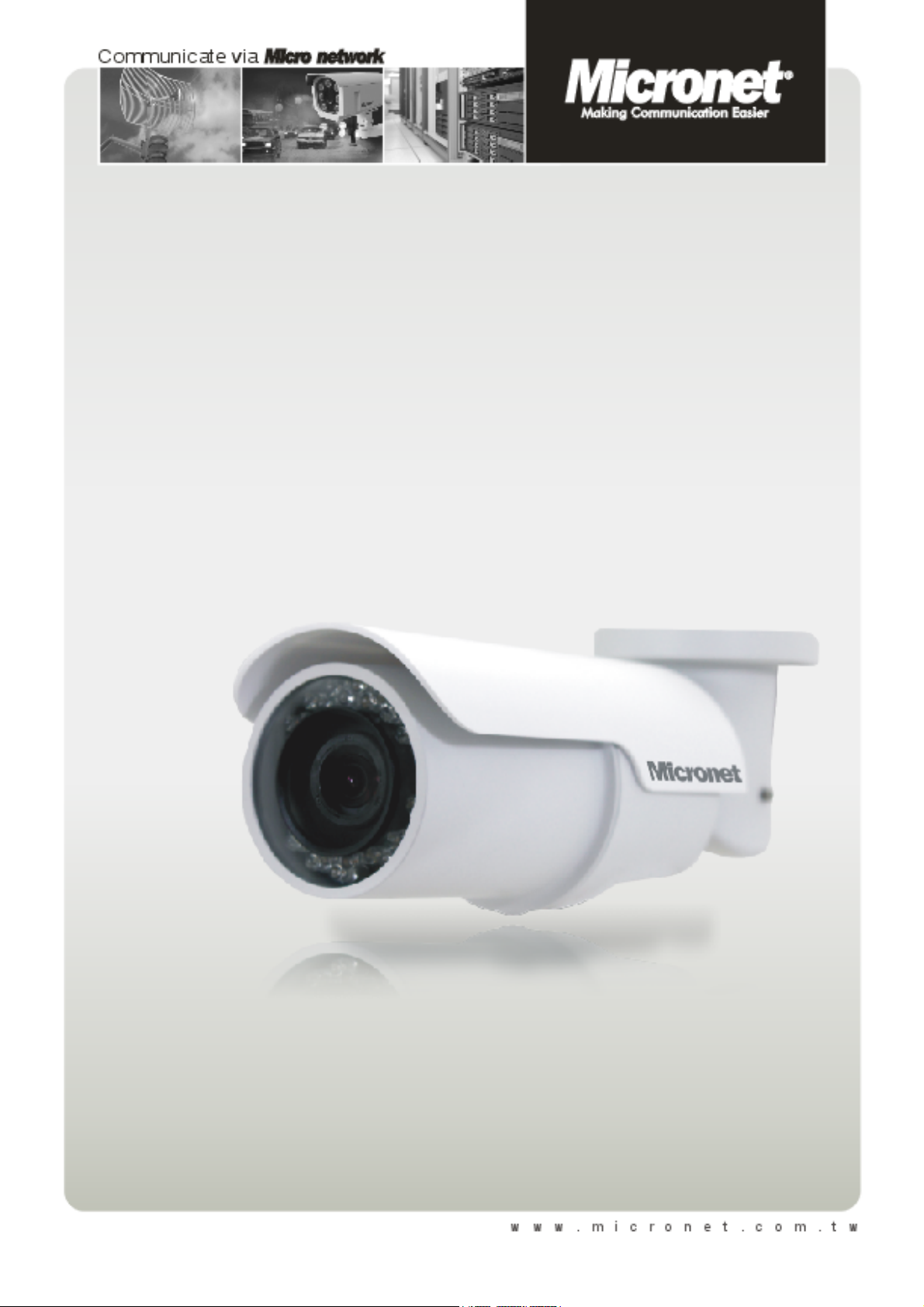
Micronet SP5591HTM
Micronet SP5591HTM
Full HD Bullet IP Camera
User Manual
Ver1.1

1
Table of Contents
1. Introduction............................................................................................................................. 3
1.1 Features ........................................................................................................................3
1.2 Package Contents ......................................................................................................... 4
2. Introduction............................................................................................................................. 5
2.1 Dimensions.................................................................................................................... 5
2.2 Connectors .................................................................................................................... 6
3. Installation............................................................................................................................... 9
4. System Requirements .......................................................................................................... 12
5. Deleting the Existing DC Viewer.......................................................................................... 13
6. Configuration & Operation................................................................................................... 16
7.1 6.1 Browser-based Viewer .......................................................................................... 16
6.2 Home Page ................................................................................................................. 18
6.3 System Settings .......................................................................................................... 20
6.3.1 Host Name and System Time...................................................................... 21
6.3.2 Security........................................................................................................ 23
6.3.2.1 User ............................................................................................. 24
6.3.2.2 HTTPS ......................................................................................... 27
6.3.2.3 IP Filter......................................................................................... 32
6.3.2.4 IEEE 802.1X ................................................................................ 33
6.3.3 Network........................................................................................................ 35
6.3.3.1 Basic ............................................................................................ 36
6.3.3.2 QoS (Quality of Service) .............................................................. 39
6.3.3.3 SNMP (Simple Network Management Protocol).......................... 41
6.3.3.4 UPnP............................................................................................ 43
6.3.4 DDNS........................................................................................................... 46
6.3.5 Mail .............................................................................................................. 48
6.3.6 FTP.............................................................................................................. 49
6.3.7 HTTP ........................................................................................................... 50
6.3.8 Application ................................................................................................... 51
6.3.9 Motion Detection.......................................................................................... 56
6.3.10 Tampering.................................................................................................... 62
6.3.11 Storage Management .................................................................................. 65
6.3.12 Recording .................................................................................................... 68
6.3.13 File Location ................................................................................................ 69
6.3.14 Iris Adjustment............................................................................................. 70
6.3.15 View Log File ............................................................................................... 71
6.3.16 View User Information ................................................................................. 72
6.3.17 View Parameters ......................................................................................... 74

2
6.3.18 Factory Default ............................................................................................ 75
6.3.19 Software Version ......................................................................................... 76
6.3.20 Software Upgrade........................................................................................ 77
6.3.21 Maintenance ................................................................................................ 80
6.4 Video and Audio Streaming Settings........................................................................... 82
6.4.1 Video Resolution and Rotate Type.............................................................. 82
6.4.2 Video Compression ..................................................................................... 86
6.4.3 Video OCX Protocol..................................................................................... 88
6.4.4 Video Frame Skip ........................................................................................ 89
6.4.5 Video Mask.................................................................................................. 90
6.4.6 Audio Mode and Bit Rate Settings............................................................... 92
6.5 Camera Settings.......................................................................................................... 94
6.5.1 Exposure...................................................................................................... 95
6.5.2 White Balance.............................................................................................. 97
6.5.3 Backlight ...................................................................................................... 98
6.5.4 Brightness.................................................................................................... 98
6.5.5 Sharpness.................................................................................................... 98
6.5.6 Contrast ....................................................................................................... 98
6.5.7 Saturation .................................................................................................... 99
6.5.8 Hue .............................................................................................................. 99
6.5.9 TV System ................................................................................................... 99
6.6 Logout ....................................................................................................................... 100
Appendix A: Technical Specifications...................................................................................... 101
Appendix B: Internet Security Settings .................................................................................... 103
Appendix C: DC Viewer Download Procedure......................................................................... 107
Appendix D: Install UPnP Components.................................................................................... 109
Appendix E: IP Scan Utility........................................................................................................ 112

3
1. Introduction
Micronet SP5591HTM Full HD Bullet IP Camera is capable of serving real-time
streaming and makes image quality more smoothly. In addition to MJPEG real
time streaming, this camera develops H.264 codec to apply for high resolution
digital broadcast. Attributing to the IP Camera’s flexible platform, the
SP5591HTM is ideal for versatile surveillance projects demanding for
installation at any locations, including shops, stores, schools, banks, parking
lots, factories, streets and etc. With sophisticated mechanical design and cable
management, the SP5591HTM is easy and aesthetic for installation and
deployment.
1.1 Features
Progressive Scan CMOS Sensor
Full HD 1080p Video Quality
H.264 and MJPEG compression
Day/Night (ICR)
Built-in IR LEDs
Weatherproof, IP66
Cable Management
Micro SD support
ONVIF Conformance
Motion Detection
Privacy Masks

4
1.2 Package Contents
Please check the package contents listed below.
Full HD Bullet IP Camera (cable included)
Power Terminal Block (x1)
M4 Inner Hex Wrench (x1)
M4 Self Tapping Screws
(×5)
Plastic Screw Anchors
(×5)
CD
(bundled software and documentation)
Quick Guide

5
2. Introduction
This chapter will provide the camera dimensions for reference before installation.
Definition of each connector on the camera’s PCB board will also be specified.
2.1 Dimensions
The Bullet IP Camera’s dimensions are shown below.

6
2.2 Connectors

7
SD Card Slot/ Reset Button
Follow the steps below to reach the SD Card Slot, Reboot button and Factory
Default button on IP Camera:
Step 1:
Unscrew the two screws on the Sun-
shield to remove it.
NOTE: Please note that the
Sunshield is optional.
Step 2:
Unscrew the screw on the Camera
Housing and remove the Front
Cover.
SD Card Slot

8
Factory Default Button
Reboot Button

9
3. Installation
Please follow the instructions below to complete installation of the camera.
Power Connection
To power up the camera, please plug the camera’s DC 12V cable into the power
outlet. Alternatively, connect the Ethernet cable to the camera’s PoE port and
plug the other end of the cable into a PoE switch.
NOTE: If using PoE, make sure Power Sourcing Equipment (PSE) is in
use in the network.
Ethernet Cable Connection
Use of Category 5 Ethernet cable is recommended for network connection; to
have best transmission quality, cable length shall not exceed 100 meters.
Connect one end of the Ethernet cable to the RJ-45 connector of the IP Camera,
and the other end of the cable to the network switch or PC.
NOTE: In some cases, you may need use an Ethernet crossover cable
when connecting the IP Camera directly to the PC.
Check the status of the link indicator and activity indicator LEDs; if the LEDs are
unlit, please check LAN connection.
Green Link Light indicates good network connection.
Orange Activity Light flashes for network activity indication.
Tabla de contenidos
Otros manuales de Cámara de seguridad de MicroNet


