
Matko XTP Series Guía del usuario
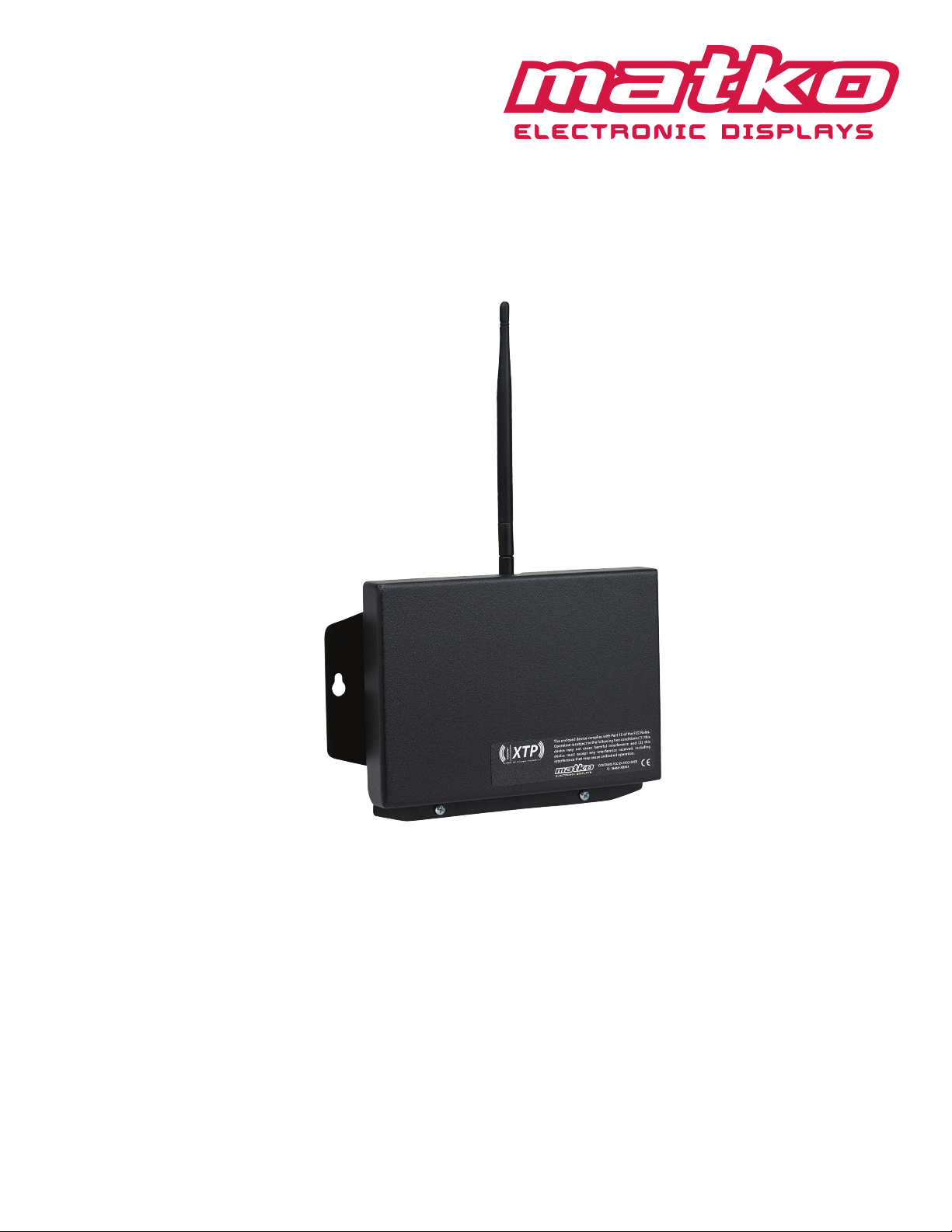
Matko XTP Wireless Setup Manual Rev 1.1
XTP Radio Modules:
Transmitter/Receiver Sets
or
Bidirectional


Section 1
Section 2
Section 3
Section 4
Section 5
Section 6
Section 7
Section 8
Wiring Diagrams 4
Specications 5
Conguration 6-8
Example Installations 9-12
Troubleshooting/Before You Call 13-14
Product Comparison/Compatibility 15
Part Numbers/Replacement Parts 16
Manual Revision 16
RF Exposure
WARNING: To satisfy FCC RF exposure requirements for mobile transmitting devices, a
separation distance of 20 cm or more should be maintained between the antenna of this
device and persons during device operation. To ensure compliance, operations at closer
than this distance is not recommended. The antenna used for this transmitter must not be
co-located in conjunction with any other antenna or transmitter. The preceding statement
must be included as a CAUTION statement in OEM product manuals in order to alert users
of FCC RF Exposure compliance.
3

Figure 1.1: Wiring Diagram
For a typical scale applications, Connect one XTP Module as the
transmitter (using BLACK Terminal Block) to the indicator and wire the
second unit as the receiver (using the GREEN Terminal Block) to the
Remote Display
6
7
+20mA
–20mA
Indicators with
Active 20 mA
Output
5
4
RX CL (+)
RX CL (–)
TX 422A (+)
TX 422B (–)
RX 422A
RX 422B
Indicators with
RS422 Output
3
2
TXD
GROUND
Indicators with
RS232 Output
232 RXD
GROUND
Indicator XTPPin Connector Pin Out
1 +9 VDC
2 GROUND
3 232 RXD
4 RX CL(-)
5 RX CL(+)
6 RX 422A
7 RX 422B
1
2
4
5
+20mA
–20mA
+9 VDC
GROUND
RX CL(–)
RX CL(+)
Indicators with
Passive 20 mA
Output
JUMP
The corresponding green LED will blink with every data transmission regardless of any wireless network
being present or conguration settings. *
XTP as Transmitter (Indicator side)
(Black Terminal Block)
XTP as Receiver (Remote Display side)
(Green Terminal Block)
All 3 loops (RS232, RS422, and Current Loop) transmit with every data wireless signal received. *
*DATA RELIABILITY in the following order:
RS422/485 (Up to 4000 feet)
Current Loop (Up to 2000 feet)
RS232 (Up to 50 feet)
4
Section 1: Wiring Diagram
Section 1:
Wiring Diagram

Physical Dimensions
Power
The XTP Module can run on any voltage source 7.5 VDC to 12 VDC with dedicated 250 mA.
Power may be run o of Matko SBL and SSD Displays
Range
The XTP Module was designed under optimal conditions to run up to 2 miles outdoor Line of Sight.
Environments vary and actual range will be less
Figure 2.1: Dimension Chart
XTP
XTP-R4
XTP-R8
W H1 H2 D1Model
8.5” 12” 1.75” 7.85”6.5”5.75”
D2
XTP-R2 8.5” 13.5” 2.25” 7.85”6.5”7.25”
13.5” 13.5” 2.25” 12.85”6.5”7.25”
13.5” 15.5” 2.25” 12.85”6.5”9.25”
M
(Mounting)
5
Section 2: Specications
Section 2:
Specications
6
Section 3: Conguration
Section 3:
Conguration
Conguration
All units must be on the same ID to communicate with each other. There are 16 IDs available ( IDs 0 through 15)
For each Radio in the system:
1. Set the BLACK ID DIP switch to the desired ID
2. Set the BLUE BAUD RATE DIP switch to match the serial device connected to the XTP unit.
*Any change in DIP Switch settings will cause the RED CONFIG LED to turn on. Transmission will be disabled until
step 3 is performed. The BLACK DIP for TEST MODE must be o for normal operation.
3. Press the CONFIG button. The three GREEN conguration LEDs will illuminate as setup progresses.
When all three LEDs light up Conguration is complete. **
If there is a problem with conguration the RED CONFIG LED will blink every 5 seconds up to 6 times. RED CONFIG LED will then
blink several times rapidly. Wait a minimum of 5 seconds before pressing the CONFIG button again.
** It may take up to 30 seconds after conguration before a link is established with other units and data is transmitted between
units.
When the XTP has been properly congured and properly wired according to Section 1 the corresponding GREEN LED (RS232,
CLOOP, or RS422) will blink with each data transmission. The RED Receiving Wireless Signal LED will blink with each data burst
received from the matching transmitter. Ideally with each GREEN blink on the transmit side there will be a corresponding RED blink
on the receiver side. If the receiver side is infrequent the signal is not reliably getting from one unit to the other. Reposition
antennas for direct line of sight as much as is feasible.
Optional IO (Input Output) Cards
The XTP Module has the option to add up to 2 cards used for IO line passing for other XTP units on the same ID. Each card has
either 4 input or 4 outputs. Each system can only have one WHITE input card on IO Card Slot 1 and 1 WHITE input card on IO Card
Slot 2 (See Figure 3.1). These units may be in the same XTP unit or dierent units. Any system can have as many BLACK Output
cards as required on any IO Card Slot without interference
Changing IO cards may require repeating step 3 above as indicated if the RED CONFIG LED turns on..
IO Card Slot 1 controls IO 1 through 4 and IO Card Slot2 controls IO 5-8 (Cards can be used ineither slot.
Only IOs 0-7 are sent using IDs 0-5 and 12-15 (to maintain backwards compatibility with older XT Series models.
If 8 IOs are required use IDs 6-11
The XTP Built in Receiver has IO 1-3 tied into the stoplight controls on SSD series displays.
In 1 controls the red line
In 2 controls the green line
In 3 controls the amber line

Optional IO (Input Output) Cards (Continued)
Connect a switch between GROUND and the desired input line on the BLACK Input Card. When the switch is closed the GREEN
Input LED will light. When the loop is open the light will be o. On the corresponding WHITE Output Card the RED Output LED
will match the state of the GREEN Input LED
Optional Output Relays
The XTP modules may be connected to 5 volt relays. The XTP-R2, XTP-R4 and XTP-R8 have larger versions of the case with built in
relays. Any Output line may be connected to a relay. On the WHITE Output Card connect the +5 VDC line to one side of the relay
coil and the desired output line to the other side of the relay coil.
The provided relays have connections for both NO (Normally Open) and NC (Normally Closed) circuits. This allows easy logic
inversion if needed. The COM (Common) Line is used as the voltage input.
Relays Ratings
30/20 Amps (NO/NC) at 277 VAC
20/10 Amps (NO/NC) at 28 VDC
2/0.5 HP (NO/NC) at 250 VAC
1/0.25 HP (NO/NC) at 125 VAC
Maximum Switching Voltage: 277 VAC, 110 VDC
7
Section 3: Conguration
Section 3:
Conguration Continued

IO 1-4
GROUND
+9 VDC
TX 422B
TX 422A
TX CL(+)
TX CL(-)
RX 422B
RX 422A
+9 VDC
GROUND
232 RXD
232 TXD
RX CL(-)
RX CL(+)
XTP Transceiver R2
+9 VDC
GROUND
S1
IO Card 2
1200
2400
4800
9600
BAUD
19200
RESET
IO 5-8
IO Card 1
Test Mode
ID +8
ID +4
ID +2
ID +1
ID
PWR Signal
Wireless
Receiving
Cong Step
Cong
CONFIG
Figure 3.1: XTP Module (set to 1200 Baud ID1)
Figure 3.2: XTP Built in Receiver
Signal
Wireless
Receiving
Cong Step
XTP Receiver
Test Mode
ID +8
ID +4
ID +2
ID +1
1200
2400
4800
9600
BAUD
ID
Cong
PWR
CONFIG
RESET
19200
Figure 3.4: XTP Input Card
Figure 3.3: XTP Output Card
Board Layout
Input Card R2
In 1/5
In 2/6
In 3/7
GROUND
In 4/8
GROUND
Closed
Loop
ON
OFF
Open
Loop
GROUND
Out 4/8
+5 VDC
Out 3/7
Out 2/6
Out 1/5
Output Card R2
Closed
Loop
ON
OFF
Open
Loop
IO Card Slot 1
IO Card Slot 2
8
Section 3: Conguration
Section 3:
Conguration Continued

TX CL+
TX CL -
RX CL(-)
RX CL(+)
CLOOP LED Blink
TX 422A
TX 422B
RX 422A
RX 422B
Receiving Wireless Signal LED Blink
422 LED Blink
GROUND
TX 232-
232 RXD
GROUND
Receiving Wireless Signal LED Blink
Receiving Wireless Signal LED Blink
Case 1
Typical Setup: Indicator to remote using two XTP Radio Modules. (Indicator wired for
Current Loop and Display wired for RS422)
Case 2
An Indicator transmitting to one or more Remotes with built in XTP Receivers.
(Indicator wired for RS232)
9
Section 4: Examples
Section 4:
Example Installations

Case 3
Networked Indicators with Bi_Directional communication (RS422)
422 LED Blink
TX 422A RX 422A
TX 422B RX 422B
RX 422A TX 422A
RX 422B TX 422B
422 LED Blink
TX 422A RX 422A
TX 422B RX 422B
RX 422A TX 422A
RX 422B TX 422B
Case 4
Indicator with a closed contact switch to operate a stoplight
422 LED Blink
(Installed Input Card)
TX 422A RX 422A
TX 422B RX 422B
GROUND
In 1
Receiving Wireless Signal LED Blink
Receiving Wireless Signal LED Blink
Receiving Wireless Signal LED Blink
10
Section 4: Examples
Section 4:
Example Installations Continued
Este manual sirve para los siguientes modelos
4
Tabla de contenidos
Manuales populares de Unidad de control de otras marcas

Festo
Festo Compact Performance CP-FB6-E Manual de lista de piezas

Elo TouchSystems
Elo TouchSystems DMS-SA19P-EXTME Manual de usuario

JS Automation
JS Automation MPC3034A Manual de usuario

JAUDT
JAUDT SW GII 6406 Series Guía rápida

Spektrum
Spektrum Air Module System Manual de usuario

BOC Edwards
BOC Edwards Q Series Manual de usuario


