JFY tech JSI-1500TL Guía de configuración

www.JFY-tech.com
Solar Inverters
INSTALLATION AND OPERATOR'S
MANUAL
Model number: JSI-xxxxTL series for Australia Rev. 1.4

www.JFY-tech.com
2
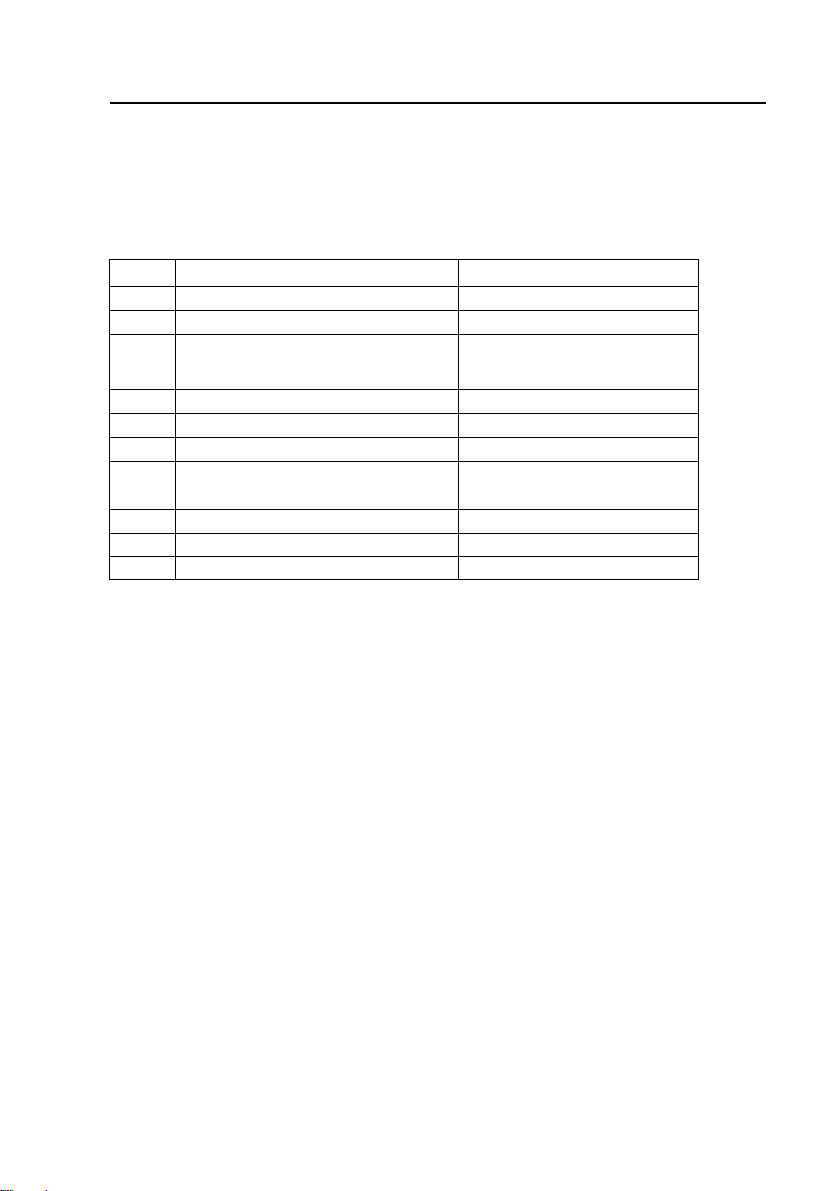
REVISION TABLE
Document
Revision Author Date Change Description
1.0 Falcon.Tang 30/08/2010 First release
1.1 Falcon.Tang 21/03/2011 Increase the information for
JSI-1500TL/-S
1.2 Falcon.Tang 22/03/2012 Increase the information for
JSI-3600TL/-S
1.3 Falcon.Tang 12/09/2012 Cancel the accessory of
special RS-232 cable
1.4 Falcon.Tang 18/01/2013 Increase the information for
JSI-2500TL/-S
SAVE THESE INSTRUCTIONS !
IMPORTANT SAFETY INSTRUCTIONS
JFY-tech: Reproduction and disclosure of the contents of this manual are strictly
forbidden without prior authorization of JFY-tech.

www.JFY-tech.com
3
GENERAL PRECAUTIONS
For your own safety and that of the unit, you must read and understand the
instructions contained in this document before starting to work.
Keep these instructions in a place accessible to all the personnel who work
with the unit so that these may be consulted.
Only professional technician may install and operate our units.
WARNING:
To avoid
r
isk of electric shock from energy stored in capacito
r
,please
wait fo
r
at least 5 minutes to access the conducto
r
part of input o
r
output
terminals of the inverte
r
afte
r
it is disconnected from the output of PV
panel and AC grid.
There is a fuse in our units. For continued protection against risk of fire,
replace only with same type and ratings of fuse. The replacement should be done
by qualified service personnel.
The installation of inverte
r
must be performed in full compliance with the
National Wiring Rules of Standard AS/NZS 3000 and other relative local
standards and regulations.
No spare parts in package box. To avoid risk of electric shock, Do not remove
machine cover. No user serviceable parts inside. Refer servicing to qualified
service personnel. Please contact your reseller if you need to know the
nearest authorized repair center or qualified service personnel.
As a qualified service personnel, you should know both ac and dc voltage
sources are terminated inside this units. Each circuit must be individually
disconnected before servicing.
Read and understand all the instructions contained in this manual and become
familiar with the safety symbols in the relevant paragraphs before you install
and commission the equipment.
The connection to the AC grid must be done only after receiving approval from
the administering authority as required by national and state interconnection
regulations, and can be done only by qualified personnel.
Keep the whole surface of the photovoltaic panel covered with material
opaque to solar radiation before connecting panel to equipment; this will
ensure that no dangerous high voltage is present at the connection cables.
This unit is designed to feed power to the public power grid (utility) only. Do
not connect this unit to an AC source or generator. Connecting Inverter to
external devices could result in serious damage to your equipment. By the
way, we have special types for these applications. If you are interested, please
contact your local dealer.
Although designed to meet all safety requirements, some parts and surfaces
of Inverter are still hot during operation. To reduce the risk of injury, do not

www.JFY-tech.com
4
touch the heatsink at the back of the solar inverter or nearby surfaces while
Inverter is operating. By the way, keep it away from any flammable objects.
This version of JSI inverters shall be used with panels connected in a “floating”
way, i.e. with positive and negative terminal not connected to the ground.
The equipment is provided with several labels, some of them with a yellow
background, which are related to safety issues.
Make sure to read the labels and fully understand them before installing the
equipment.
The symbols are:
Equipment grounding conductor (Main grounding protective
earth, PE)
Alternate Current (AC) value
Direct Current (DC) value
Phase
Grounding (Earth)

www.JFY-tech.com
5
CONTENT
1. OVERVIEW.................................................................................................. 6
2. INSTALLATION.......................................................................................... 8
2.1 Package inspection ........................................................................ 8
2.2 Selecting the place of installation ............................................... 8
2.3 Fixed on the wall............................................................................... 9
2.4 System diagram and connection label ....................................... 11
2.5 Connecting to the AC grid (utility)................................................. 12
2.6 Connecting to PV Panel (DC input) ............................................ 13
3. CONTROL PANEL FUNCTIONS....................................................... 13
3.1 Operate the Function Key ............................................................. 14
3.2General LCD Display Information ...................................16
4. INVERTER START-UP
A
ND OPERATION ........................................17
5. COMMUNICATIONS ........................................................................ ..18
5.1 Data communications with RS232................................................ 18
5.2Data communications with RS485 (optional).............................. 18
5.2.1RS485 Serial Port....................................................................... 18
5.2.2RJ45 Connectors........................................................................ 19
5.2.3RS485Daisy Chain..................................................................... 19
5.3 Monitor Inverter................................................................................. 21
6. MAINTENANCE ........................................................................................21
7. TROUBLE SHOOTING ........................................................................... 22
8. SPECIFICATIONS ................................................................................... 23
9. JFY-tech WARRANTY ........................................................................... 27
10. JFY-tech CONTACT INFORMATION .............................................. 29

www.JFY-tech.com
6
1. OVERVIEW
1.1 Machine Overview
Front View Bottom View
Fig.1 Overviews of inverter
Control and display panel
PV input
DC switch(optional)
RS232 outlet
RS485 inlet and outlet
(
o
p
tional
)
AC terminals cover
(AC terminals is inside)

www.JFY-tech.com
7
Opening the package
After opening the package, please check the contents of the box. It
should contain the following accessories:
Item Name Quantity
1. Solar inverter 1pcs
2. Mounting frame 1pcs
3. Mounting screws and blocks 6pcs/9pcs
4. Safety-lock screws 2pcs/4pcs
5. Socket head wrench 1pcs
6. DC socket assembly 1set/2set/3set
7. RS-485 sockets, one with 120
ohm terminal resistor Optional
8. Instruction manual 1pcs
9. Monitor software
(
CD
)
1
p
cs
10. Warranty sheet 1pcs
JSI-xxxxTL series include JSI-1500TL,JSI-1500TL-S,
JSI-2000TL, JSI-2000TL-S, JSI-2500TL, JSI-2500TL-S,
JSI-3000TL, JSI-3000TL-S, JSI-3600TL, JSI-3600TL-S,
JSI-5000TL, JSI-5000TL-S,JSI-6000TL and JSI-6000TL-S.
The –S suffix indicates the inverter with an integrated DC
switch.

www.JFY-tech.com
8
2. INSTALLATION
WARNING: The electrical installation of JSI inverter must be performed in
compliance with applicable local and national standards and laws.
WARNING: The connection of JSI inverter to the AC grid must be
performed only after receiving authorization from the utility that operates
the grid.
2.1 Package Inspection
The customer is encouraged to perform the following checks:
Inspect the package box fo
r
apparent damage, such as holes, cracking o
r
any
sign of possible damage to its contents.
Describe any damage o
r
shortage on the receiving documents and have the
carrier sign his/her full name.
Open the package box and inspect the contents fo
r
internal damage. While
unpacking, be careful not to discard any equipment, parts or manuals. If any
damage is detected, call the delivering carrier to determine the appropriate
action. Save all shipping material for the event the carrier sends an inspector
to verify damage!
If the inspection reveals damage to the inverte
r
, please call you
r
local supplie
r
or the authorized distributor. They will determine if the equipment should be
returned for repair. They will also provide instructions on how to get the
equipment repaired;
It is the custome
r
’s responsibility to file a claim with the carrier. Failure to file a
claim with the carrier may void all warranty service rights for any damage;
Carefully store the original packaging of JSI inverte
r
sinceitshallbeusedin
case it is necessary to ship it for repair.
2.2 Selecting the place of installation
Place of installation should be selected based on the following considerations:
JSI inverters shall be set at a suitable height from the ground to enable easy
readout view of the display and the LEDs.
Select a well ventilated place sheltered from direct sun radiation. Choose a
place that allows fluent air flow around the unit.
Allo
w
sufficient room around the unit to enable easy installation and removal of
the object from its mounting surface.
The following figure shows the recommended minimum clearances around the
inverter:

www.JFY-tech.com
9
200mm (8”)
200mm (8”)
200mm (8”) 200mm (8”)
Fig.2 Installing minimum clearances around inverter
2.3 Fixed on the wall
Step1: Drill 6 or 9 holes as illustrated in the Fig.3
Step2: Fix the mounting frame as illustrated in the Fig.4 by the screws, then, hang
the inverter on the mounting frame.
Step3: Fix safety-lock screws at left side and right side as illustrated in Fig.5
with the attached socket head wrench.
Step4: Check the installation conditions.
For JSI-1500TL/-S For JSI-2000TL/-S, JSI-2500TL/-S,
JSI-3000TL/-S and JSI-3600TL/-S

www.JFY-tech.com
10
For JSI-6000TL/-S For JSI-5000TL/-S
Fig.3 The size of mounting frame
Fig.4 Hang inverter to mounting frame
Fig.5 Fix safety-lock screws
The customer is encouraged to perform the following checks:
Do not install the solar inverter on a gradient surface.
Check the uppe
r
straps of sola
r
inverte
r
and ensure it to fit on to the bracket.
Ensure safety-lock screws (M5 socket head cap screws) to insert into the
mounting frame through inverter’s heatsink.
Este manual sirve para los siguientes modelos
13
Tabla de contenidos
Otros manuales de Inversor de JFY tech