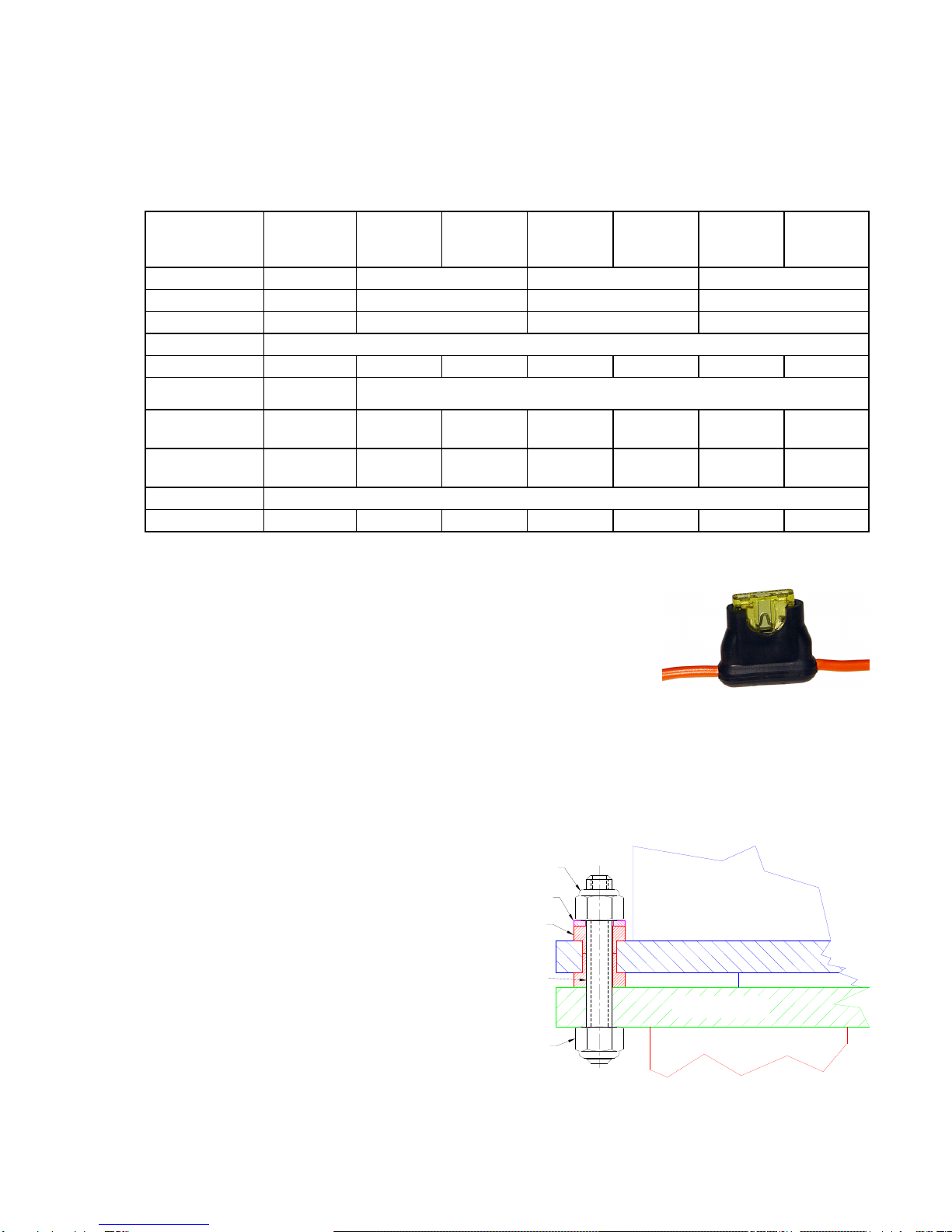
Mounting instructions for reduction gearbox mounting:
Transmission drive type TS250 installation guide version 1.4 page 3 of 4
•Screw the 4 M8x60 studs into
the autopilot flange. Tighten
well and use loctite to lock
the thread.
of the rubber
damper (3 Nm).
est the system:
tted limiting the rudder travel to an equal travel of 36 degrees from
ghtened and will not
lete system from port to starboard making sure the rosejoints don’t hit the output lever
t lever to go “over dead centre” so it can’t return to the initial position any more, blocking the
system.
. Failing to install this fuse could mechanically overload the drive
ausing severe damage inside the drive unit.
potential damage to the structure. If motion is detected, one can rule out the drive causing the
alfunction.
aintenance:
the draglink. These balls are easy exchangeable and available for
round 10 € each from any Jefa distributor.
•Mount the 4 off delrin
Washer Ø8,5 x Ø16
Rubber damper transmission drive unit
reduction gearbox
4pcs black POM spacer
Ø25mm, hight=16mm
Stud M8x60
M8 Nyloc nut
spacers.
•Mount the drive unit.
•Mount the 4 off washers.
•Mount the 4 off nyloc nuts.
Don’t tighten too hard to
prevent damage
T
Before you can test the system, make sure following things are correct:
•Solid rudder stops should be fi
midships to port and starboard.
•Make sure all bolted parts (tiller pins, rosejoints, draglinks, tillerarm,etc) are firmly ti
come loose even when exposed to heavy vibrations. Use locktite when necessary.
•Move the comp
and tiller lever.
•Make sure the drive output lever rotates equally around 65 degrees to both sides and there is no risk for
the outpu
Connect the electronics. Make absolutely sure the autopilot is set to “reversible drive” or equivalent. Don’t use
settings like “solenoid” or “hydraulic drive” as these settings will disable the speed control of the autopilot leaving
the drive running at 100% speed or 0%, but nothing in between. Make sure the clutch voltage is set to the
correct voltage. Some brands have a default clutch voltage that has to be changed. B&G uses 9 volts as
standard, Raymarine uses 12 volts, both even on 24 volts input. This should be adjusted to the correct voltage
to guarantee a proper working of the clutch. The B&G and Raymarine course computer has to be opened for dip
switches to be changed. The Simrad pilot can be adjusted via software in the setup menu on the screen. Always
fit the delivered fuse into the power feed line
c
When the drive doesn’t react to the electronics, test the drive by bypassing it: Connect a plus and minus wire to
the battery or fuse box and first connect the clutch, one should here a click when connecting and disconnecting.
With the clutch under power, connect power for a short time to the motor cables. The system should get in
motion now. Don’t connect the cables too long as the drive will try to continue, even when the rudder stops are
reached, with
m
M
The direct drive is “greased for life”, so should no be opened. No maintenance is required except for periodic
checks of all bolted connections. As the rudder system, the steering system and the autopilot drive is exposed
to heavy vibrations (mainly by cruising on motor), all bolted connections should be yearly checked. The only
parts that could wear in time are the balls of
a