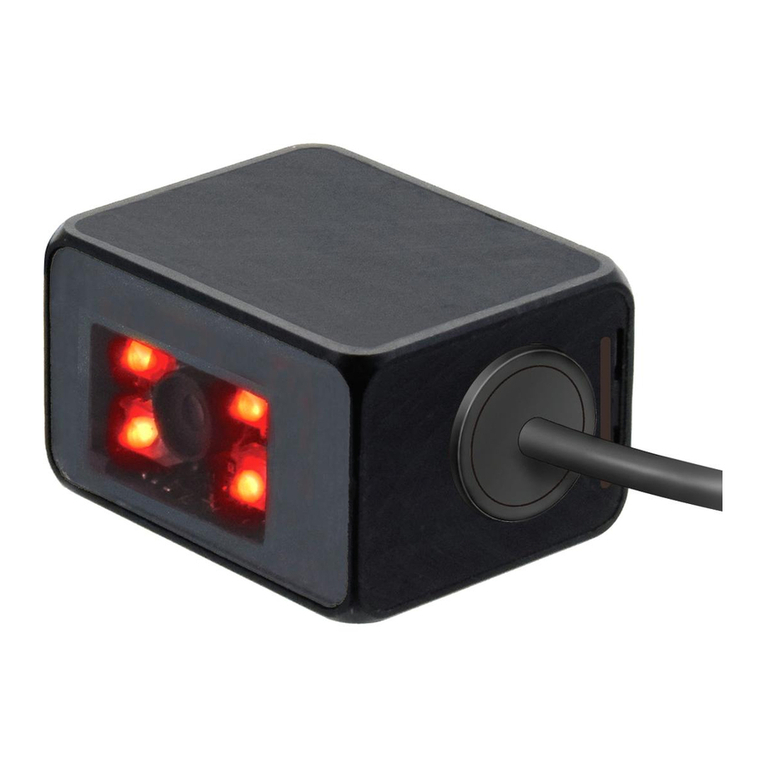
WB2F-SOFT-SUPPORT-TOOL-MANUAL-E B-1956(0)
Contents
Introduction .................................................................................................................................................................2
Terms of use ...............................................................................................................................................................3
Version up information................................................................................................................................................5
General terms, abbreviations, and terminology used in this manual..........................................................................5
Related manuals.........................................................................................................................................................6
Contents......................................................................................................................................................................7
1. Overview ...........................................................................................................................................................8
2. Usage precautions ............................................................................................................................................8
3. System requirements ........................................................................................................................................8
4. WB2F Support Tool setup .................................................................................................................................9
4.1. Installing the WB2F Support Tool..................................................................................................................9
4.2. Uninstalling the WB2F Support Tool..............................................................................................................9
5. Operation confirmation method.......................................................................................................................10
6. Menu items list ................................................................................................................................................15
7. Menu item descriptions ...................................................................................................................................16
7.1. File...............................................................................................................................................................16
7.1.1. Connection setting load .......................................................................................................................16
7.2. Connection setting save..............................................................................................................................16
7.2.1. Exit.......................................................................................................................................................16
7.3. Functions.....................................................................................................................................................17
7.3.1. Connection settings .............................................................................................................................17
7.3.2. Control commands...............................................................................................................................18
7.3.3. Scanner settings..................................................................................................................................20
7.3.4. Tuning..................................................................................................................................................22
7.3.5. Image manager....................................................................................................................................23
7.3.6. Firmware..............................................................................................................................................25
7.4. Window........................................................................................................................................................26
7.4.1. Console................................................................................................................................................26
7.4.2. Image monitor......................................................................................................................................27
7.5. Language.....................................................................................................................................................29
7.5.1. 日本語 (Japanese) ..............................................................................................................................29
7.5.2. English .................................................................................................................................................29
7.6. Help .............................................................................................................................................................29
7.6.1. User's manual......................................................................................................................................29
7.6.2. Version information..............................................................................................................................29
8. Trouble shooting..............................................................................................................................................30
9. Appendix .........................................................................................................................................................33
9.1. ASCII code table..........................................................................................................................................33
Revision history.........................................................................................................................................................34
Contact information...................................................................................................................................................35