Hoyt St HP1 Manual de usuario

OWNER’S MANUAL
UAV
(URBAN ASSAULT VEHICLE)
HP1 and HR1 Controller

READ BEFORE
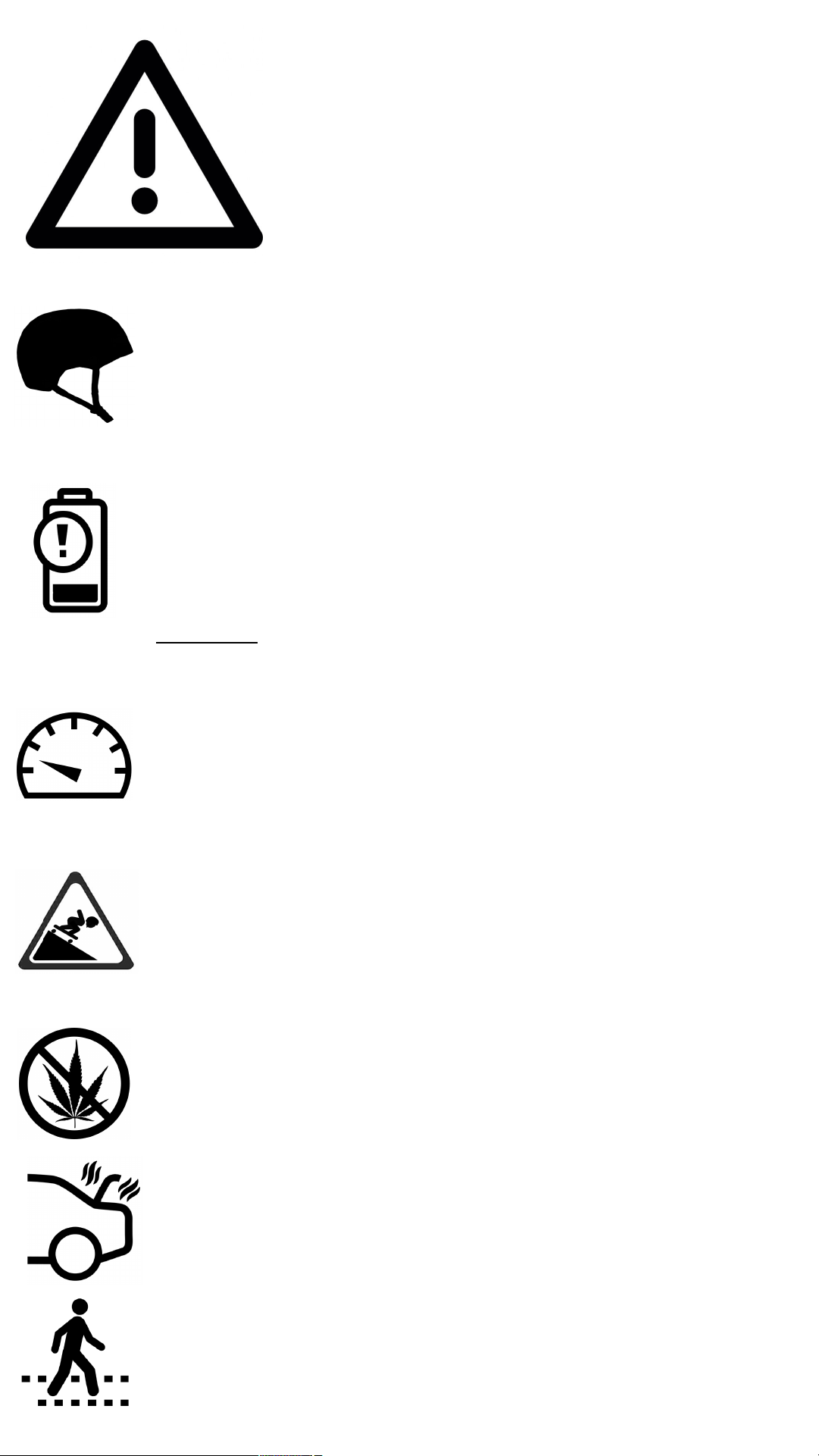
ALWAYS WEAR AHELMET when riding the board.
Other protective gear like wrist guards, gloves,
elbow and knee pads are also strongly
recommended.
THE BOARD MAY LOSE POWER OR BRAKES due to
low batteries or regenerative braking overcharge.
Ride at speeds manageable without power or
brakes.
DO NOT ride downhill on a full charge.
NEVER ride the board while under the influence of
drugs and/or alcohol.
YOU RIDE!
It is strongly recommended all riders take their first
rides in LEARNING MODE (Mode 1) and slowly
elevate modes to learn the feel and power of the
board.
HILLS AND HIGH SPEED can be very dangerous.
Always assume you may need to foot brake your way
out of asticky situation and never ride faster than
you can stop. Ride within your capabilities.
PROLONGED EXPOSURE TO HIGH HEAT may damage
the electronics. Avoid leaving your board in a hot car
or trunk.
LEARN AND OBEY local traffic laws.
SHARE the road.Be courteous of cyclists,
pedestrians and other modes of transport.

WARNING!
AVOID WATER !Your Hoyt St board is water
resistant, not waterproof. The electronics and other
components are susceptible to water damage.
RISK OF DEATH OR SERIOUS INJURY.Skateboarding,
electric or otherwise, is a dangerous activity.You
put yourself at risk of death or serious injury every
time you ride a skateboard. Appropriate
precautions naturally mitigate these risks.
PINCH POINTS at the motor end of your board can
grab fingers, hair and loose clothing. Keep clear of
the motors, belts, pulleys and other moving parts.
ELECTRIC SHOCK RISK when opening the deck to
remove batteries, avoid touching the encased
electronics and blade connectors, particularly with
metal, as it can damage the electronics and deliver
an electric shock.
MAINTENANCE is important to keep your board in
safe and optimal condition. Familiarize yourself with
the maintenance section of this manual and
establish a regular schedule of care.
If your board is behaving irregularly, please contact
hoytskate@hoytskate.com so we can troubleshoot
the problem together.

PERFORMANCE SPECS
RANGE
Depending on many variables (reference
the range calculator at hoytskate.com),
your Hoyt St UAV eboard will travel 20-25
miles.
SPEED
Top speed varies depending on operating
mode.Mode 1top speed is 18 mph,
mode 2is 28 mph and, in optimal
conditions, mode 3will reach 38 mph.
GRADE
Maximum grade in mode 3on afull
charge is >40%. A running start and
momentum is required to achieve
maximum grade.
WEIGHT
Your Hoyt St UAV skateboard weighs in at
34.5 pounds.The ranges, speeds and
grades noted above are assuming a180
pound rider.

TIME TRAVEL
REVERSE (LEFTIES)
LANYARD
REMOTE CONTROL
THROTTLE
USB CHARGING
PORT
TOP VIEW BOTTOM VIEW
RC POWER
THROTTLE
MODE
GLOSSARY

MOTOR GEAR COVER
KINGPIN & BUSHING
DECK
EXTERNAL COMPONENTS
CAUTION!:KEEP FINGERS,
HAIR &LOOSE CLOTHING
AWAY FROM MOVING PARTS.
POWER BUTTON
DECK FASTENERS
BASHGUARD
TRUCK
BATTERY INDICATOR
UNDERCARRIAGE
WHEEL PULLEY
MOTOR MOUNT
BELT
BRUSHLESS MOTORS
TIRE
CHARGE PORT
TRUCK

Hoyt St chargers are UL certified and built with the highest level of
quality and safety.To charge your Hoyt board, plug in the charger to
the port located on the underside of the skateboard’s control
panel.Lift open the charging hatch and insert the charger.Do not
force fit. A red LED will light up while charging and turn green when
fully charged.The process requires ~2 hrs.
TIP 1:The batteries will not be damaged in any way by operating
the board after apartial charging session.
TIP 2:Be wary of quick charge claims by resellers. A charge time
of 2hrs for a690WH lithium ion battery is recommended by
industry experts.An accelerated charging session requires a
higher current flow to the cells and may shorten battery life.
x
CAUTION:The majority of lithium ion battery accidents occur during
the charging process.Only use Hoyt St’s supplied charger.Using a
different charger may damage the batteries, shorten their life cycles,
or even cause fires.
CHARGER

OPERATION
GETTING STARTED
CHARGE THE DECK
Full charge = 2½ hours Charger light turns green
when deck is fully charged.
Full charge = 6-8 hours of use
with a 30-60 minute charge.
LEDs glow green when full
charge reached. While riding,
click the power button once
to check SOC.
Blue = 8 to 4 ½ hours
Green = 4 ½ to 1 hour
Yellow = 1 hour to 20 min
Red = <20 min
Vibrating/Beeping = <10 min
CHARGE THE REMOTE
USB

OPERATION
LET’S RIDE!
SAFETY FIRST
ALWAYS WEAR A HELMET and
consider other protective equipment.
Verify the board is functioning (without rider) in a flat, open
area clear of obstructions. Get familiar with the throttle
responsiveness before riding.
If this is your first ride, we urge you to get a feel for the power
and nuance of the board in beginner mode.
Beware of obstacles that may cause control issues:
gravel and rocks, cracks and tracks, grates and drains, water and
ice, etc.
Remember skateboarding is a dangerous activity, capable of
causing serious injury or death. Take necessary precautions to
avoid both.
STANCE
Leverage the drop deck and position your body to brace
yourself against the forces of acceleration and deceleration.
ACCELERATING BRAKING

POWER THE REMOTE ON AND OFF
Press and hold the power button until it vibrates.
ON: hold 1½ seconds (short vibration)
OFF: hold 1½ seconds (long vibration)
AUTO-OFF: after 5 minutes
of inactivity.
POWER THE DECK ON AND OFF
ON: instantaneous
LED light will glow blue.
OFF: hold 1½ seconds
until LED light turns off.
AUTO-OFF: board will turn
off automatically after
5 minutes of inactivity.
SAFETY NOTE: always turn
skateboard off when
remote is off to avoid
wi-fi hijacking.
CHECK REMOTE-DECK PAIRING
Paired:
remote LED lights
turn white for <1 second
Unpaired:
remote LED lights
are blinking red.
Reference Maintenance
section for re-pairing.
CHECK DECK BATTERY LIFE
LED deck battery
indicator at nose
of deck illuminates
when throttle engaged.
Este manual sirve para los siguientes modelos
1
Tabla de contenidos