HIOTH User Manual
HIOTH TECHNOLOGY CO.,LTD.
Including of WiFi Network
1) Ensure the device with adequate power, and in the power-on state.
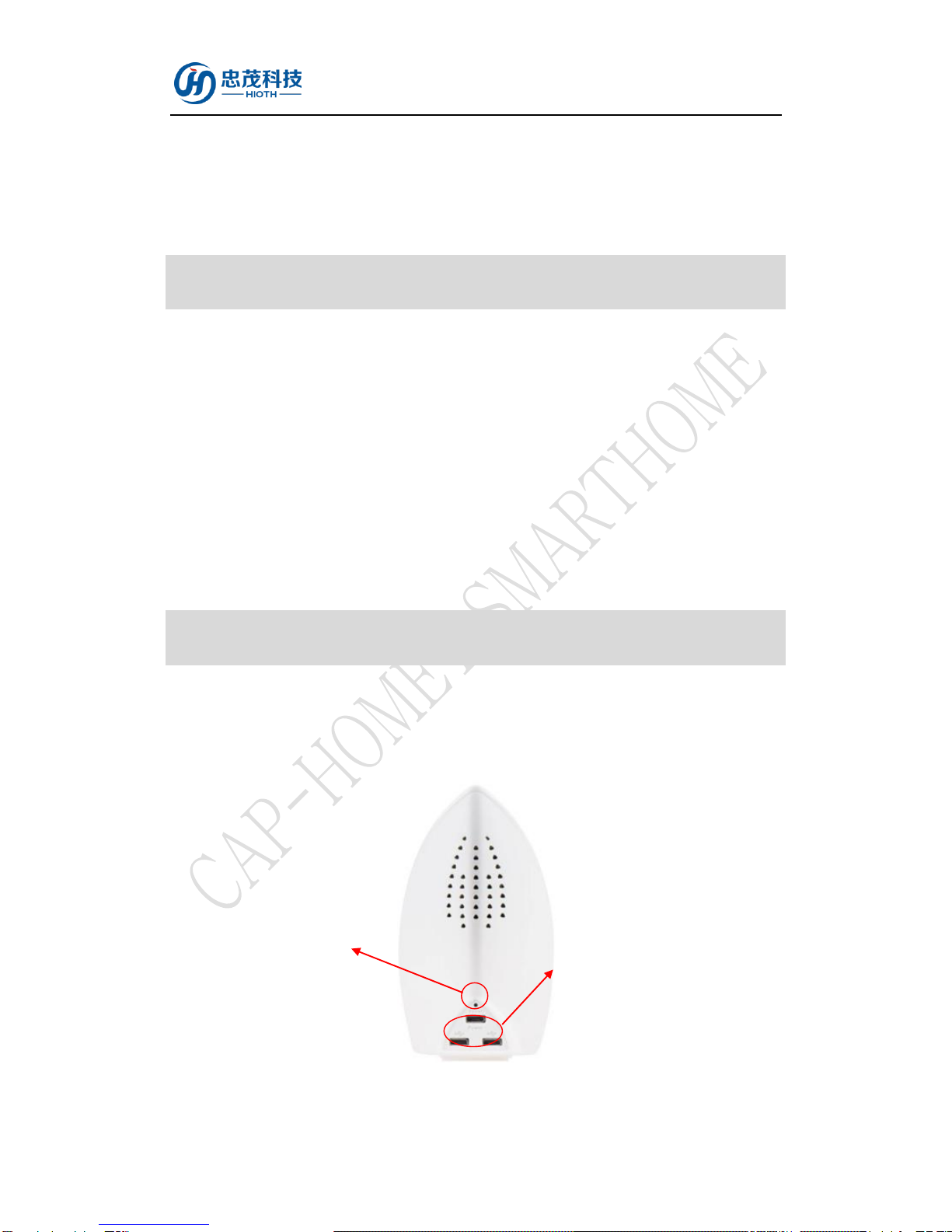
2) Press and hold the Reset button for 5 seconds and then release the button, until the device
flash quickly with a green light.
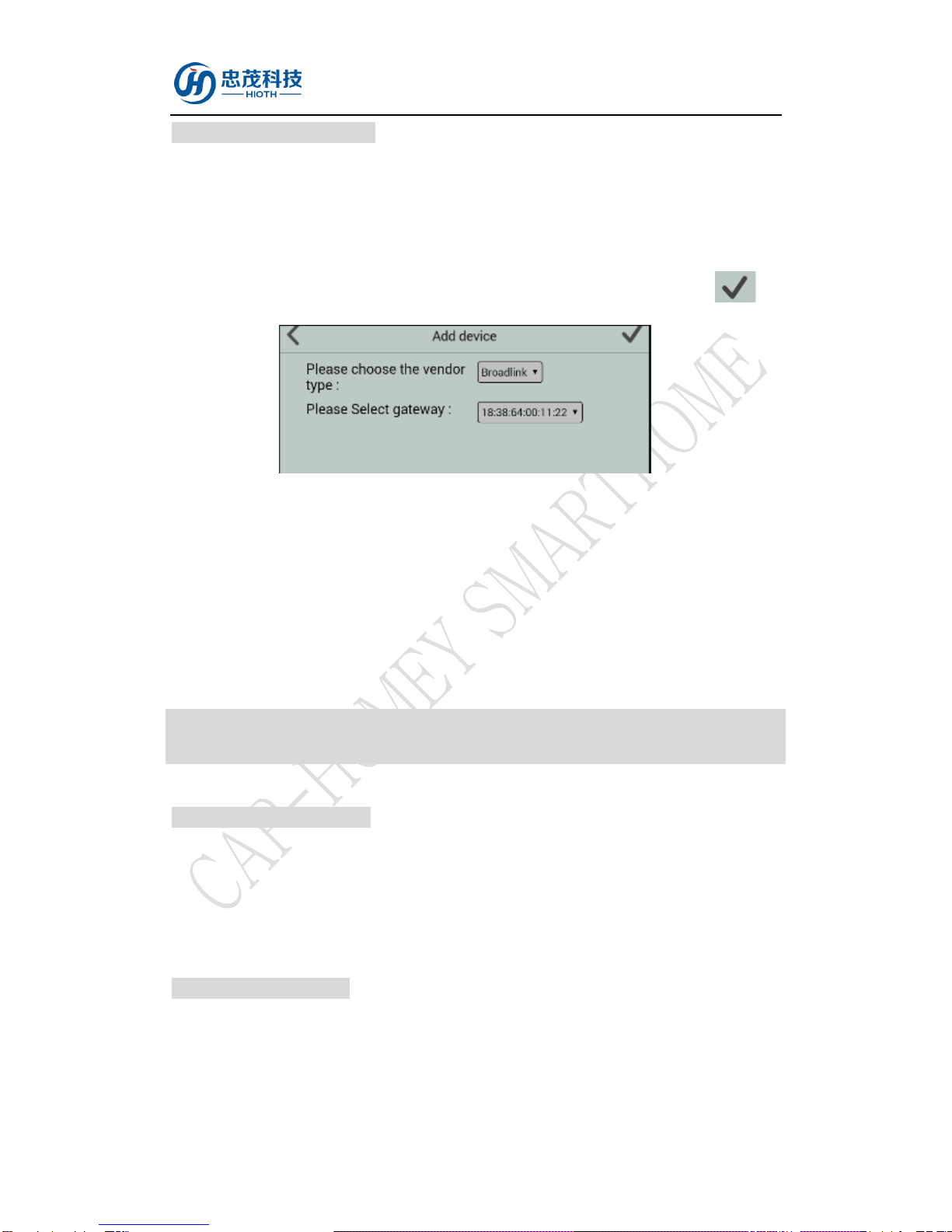
3) Choose " Broadlink " to enter the Network Inclusion mode on the APP, then click " ".
4) Check the status of the WiFi Indicator LED, if the green light flashe slowly confirming the
device is connecting to the wireless network, if the green light stop flashing confirming the
device has been included into the network.
5) Please go to the device list interface, and refresh the device list, the device will be displayed.
Installation Instructions
INSTALLATION PLACE
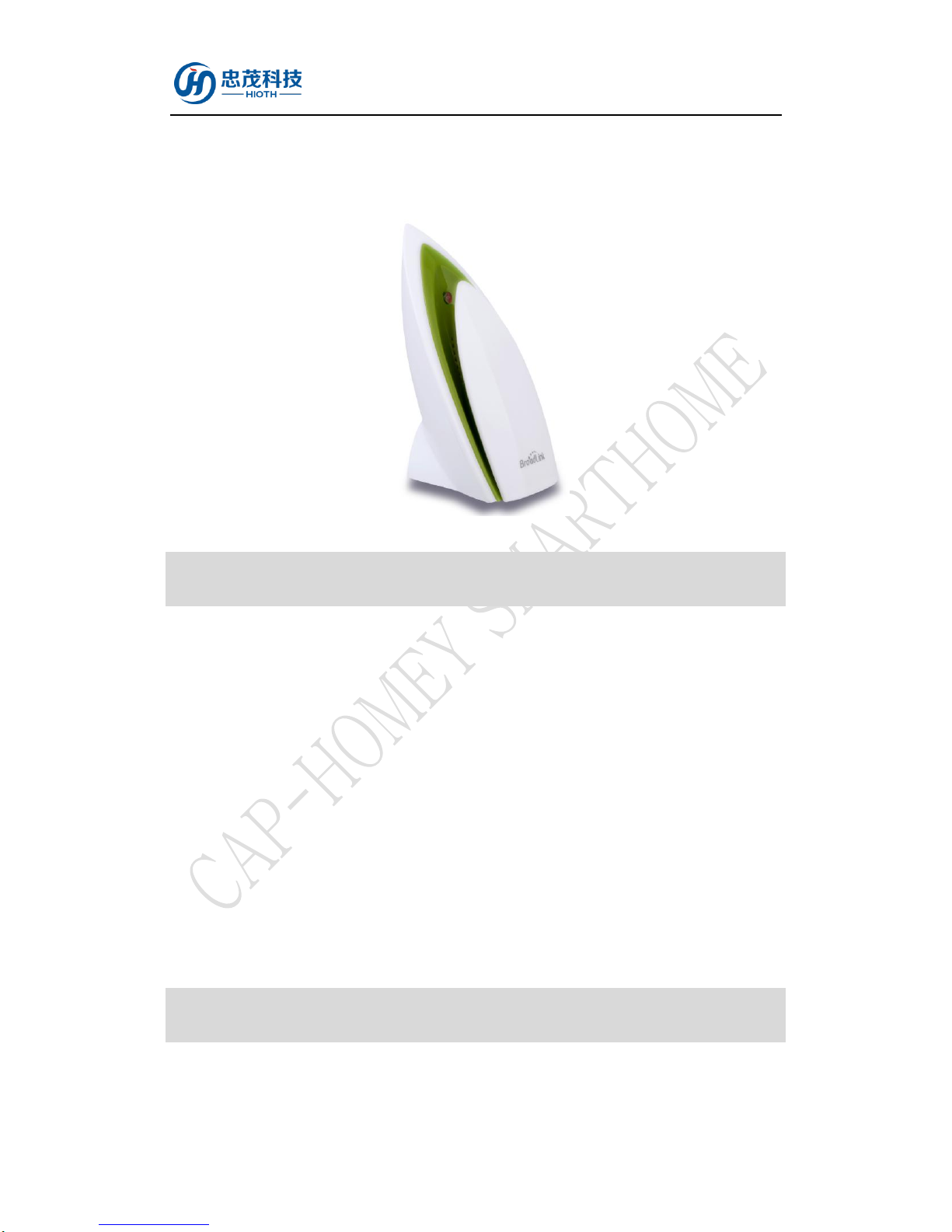
Wireless Environment Quality Detector is suggested to be installed indoor, a place with around
1.0m height above the floor where represents the average temperature, humidity, light, PM 2.5 and
noise concentration. It should be away from direct sunlight, any cover, or any heat source, to avoid
false signal for detection.
INSTALLATION TIPS
Install this device, no additional wiring, please insert the power adapter into the DC hole, which
can make the installation completed. .
a) The adapter specification: Input: 100V-240V AC