H3C RA200 Manual de usuario

H3C RA200 Router
Interface Moudle Guide
New H3C Technologies Co., Ltd.
http://www.h3c.com.hk
Document version: 6W102-20170510

Copyright © 2014-2017, New H3C Technologies Co., Ltd. and its licensors
All rights reserved
No part of this manu al may be reprod uced or transmitted in any form or by a ny means without prior written
consent of New H3C Technologies Co., Ltd.
Trademarks
H3C, , H3CS, H3CIE, H3CNE, Aolynk, , H3Care, , IRF, NetPilot, Netflow, SecEngine,
SecPath, SecCenter, SecBlade, Comware, ITCMM and HUASAN are trademarks of New H3C Technologies
Co., Ltd.
All other trademarks that may be mentioned in this manual are the property of their respective owners
Notice
The information in this document is subject to chan ge without notice. Every ef fort has been made in the
preparation of this do cument to en sure accuracy of the co ntents, but all statements, information, and
recommendations in this document do not constitute the warranty of any kind, express or implied.

Preface
This document provides information about RIC modules supported by the RA200 route r, including
module appearance, LEDs, port specifications, and connection methods.
This preface includes the following topics about the documentation:
•Audience
•Conventions
•Obtaining documentation
•Technical support
•Documentation feedback
Audience
This documentation is intended for:
•Network planners.
•Field technical support and servicing engineers.
•Network administrators working with the the RA200 router.
Conventions
The following information describes the conventions used in the documentation.
Command conventions
Convention Description
Boldface Bold text represents commands and keywords that you enter literally as shown.
Italic Italic text represents arguments that you replace with actual values.
[ ] Square brackets enclose syntax choices (keywords or arguments) that are optional.
{ x | y | ... }
Braces enclose a set of required syntax choices separated by vertical bars, from which
you select one.
[ x | y | ... ]
Square brackets enclose a set of optional syntax choices separated by vertical bars,
from which you select one or none.
{ x | y | ... } *
Asterisk marked braces enclose a set of required syntax choices separated by vertical
bars, from which you select a minimum of one.
[ x | y | ... ] *
Asterisk marked square brackets enclose optional syntax choices separated by vertical
bars, from which you select one choice, multiple choices, or none.
&<1-n> The argument or keyword and argument combination before the ampersand (&) sign
can be entered 1 to n times.
# A line that starts with a pound (#) sign is comments.
GUI conventions
Convention Description
Boldface Window names, button names, field names, and menu items are in Boldface. For
example, the New User window opens; click OK.

Convention Description
> Multi-level menus are separated by angle brackets. For example, File > Create >
Folder.
Symbols
Convention Description
WARNING! An alert that calls attention to important information that if not understood or followed
can result in personal injury.
CAUTION: An alert that calls attention to important information that if not understood or followed
can result in data loss, data corruption, or damage to hardware or software.
IMPORTANT: An alert that calls attention to essential information.
NOTE: An alert that contains additional or supplementary information.
TIP: An alert that provides helpful information.
Network topology icons
Convention Description
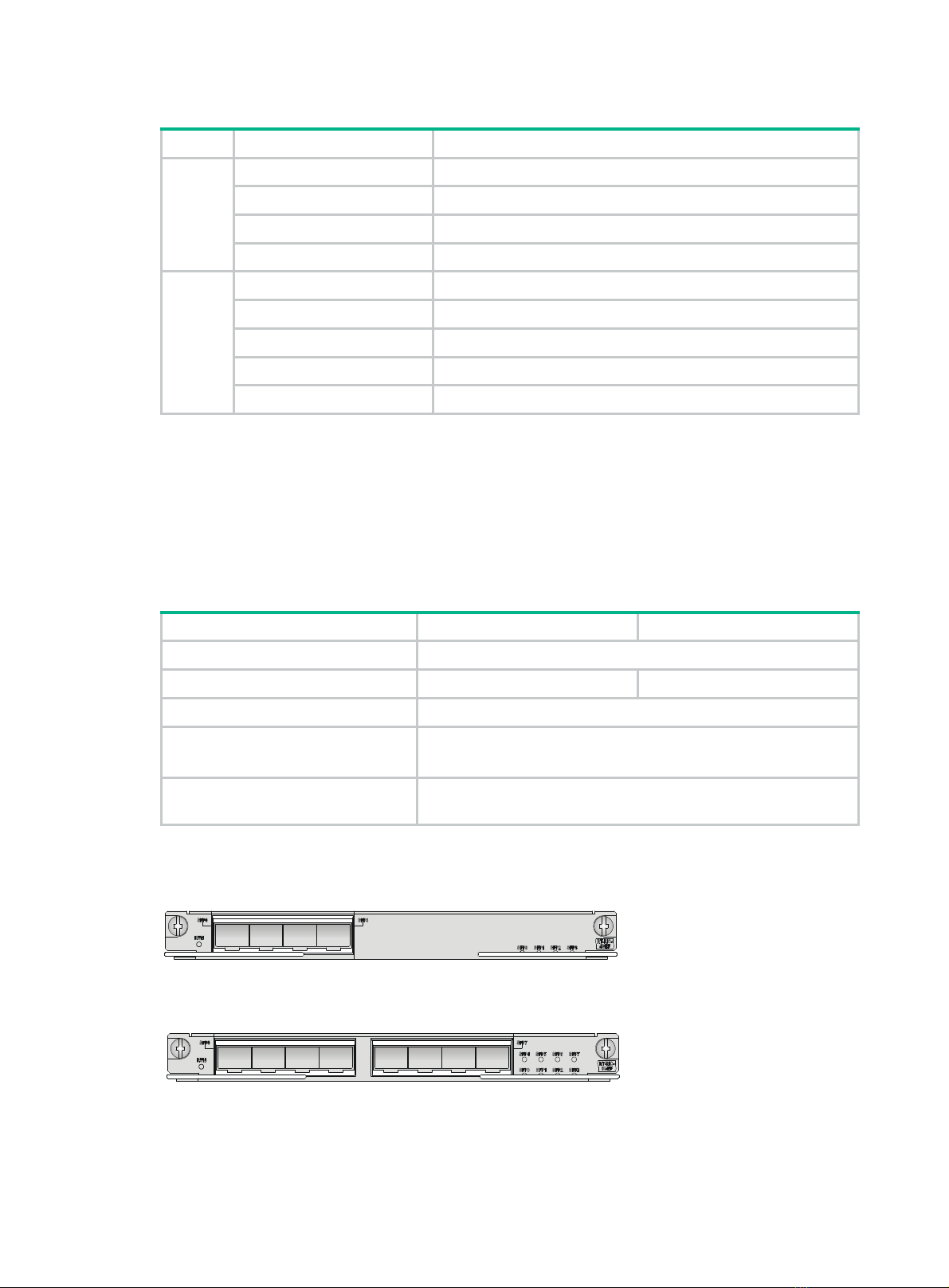
Represents a generic network device, such as a router, switch, or firewall.
Represents a routing-capable device, such as a router or Layer 3 switch.
Represents a generic switch, such as a Layer 2 or Layer 3 switch, or a router that
supports Layer 2 forwarding and other Layer 2 features.
Represents an access controller, a unified wired-WLAN module, or the access
controller engine on a unified wired-WLAN switch.
Represents an access point.
Wireless terminator unit.
Wireless terminator.
Represents a mesh access point.
Represents omnidirectional signals.
Represents directional signals.
Represents a security product, such as a firewall, UTM, multiservice security
gateway, or load balancing device.
Represents a security module, such as a firewall, load balancing, NetStream, SSL
VPN, IPS, or ACG module.
T
T
T
T

Examples provided in this document
Examples in this document might use devices that differ from your devi ce in hardware model,
configuration, or software version. It is norm al that the port nu mbers, sample output, screenshots,
and other information in the examples differ from what you have on your device.
Obtaining documentation
To access the most up-to-date H3C product documentation, go to the H3C website at
http://www.h3c.com.hk
To obtain information about installation, configuration, and maintenance, click
http://www.h3c.com.hk/Technical_Documents
To obtain software version information such as release notes, click
http://www.h3c.com.hk/Software_Download
Technical support
service@h3c.com
http://www.h3c.com.hk
Documentation feedback
You can e-mail your comments about product documentation to [email protected].
We appreciate your comments.