Federal SN48 Instrucciones de instalación

E3939
2/10/2020
SN48, SN59, SN77, SN96
SN48SS, SN59SS, SN77SS
Non-Refrigerated Units
INSTALLATION & OPERATION INSTRUCTIONS
KEEP THIS MANUAL FOR FUTURE REFERENCE
Engineering and technical data are subject to change without notice.
FEDERAL INDUSTRIES 215 Federal Avenue Belleville, WI 53508
Toll Free 1(800)356-4206 WI Phone (608)424-3331 Fax: (608)424-3234

Series ’90 Non-Refrigerated Bakery Page 2
Contents
INTRODUCTION………………………………………………………….……………3
WARNING LABELS & SAFETY INSTRUCTIONS…………………………………4
PRE-INSTALLATION PROCEDURES……………………………………………….5
INSPECTION FOR SHIPPING DAMAGE…………………………………………………………..…5
INSTALLATION INSTRUCTIONS…………………………………………………...5
REMOVING CASE FROM SHIPPING SKID………………………………………………………….5
REMOVING PACKAGING MATERIAL………………………………………………………………5
LEVELING THE CASE………………………………………………………………………………….5
GRILL REMOVAL……………………………………………………………………………………….6
LIGHTS……………………………………………………………………………………………………6
SHELVING………………………………………………………………………………………………..7
OPTIONAL GLASS SHELVES………………………………………………………………………….8
CLEANING……………………………………………………………………………………………..…8
ELECTRICAL INFORMATION & GROUNDING………………………….……….9
OPERATING INSTRUCTIONS………………………………………………………10
INITIAL START-UP……………………………………………………………………………….....…10
CONTROLS…………………………………………………………………………………………...…10
DOORS……………………………………………………………………………………………...……10
HINGED FRONT GLASS……………………………………………………………………………....11
LIGHT REPLACEMENT……………………………………………………………………………....12
SHELVES……………………………………………………………………………………………..….12
CLEANING INSTRUCTIONS………………………………………………………..13
DAILY CLEANING……………………………………………………………………………………..13
WEEKLY CLEANING……………………………………………………………………………….…13
INTERIOR CLEANING………………………………………………………………………………...14
EXTERIOR CLEANING………………………………………………………………………………..14
SERVICE INFORMATION…………………………………………………………...15
PRE-SERVICE CHECKLIST……………………………………………………………………….….16
SALE & DISPOSAL……………………………………………………………………16
OWNER RESPONSIBILITY………………………………………………………………………...…16
ELECTRICAL DATA………………………………………………………………….17
REPLACEMENT PARTS……………………………………………………….....18-19
REPLACEMENT PARTS SN48, SN59, SN77, SN96………………………………………………….18
REPLACEMENT PARTS SN48SS, SN59SS, SN77SS………………………………………………...19
WIRING DIAGRAM- MAIN WIRING………………………………………………20
WIRING DIAGRAM- SN48 & SN59 W/LIGHTS…………………………………...21
WIRING DIAGRAM- SN77 W/LIGHTS……………………………………………..22
WIRING DIAGRAM- SN48SS & SN59SS W/LIGHTS…………………………......23
WIRING DIAGRAM- SN77SS W/LIGHTS………………………………..………...24

Series ’90 Non-Refrigerated Bakery Page 3
INTRODUCTION
Thank you for purchasing a Federal Industries display case. This manual contains important
instructions for installing and servicing the Series ’90 Non-Refrigerated Bakery Cases. A repair
parts list and wiring diagram are also included in the manual. Read all of these documents
carefully before installing or servicing your case.
REGISTRATION & SERIAL NUMBER
It’s important to keep a record of the model and serial number of your merchandiser for warranty and
part identification. Please write them here for your quick reference.
Register your product online! Visit our website at www.federalindustries.com and register your
product today.
Case Model___________________________Serial Number_________________________
We’re here to provide you with the best possible experience with your new product, however, we cannot
cover everything about your merchandiser in this manual, so if you have any additional questions or
issues, please see the SERVICE INFORMATION PAGE to find who you should contact.
NOTICE
Read this manual before installing your case. Keep this manual and refer to it before doing any
service on the equipment. Failure to do so could result in personal injury or damage to the case.
NOTICE
Installation and service of the electrical components in the case must be performed by a licensed
electrician.
The portions of this manual covering electrical components contain technical instructions intended only
for persons qualified to perform electrical work.
DANGER
Improper or faulty hookup of electrical components in the case can result in severe injury or death.
All electrical wiring hookups must be done in accordance with all applicable local, regional, or
national standards.

Series ’90 Non-Refrigerated Bakery Page 4
WARNING LABELS & SAFETY
INSTRUCTIONS
This is the safety-alert symbol. When you see this symbol on your case or in the manual, be
alert to the potential for personal injury or damage to your equipment.
Be sure you understand all safety messages and always follow recommended precautions and safe
operating practices.
Important safety information is presented in this section and throughout the manual. The
following signal words are used in the warnings and safety messages:
DANGER: Severe injury or death will occur if you ignore the message.
WARNING: Severe injury or death can occur if you ignore the message.
CAUTION: Minor injury or damage to your case can occur if you ignore the message.
NOTICE: This is important installation, operation, or service information. If you ignore the
message, you may damage your case.
The warning and safety labels shown throughout this manual are placed on your Federal Industries
case at the factory. Follow all warning label instructions. If any warning or safety labels become
lost or damaged, call our customer service department at 1(800)356-4206 for replacements.
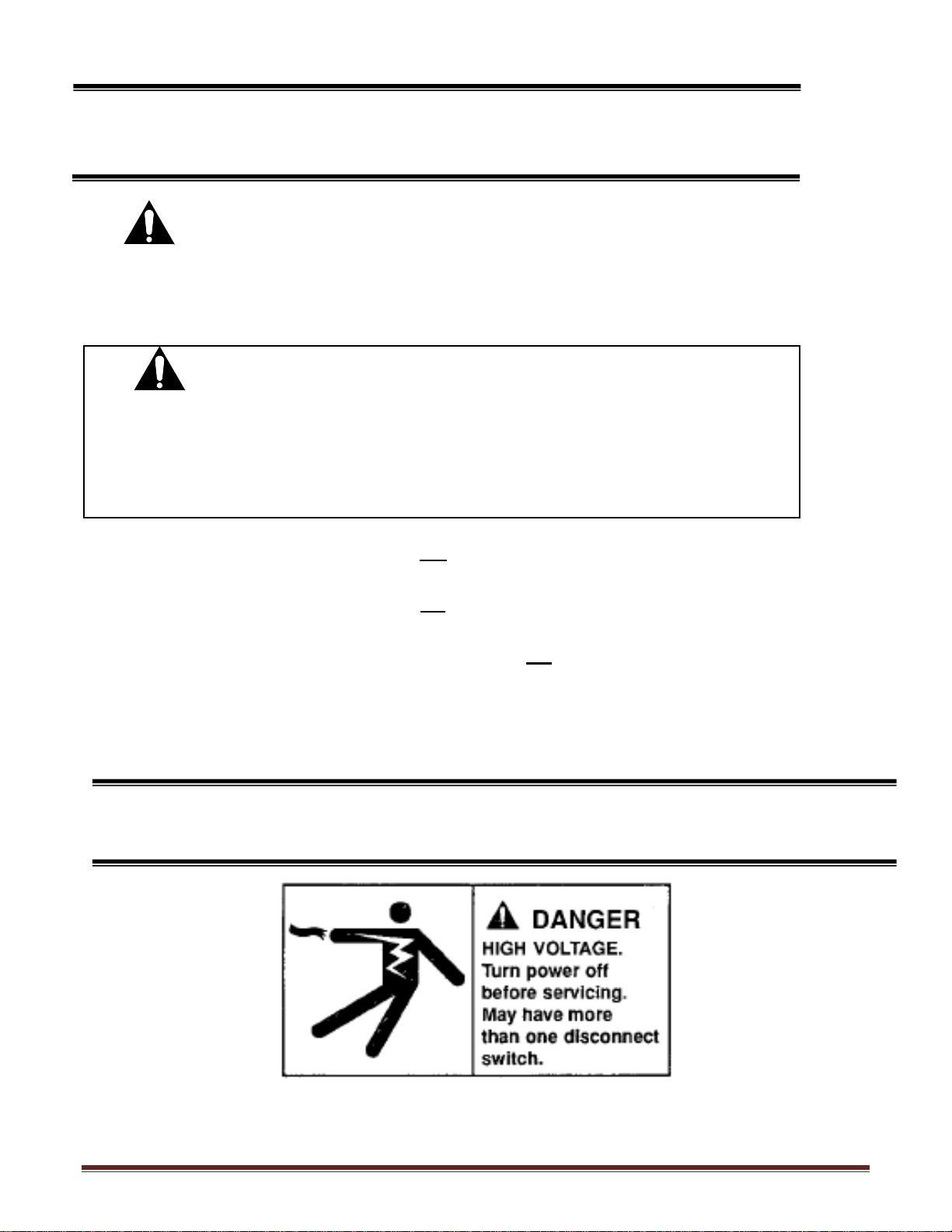
This label is located on the back of the display case.
Notice to Employers
You must make sure that everyone who installs, uses, or services your case is thoroughly
familiar with all safety information and procedures.

Series ’90 Non-Refrigerated Bakery Page 5
PRE-INSTALLATION PROCEDURES
Inspection for Shipping Damage
You are responsible for filing all freight claims with the delivering truck line. Inspect all cartons
and crates for damage as soon as they arrive. If damage is noted to shipping crates or cartons or if
a shortage is found, not this on the bill of lading (all copies) prior to signing.
If damage is discovered when the case is uncrated, immediately call the delivering truck line and
follow up the call with a written report indicating concealed damage to your shipment. Ask for an
immediate inspection of your concealed damage item. Crating material must be retained to show
the inspector from the truck line.
INSTALLATION INSTRUCTIONS
Removing Case from Shipping Skid
Move the case as near as possible to the final location before removing it from the shipping skid.
Remove the four (4) bolts that secure the case to the skid.
DO NOT REMOVE THE SHIPPING BRACKETS FROM THE CASE. THE BRACKETS ARE
INTENDED TO BE USED AS HAND GRIPS FOR LOCATING THE CASE. REMOVE THE
BRACKETS WHEN THE CASE IS IN THE FINAL LOCATION.
Removing Packaging Material
Remove the brackets that held the case to the shipping skid.
Remove the plastic ties that hold the wire shelves and shelf brackets in place. Remove the shipping
tape that secures the doors and lift-up glass. If it is necessary to remove tape residue from plastic
materials, use cleaning compounds recommended in the cleaning section of this manual.
Leveling the Case
Four leg levelers are provided for leveling the case. The leg levelers can be turned in and the case
can be placed with the base frame on the floor.
The leveled case should be sealed to the floor using an NSF Listed Sealant.
CAUTION: Do not push against the curved glass, end glass, doors or door frames
when removing the case from the skid or moving the case. Case
damage or glass breakage could result.

Series ’90 Non-Refrigerated Bakery Page 6
Grill Removal
The front of the case has a removable base panel to access the front leg levelers from the inside of
the case. Normally it is not necessary to remove the panel to install the case. This panel must be in
place for proper operation of the case.
There are two (2) removable panels on the back of the case. The left side panel allows access to the
lamp ballasts and the field wiring connection box. Remove this panel to make field wiring
connections.
The right side panel has the light switch and the auxiliary fan switch mounted to it. Removing the
panel allows access to the terminal board. Normally it is not necessary to remove this panel to
install the case.
Lights
Make certain that the light cord plugs are completely inserted into the sockets or arcing may result
causing damage to the plugs and sockets.
The ballasts used on this case allow removal of one or more shelf light without affecting the
remaining lights.
DANGER: Electrical Shock Hazard. Do not operate
unit with panels removed.

Series ’90 Non-Refrigerated Bakery Page 7
Shelving
Remove both rear doors from the track by lifting them upward until the bottom edge clears the
lower door track and then outward.
Lift up the front glass to the fully open positon.
Put the shelf support assembly in the desired shelf standard slots.
Plug the shelf light cords in the appropriate light socket. Make certain that the light cords are
completely inserted into the sockets or arcing may result causing damage to the plugs and sockets.
Put the wire shelves on the rear shelf support assembly as shown. Push the bar on the bottom of
the wire shelf into the shelf retainer clip on the shelf support assembly. If the shelf is not in the
proper position, it may disrupt the air flow in the case and cause product loss.
Close the front glass and reinstall both rear doors.

Series ’90 Non-Refrigerated Bakery Page 8
Optional Glass Shelves
Put the glass shelves on the rear shelf support and shelf light housing as shown. The shelf retainer
should sit over the rear shelf support. If the shelf is not in the proper position, it may disrupt the
air flow in the case and could cause product loss.
Reinstall both rear doors.
Cleaning
For initial setup, clean the case as outlined in the weekly cleaning section.

Series ’90 Non-Refrigerated Bakery Page 9
ELECTRICAL INFORMATION &
GROUNDING
This Case Must Be Grounded
All case electrical connections must be performed only by a licensed electrician.
All electrical hookups must be done in accordance with all applicable local, regional, or national
electrical standards.
A separate circuit for each display case is recommended to prevent other appliances on the same
circuit from overloading the circuit and causing malfunction.
The electrical service must be grounded upon installation.
This unit is designed for permanent connection to a power source. See the electrical data plate
located next to the electrical junction box for proper circuit size and wire ampacity.
A 7/8” diameter hole is provided in the back of the case for field wiring connection. An access hole
is also provided in the unit base for running power supply up through the floor. See diagram
below:
DANGER: Improper or faulty hookup of electrical components in the
display case can result in severe injury or death.

Series ’90 Non-Refrigerated Bakery Page 10
OPERATING INSTRUCTIONS
Initial Start-Up
After all the checks outlined in the installation section of this manual have been made, the case is
ready to be put into service.
Controls
Light Switch
This switch controls the power to all shelf lights and top light. The rocker switch is red in the on
position.
Auxiliary Fan Switch
This switch controls power to an exhaust fan located under the display pans. This fan removes
excessive heat build-up caused by case lights.
Doors
The doors can be removed by lifting the door up until the bottom clears the bottom track.
Clean the door track frequently for easy door operation. A very light film of lubricant, such as
PAM, will help the doors slide easily.
Este manual sirve para los siguientes modelos
6
Tabla de contenidos
Otros manuales de Vitrina de Federal

Federal
Federal SNR482C-2 Manual de usuario

Federal
Federal ECGR50 Instrucciones de instalación

Federal
Federal SNR48 Instrucciones de instalación

Federal
Federal CRR4828 Instrucciones de instalación

Federal
Federal RSSM360 Instrucciones de instalación

Federal
Federal ITD48 Instrucciones de instalación

Federal
Federal FCC-4 Instrucciones de instalación