5
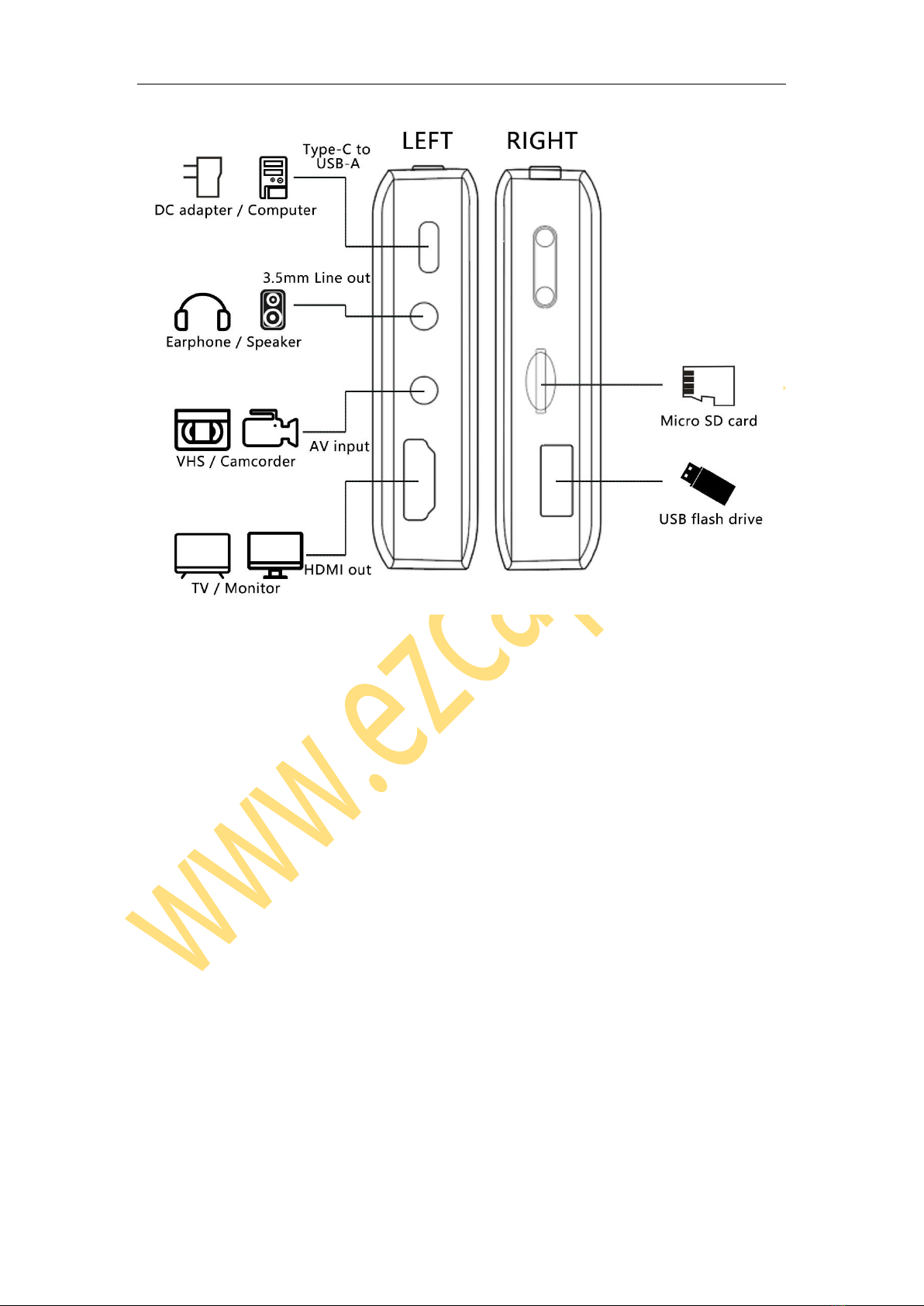
Un-plug Micro SD card from device, the screen will prompt Card Out, and the icon will
be disappeared.
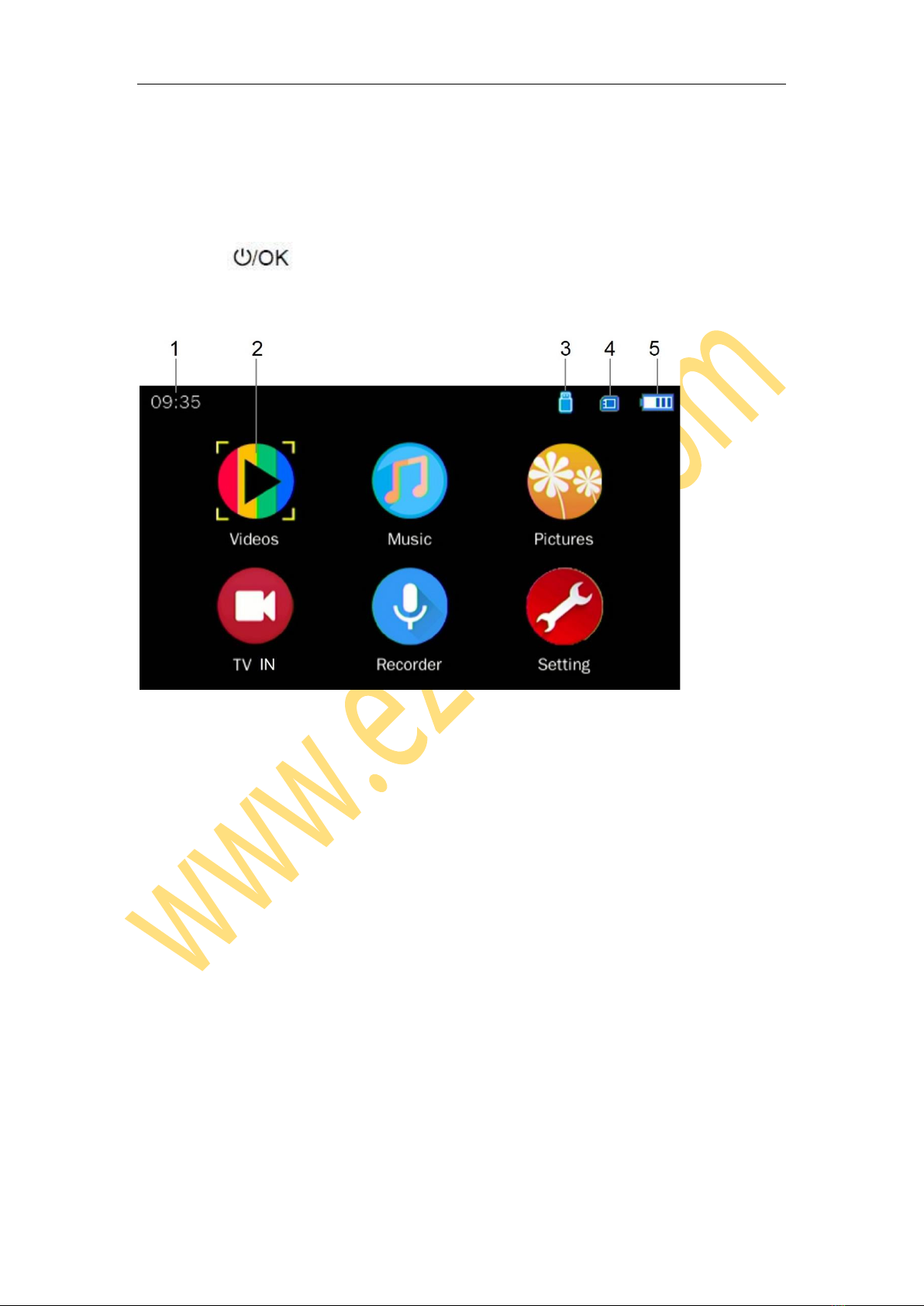
Plug USB flash drive into the slot, the screen will prompt External Memory In when
plugged, and a USB stick icon will be displayed in the upper right corner. Un-plug USB
flash drive from device, the screen will prompt External Memory Out, and the icon will
be disappeared.
For file safety, It is best to empty and format the Micro SD card and USB flash drive
before using. Support FAT32, exFAT (does not support NTFS), MAX 32GB.
Note: It is not recommended to connect Micro SD card and USB flash drive at the same
time, if they are connected at the same time, the device will use the first inserted
memory as the recording memory. But can play all files in Micro SD card and USB flash
drive.
AV Input
Use the 3.5mm to 3RCA cable (come with the device in box) connect to the video source,
such as VHS, DV, etc. The 3.5mm connector plugs to the AV IN of device.
The RCA connectors to VHS, yellow = video, white = audio left channel, red = audio
right channel.
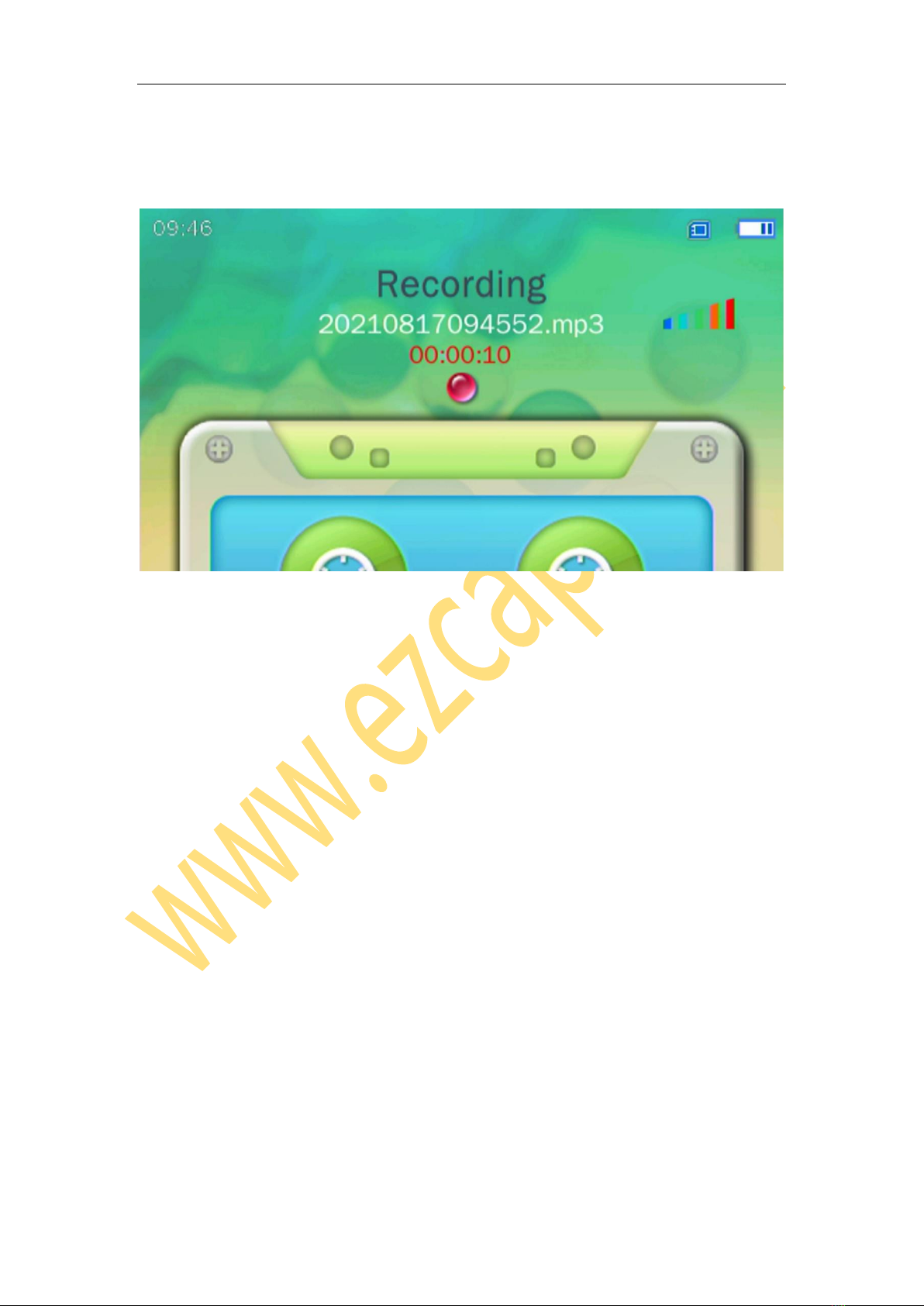
When connect ok, at TV IN will see the playing video. Can record the video now. At
Recorder, can listen to the audio of the playing video, can record the audio with this
connection.
Use a 3.5mm to 3.5mm audio cable, connect to AV IN port of device and other audio