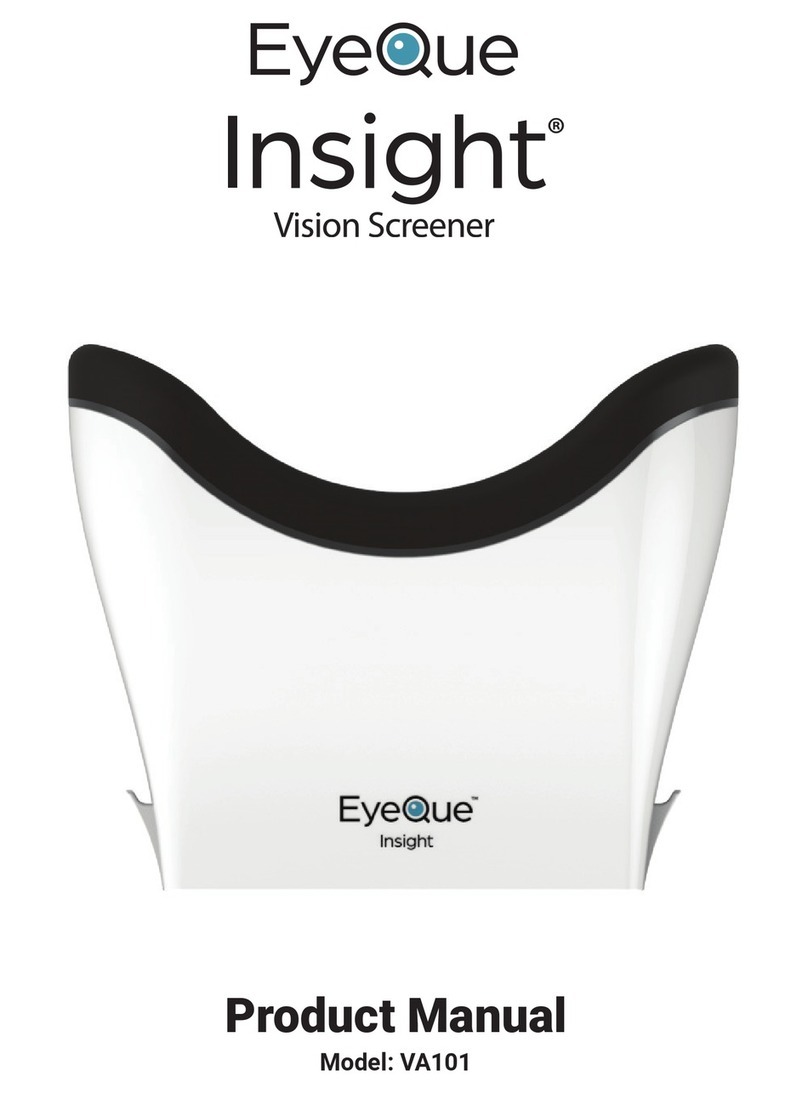
EyeQue Insight Pro Manual de usuario

Insight Pro
Vision Screener
Beta Prototype
Product Manual

Table of Contents
INTRODUCTION .....................................................................................................................4
PACKAGE CONTENTS .............................................................................................................5
INSIGHT PRO .........................................................................................................................6
TECHNICAL SPECIFICATIONS................................................................................................................ 6
PRODUCT DESCRIPTION..................................................................................................................... 6
INSIGHT PRO CONTROLS.................................................................................................................... 8
CONTRAINDICATIONS ........................................................................................................................ 8
SAFETY INFORMATION....................................................................................................................... 9
WARNING....................................................................................................................................... 9
CLEANING....................................................................................................................................... 9
DISPOSAL ....................................................................................................................................... 9
REMOTE CONTROL ..............................................................................................................10
PRODUCT DESCRIPTION................................................................................................................... 10
CHARGING .................................................................................................................................... 10
SAFETY......................................................................................................................................... 10
CLEANING..................................................................................................................................... 10
TABLET ................................................................................................................................11
SMARTPHONE .....................................................................................................................11
TABLE STAND ......................................................................................................................11
TABLET STAND.....................................................................................................................12
ASSEMBLY ...........................................................................................................................12
STAND ASSEMBLY........................................................................................................................... 12
EUC CASE ASSEMBLY ..................................................................................................................... 12
INSIGHT PRO PHONE ASSEMBLY AND REMOVAL ................................................................................... 12
ADMINISTRATOR INSTRUCTIONS FOR USE ...........................................................................13
SMARTPHONE SETUP ...................................................................................................................... 13
PDCHECK AR................................................................................................................................ 13
ADMINISTRATOR TABLET INSTRUCTIONS –GUEST MODE ....................................................................... 14
ADMINISTRATOR TABLET INSTRUCTIONS –LOG IN................................................................................ 18
EYEQUE CONNECT INSTRUCTIONS........................................................................................19
GENERAL TESTING PROCEDURE FOR PATIENTS ..................................................................................... 21
VISUAL ACUITY TEST....................................................................................................................... 21
COLOR DEFICIENCY TEST.................................................................................................................. 21
CONTRAST SENSITIVITY TEST............................................................................................................. 21
AMSLER GRID................................................................................................................................ 21
CHARGING .................................................................................................................................... 22

SOFTWARE UPDATES...........................................................................................................22
SERIAL NUMBERS ................................................................................................................22
DISCLAIMER OF LIABILITY ....................................................................................................24
WARRANTY INFORMATION .................................................................................................24
EYEQUE CONTACT INFORMATION........................................................................................24
SUPPORT EMAIL &PHONE NUMBER.................................................................................................. 24
ADDRESS ...................................................................................................................................... 24

Introduction
The EyeQue Insight Pro is a vision screener that measures Visual Acuity, Color
Deficiency and Contrast Sensitivity. The tablet includes an Amsler Grid which tests
central retinal vision. The device is attached to a stand and has a built-in smartphone. It
works in conjunction with an app on a tablet that the administrator uses to control the
flow of the tests and a remote control operated by the patient.
During testing, when the patient looks into the device, they will see a tumbling “E” chart
and will need to click the corresponding button on the remote in the direction of the
opening of the “E” they see. The app randomizes the tumbling “E” test patterns
throughout the test. The EyeQue Insight Pro uses the built-in smartphone screen to
simulate the reading of an eyechart at 20 ft (6 meters) and has a Visual Acuity range
between 20/20 and 20/400. The controlled environment will ensure that the patient is
always seeing the chart at the correct distance as well as maintain the correct lighting
conditions each time.
The administrator will have access to review the results within the app or through the
EyeQue Connect platform. The results will display Visual Acuity, Color Deficiency and
Contrast Sensitivity for OD, OS, and OU.
The Insight Pro provided is a custom-built beta prototype of the Insight Pro that is still
undergoing development. As such, the product and its software are provided on an “as
is” basis, and some features may be limited or unavailable.

Package Contents
Insight Pro Table Stand with
Remote Control Tray
Tablet Tablet Stand
Smartphone Remote Control
The package also includes 2 USB-C charging cables, 1 micro-USB charging cable, 1
flathead screwdriver, 1 Phillips screwdriver, 1 hex key screwdriver, and stand assembly
screws.

Insight Pro
Technical Specifications
Insight Pro Handheld
Dimension:
163 x 175 x 90 mm
Weight:
417g (587g w/ smartphone)
Power Supply:
None
Finish:
Semi-Gloss
Operating Temperature:
32to 95F (0to 35C)
Storage Temperature:
-4to 113F (20to 45C)
Relative Humidity:
5% to 95% non-condensing
Operating Altitude:
Up to 10,000 feet (3000 m)
Phone/Tablet Requirements:
Android OS 10.0 and up, screen resolution PPI: >300
Visual Acuity Range:
20/20 to 20/400
Product Description
The EyeQue Insight Pro is a vision screening device. The Insight Pro has the capability
to administer four types of tests:
1. Visual Acuity Test –ETDRS Test:
How clearly one can see.

•If the patient does not have corrective lenses: results other than 20/20
(imperial, 6/6 in metric) may indicate the need for vision correction.
•If the patient wears corrective lenses: the test can be conducted while the
patient is wearing the corrective lenses to check if their vision correction may
need to be updated.
2. Color Deficiency Test:
Ability to visually detect differences among certain colors.
3. Contrast Sensitivity Test:
Ability to visually distinguish between increments of light versus dark (contrast).
4. Amsler Grid –Central Retinal Vision Test:
Diagnostic tool that is used to detect and monitor progression of macular
degeneration.

Insight Pro Controls
Front Cover
Use one or both cutouts on the front cover to open the front cover and access the
phone within the Insight Pro. To close the cover, hold the front cover and rotate it
until it snaps into place.
Power Button
When the phone is placed into the Insight Pro, the power button can be used to turn
the phone screen on or off.
Do not press the power button when there is no phone in the Insight Pro, or
when the front cover is opened.
Lock
Use the provided flathead screwdriver to twist the lock from the unlocked (horizontal
line) to locked position (vertical line).
Do not try to open the cover when the Insight Pro is locked.
Quick Release
To remove the Insight Pro from the Table stand, press the gray button on the side of
the quick release base and slide the Insight Pro from the base.
Contraindications
The device should not be used by individuals that are known to have or exhibit signs or
symptoms of an eye infection.
Power Button
Front Cover
Cutouts
Lock

Safety Information
Warning
Visual Acuity, Color Deficiency and Contrast Sensitivity testing with the EyeQue Insight
Pro present minimal risks.
Note:
For ages 6 years or older.
Children under 18 years of age should use the EyeQue Insight Pro with adult
supervision.
Cleaning
Between patients, clean the padding that is in contact with the face with rubbing alcohol.
Allow the rubbing alcohol residue to evaporate before bringing the device to the face.
Disposal
The Insight Pro device contains a Lithium-ion battery. DO NOT dispose as
regular trash. DO NOT put in municipal recycling bins. Devices containing Lithium-ion
batteries must be sent to a certified electronics recycler, participating retailers and
recyclers in electronics takeback services or contact your local solid waste or household
hazardous waste collection program for more options

Remote Control
Product Description
Bluetooth enabled remote control that connects to the Insight Pro device and allows for
an intuitive test taking experience.
Charging
•Charge the device using the micro-USB cable provided (USB wall charger not
included).
•LED on battery indicator turns red while connected to a power source.
•LED on the power button turns off once fully charged.
Safety
•This device includes a Lithium-ion battery.
•Do not discard in trash.
•Do not expose to high heat or incinerate.
•Do not charge in high temperatures.
•This device should be disposed of in accordance with your local rules and
regulations.
Cleaning
To clean, wipe the surface with a soft, dry cloth. Disinfect between uses with rubbing
alcohol. Do not use soap or submerge in water.
Direction Buttons
Bluetooth Indicator
Battery Indicator
On/Off Switch
Tabla de contenidos
Otros manuales de Equipo médico de EyeQue