Epson PowerLite Presenter L Manual de usuario

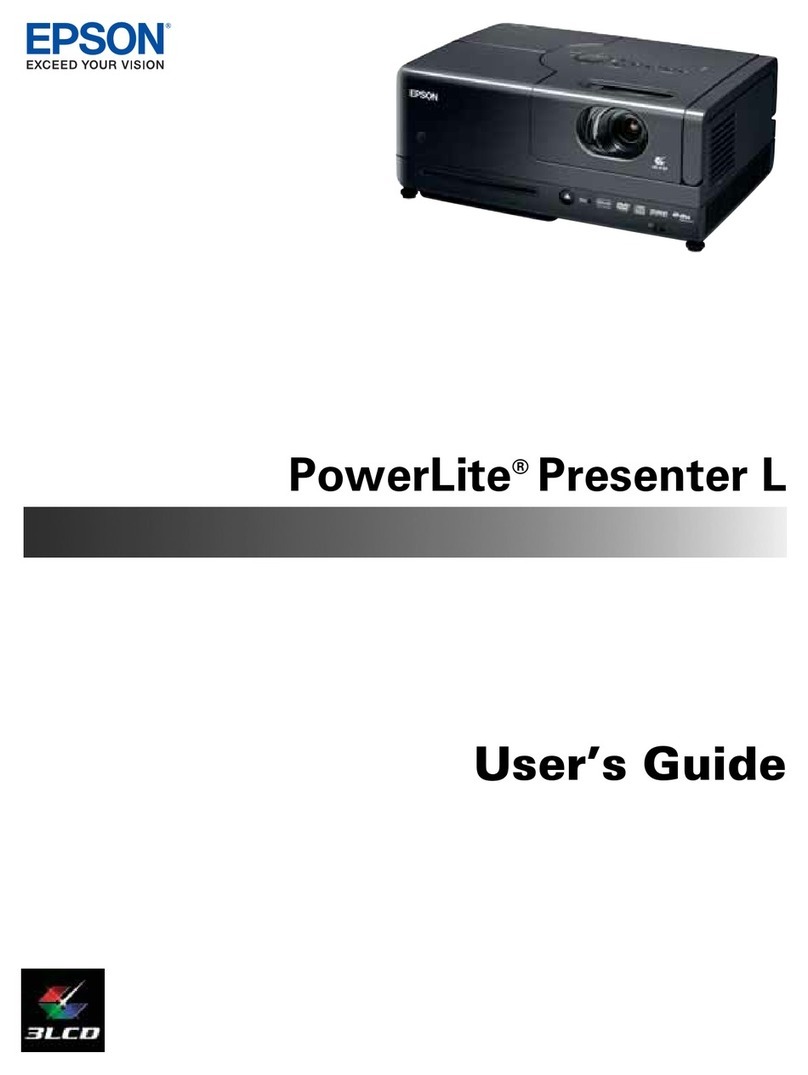
PowerLite®
Presenter
User’s Guide

2
Copyright Notice
All rights reserved. No part of this publication may be reproduced, stored in a retrieval system, or transmitted in
any form or by any means, electronic, mechanical, photocopying, recording, or otherwise, without the prior
written permission of Seiko Epson Corporation. The information contained herein is designed only for use with
this Epson product. Epson is not responsible for any use of this information as applied to other products.
Neither Seiko Epson Corporation nor its affiliates shall be liable to the purchaser of this product or third parties for
damages, losses, costs, or expenses incurred by purchaser or third parties as a result of: accident, misuse, or abuse of
this product or unauthorized modifications, repairs, or alterations to this product, or (excluding the U.S.) failure to
strictly comply with Seiko Epson Corporation’s operating and maintenance instructions.
Seiko Epson Corporation shall not be liable for any damages or problems arising from the use of any options or
any consumable products other than those designated as Original Epson Products or Epson Approved Products by
Seiko Epson Corporation.
Responsible Use
This unit is equipped with Macrovision copy protection. The intellectual property rights to the patent of this copy
protection technology are owned by the Macrovision Company of America, and others. When employing this
technology, a license is required from the Macrovision Company. The Macrovision Company does not authorize
the use of this technology except for a limited range of intended purposes, including home use. Further,
remodeling, disassembly, and reverse engineering are prohibited.
Reproduction of a disc for the purposes of broadcast, projection in public, public musical performance, or rental
(regardless of compensation, remuneration, or lack thereof) without the permission of the copyright owner, is
strictly prohibited. This publication and the features described herein are subject to change without notice.
Trademarks
EPSON and PowerLite are registered trademarks and EPSON Exceed Your Vision is a registered logomark of
Seiko Epson Corporation.
PrivateLine and Accolade are registered trademarks, Duet is a trademark, and Extra Care is a service mark of Epson
America, Inc.
General Notice: Other product names used herein are for identification purposes only and may be trademarks of
their respective owners. Epson disclaims any and all rights in those marks.
This information is subject to change without notice.
© 2012 Epson America, Inc. 3/12
CPD-27692R1

Contents 3
Contents
Welcome 6
Registration and Warranty 6
Optional Accessories 7
About This Manual 8
PowerLite Presenter Parts and Controls 9
Important Safety Instructions 12
Unpacking and Setting Up 16
Unpacking 16
Choosing a Location 17
Setting Up PowerLite Presenter 19
Turning the Projector Off 20
Playing DVDs 21
Starting a DVD 21
Adjusting the Picture 22
Adjusting the Sound 23
Controlling Playback 24
Pausing 24
Searching (Fast Forward or Reverse) 25
Playing in Slow Motion 25
Skipping 25
Zooming In or Out 25
Using DVD Menus 26
Temporarily Stopping Audio 26
Adjusting the Color Mode 27
Adjusting the Sound and Audio Modes 27

4Contents
Listening with Headphones 28
Connecting a Microphone 29
Using PowerLite Presenter with Other Equipment 30
Viewing Video from External Devices 30
Connecting a USB Device 33
Playing Projector Audio Through an External Audio System 34
Connecting a Computer or Laptop 35
Connecting to the USB Port 35
Connecting to the PC Port 37
Doing More with PowerLite Presenter 39
Playing Music and Viewing Photos 39
Playing Music CDs 39
Playing MP3/WMA Music 40
Viewing JPEG Photos 41
Using Advanced Playback Controls 42
Repeating a Chapter, Title, Track, or File 42
Changing the Play Sequence (Program Play) 43
Selecting Language, Subtitles, and Camera Angles 44
Using the Playback Information Screen 44
Customizing PowerLite Presenter 45
Locking DVDs 45
Locking the Power Button on the Control Panel 46
Locking the Projector 47
Saving Power 48
Changing Language Settings 48
Adjusting Picture Quality 49
Using the Others Setup Page 49
Adjusting Dolby Audio Settings 50

Contents 5
Setting Video and Other Options 50
Viewing Status Information and Resetting the Lamp Timer 52
Caring for Your PowerLite Presenter 53
Protecting PowerLite Presenter 53
Cleaning the Lens 53
Cleaning the Case 54
Cleaning and Replacing the Air Filter 54
Replacing the Lamp 56
Resetting the Lamp Timer 58
Storing PowerLite Presenter 59
Transporting PowerLite Presenter 60
Problem Solving 61
What To Do When the Lights Flash 61
Solving PowerLite Presenter Operation Problems 63
Solving Picture and Sound Problems 64
Problems with External Video Equipment 66
Where To Get Help 68
Internet Support 68
Speak to a Support Representative 68
Purchase Supplies and Accessories 68
Specifications 69
Index 75

6Welcome
Welcome
Your PowerLite Presenter is a portable, lightweight projector with a built-in DVD player and
powerful speakers. From classrooms to boardrooms, your full-color presentations and videos
will be bright and vibrant even in ordinary indoor lighting. You can connect the projector to
a wide range of computers and video sources, as well as USB storage devices.
PowerLite Presenter offers these outstanding features:
■Widescreen viewing with native WXGA (1280 × 800) resolution and a 16:10 aspect ratio
■Up to 2500 lumens of White and Color Light Output (brightness), enough for viewing
in daylight
■DVD player with Dolby®Digital and DTS®
■Built-in speakers with DTS digital surround sound
■Closed captioning
■Microphone input
■HDMI interface for connecting high-end video equipment.
■Long-life bulb providing up to 5000 hours of use
■USB plug and play connectivity for quick and easy setup
■Automatic digital keystone correction and automatic color mode
Registration and Warranty
Your PowerLite Presenter comes with a warranty that lets you project with confidence. For
details, see the warranty brochure included with your projector.
In addition, Epson®offers free Extra Care Road Service during your warranty period. In the
unlikely event of an equipment failure, you won’t have to wait for your unit to be repaired.
Instead, Epson will ship you a replacement unit anywhere in the United States or Canada. See
the brochure included with your projector for details.
We encourage you to register your PowerLite Presenter. You can register using the CD that
came in the box. Or you can register online at http://www.epson.com/webreg. Registering
also lets you receive special updates on new accessories, products, and service.
SM

Welcome 7
Optional Accessories
Epson provides these replacement parts and optional accessories for the PowerLite Presenter:
You can purchase accessories from an Epson authorized reseller. To find the nearest reseller,
call 800-GO-EPSON (800-463-7766). Or you can purchase online at www.epsonstore.com
(U.S. sales) or www.epson.ca (Canadian sales).
Product Part number
Replacement lamp (ELPLP55) V13H010L55
Replacement air filter (ELPAF26) V13H134A26
Kensington®security lock ELPSL01
Accolade®Duet™ Ultra Portable Projection Screen ELPSC80
ES1000 Ultra Portable Tabletop Projection Screen V12H002S4Y
ES3000 Ultra Portable Projector Screen V12H002S3Y
Portable Projection Screen 50” ELPSC06
DC-11 Document Camera V12H377020
DC-06 Document Camera V12H321005
1-Year Extended Exchange Warranty EPPEXPA1
2-Year Extended Exchange Warranty EPPEXPA2

8Welcome
About This Manual
See the Quick Setup sheet to set up your PowerLite Presenter and start using it. This book
contains information on using all the features of PowerLite Presenter, troubleshooting tips,
and specifications.
Please follow these guidelines as you read through the manual:
Warnings: Must be followed carefully to avoid bodily injury.
Cautions: Must be observed to avoid damage to your equipment.
Notes: Contain important information about your equipment.
Tips: Contain helpful projection tips.
Need additional help? Visit Epson’s U.S. support website or Canadian support website for
solutions to common problems. You can download utilities and documentation, get FAQ’s
and troubleshooting advice, or e-mail Epson with your questions.
If you need more help, you can use the EPSON PrivateLine®Support service for the duration
of your warranty period by calling (800) 637-7661.

Welcome 9
PowerLite Presenter Parts and Controls
Back View
Front View
Air filter/
Air intake vent
Lens
cover
Handle
Disc slot
Lens
Remote control
receiver
Eject
button
Headphone
jack
A/V mute/
Lens cover slide
Adjustable
foot
Adjustable
foot
Foot
adjustment
lever
Foot
adjustment
lever
Security
slot
Disc
indicator light
Audio
inputs
Video port
Component
video ports
Power
inlet
Remote control
receiver
Computer
port
Air exhaust
vent
Digital coaxial
audio-out port USB port
(Type A) Speaker
Speaker
HDMI port
Mic input
port
Storage
feet
USBport
(Type B)

10 Welcome
Top View
Focus image
Lamp
warning light
Play/Pause
Project from
external equipment
Stop
Control
volume
Turn
PowerLite
Presenter
on or off
Return to
previous menu
Temperature
warning light
Power
status light Access Setup menu
(DVD settings)
Access DVD
menu (chapter
selection, etc.)
Access Visual
Setup menu
(projector settings)
Ambientlight
sensor
Lamp cover
Select
menu
settings
Zoom image
Control panel
Otros manuales para PowerLite Presenter L
5
Tabla de contenidos
Otros manuales de Presentador digital de Epson
Manuales populares de Presentador digital de otras marcas

Samsung
Samsung SDP-850 Manual de usuario

Dukane
Dukane DV-P303A Manual de usuario

RemotePoint
RemotePoint Presenter Global Manual de usuario

Kensington
Kensington Wireless Presenter with Laser Pointer Instrucciones de funcionamiento

NEC
NEC DS1-MP10RX2 Manual de funcionamiento

Logitech
Logitech R800 - Professional Presenter Presentation Remote... Manual de usuario


