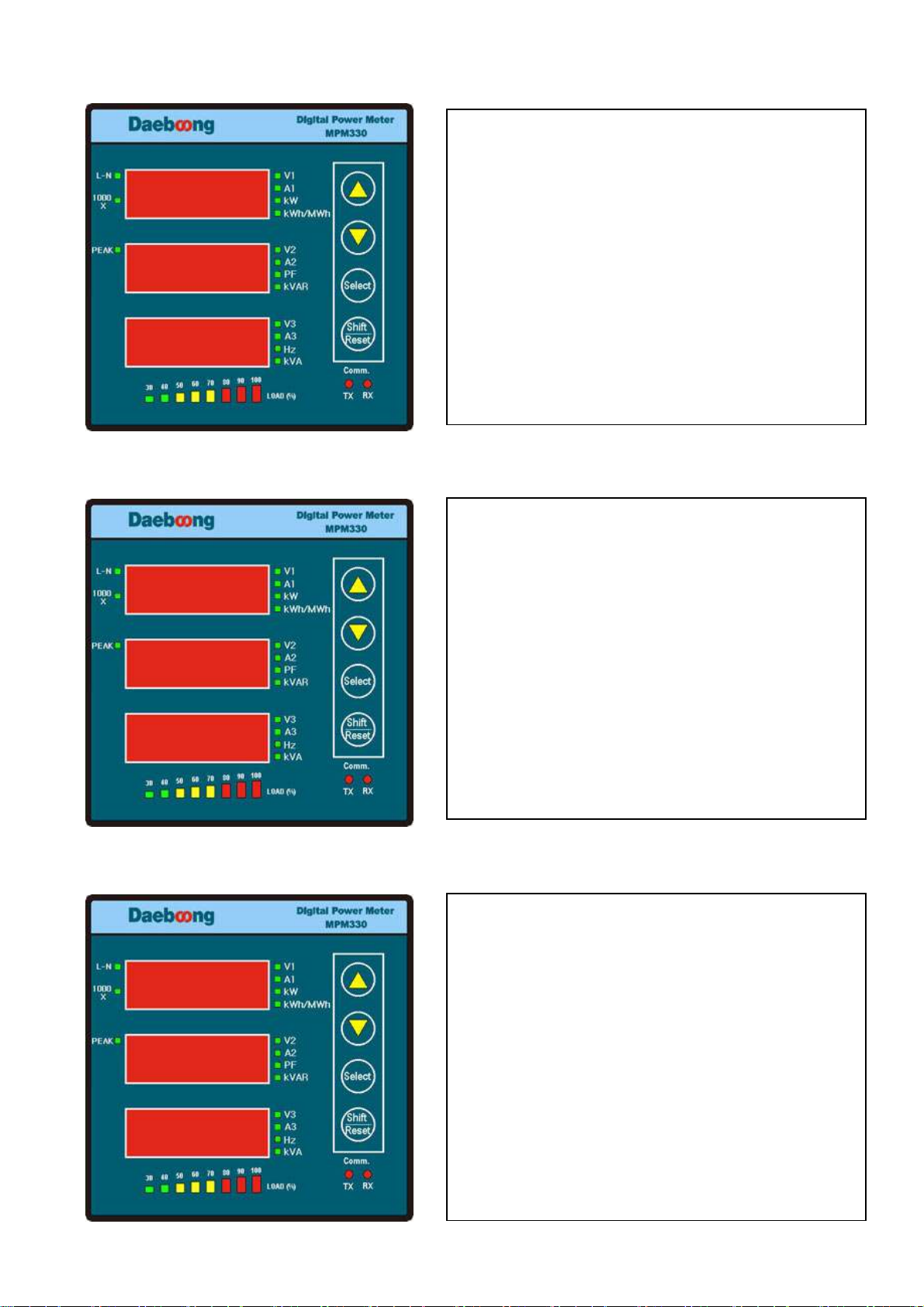
MPM 330 QUICK GUIDE
3
33
3.
. .
. MPM
MPMMPM
MPM
3
33
33
33
30
0 0
0 PARAMETER SETTING
PARAMETER SETTINGPARAMETER SETTING
PARAMETER SETTING
`
깜박거리는
깜박거리는깜박거리는
깜박거리는
자리는
자리는자리는
자리는
UP/DOWN KEY
UP/DOWN KEY UP/DOWN KEY
UP/DOWN KEY 이용하여
이용하여이용하여
이용하여
수치를
수치를수치를
수치를
변경
변경변경
변경
할
할할
할
수
수수
수
있다
있다있다
있다.
. .
. 자릿수의
자릿수의자릿수의
자릿수의
이동은
이동은이동은
이동은
Shift/Reset Key
Shift/Reset KeyShift/Reset Key
Shift/Reset Key를
를를
를
이용하여
이용하여이용하여
이용하여
변경하고자
변경하고자변경하고자
변경하고자
하는
하는하는
하는
자리로
자리로자리로
자리로
이동이
이동이이동이
이동이
가능하다
가능하다가능하다
가능하다. Password 9999
. Password 9999. Password 9999
. Password 9999설정
설정설정
설정
Press
Press Press
Press “
““
“Select Button
Select ButtonSelect Button
Select Button”
””
”
1~99
1~991~99
1~99번지를
번지를번지를
번지를
설정
설정설정
설정, Up/Down
, Up/Down, Up/Down
, Up/Down,
,,
,
Shift/Reset
Shift/Reset Shift/Reset
Shift/Reset
Key
Key Key
Key 이용
이용이용
이용
설정
설정설정
설정
Press
Press Press
Press “
““
“Select Button
Select ButtonSelect Button
Select Button”
””
”
4,800, 9,600, 19,200, 38,400bps
4,800, 9,600, 19,200, 38,400bps4,800, 9,600, 19,200, 38,400bps
4,800, 9,600, 19,200, 38,400bps를
를를
를
Up/Down K
Up/Down KUp/Down K
Up/Down Key
ey ey
ey 사용
사용사용
사용
설정
설정설정
설정
Press
Press Press
Press “
““
“Select Button
Select ButtonSelect Button
Select Button”
””
”
5~
5~5~
5~9,999
9,9999,999
9,999까지
까지까지
까지
설정
설정설정
설정
가능
가능가능
가능,
,,
,
Up/Down, Shift/Reset Key
Up/Down, Shift/Reset Key Up/Down, Shift/Reset Key
Up/Down, Shift/Reset Key 사용
사용사용
사용
설정
설정설정
설정
Press
Press Press
Press “
““
“Select Button
Select ButtonSelect Button
Select Button”
””
”
1~
1~1~
1~9999
99999999
9999.
..
.99
9999
99까지
까지까지
까지
설정
설정설정
설정
가능
가능가능
가능,
,,
,
Up/Down,
Up/Down,Up/Down,
Up/Down,
Shift/Reset Key
Shift/Reset Key Shift/Reset Key
Shift/Reset Key 사용
사용사용
사용
설정
설정설정
설정
Press
Press Press
Press “
““
“Select Button
Select ButtonSelect Button
Select Button”
””
”
3P4L,
3P4L,3P4L,
3P4L,
3DIR,
3DIR, 3DIR,
3DIR, 3OP3, 3OP2, 3P4B,
3OP3, 3OP2, 3P4B, 3OP3, 3OP2, 3P4B,
3OP3, 3OP2, 3P4B,
3P4D, 1P3L
3P4D, 1P3L3P4D, 1P3L
3P4D, 1P3L의
의의
의
7
77
7가지
가지가지
가지
결선모드
결선모드결선모드
결선모드
선택가능
선택가능선택가능
선택가능,
,,
,
Up/Down Key
Up/Down Key Up/Down Key
Up/Down Key 이용
이용이용
이용
설정
설정설정
설정
Press
Press Press
Press “
““
“Select Button
Select ButtonSelect Button
Select Button”
””
”
3 O P2
3 O P2 3 O P2
3 O P2
Mode
Mode Mode
Mode 변경시
변경시변경시
변경시
Press
Press Press
Press
“
““
“Up/Down Key
Up/Down KeyUp/Down Key
Up/Down Key”
””
”
Press
Press Press
Press “
““
“Select Button
Select ButtonSelect Button
Select Button”
””
”
3/5/7/10
3/5/7/103/5/7/10
3/5/7/10
Mode
Mode Mode
Mode 변경시
변경시변경시
변경시
Press
Press Press
Press “
““
“Up/Down
Up/Down Up/Down
Up/Down
Key
KeyKey
Key”
””
”
자동
자동자동
자동
화면
화면화면
화면
전환
전환전환
전환
기능의
기능의기능의
기능의
사용
사용사용
사용
여부를
여부를여부를
여부를
결정
결정결정
결정
한다
한다한다
한다
O
OO
On
n n
n 설정시
설정시설정시
설정시
전압
전압전압
전압-
--
-전류
전류전류
전류-
--
-전력
전력전력
전력-
--
-피상전력
피상전력피상전력
피상전력-
--
-
유효전력량
유효전력량유효전력량
유효전력량-
--
-
peak
peak peak
peak 의
의의
의
화면
화면화면
화면
순으로
순으로순으로
순으로
화면이
화면이화면이
화면이
전환된다
전환된다전환된다
전환된다
안의
안의안의
안의
숫자는
숫자는숫자는
숫자는
초단위
초단위초단위
초단위
시간설정
시간설정시간설정
시간설정
3 P 4 L
3 P 4 L3 P 4 L
3 P 4 L