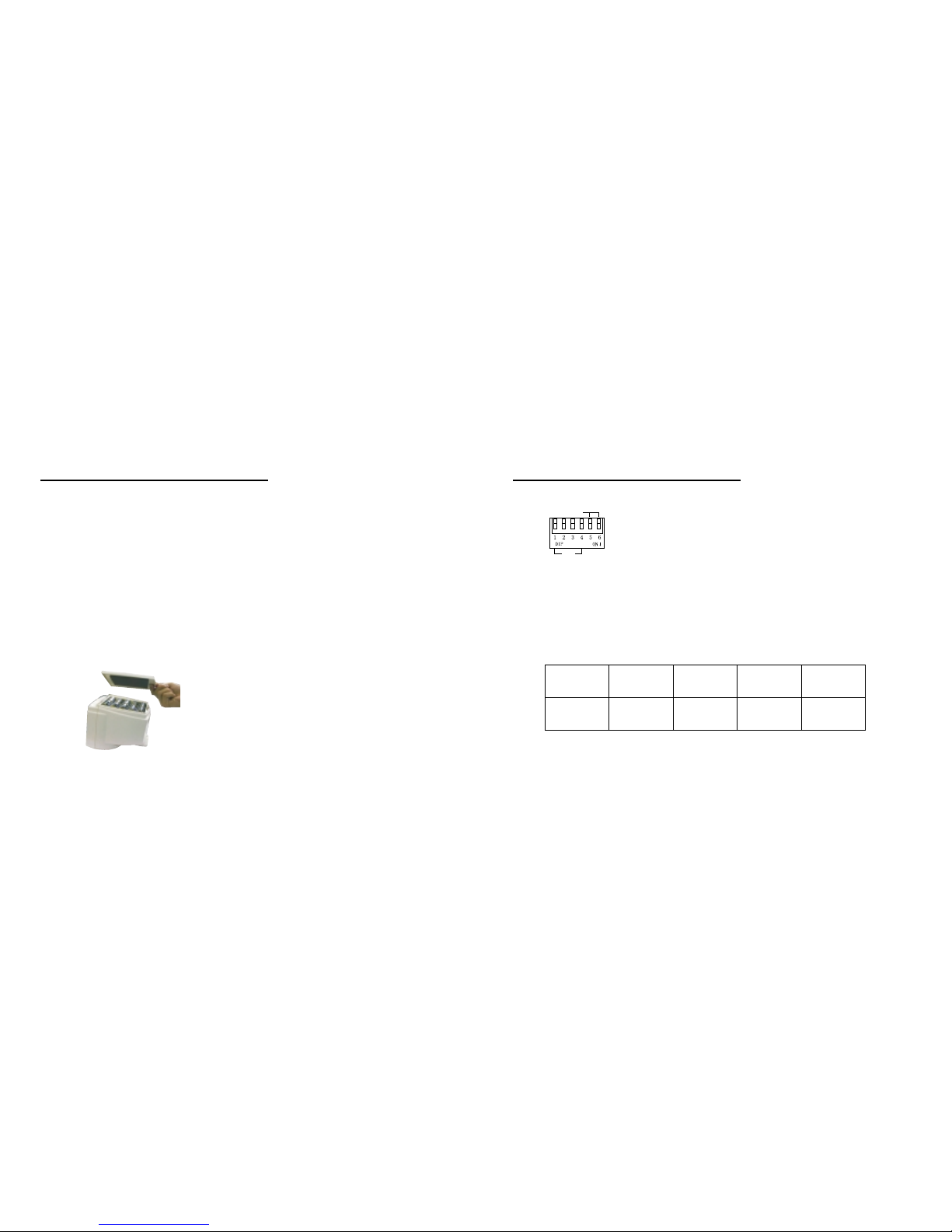
Connections/setting up
To prevent speaker and Microphone
feedback noise, the Monitor should
be placed far enough away from the
Camera.
If the picture rolls up or down, the
V-Hold control located on the back
of the Monitor needs to be
adjusted.
Once you have a clear and crisp
picture displayed on the screen,
you can adjust the brightness
and contrast by using the controls
on the front of the Monitor until
you achieve the desired result.
Battery Use:
The monitor requires 10 size "C"
batteries when powered by battery.
Alkaline batteries are recommend-
ed for longer viewing time.
1. If you are using batteries in the M-
onitor and the video image starts
to shrink, it's time to change the
batteries.
2. Do not mix old and new batteries.
3. Do not mix alkaline, standard
or rechargeable batteries.
4. Remove the batteries during long
period of non-use.
4 5
The infrared lighting of the camera is
designed to allow the camera to pick
up pictures clearly during darkness or
periods of very low levels of light.
Slide switch to night position on
whenever needed. Please remember
that if you intend to use the camera
in the dark, it will only monitor objects
placed within 6ft/2m of its infrared
sensor.
Place the Camera in the most
appropriate location for monitoring
(tabletop, dresser or wall mount)
Point the camera lens toward the
area you want to pick up picture.
Make sure that both units are on the
same channel.
Check the video reception on the
Monitor screen.
Adjust the quality of the picture by
using the Contrast, Brightness and
VHold adjustment knobs on the
back and front of the Monitor.
In case of poor display quality,rotate
the antennas or reposition of both
units to obtain optimal picture
transmission.
Connections/Setting up