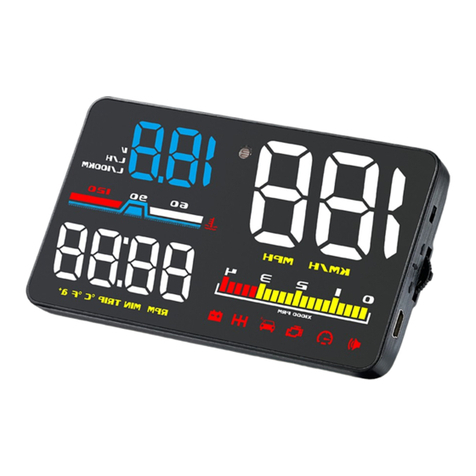
2.When HUD power on, HUD only shows the car voltage and be automatic power
off after 30 seconds driving.
HUD just available for cars with OBD2 agreement and EU-OBD agreement(European
region: after 03 years, Other region: after 07 years)
HUD Products donnot support JOBD and OBDI and recommended test for another
car.
3.See not clearly when HUD under the sunlight.
Check whether the HUD host surface protective film is torn, and please stick the
reflection film in the gift box corresponding on the windscreen. Then vertical press in
5 seconds to enter into menu setting when HUD is power on, short press 8 times to
menu 8, adjust the parameter to 6, vertical press in 5 seconds to save.
4.Wrong operation lead to crashes
Do a factory reset
When HUD is power on, long press in the setting button for 5 seconds to enter into
the menu setting mode, short press in the button for 13 times to menu 13,the
default value is 0,short pull up or pull down to change it at 1,then long press in the
button for 5 seconds to save and exit
5.Inaccurate Speed
a. First check the speed unit is correct or not, the speed unit including KM/H and
MPH, set it at the correct one(refer to menu 9)
b. When HUD is power on, vertical press the setting button for 5 seconds to enter
into the menu 0 and the parameter shows 107,up or down the setting button to
increase or decrease the value according to the difference until it shows correct one.
After adjustment, vertical press in 5 seconds to save it.
6.Inaccurate RPM
When HUD is power on, vertical press in the setting button for 5 seconds to enter
into the menu, then short press in 1 time to menu 1, the default value is 100,short
pull up or down the button to adjust same as dashboard. After finishing the
adjustment, vertical press in 5 seconds to save it